Question

Automation to Run a Script When Create New Record Within a Filtered View

  • July 24, 2026
  • 1 reply
  • 8 views

neingram

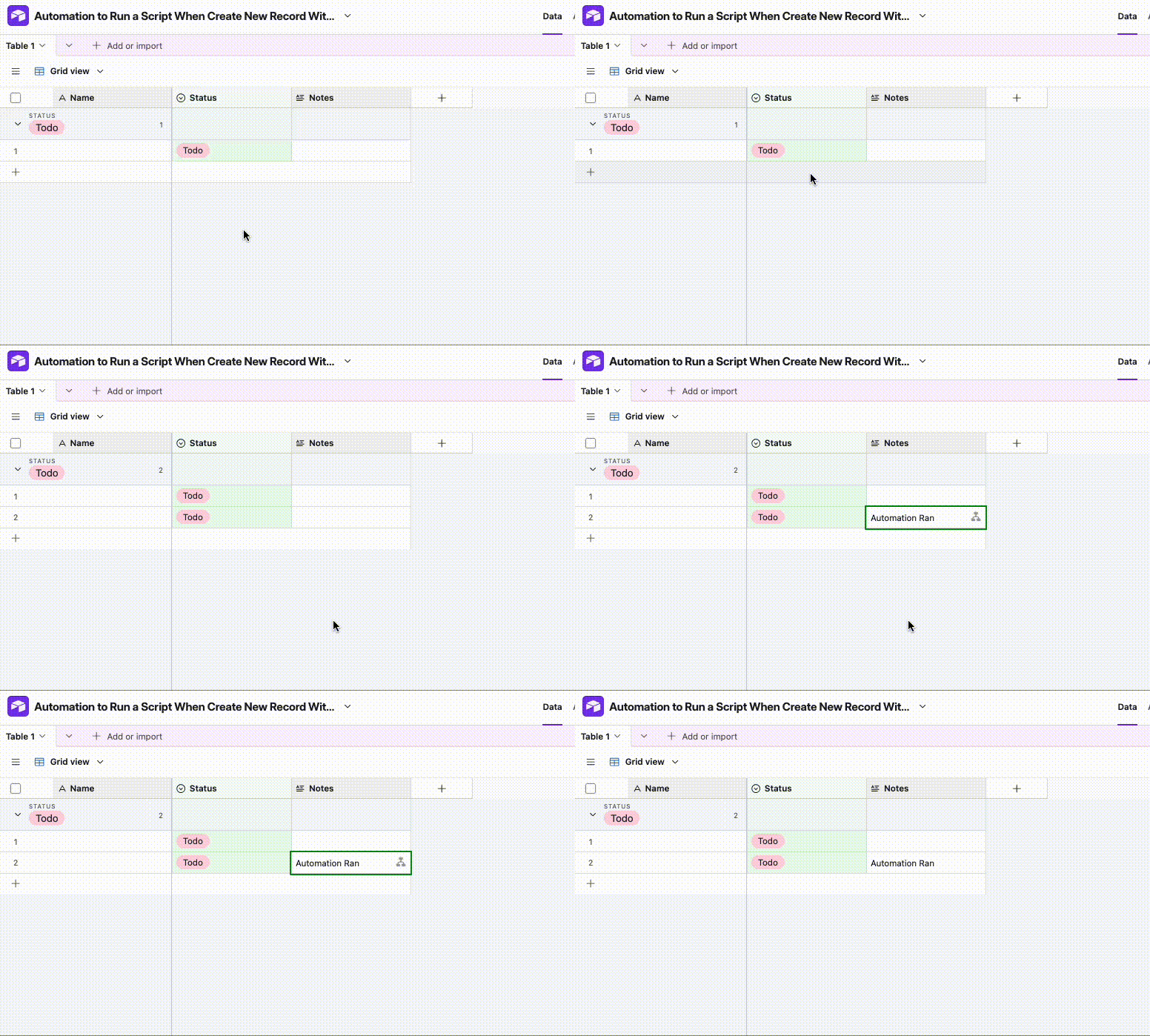
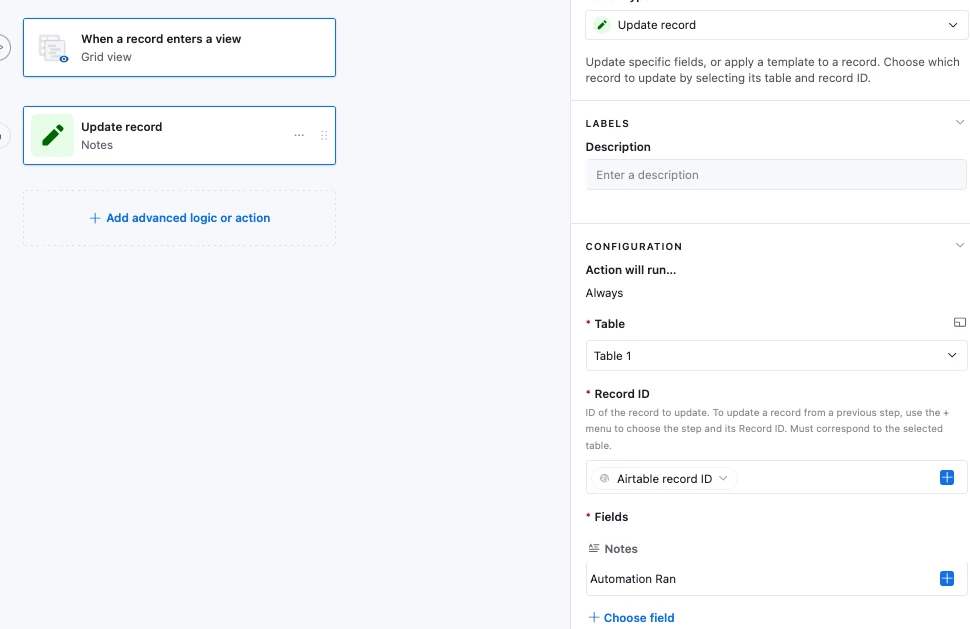
I’m trying to figure out a way to create an automation that will trigger a script when I create a new record from within a filtered view. We have one airtable base that manages all content type for our website, and I handle a subsection (the blog). I have a filtered view that shows the publication pipeline for just blog posts. When a new item is created in our AirTable, we have automations set up so that if you check a box, it will create a Google Doc that is affiliated with that record. I’ve been trying to set it up so that if I create a new record from within a filtered view (i.e. I create a new record under “proposed story”), which has already been filtered to only show blog posts, I’d like it to run the script to create the Google Doc.

It seems as if everything I try requires an additional manual step (either change the content type to blank and then change back again to blog post OR uncheck and then recheck the box to create a Google Doc). Is there any way that if a record is CREATED within a filtered view (not moved to a filtered view) for an automation like this to run?

Thank you for any help you provide! I’ve spent far too long trying to figure out a solution on my own. 

1 reply

ScottWorld
Forum|alt.badge.img+35
  • Genius
  • July 24, 2026

Hi ​@neingram,

You wouldn’t want to do that, because your automation will run as soon as you create the blank record in that view.

In other words, you would have a completely empty record that triggers your automation, so there would be no data in it to create your Google Doc.

Instead, you could:

  1. Use a checkbox or a single-select field to trigger the automation. It sounds like you’re already using a checkbox to do this, which is a great choice.
  2. Create your new record through a form,. Just be sure to set the important fields on the form to “required”. Then, your automation can run when the form is submitted.
  3. Use the condition “when a record matches conditions” to trigger your automation, and match your conditions to the filters that are on that view. However, you’ll need to be careful to not trigger the automation too early — before there’s any data in the record. So I would personally avoid this option.

Options #1 and #2 are your safest bet. I would personally avoid #3.

Hope this helps!

If you have a budget and you’d like to hire the world’s best Airtable consultant to help you with this or anything else that is Airtable-related, please feel free to contact me through my website: Airtable consultant — ScottWorld