Hello,
I work in a conservation lab, and we take items in for repair. We have student workers, and each of the students have a view of the air table that is essentially items assigned to them.
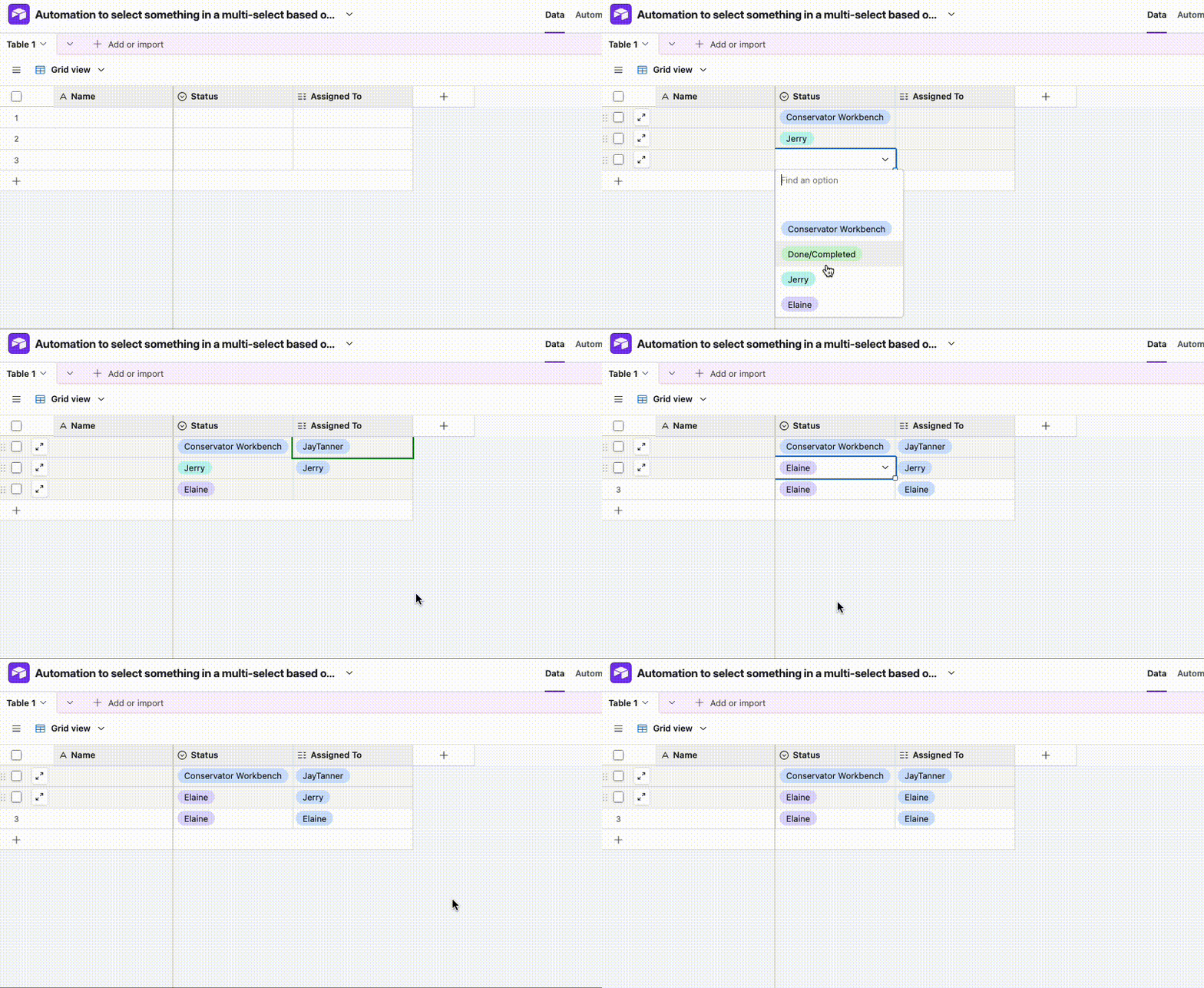
In the main airtable I have a multi-select “status” field. This defaults to unassigned, but I can also assign things to myself or the students. We also have a “done/completed” in this multi-select that has an automation to date stamp another column when that is selected. The students view is based on an “assigned to” column that has everyone’s name who work in the lab in a drop down multi-select.
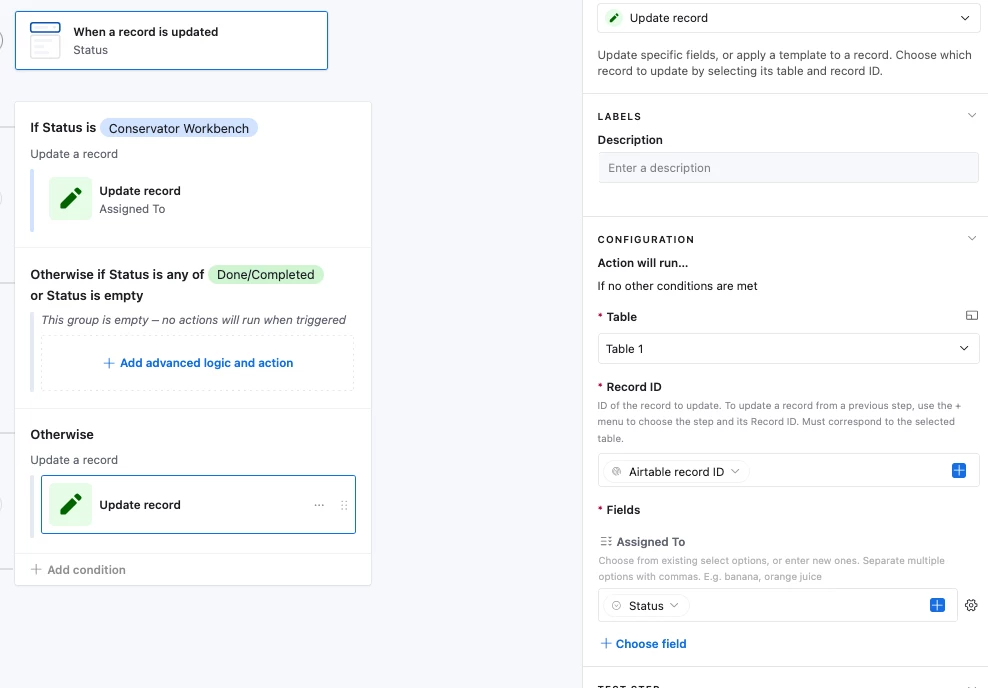
I want to set up automations that if I select status “Conservator Workbench” in the first multi-select, it will automatically change to my name in the “Assigned to” multi-select column. If I change the status to “Student name” I want it to automatically change to the students name in the multi-select “Assigned to” column. I assume I will need to make an automation for myself and each of the student workers? Maybe not? Everything I have tried thus far has failed. It may be due to the fact that the “Assigned to” column starts off empty until it is manually selected?
I can’t simply have the student’s view be based on the status column, as I want the record of who that project was assigned to. I hope this makes sense-- I am very likely doing this a bit backwards and would appreciate any help!