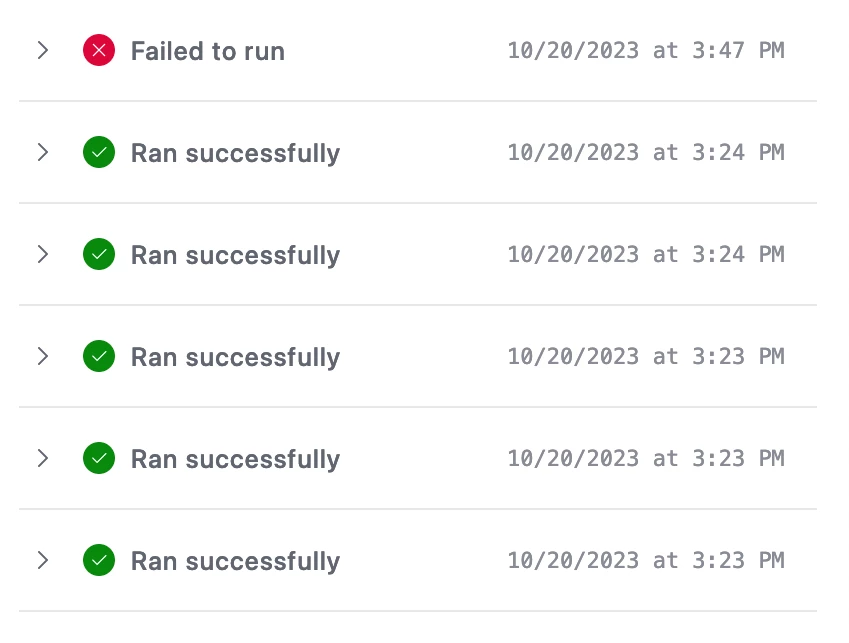
I created a staff scheduler with a series of automations that copies a shift (Workday Date and Start/End Times, Location linked field, employee linked field, notes) to a future date based on 4 checkbox fields (creating a shift 1, 2, 3 and 4 days in the future).
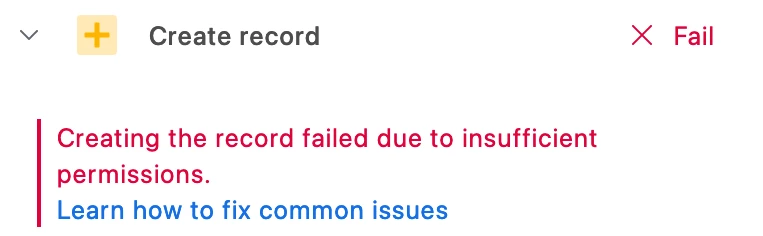
While the tool works great, I started receiving an error with only ONE location linked field every time I try to copy a shift. The error reads as follows: 'Creating the record failed due to insufficient permissions.' I have tried several fixes, including creating a duplicate of the location in question in the parent table and cutting and pasting pertinent information and linking fields about that location into the new record. I am completely stumped and as it is impossible to reach Airtable directly anymore, I figured I'd turn to the forums.
Thanks in Advance!