Question

Linked Records Filtering Condition Not Working

  • May 4, 2026
  • 1 reply
  • 8 views

Hello!

I’ve been wracking my brain trying to figure this out - can anybody help?

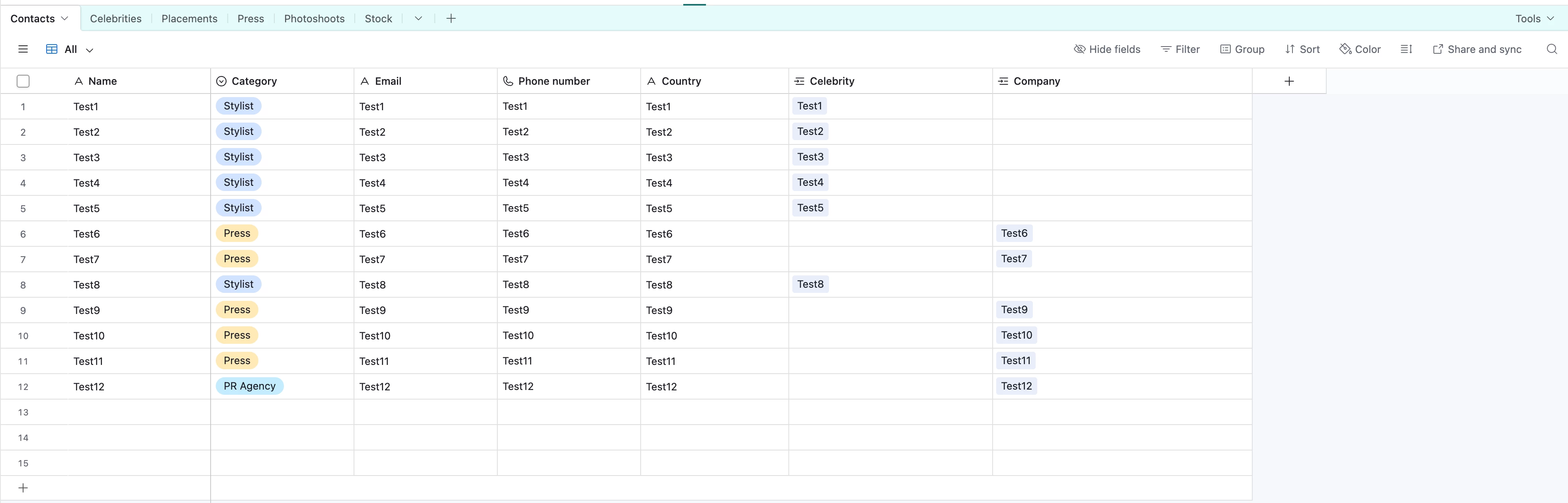
In my base, I have a main table named “Contacts” in which there’s a single select column for “Category” (stylist, producer etc...)

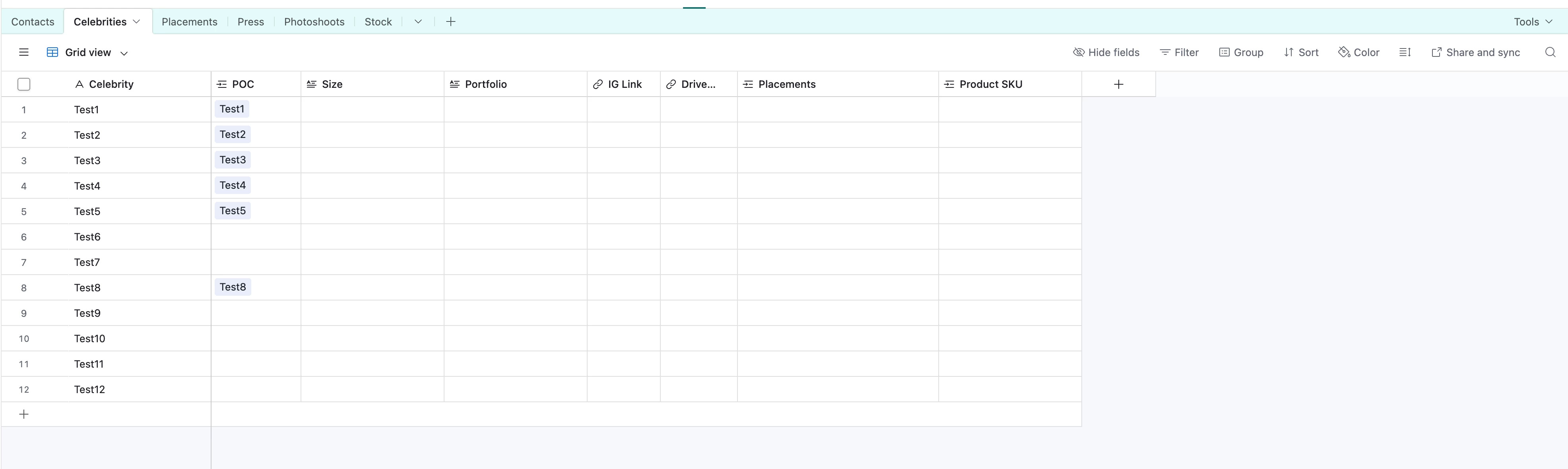
I then have a table for each of these Categories with more info to add there.

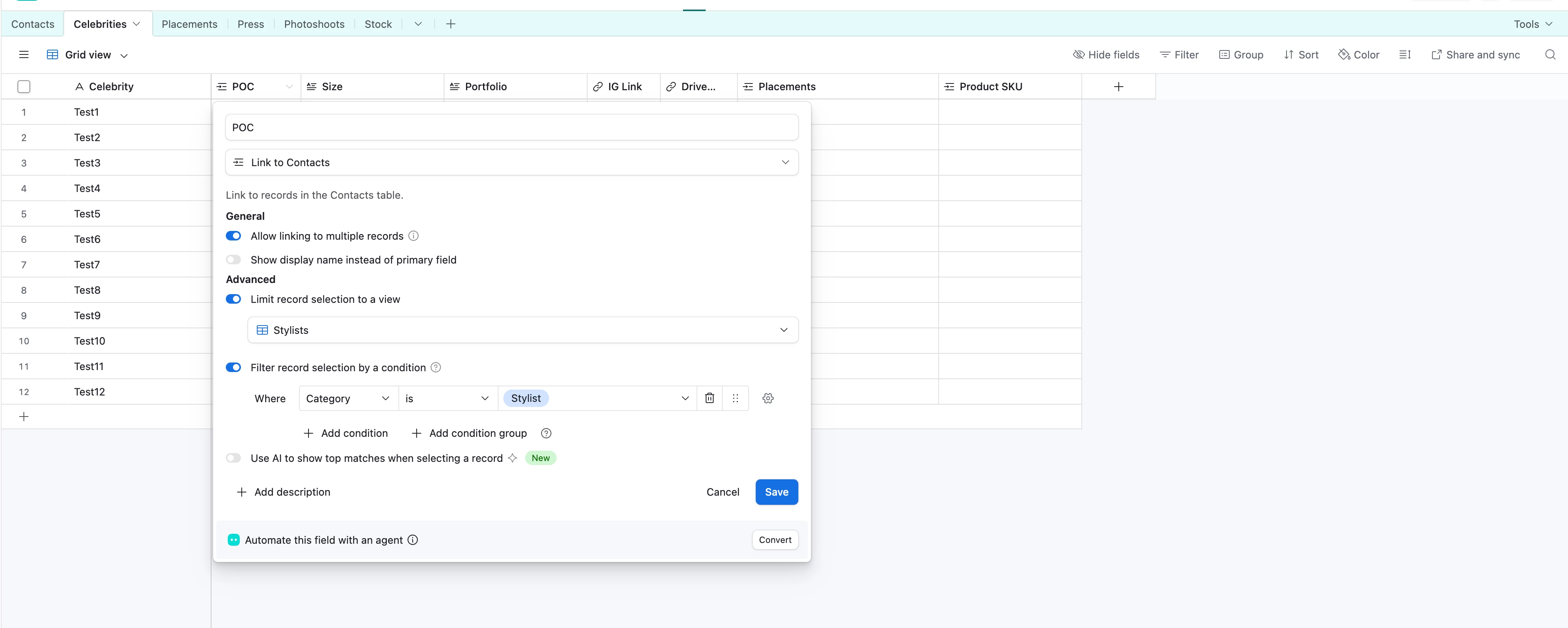
In those tables, I have added a Linked Record column to take the name from the main contacts table, with a condition:

“Filter record selection by a condition

where all of the following condition is true

Where

Category

is

Stylist”


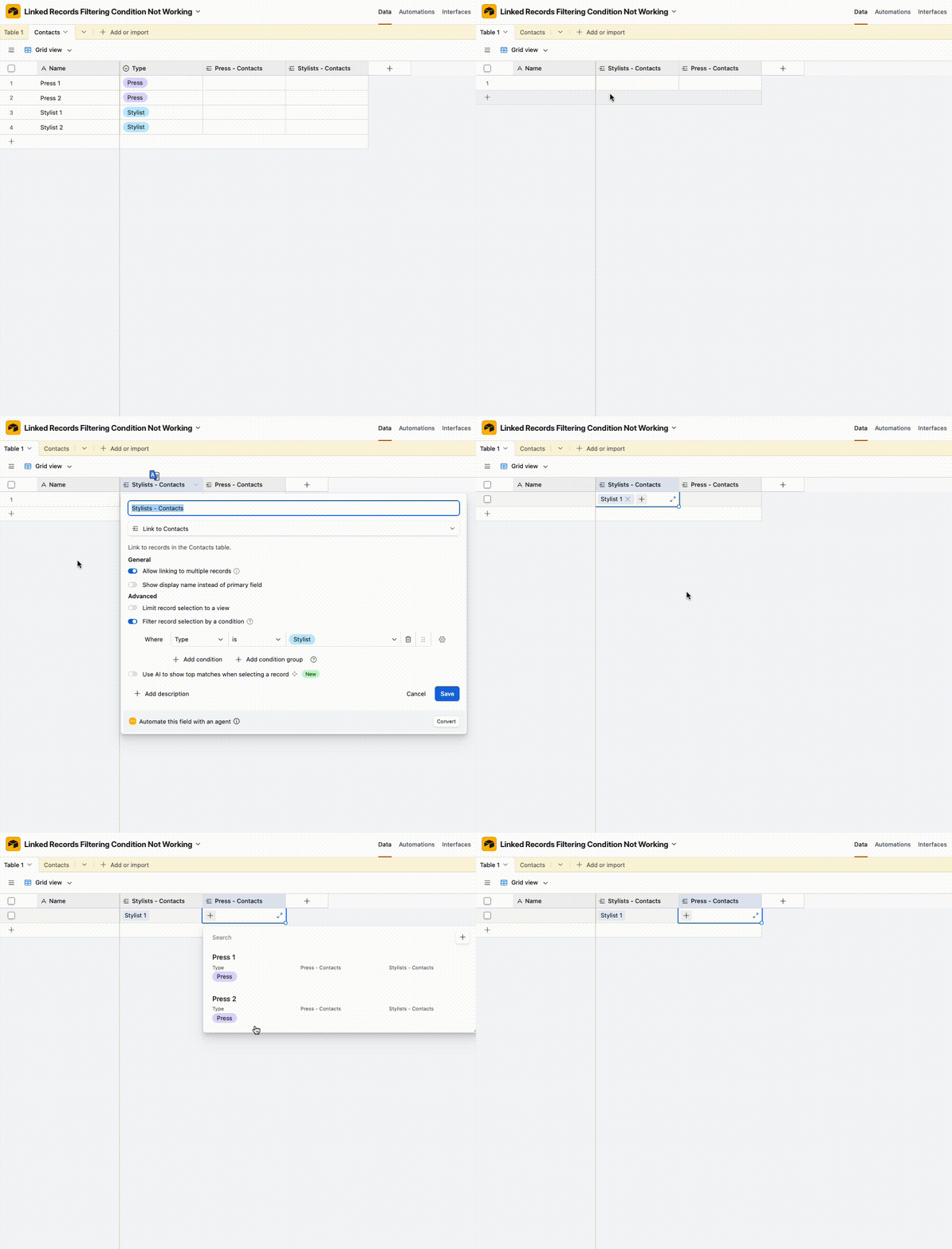
Even with that condition, it’s still pulling the info for all contacts. I even tried to filter by view, to no avail with the same result. Has anyone faced this before?


1 reply

anmolgupta
Forum|alt.badge.img+4
  • Participating Frequently
  • May 4, 2026

Not sure what exactly you are trying to achieve but your table structure seems very off.


You should always have one table for one type of record. Creating separate table for each category isn’t the right design. Create one table called Category where different categories will be different rows or records in that table. Whatever details you need to store about each category, add that as column in the Category table itself.

Then in your Contacts table, instead of using a single select field for category, crate a Linked Record field for Category linking it to Category. You should not be duplicating data by having a separate single select field and Category table for the same thing.

And now, you can create a filtered view in Contacts table setting the condition to Category being XYZ.