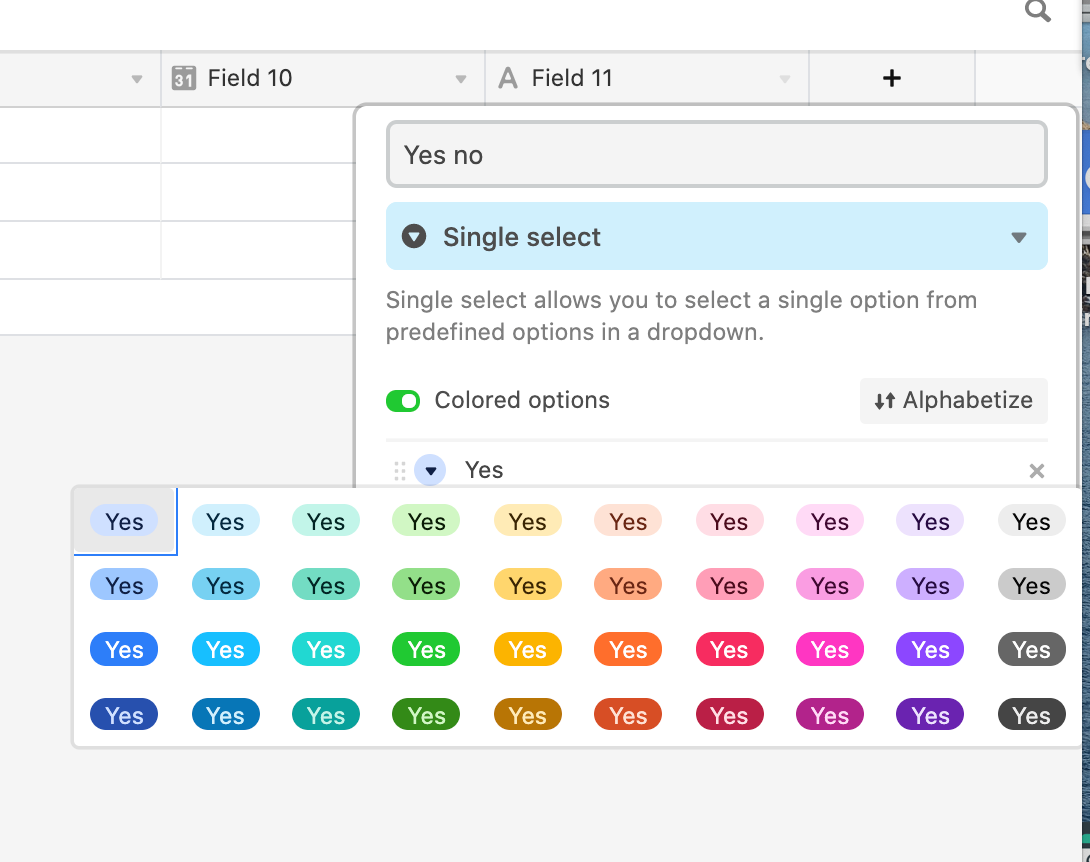
I have a single select field with Yes/No options. Instead of soft Blue/Green I would like Bright Green and Bright Red plus different icons that are more obvious. I have a PRO account but this is my first attempt at this. Do I have do use a Block to accomplish this? If so which one?


Enter your E-mail address. We'll send you an e-mail with instructions to reset your password.