Question

Form Builder with Linked Records - One Table with Multiple Forms

  • October 18, 2026
  • 1 reply
  • 4 views

Hi all.

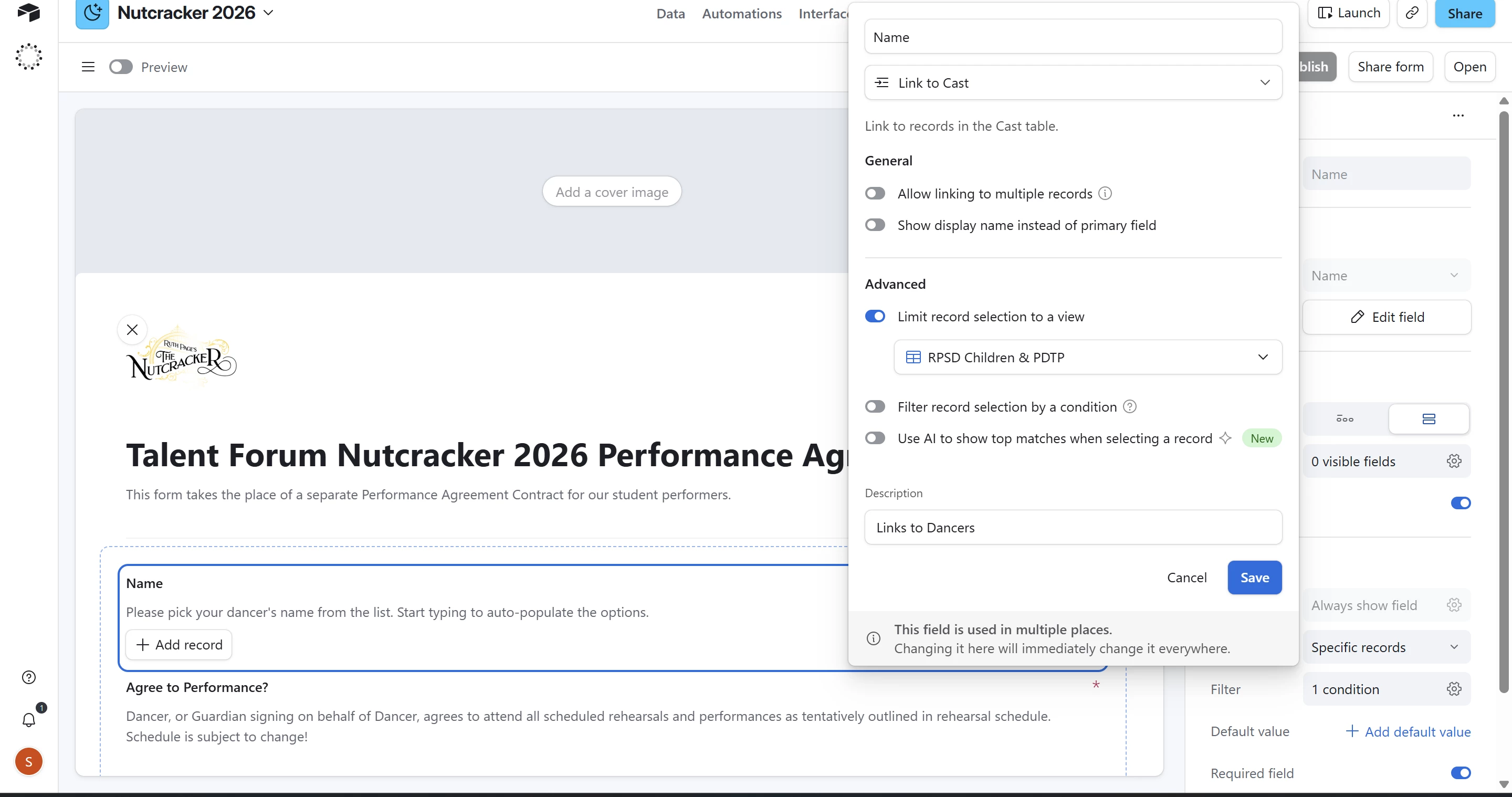
I’m using the Form builder to make multiple forms for an upcoming event. We have 3 different casts, each needing to submit an agreement form. All the performers are listed in the same “Cast” table, with multiple views separating the casts. In the Form, the linked field to select their name is filtered to the appropriate view.


However, when I change the view on one form, it changes the view for all 3 forms to be the same. Same problem if I use a condition instead. Please see the helper text at the bottom of the screenshot next to the cursor for the warning.


How do I get each form to use its own appropriate view or filter?
 

1 reply

pressGO_design
Forum|alt.badge.img+22

Hi hi.

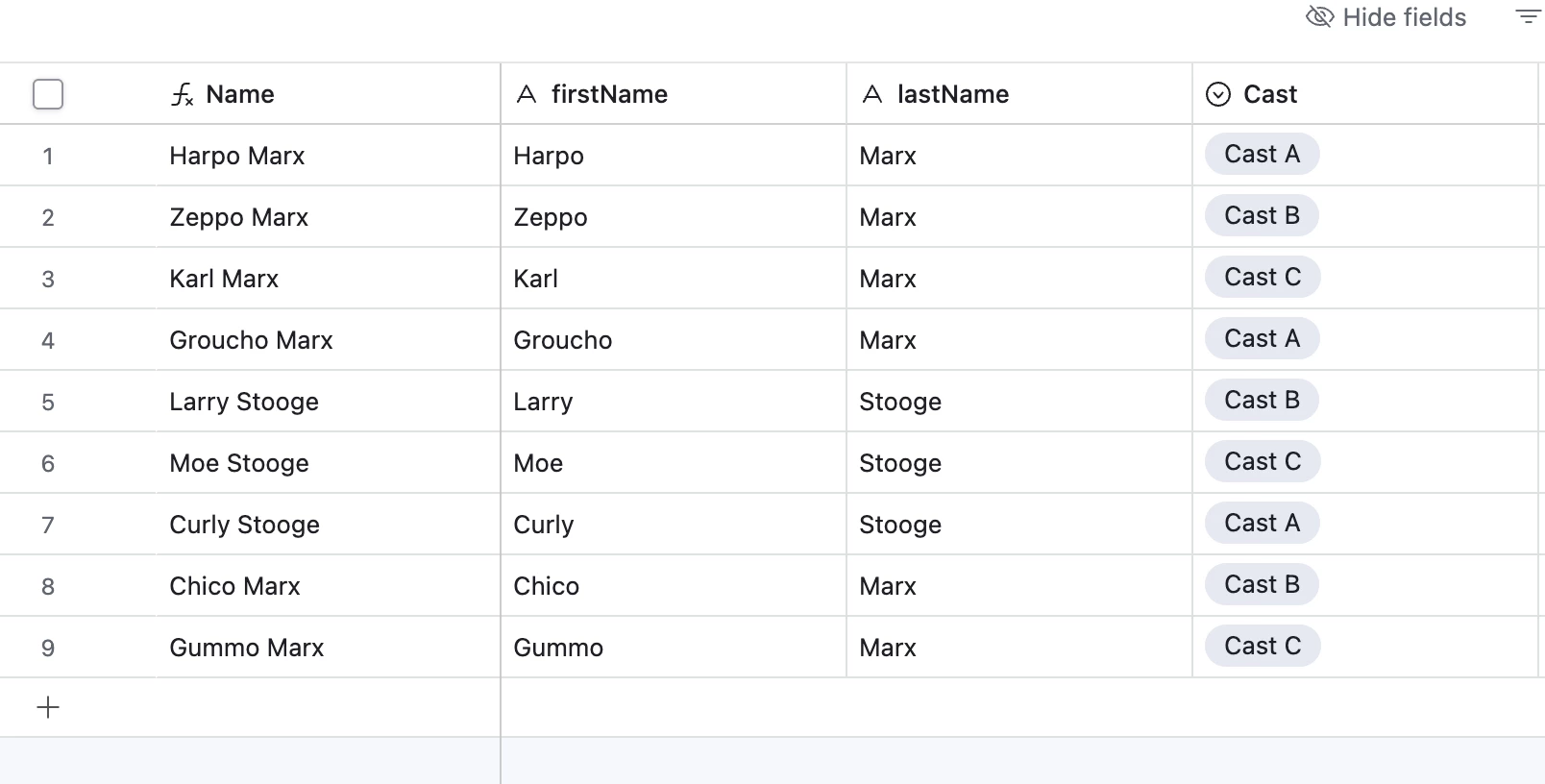
The way that you constrain the cast member selection on each form is by using the single-select field that informs the view, not the view itself. So, if your cast table has a single-select field with the cast that the dancer is in, you use that single-select field in your form.


Here is my cast list that shows which cast each person is in


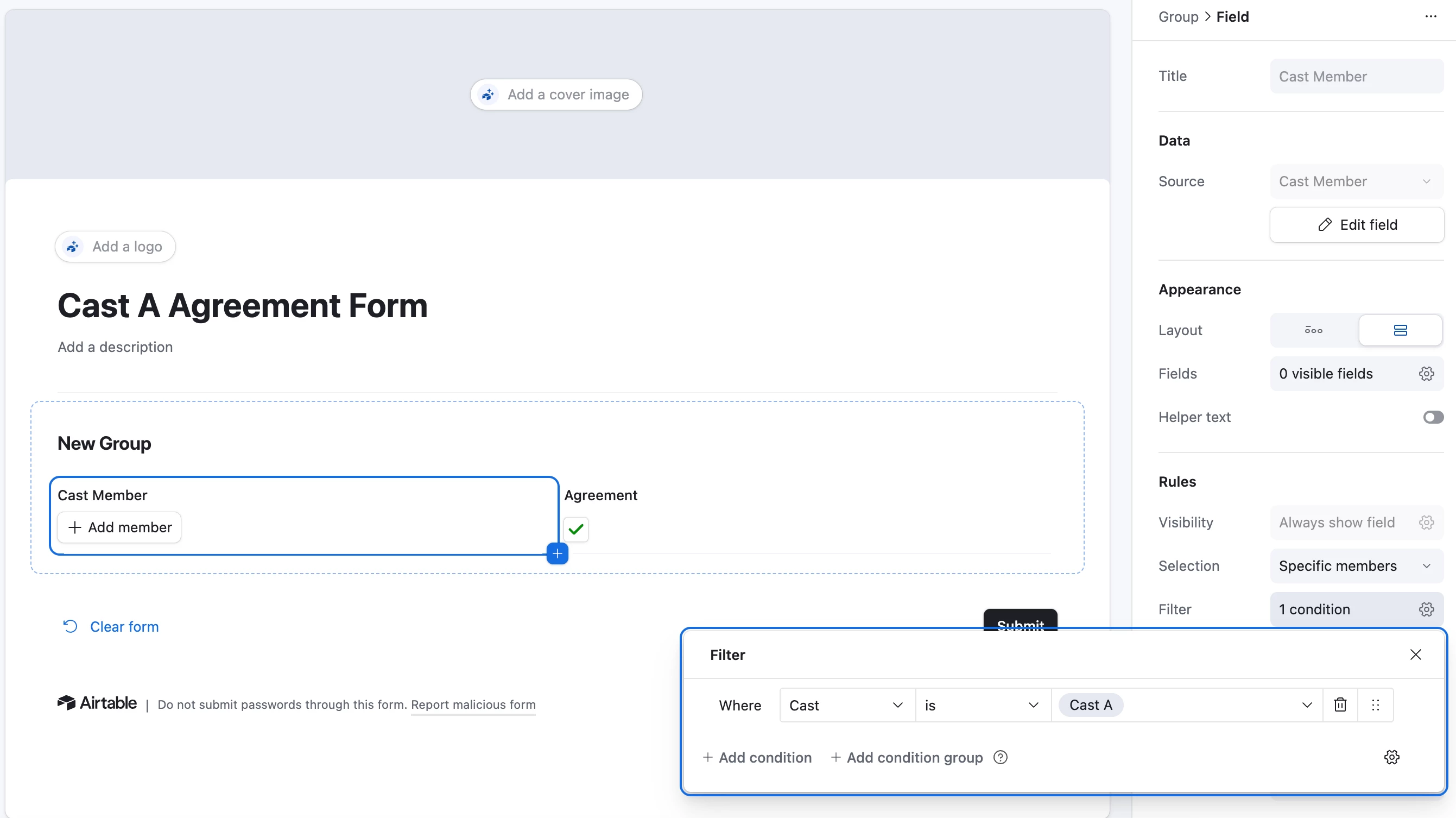
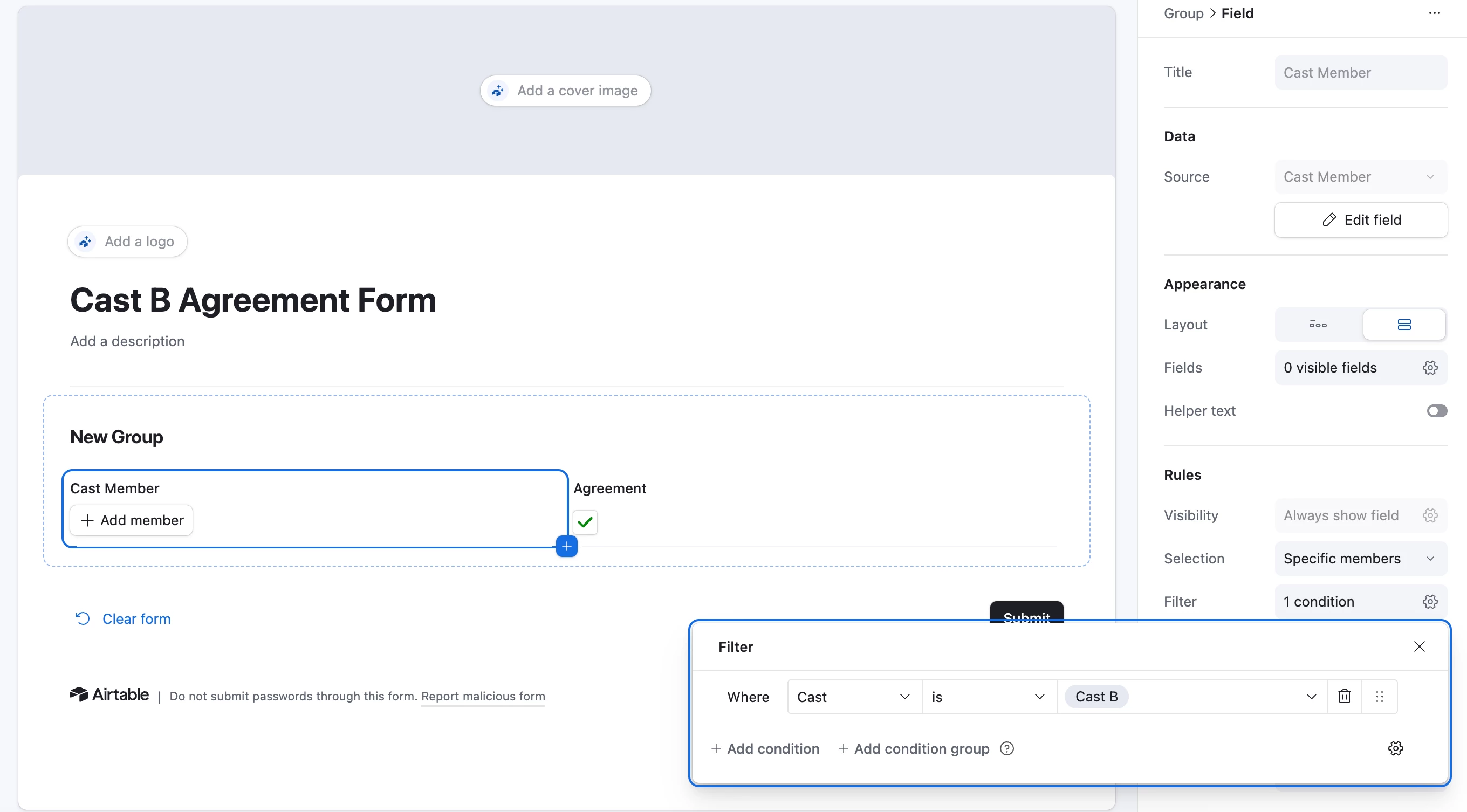
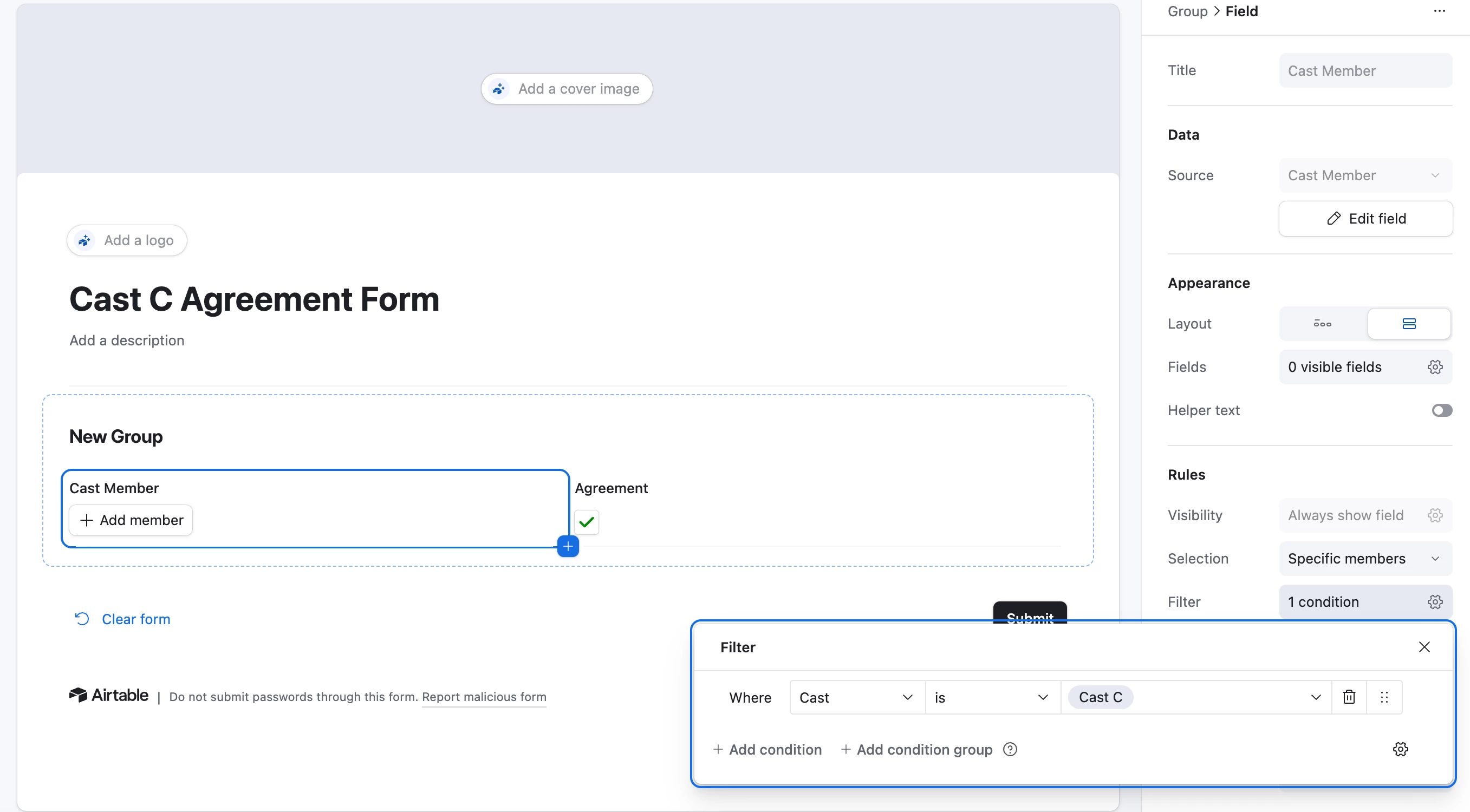
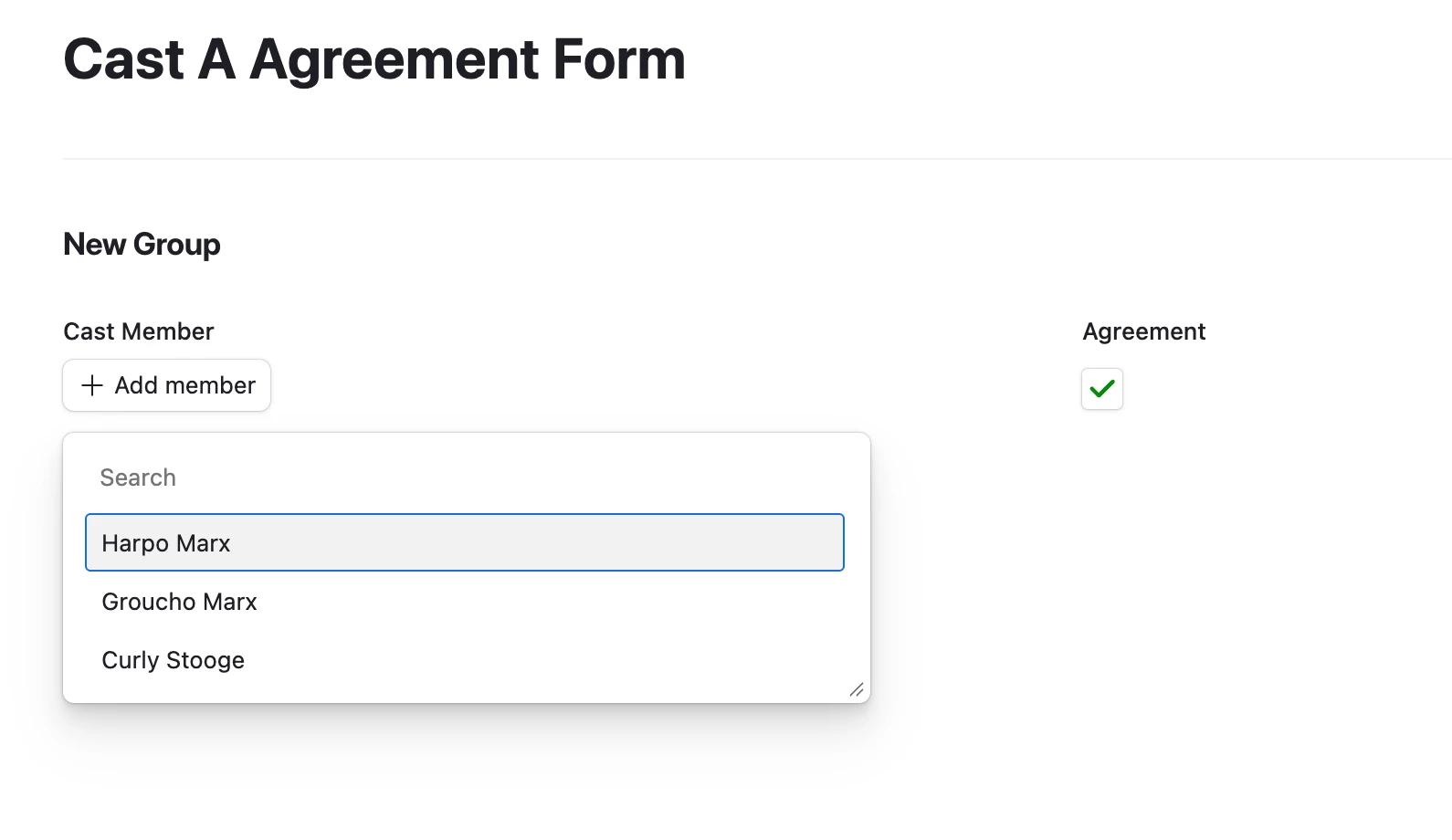
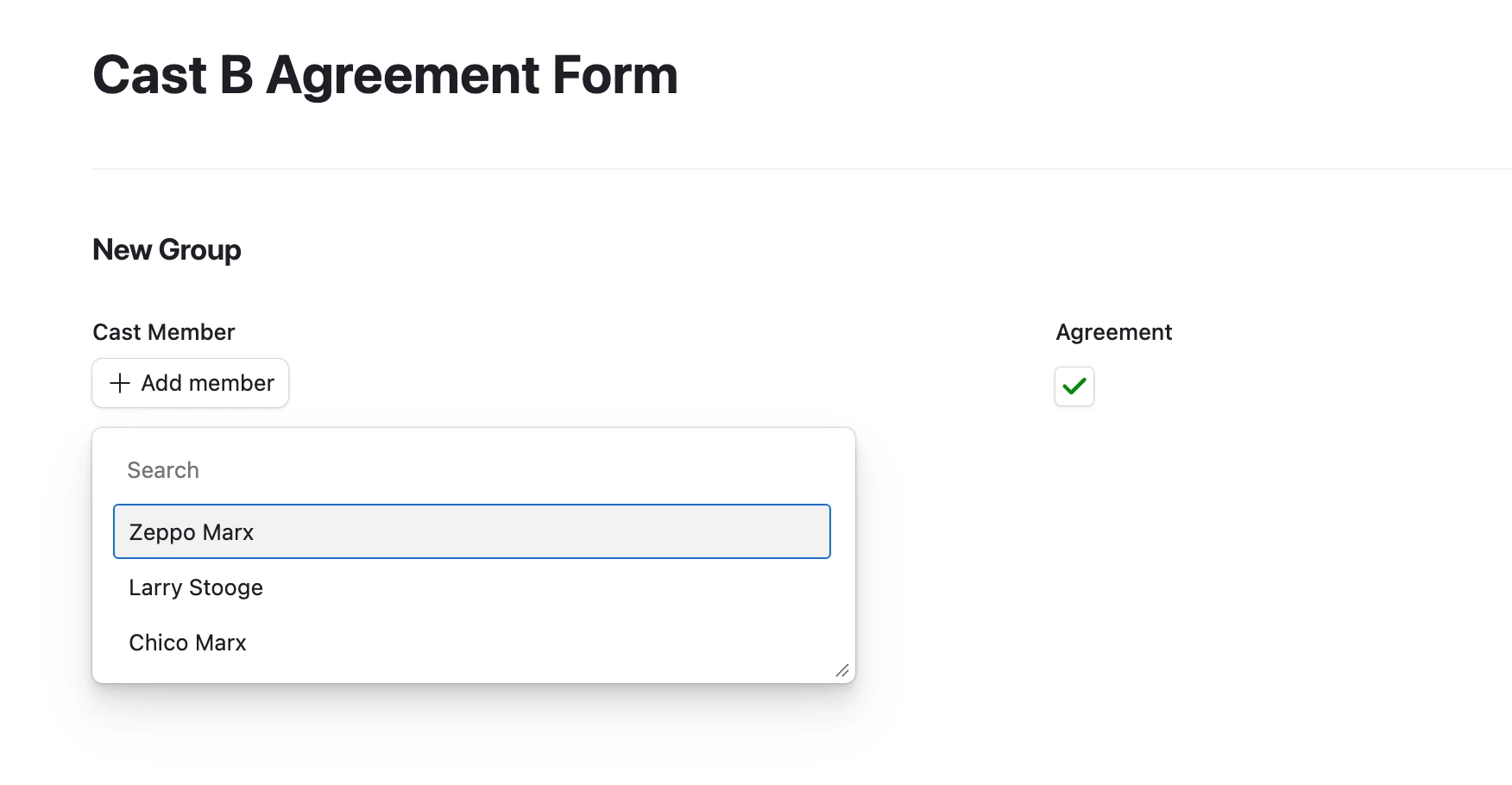
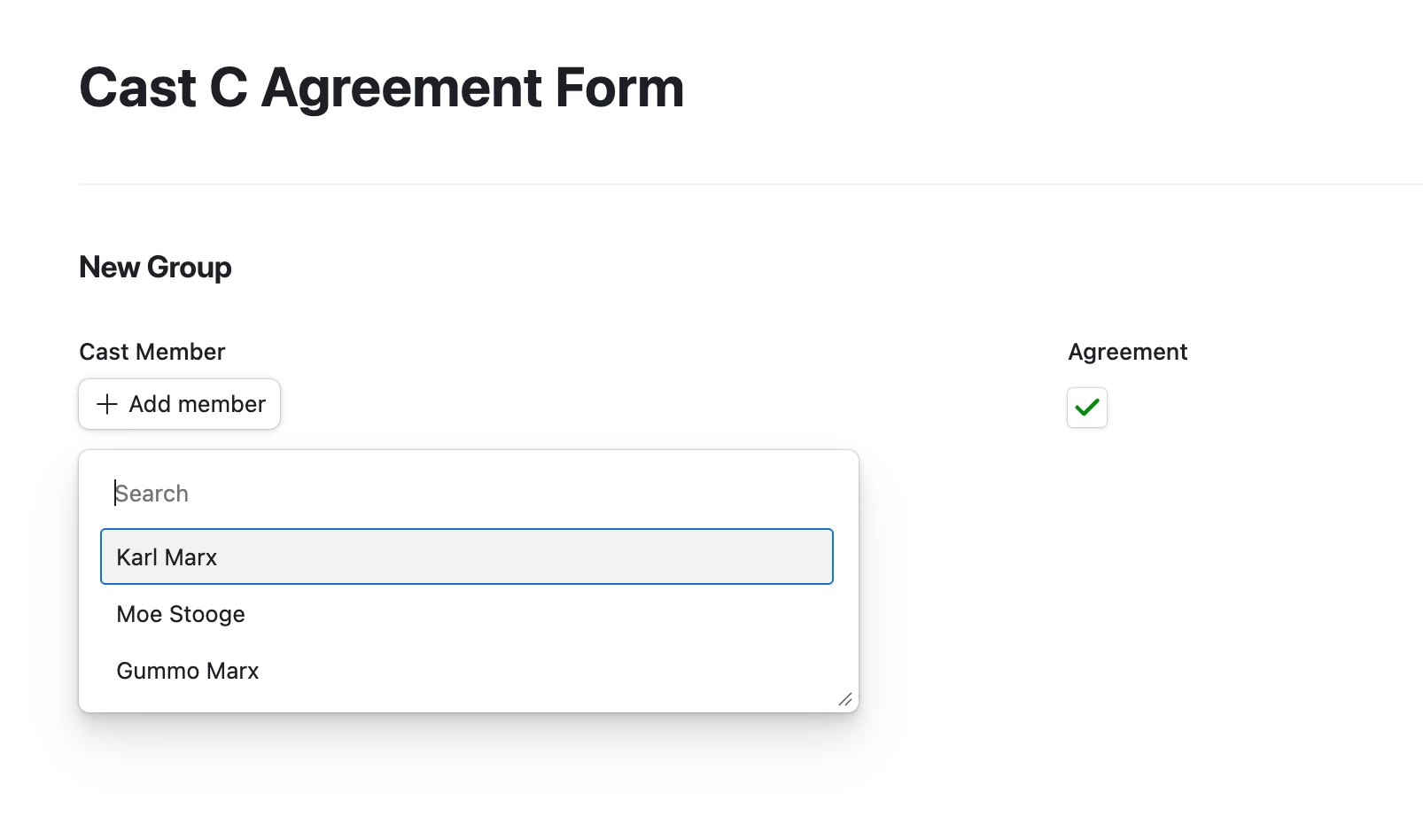
In my Cast A Agreement form, I filter by Cast A; in my Cast B form, I filter by Cast B; in my Cast C form, I filter by Cast C.


The user only sees the relevant records on each form.