Seems like I did this in a past life, but I can't find it now.
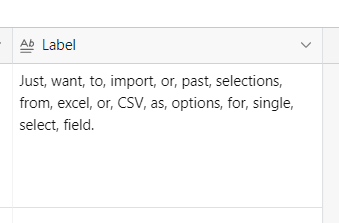
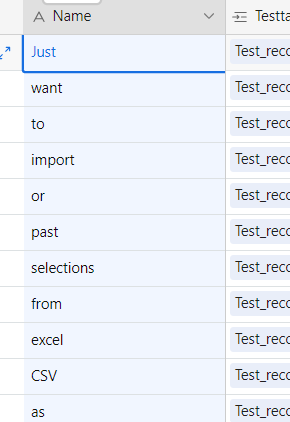
Just want to import or past selections from excel or CSV as options for single select field.
Thanks for all help!

 +7
+7Seems like I did this in a past life, but I can't find it now.
Just want to import or past selections from excel or CSV as options for single select field.
Thanks for all help!
Enter your E-mail address. We'll send you an e-mail with instructions to reset your password.