Question

Start calendar view on mondays

  • August 10, 2026
  • 3 replies
  • 93 views

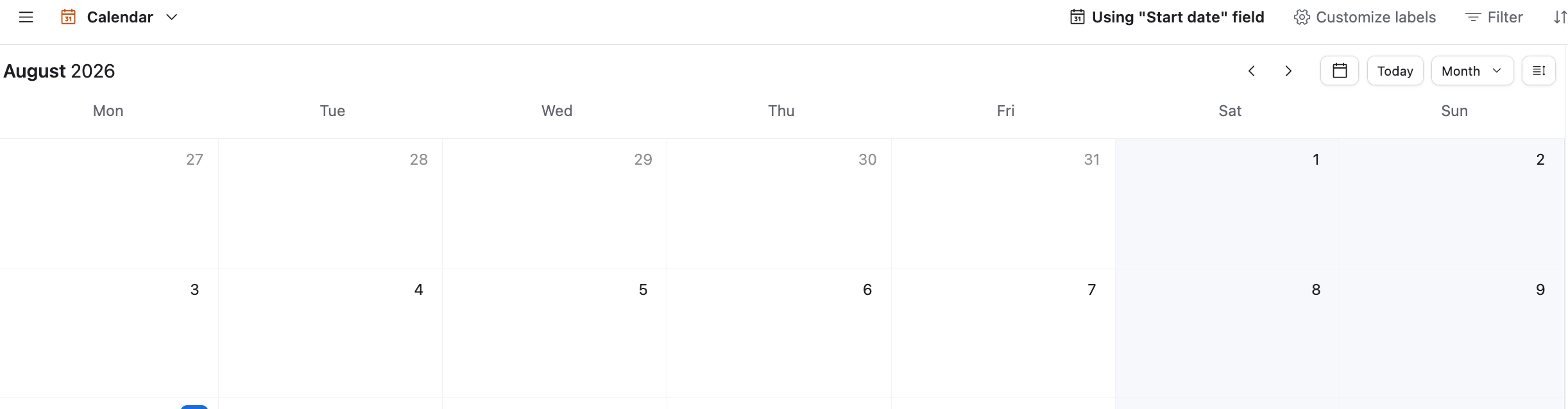
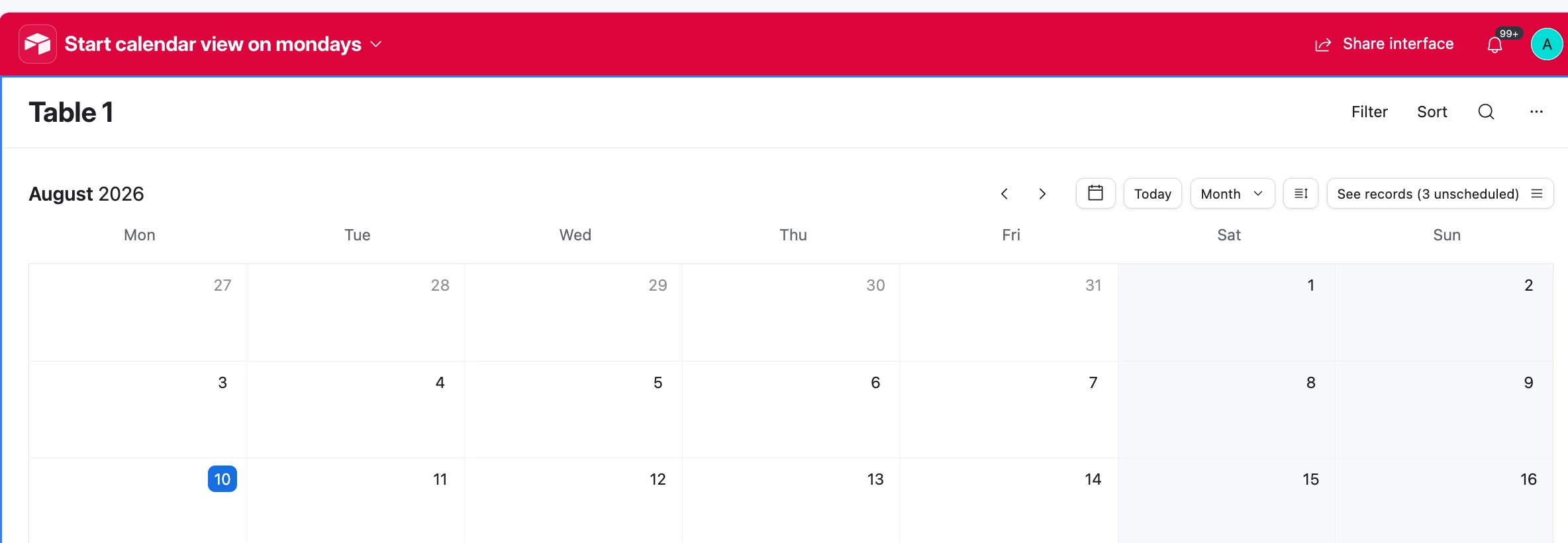
AirTable only facilitates Sunday-Saturday week view in the calendar view window/box. Since most of the world does not use Sunday-Saturday week layout. We’ve been asking for the option to change this to whatever we want. More than 50% of the world uses Monday-Sunday so for that reason (and common sense, e.g. ‘Sat and Sun comprise what most people call the ‘weekend’ is at the ‘end’ of the week’), we’d like the option to toggle that. 

Also, some people use other week formats. 


We have been asking AirTable to fix this for over 7 years.


It’s crazy that a tool which emphasises the customisability for users building apps/interfaces can’t facilitate such a basic format rule. 


This topic was raised 7 years ago!! (2019) and it’s still unsolved:


Their initial proposal

 does not work

3 replies

TheTimeSavingCo
Forum|alt.badge.img+32

Hm, that’s a weird one.  Calendar view starts on Monday for me: 

Interface calendar view too:


I’m using a Mac and my settings have the first day of the week set as Sunday.  Let me know if you’d like me to test any other settings?  Might want to open a support ticket to see what they say too


Forum|alt.badge.img+3

Mine also starts on Monday, but I’m wondering if this could be timezone specific. If you’ve used a timezone in your base that aligns with the part of the world where the week begins on Sunday, or perhaps if you are located in that part of the world, maybe it defaults to that? 🤔

Either way, users should be given the option in the interface settings.


nroshak
Forum|alt.badge.img+11
  • Inspiring
  • August 11, 2026

The solution in https://community.airtable.com/legacy%2Dproduct%2Dideas%2D75/start%2Dcalendar%2Dview%2Don%2Dmondays%2Dsolved%2D42149?tid=42149&fid=75 works correctly for me.

Here are the steps for Chrome:

  1. Go to chrome://settings/languages 
  2. Add the language English (United Kingdom)
  3. Click on the 3 vertical dots beside “English (United Kingdom)” and select “Move to top”
  4. Reload the browser page with the calendar view

Now the calendar view will start on Monday.


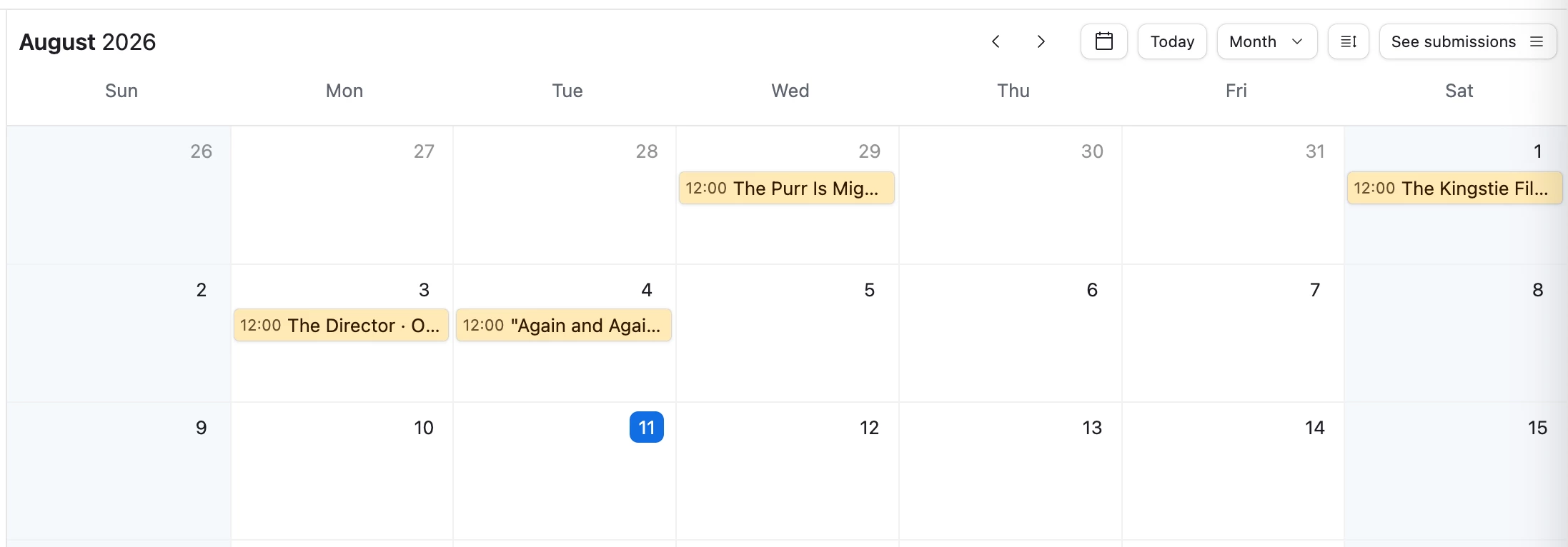
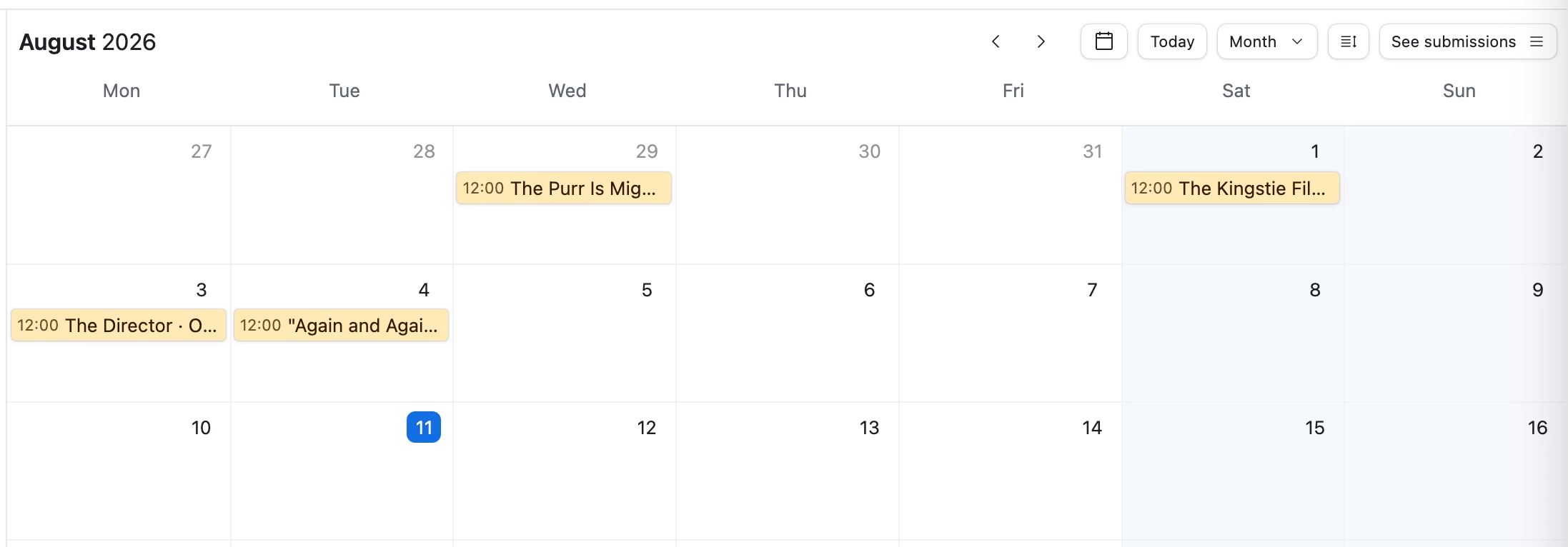
Before: (browser language was English (Canada))


After: (now, browser language is English (United Kingdom) and I reloaded the page) 


Please mark this answer as the solution if this works for you too. That will help others with the same question. 

Thanks!

-Natalka