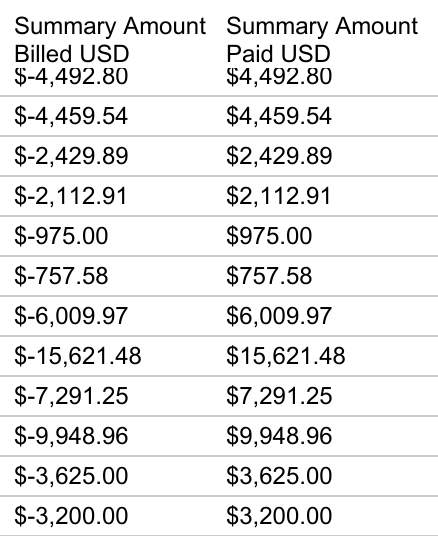

I have a table built in Tableau that appears fine on screen, showing the currency fields with 2 decimals.
In the past i had to export as crosstab csv and then use CSV import extension to update records in Airtable. Now i want to just use a directly synced table from the Tableau integration, but it is not working.
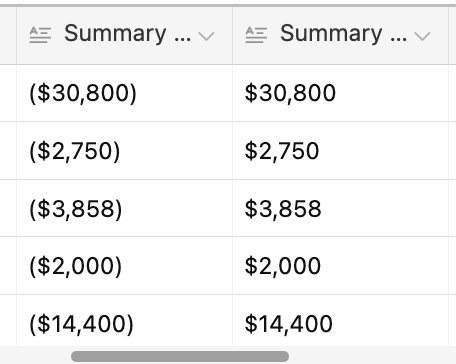
1. Biggest issue is currency fields are importing as rounded whole dollars, losing the decimals.
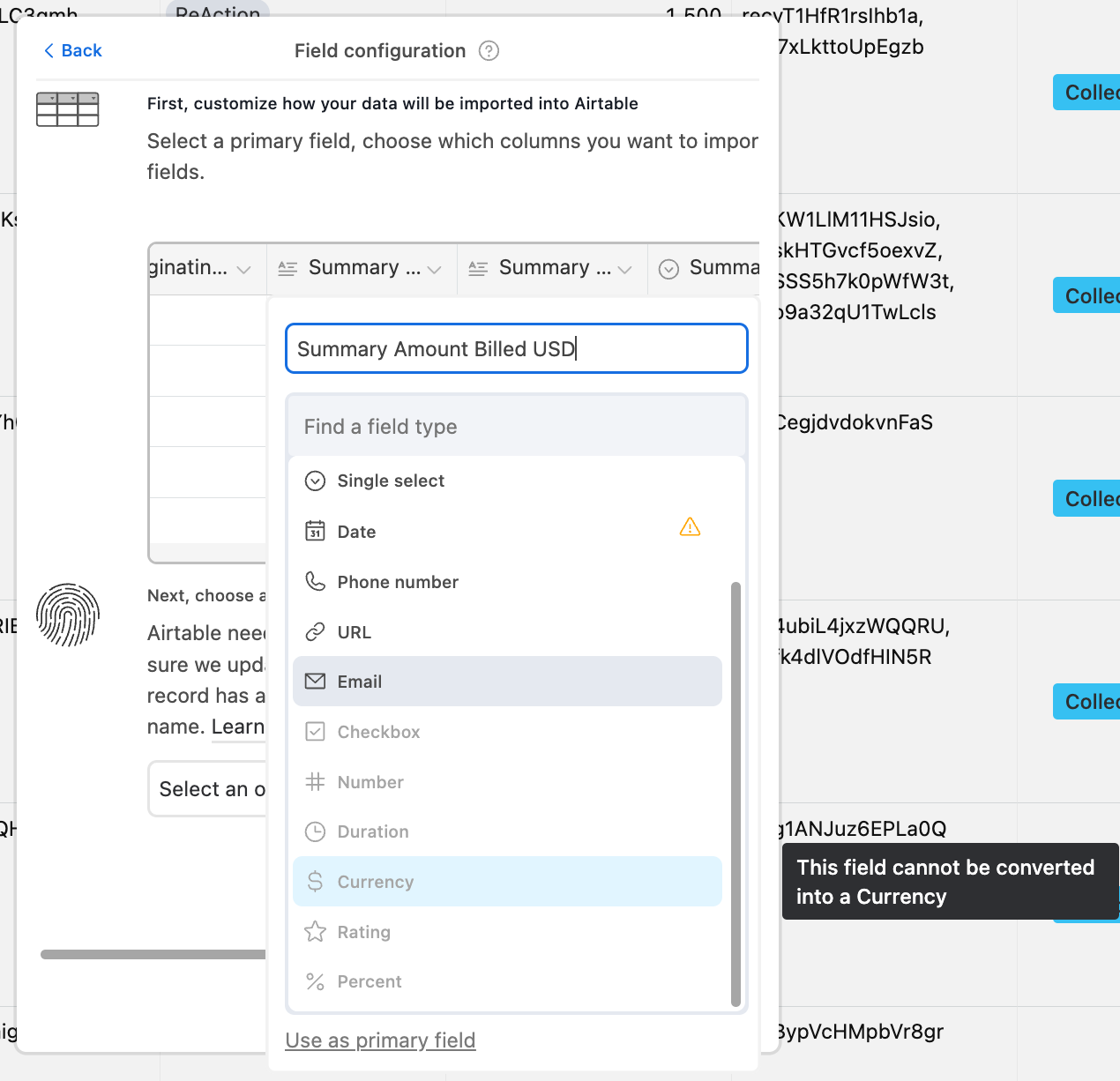
2. Also noticing that currency fields are coming in as text field and unable to convert to currency field.
I have tried changing the number format in Tableau using Number (standard), Number (custom), Currency (standard),Currency (custom), and Automatic. Nothing works.
Any ideas?