
Question

Airtable API success in n8n but columns remain blank

  • September 26, 2026
  • 1 reply
  • 49 views

M-salman

Hi everyon

e,


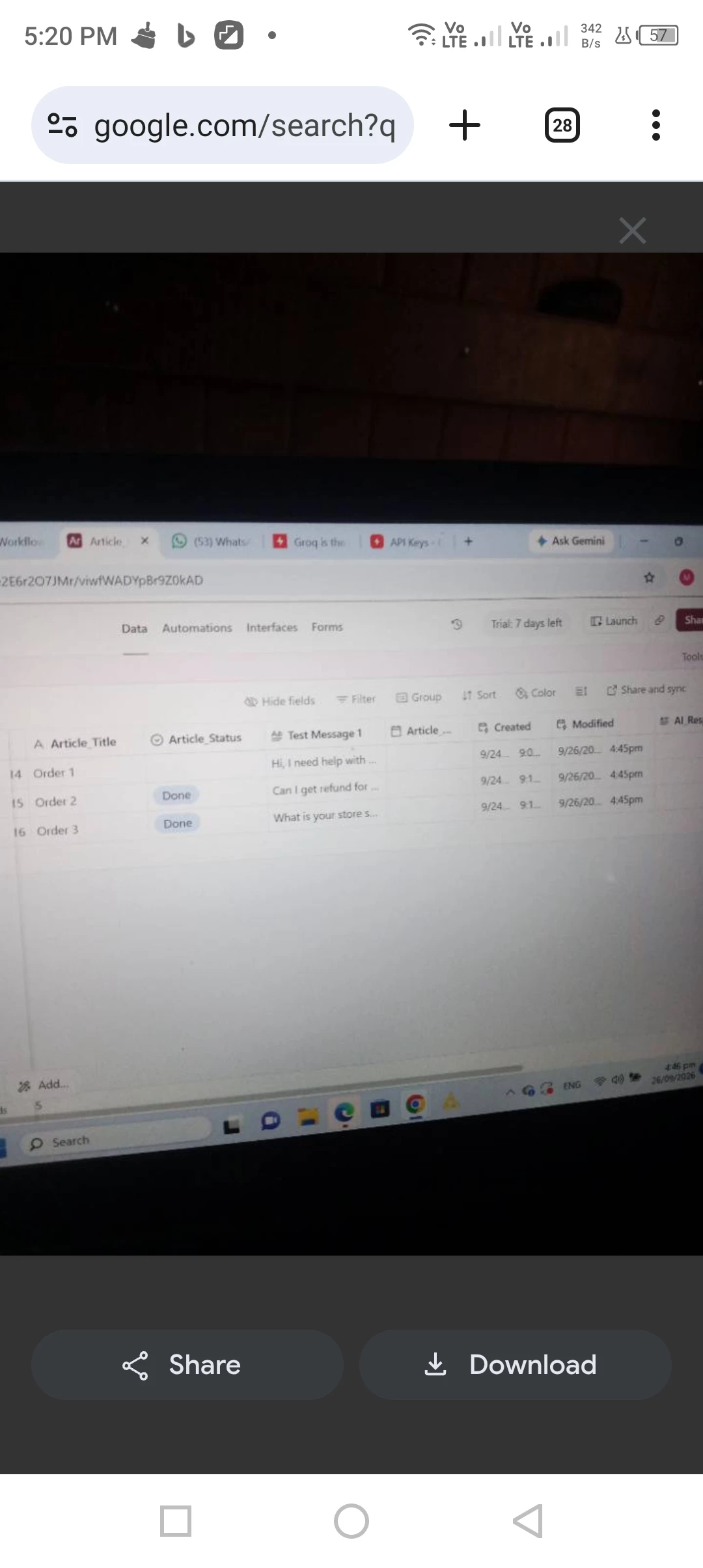
I have been stuck for over 6 hours trying to get my Airtable "Update Record" node (Node 4) to write data back into my base. The workflow executes completely successfully with 100% green lights, but the rows in Airtable remain completely blank.


Here is my exact configuration for Node 4:

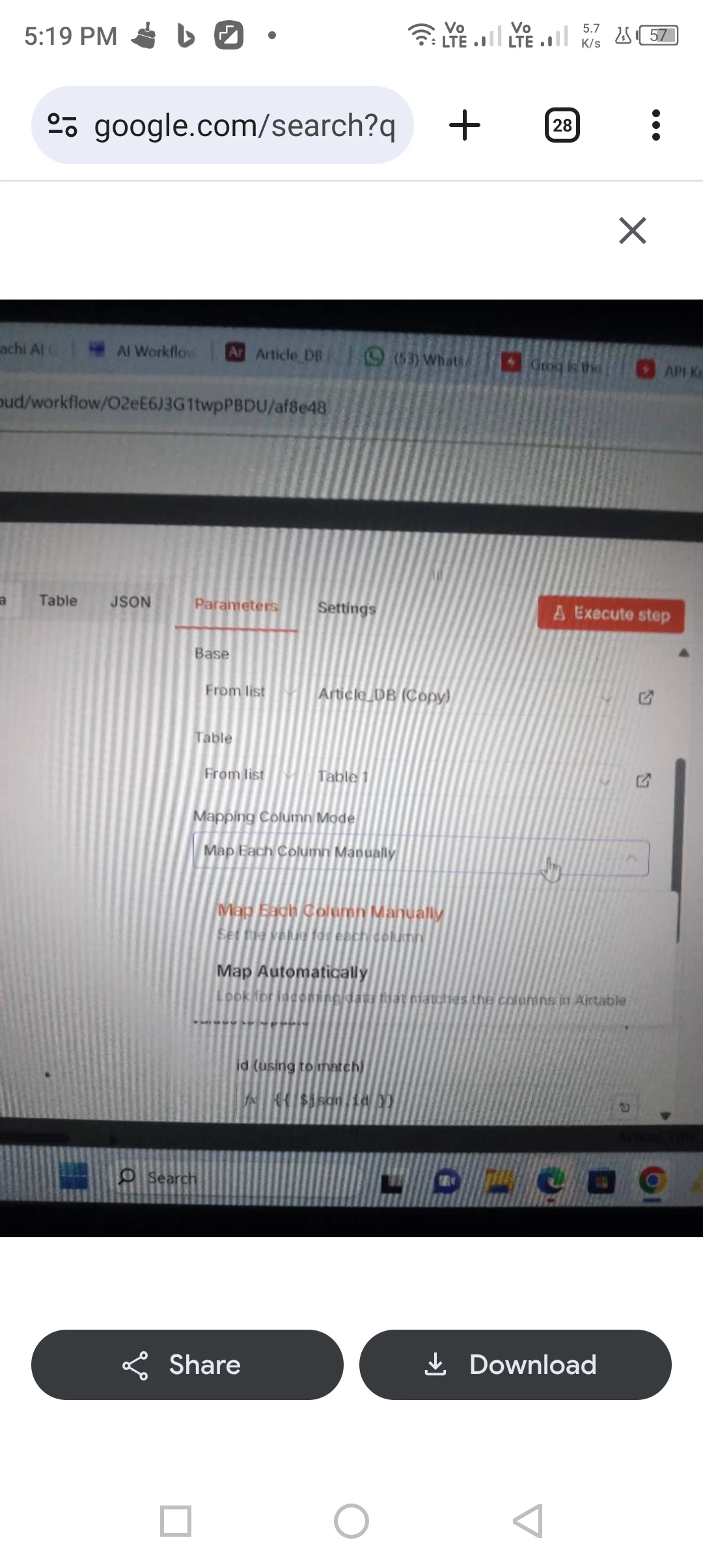
1. Base & Table: Correctly connected to my target base and table.

2. Mapping Column Mode: Set to "Map Each Column Manually".

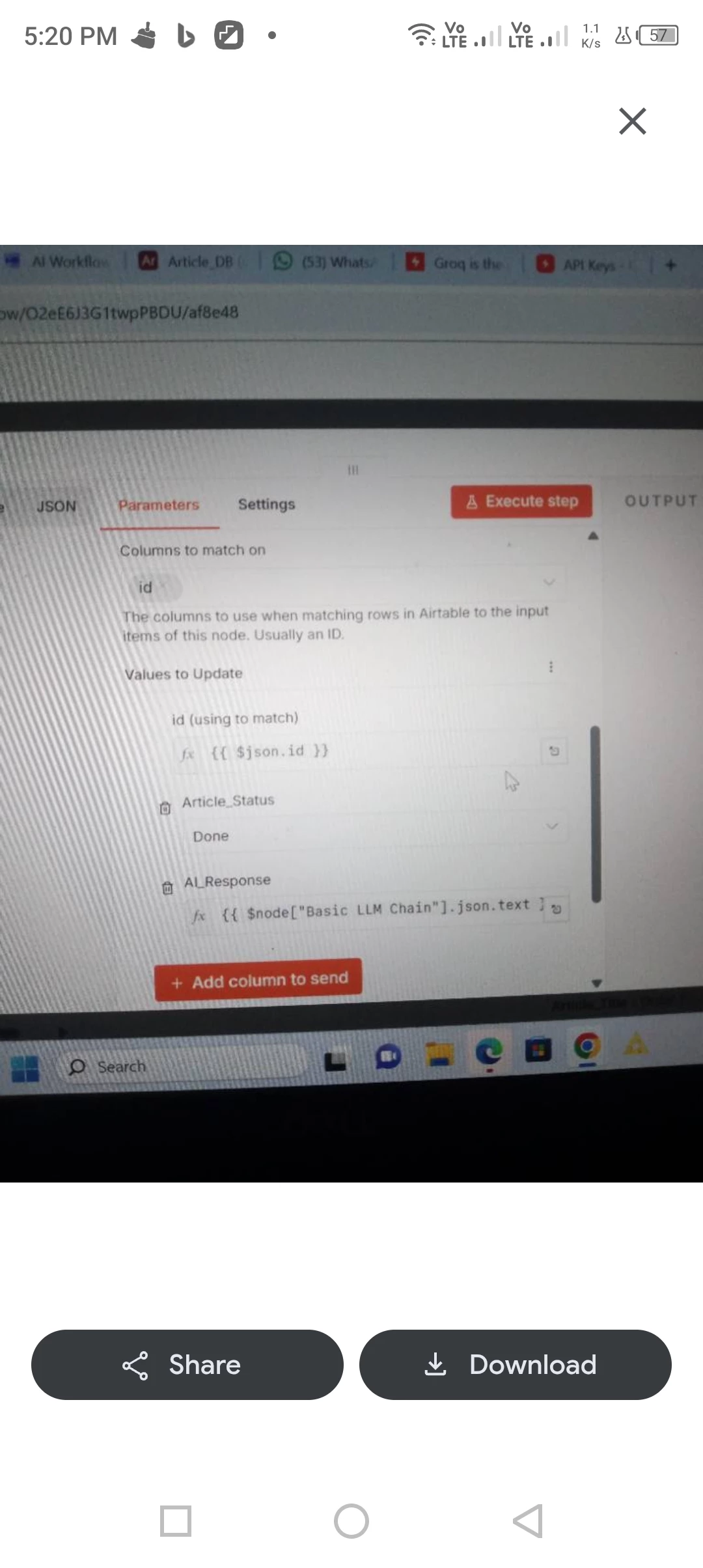
3. Columns to match on: Kept completely empty/cleared out.

4. Values to Update:

   - id (using to match): {{ $json.id }}

   - Article_Status: Done

   - AI_Response: {{ $node["Basic LLM Chain"].json.text }}


Both the schema names ("Article_Status" and "AI_Response") match my Airtable column headers exactly with the correct underscores. When I click "Execute step" or run the full workflow, n8n shows a successful run, but nothing updates in rows 15 or 16 of my Airtable sheet. 


Since n8n isn't throwing an error code, I am unable to trace why the data payload is silently dropping before reaching the grid. Any guidance on what might be causing this block would be highly appreciated!

1 reply

Forum|alt.badge.img
  • New Participant
  • September 27, 2026

Hi everyon

e,


I have been stuck for over 6 hours trying to get my Airtable "Update Record" node (Node 4) to write data back into my base. The workflow executes completely successfully with 100% green lights, but the rows in Airtable remain completely blank.


Here is my exact configuration for Node 4:

1. Base & Table: Correctly connected to my target base and table.

2. Mapping Column Mode: Set to "Map Each Column Manually".

3. Columns to match on: Kept completely empty/cleared out.

4. Values to Update:

   - id (using to match): {{ $json.id }}

   - Article_Status: Done

   - AI_Response: {{ $node["Basic LLM Chain"].json.text }}


Both the schema names ("Article_Status" and "AI_Response") match my Airtable column headers exactly with the correct underscores. When I click "Execute step" or run the full workflow, n8n shows a successful run, but nothing updates in rows 15 or 16 of my Airtable sheet. 


Since n8n isn't throwing an error code, I am unable to trace why the data payload is silently dropping before reaching the grid. Any guidance on what might be causing this block would be highly appreciated!

The first thing I’d isolate is whether {{$json.id}} is the actual Airtable record ID (rec...) or just an id field from an earlier step.

A quick test:

1. Run the step before the Airtable update and inspect its output.
2. Check whether the value you map as the record ID starts with rec.
3. Temporarily hard-code one known Airtable record ID and set only Article_Status = Done.
4. Run the node once.

If that works, the Airtable connection and write permission are fine and the problem is in record targeting/mapping.

If you’re using an operation that matches on columns instead of a direct Record ID, make sure an actual unique match column is configured. Leaving the match field empty while passing a normal id value can give you a workflow that runs cleanly without touching the intended row.

I’d also verify the node’s output contains the Airtable record that was actually updated, rather than treating a green execution as proof of the external result.

If you can share the JSON output immediately before Node 4 (with sensitive values removed), especially the id field, it should be possible to tell which case this is pretty quickly.