Hi all,
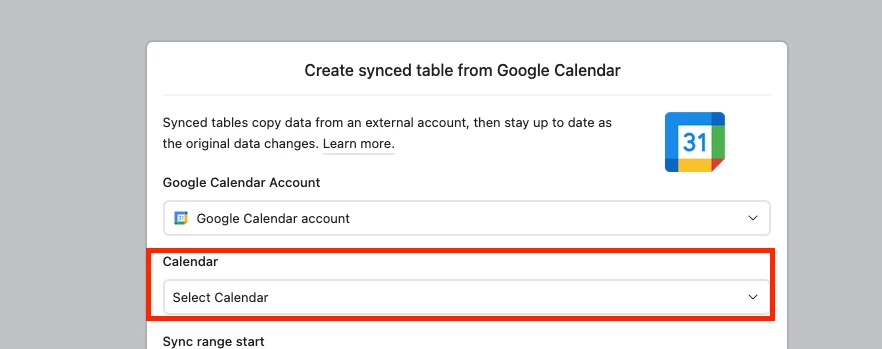
I’ve got a company that works with lots of freelancers and I decided that instead of a service like Calendly, I’d build an interface on Airtable, in a base where they all sync their calendars so I can see their appointments overlapping, and find the “holes” where people are available to meet. It’s worked really well (using filters in the interface, so I find the exact team members I need for each meeting). The one thing is, I’m trying to protect our contractors’ privacy, and don’t want to sync any information that’s extraneous to checking their availability (I don’t want any event details other than whose calendar it’s coming from, start and end time). I’ve successfully toggled off all details EXCEPT the event title, which, it seems, cannot be toggled off.
My workaround has been to create a formula field where I change the event name to “Person Busy,” so they don’t show up in my interface, which works fine, but I wanted to see if anyone knows of a way to simply prevent Google Calendar from sharing the event title with Airtable altogether. Some team members have signed NDAs with other clients and can’t sync to our Airtable because even having event names out there would violate their policies.
Conversely, I can’t seem to find a way to sync the “free/busy” information for Google Calendar events, which would be helpful as folks have all-day events that are just reminders, like someone’s birthday, but that shouldn’t pop up when I’m trying to check their availability to meet.
Any help would be greatly appreciated! Thanks so much :)