
Question

Can only see 2 lines of the Formula field in Rollup

  • March 10, 2026
  • 6 replies
  • 52 views

MMD
Forum|alt.badge.img+1
  • New Participant

Fairly new to AirTable, so this is probably really simple, but I can’t find anything helpful.

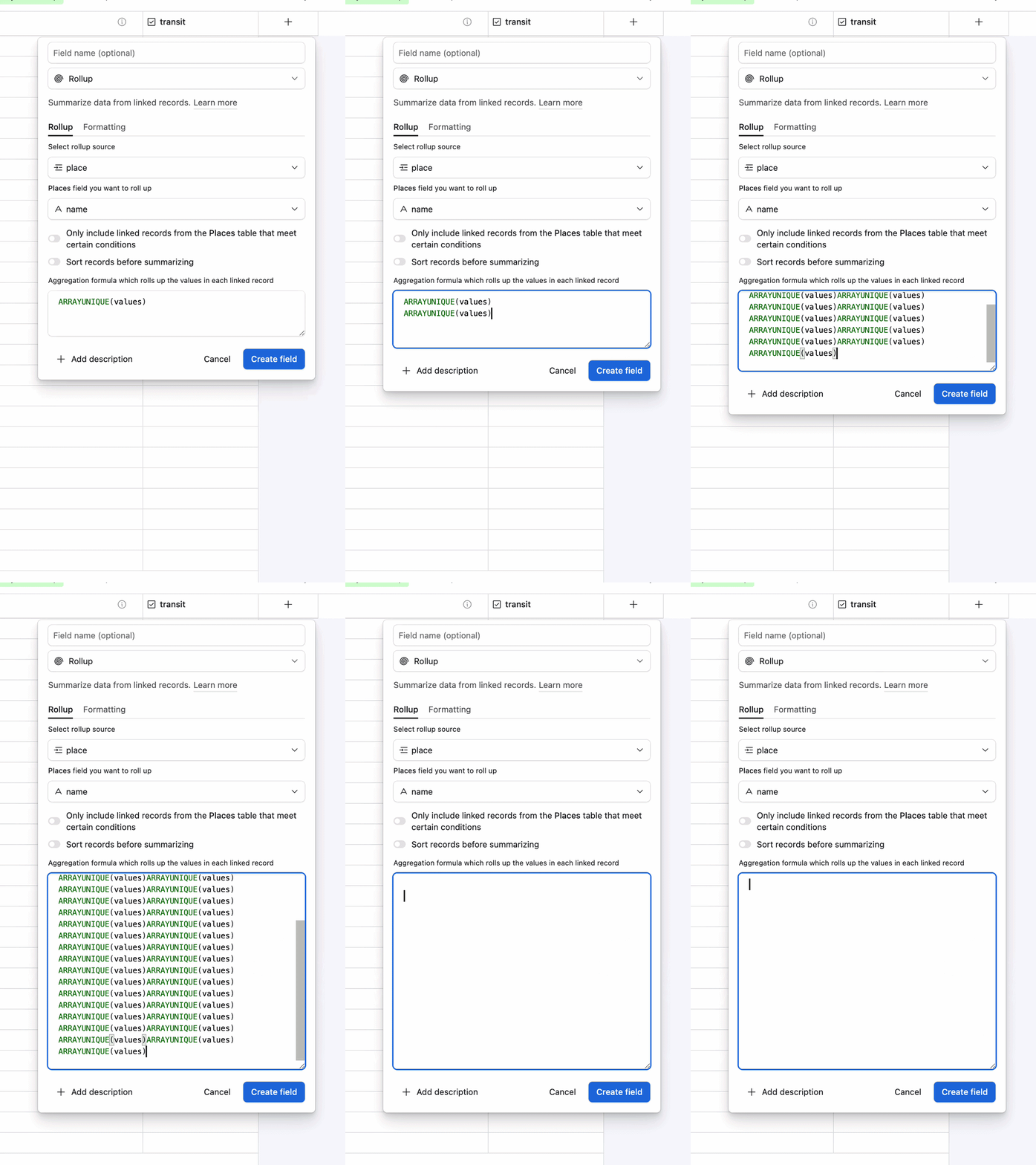
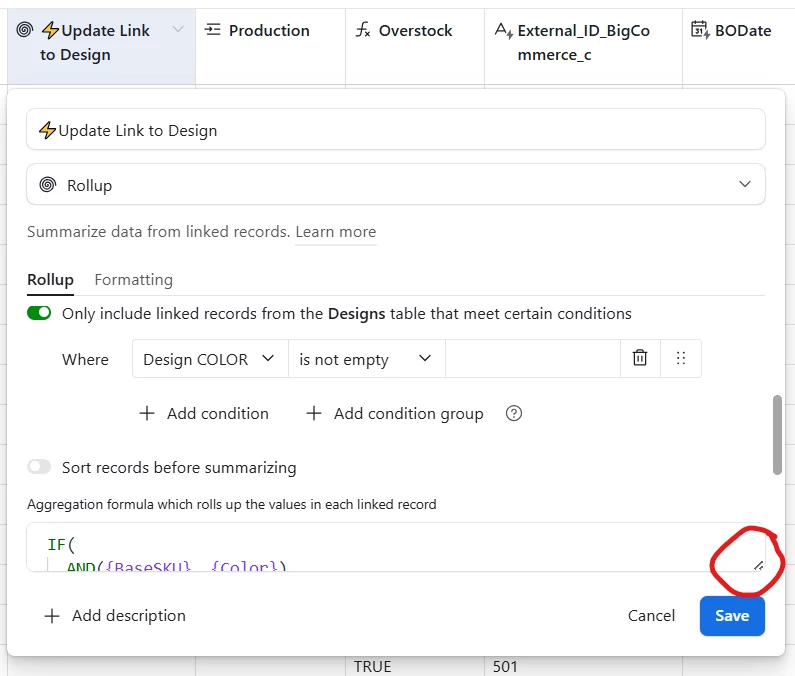
When I have a Rollup field, I cannot expand the Formula field DOWN using the bottom corner handle - only to the right. This means I can only see about 1.75 lines of the formula. I’m copy-pasting in and out of Notepad to try to create/edit formulas because I can’t see the formula in AT.

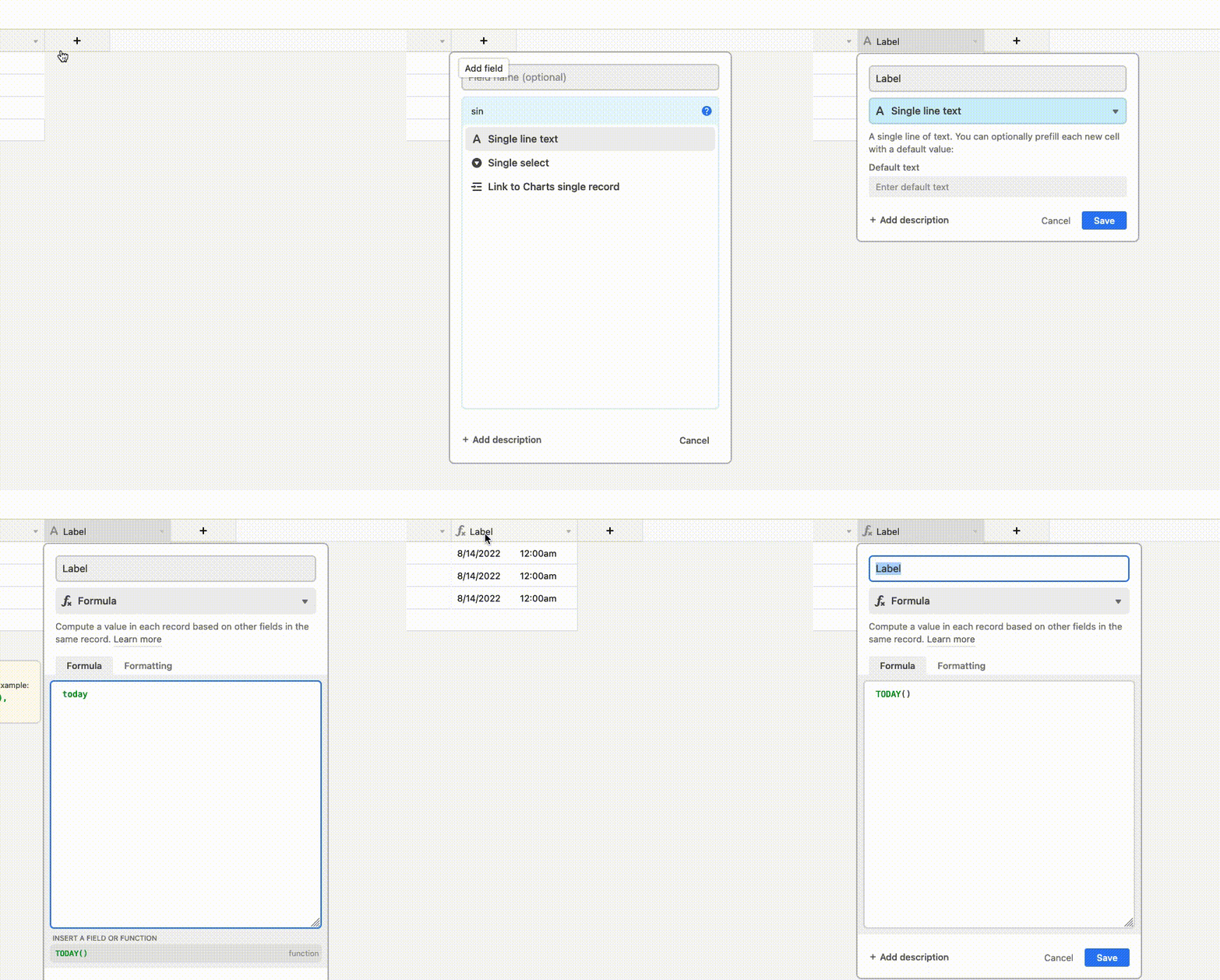
I can expand the Formula field down as far as 10 lines if the field type is Formula instead of Rollup. What on earth is going on here?
 

6 replies

ScottWorld
Forum|alt.badge.img+35
  • Genius
  • March 10, 2026

@MMD 

Which web browser are you using? I would recommend using Chrome, which I’ve found to be the most compatible web browser with Airtable. Chrome is 100% compatible with Airtable.

Airtable says in their support article that you can also use Firefox, Safari, or Edge, but I have found that they are not always entirely compatible with Airtable.

For example, I know that Safari has several compatibility issues with Airtable. Just as one example, rollup fields can’t be resized at all in Safari, so I’m guessing that Edge and Firefox might have similar issues.

However, for any browser issues that you’re having, you may want to alert Airtable by opening a support ticket at support@airtable.com.

Hope this helps!

- ScottWorld, Expert Airtable Consultant


MMD
Forum|alt.badge.img+1
  • Author
  • New Participant
  • March 10, 2026

@ScottWorld I appreciate your response. I am using Chrome so it shouldn’t be that.


ScottWorld
Forum|alt.badge.img+35
  • Genius
  • March 10, 2026

That’s strange. I wonder if you might have a Chrome extension that is interfering with that?

You may also want to email support@airtable.com to ask them about it.


leok
Forum|alt.badge.img+2
  • Participating Frequently
  • March 10, 2026

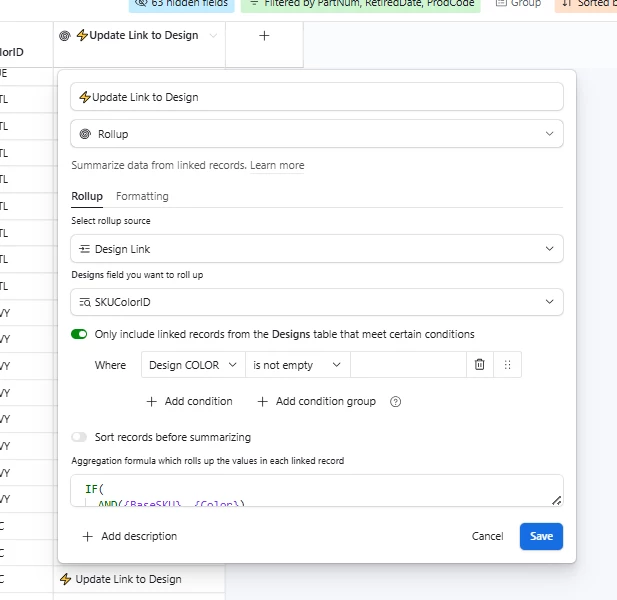
Hi ​@MMD, I actually run into this myself sometimes. The workaround I found is to paste a long text into the field to force it to expand, then delete the pasted text and type normally. Not ideal but it works for now.

Leo from UseEfficiently


TheTimeSavingCo
Forum|alt.badge.img+31

Yeah this made it really hard to use formulas that were even slightly complicated and so I ended up writing my own script to use with Tampermonkey that would extend it:


And here’s how the formula field opens up once the script’s installed:


MMD
Forum|alt.badge.img+1
  • Author
  • New Participant
  • March 11, 2026

Wow, this is...very not ideal. Can’t believe this hasn’t been fixed.