Formulas that result in TRUE()/FALSE() can't be formatted correctly

  • August 11, 2018
  • 7 replies
  • 91 views

Forum|alt.badge.img+2

I’m comparing two currency values in a table, and attempting to flag if there is a mismatch. The way I’d do this in gSheets is pretty obvious:

=IF(field1 = field2, TRUE, FALSE) - then conditionally format on TRUE or FALSE to get a visual indicator. I actually like that there is no range-based conditional formatting in airtable, since these are meant to be DBs - but I still think a coherent display of true/false values (As a checkbox!) is reasonable and I shockingly don’t see a way to do that here.

Yes, I could do something idiotic like represent it with an emoji, but that’s a nasty hack if I want to query for items in my table whose cost-match is FALSE.

Thanks!

7 replies

Forum|alt.badge.img+2
  • Author
  • Participating Frequently
  • August 11, 2018

I should note that this also doesn’t appear possible with “Color” since you can’t reference (!!!) other fields in the condition for assigning color.

Pretty disappointing!


Forum|alt.badge.img+5
  • Inspiring
  • August 11, 2018

Yep, your choices currently are

  1. Go with 1,0
  2. Use emojis — '✅' or '❌' — which, as you note, makes direct querying of the field a pain. (Typically, I create a formula field that equates to 1 or 0 and hide it, with another formula field that translates 1 to '✅' and 0 to '❌'; I filter on the first field.)
  3. Copy/paste your formula field equating to 1,0 onto an adjacent checkbox field. Obviously, this must be updated after every change to the base that adds a record or results in the recalculating of your formula field.

Are any of these workarounds you’re likely to accept without much grumbling? Probably not…


Forum|alt.badge.img+2
  • Author
  • Participating Frequently
  • August 11, 2018

Yep, your choices currently are

  1. Go with 1,0
  2. Use emojis — '✅' or '❌' — which, as you note, makes direct querying of the field a pain. (Typically, I create a formula field that equates to 1 or 0 and hide it, with another formula field that translates 1 to '✅' and 0 to '❌'; I filter on the first field.)
  3. Copy/paste your formula field equating to 1,0 onto an adjacent checkbox field. Obviously, this must be updated after every change to the base that adds a record or results in the recalculating of your formula field.

Are any of these workarounds you’re likely to accept without much grumbling? Probably not…


Which is… yeah… spectacularly dumb. Heh :slightly_smiling_face:


Forum|alt.badge.img+5
  • Inspiring
  • August 11, 2018

Which is… yeah… spectacularly dumb. Heh :slightly_smiling_face:


I’m not sure what you mean by this, though, as you could set the record highlight color to indicate whether the field is true or false (1 or 0). You can’t color the field, per se, just the containing record.

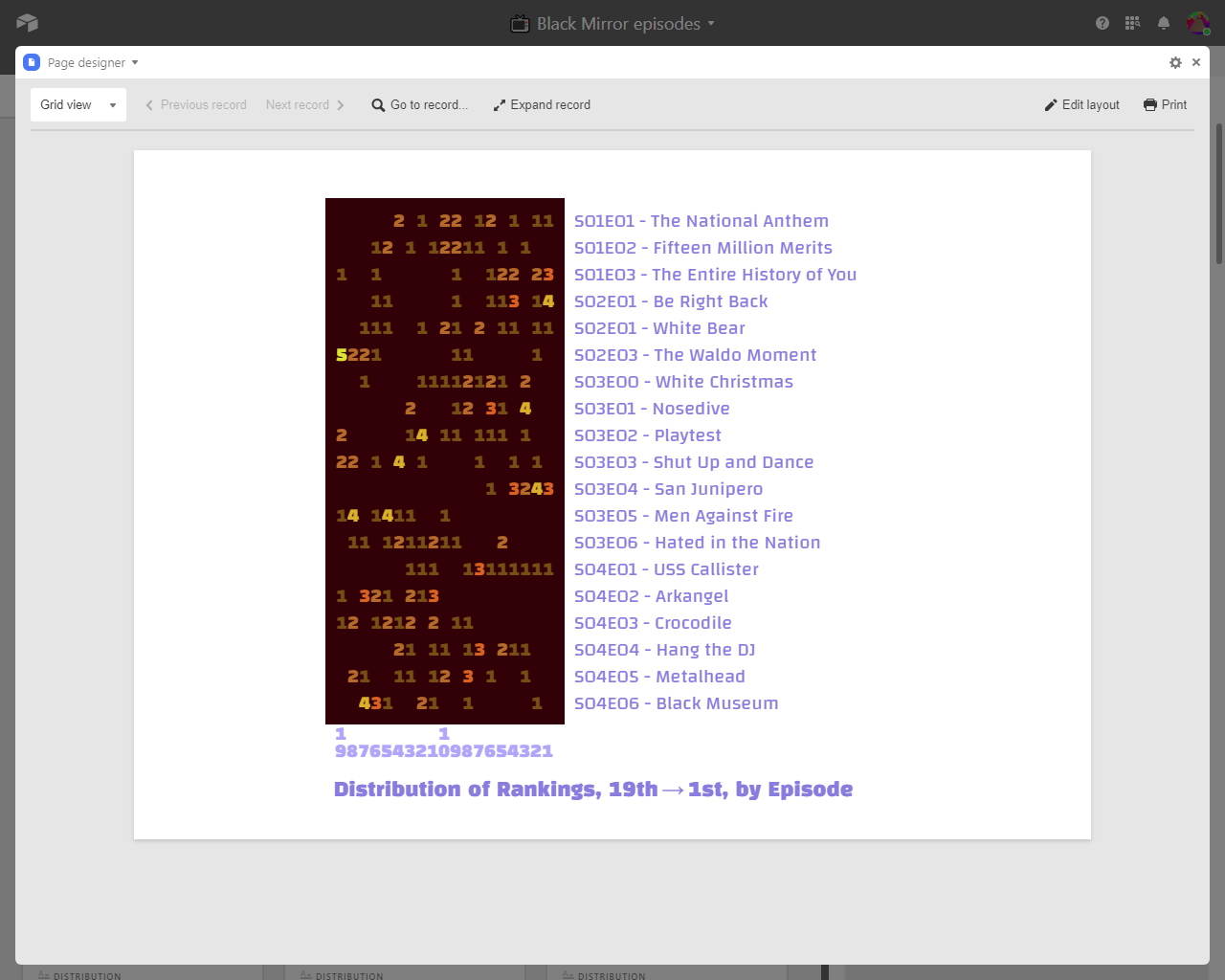
Of course, with a Pro plan, infinite patience, and little social life, there’s no end to what one might accomplish with the Page Designer Block. :winking_face:


Forum|alt.badge.img+2
  • Author
  • Participating Frequently
  • April 8, 2021

I’m not sure what you mean by this, though, as you could set the record highlight color to indicate whether the field is true or false (1 or 0). You can’t color the field, per se, just the containing record.

Of course, with a Pro plan, infinite patience, and little social life, there’s no end to what one might accomplish with the Page Designer Block. :winking_face:


As I said, you cannot reference other fields in conditional highlighting for coloring a given field.


Forum|alt.badge.img+6
  • New Participant
  • January 7, 2024

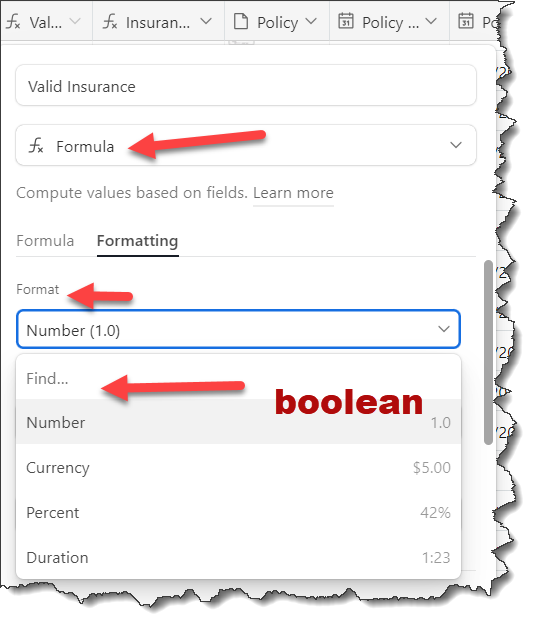
How hard could it possibly be to add:

Format

Boolean (TRUE/FALSE)

To a drop-down menu.

What options do we have for drawing attention to this issue?


DougL
Forum|alt.badge.img+4
  • New Participant
  • May 3, 2024

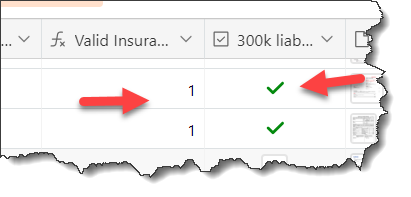
The formula in this field returns TRUE() and FALSE()

But it's displayed as 1 and 0. Why not add a boolean option to the Function format tab

Then the UI and data would be consistent