Question

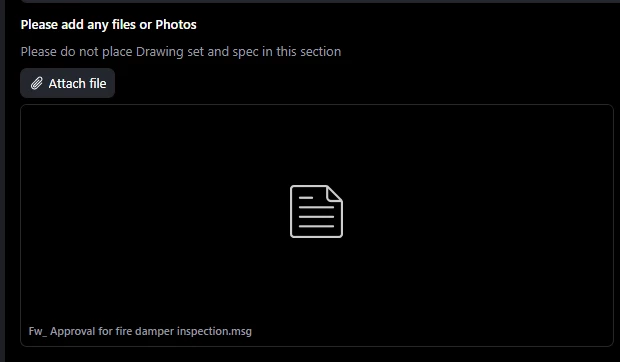
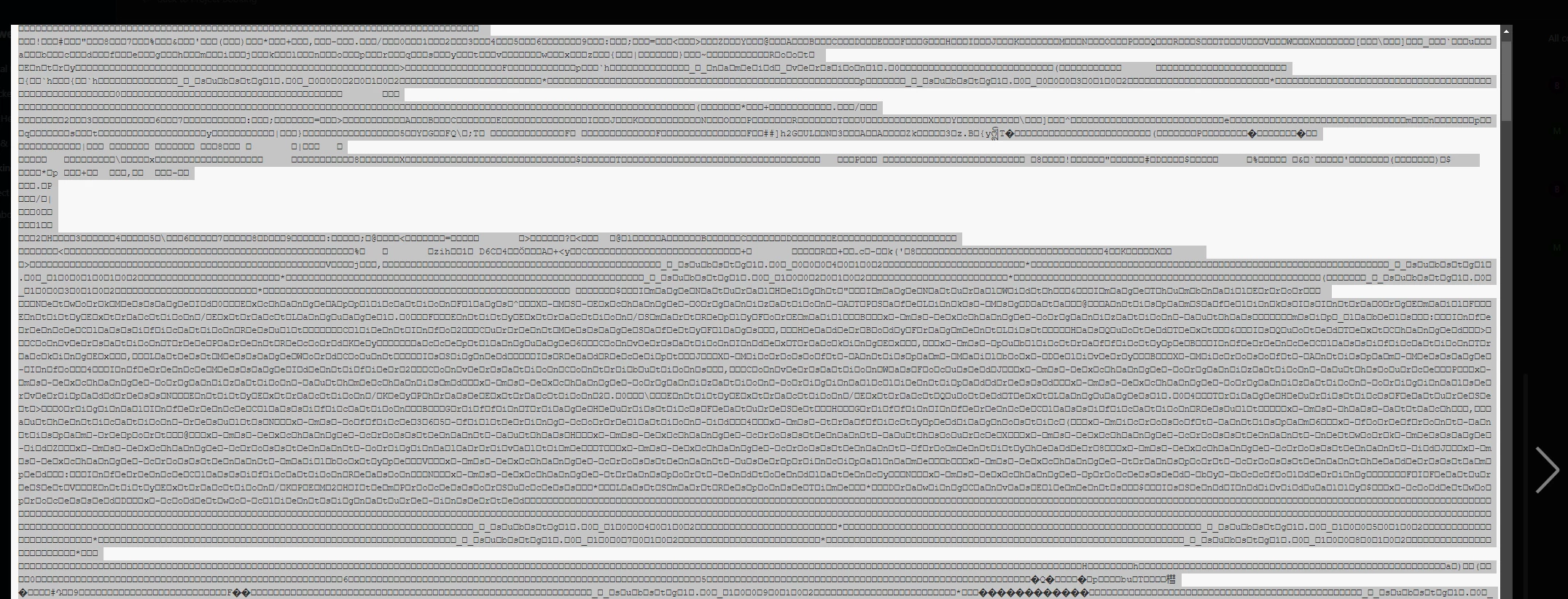
Adding outlook emails into an Attachment field - emails will not open in airtable

  • December 10, 2025
  • 3 replies
  • 23 views

Forum|alt.badge.img+2

Is there a way to add an outlook email as an attachment that can be opened and viewed later? Currently we can add the email in the attachment field but when trying to open it, it looks like gibberish. I can download then, but would rather not add that step to an otherwise simple workflow.


3 replies

DisraeliGears01
Forum|alt.badge.img+21

If you save the Outlook message as HTML instead it’ll be formatted and readable inside the previewer in Airtable. In some quick testing it did strip out images (mostly footer images) but the text was fine. 


DisraeliGears01
Forum|alt.badge.img+21

Just tested this and if you save them as HTML instead of .msg when you bring them out of Outlook, the Airtable preview can interpret them.


ScottWorld
Forum|alt.badge.img+35
  • Genius
  • December 10, 2025

@MRC228 

Yeah, as ​@DisraeliGears01  mentioned above, you would need to convert your emails to HTML to view them natively in Airtable.

Alternatively, you can automatically parse the contents of your email (From, To, Subject, Body, Attachments) and bring those contents into Airtable into their own fields by using Make’s automations or TaskRobin.

- ScottWorld, Expert Airtable Consultant