Question

Blacking out the day-offs of the factory and mechanics

  • March 19, 2026
  • 6 replies
  • 27 views

Forum|alt.badge.img+1

Hi all, 
Im trying to build a timeline and all the surrounding forms to manage the factory bays and mechanics on airtable.
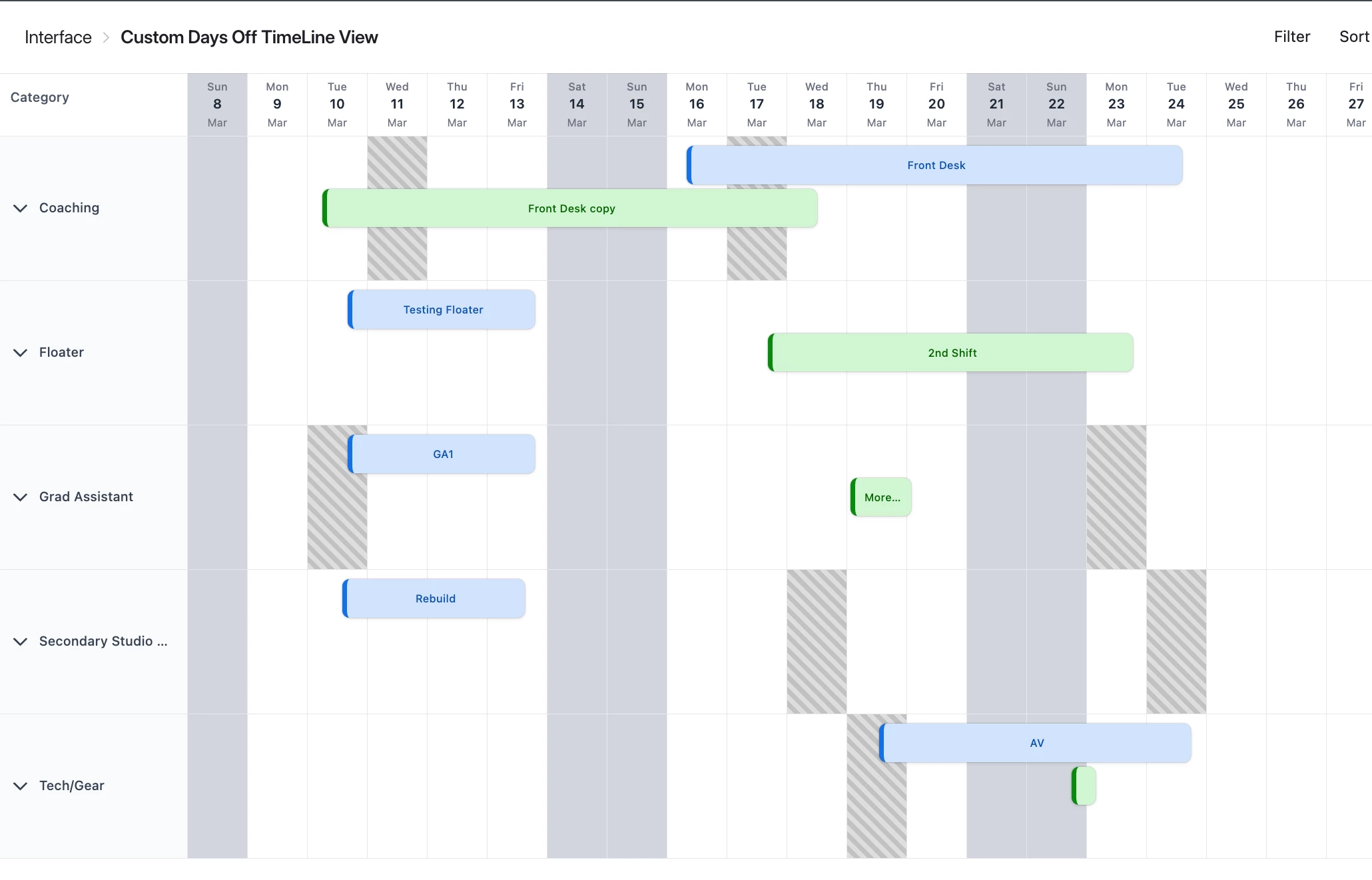
I’m wondering if there’s any way to colour mask (possibly the background) the weekends as well as masking off the day-offs of the mecanics.


Is there a way to do this on airtable or possibly on extentions?


Thanks for your attention.

6 replies

Mike_AutomaticN
Forum|alt.badge.img+28

Hey ​@takwitham,

I don’t think that is possible with the native timeline page layout. However, you might want to consider using Airtable Custom Interfaces. If Omni is giving you a hard time for building it you can always explore the code base provided by Omni and share that with Claude. Do note that once you make changes to such code base you will not be able to make changes via Omni again.

Mike, Consultant @ Automatic Nation 
YouTube Channel


Mike_AutomaticN
Forum|alt.badge.img+28

Also fyi in case it helps. In order to do that, you’ll want to click on the Omni icon, start a new chat and select the Generate a custom element tool.

Mike, Consultant @ Automatic Nation 
YouTube Channel 


TheTimeSavingCo
Forum|alt.badge.img+31

Hmm, I don’t think so I’m afraid.  The workarounds I’ve used for this are:

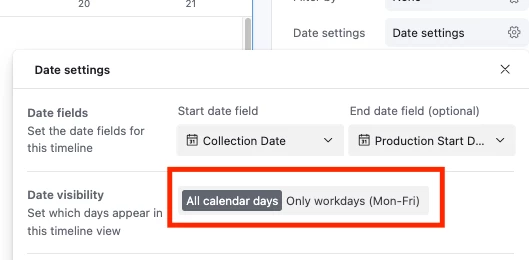
  1. Hide the weekends entirely
     
    1. This doesn’t help for weekdays when the factory is closed though and so we ended up creating task records for ‘Factory Closed’ so they’d show up in the Timeline
  2. Created task records for mechanic days off so it’d show up in the timeline

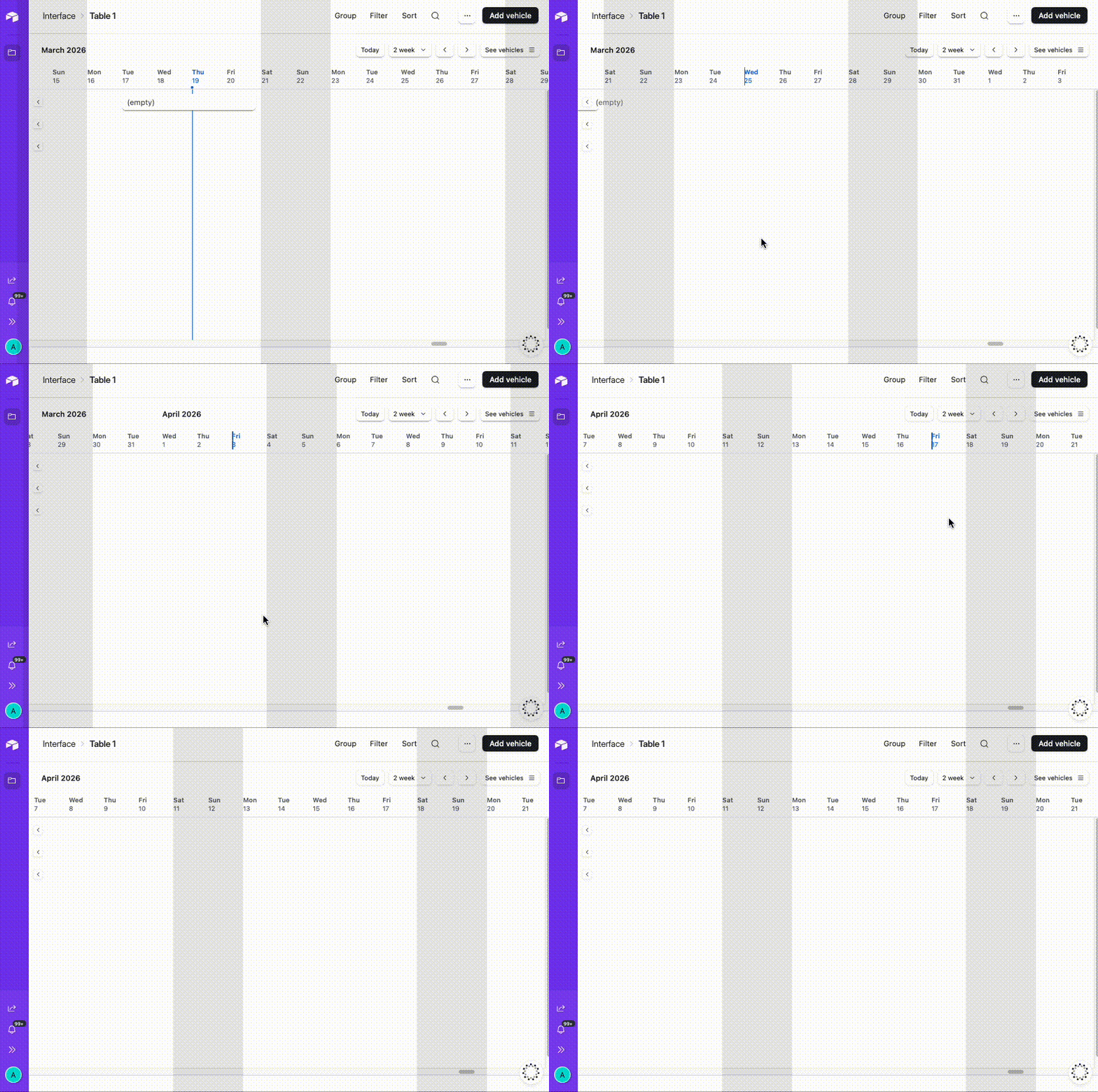
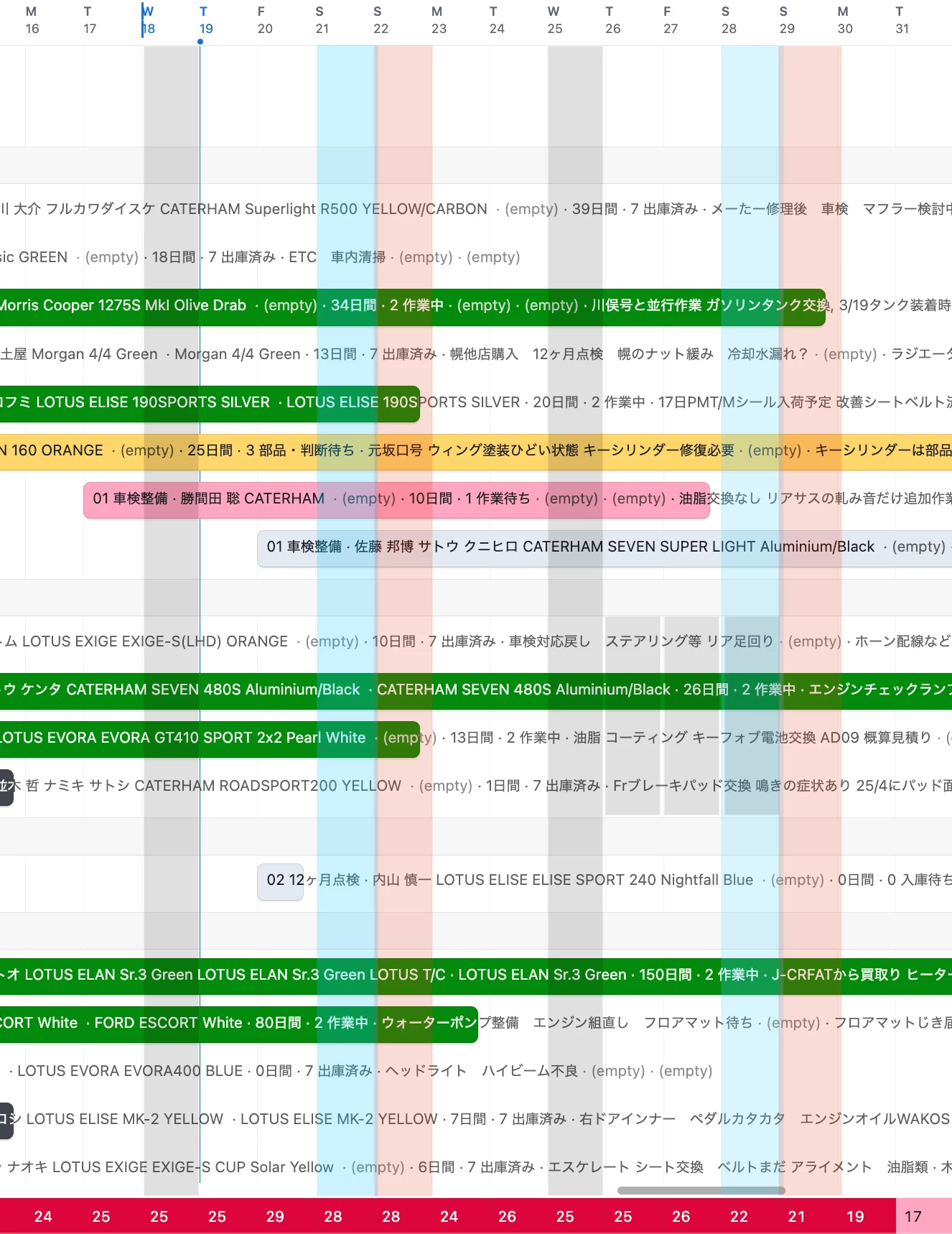
You could also probably do the Saturday and Sunday one with a Tampermonkey script, but that would need to be installed on every user’s browser and I don’t know how feasible that is.  Here’s an example of something I threw together where I put a grey mask on Saturdays and Sundays:


(The grey mask is in the header and below the horizontal scroll bar currently and would need to be cleaned up, but I just wanted to show you what was possible)


Forum|alt.badge.img+1
  • Author
  • New Participant
  • March 20, 2026

Hey ​@Mike_AutomaticN ,

I haven’t given much to Omni yet as so far I’ve mostly been constructing table structures and automations, but will give it a go to see if there’s any more flexibility to build an interface that’d fit to my purpose.

Thanks for the input!


Forum|alt.badge.img+1
  • Author
  • New Participant
  • March 20, 2026

Hi ​@TheTimeSavingCo 

Yes giving it a browser based code probably will not be very feasible in my case it seems.

Also showing days-off as records may not be suitable as it’d compress the area and will not be seen throughout vertically (which may not help the recognisibility).

But thanks for your response anyway, will look into other possibilities as well.


Mike_AutomaticN
Forum|alt.badge.img+28

Hey ​@Mike_AutomaticN ,

I haven’t given much to Omni yet as so far I’ve mostly been constructing table structures and automations, but will give it a go to see if there’s any more flexibility to build an interface that’d fit to my purpose.

Thanks for the input!
 

Hey ​@takwitham this might be kind of clunky in terms of experience for workign with it, but I would HIGHLY suggest:

1. Create the initial version with omni, but then
2. Explore the code base (even if you do not understand a single line), copy it and paste it on Claude
3. Prompt claude to make any improvements you might need
4. Copy and paste it on Airtable, replacing your exisitng code base.

You should get far enough doing that! Make sure to reach out if you need any help whilst doing that!
 

Mike, Consultant @ Automatic Nation 
YouTube Channel