
Question

change record colour on calendar view when field updated

  • April 14, 2026
  • 2 replies
  • 21 views

kieran_themotscharity
Forum|alt.badge.img+2

Hi there is anyone familiar of a workaround so that the background colour of a record changes on calendar view when a field has been updated, when multiple dates are on one calendar? 
 

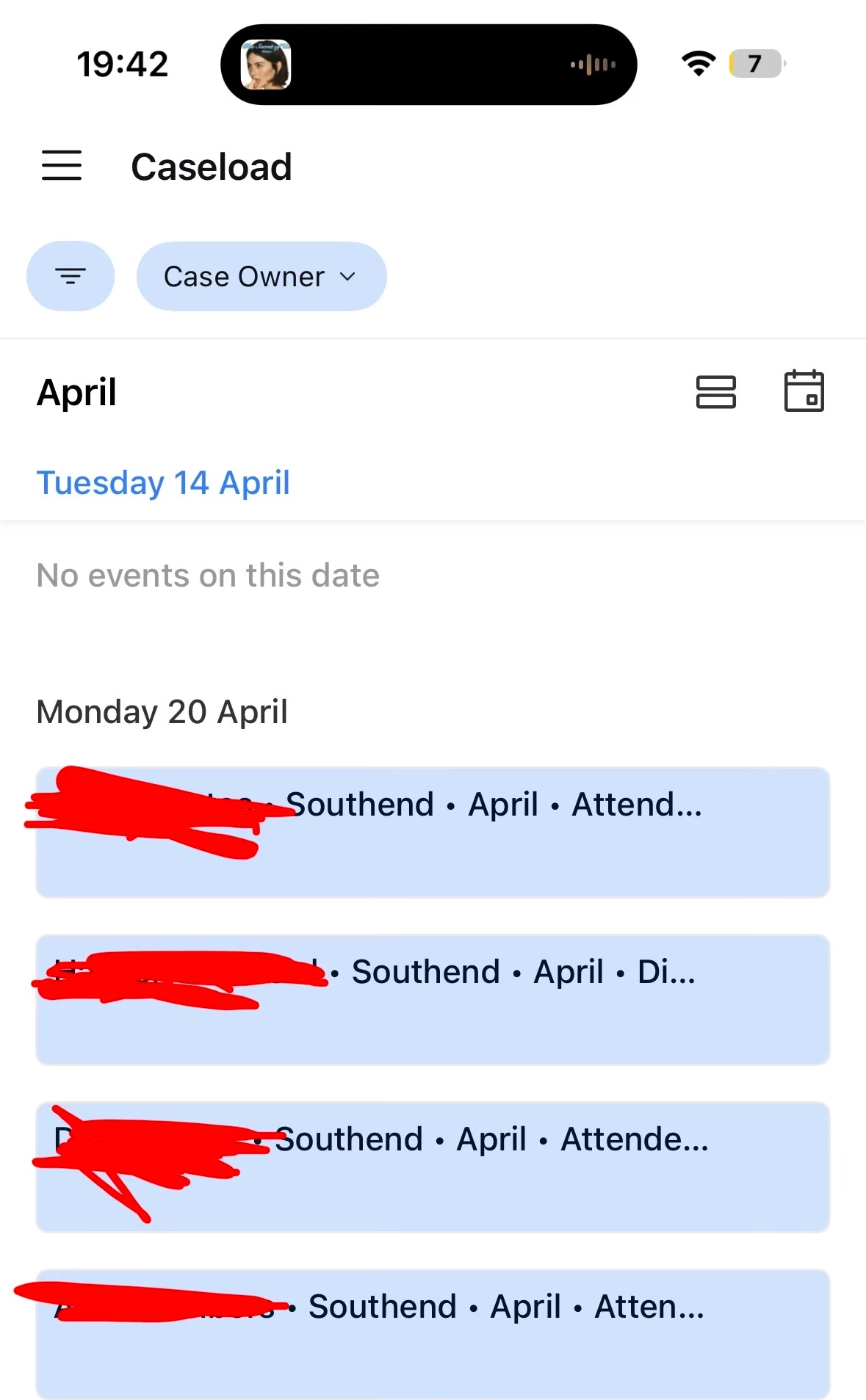
using calendar to manage service user caseload - the programme service users enrolled on take part in 6 sessions, we have 6 date fields on the calendar. 
 

when we complete progress notes for a service user on one week we want that record to change green… so we know who has had their progress notes completed.


please let me know - thanks so much!

2 replies

coderkid
Forum|alt.badge.img+6
  • Inspiring
  • April 14, 2026

Calendar view coloring is typically based on a single select field. A possible workaround would be to apply conditional coloring per date instance or to link the status to each session separately.


ScottWorld
Forum|alt.badge.img+35
  • Genius
  • April 15, 2026

@kieran_themotscharity 

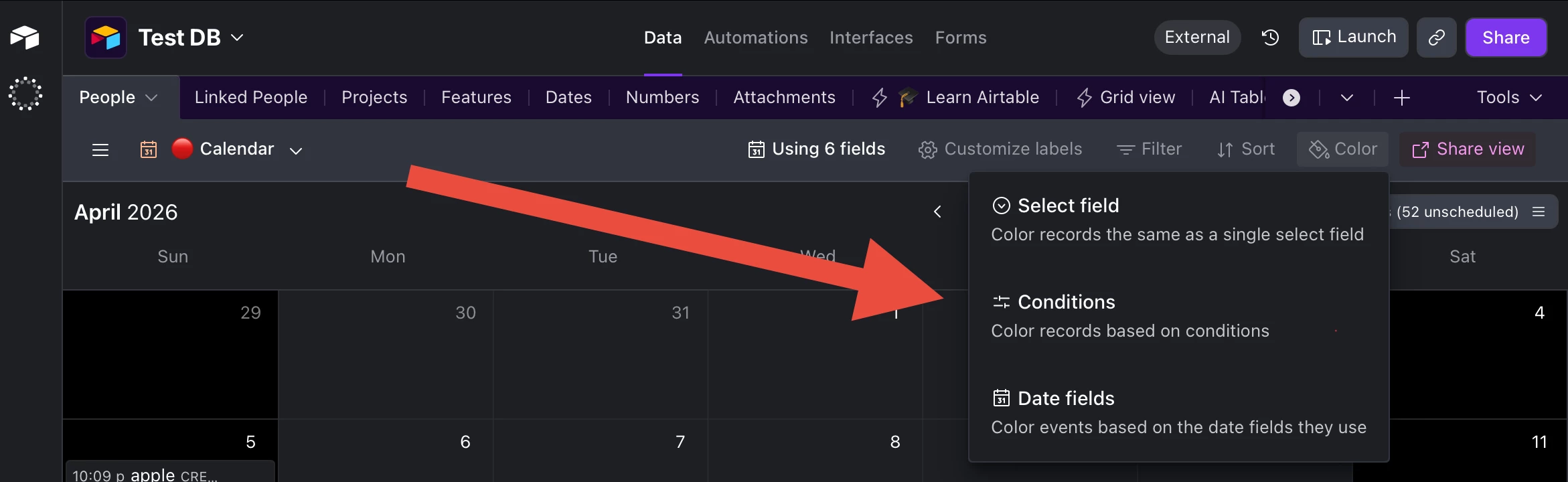
Yes, click on the “Color” button in your toolbar, and Airtable gives you 3 different ways of setting the colors for events on your calendar.

Please see screenshot below.

Hope this helps!

If you have a budget and you’d like to hire the best Airtable consultant to help you with this or anything else that is Airtable-related, please feel free to contact me through my website: Airtable consultant — ScottWorld