Hello,
This is probably a recurrent question.
I found this but I think it is not practical as it requires user interaction to filter by a checkbox (see:
Hello,
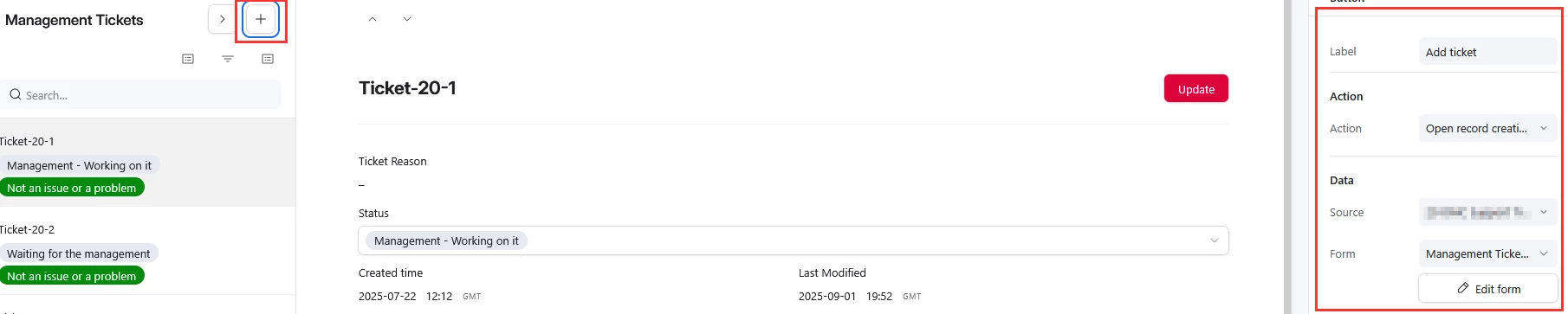
My idea is, considering the new AI features in place—particularly in a field agents scenario—to create a form to add a new record. This would essentially be a form to upload a document, along with a checkbox called “Auto AI Recognition” to enable or disable the field agents (I would use this checkbox as a trigger) to read the document and populate the different fields in the table as required.
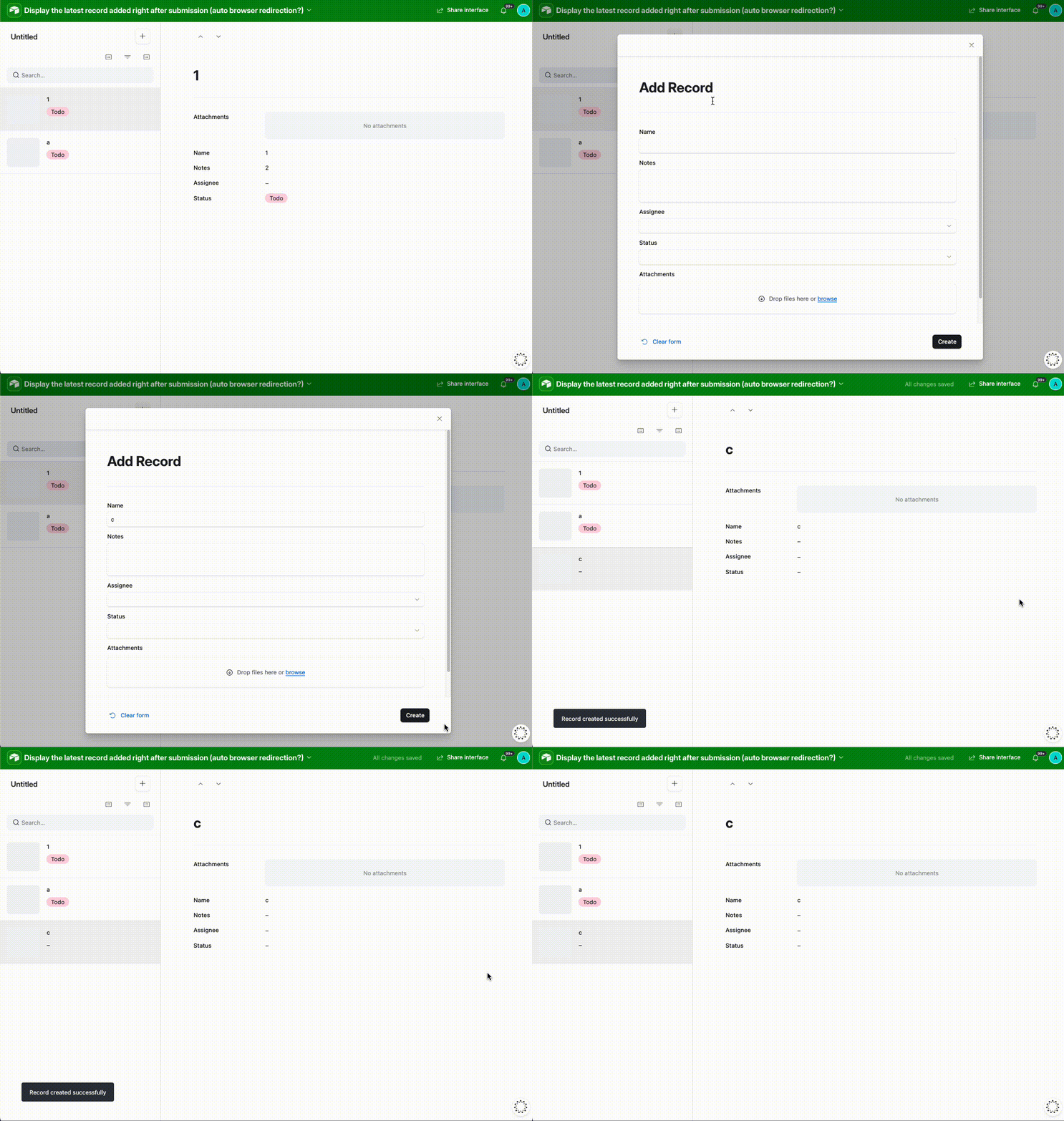
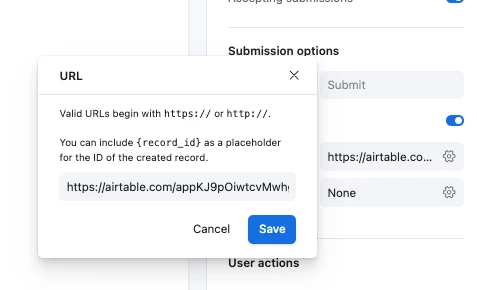
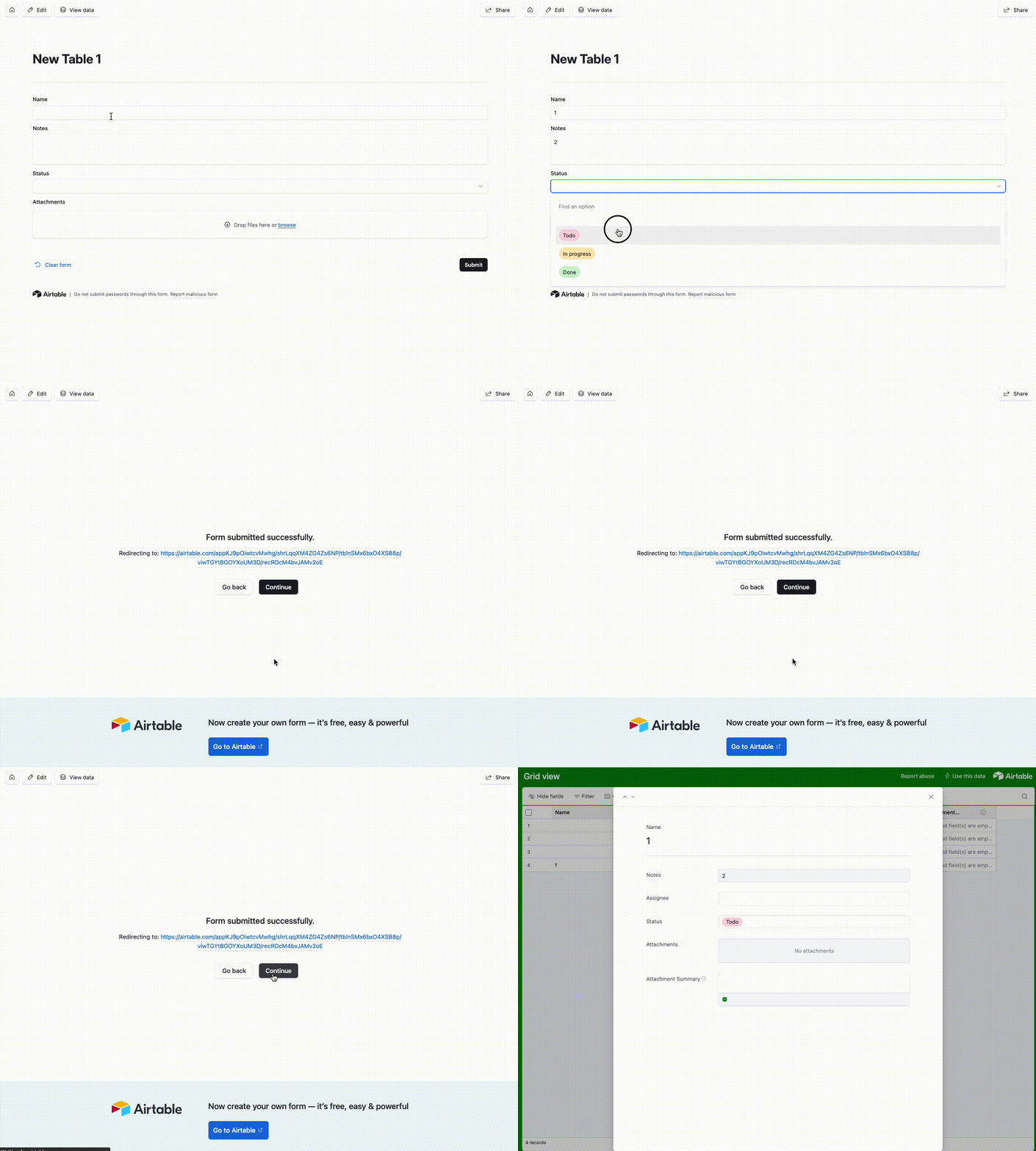
However, once the document is uploaded and the form is submitted, the form disappears. At that point, I would like to redirect the user’s browser to the newly created record so they can verify that the information populated by the field agents makes sense, and validate or correct it if needed.
This kind of browser redirection does not seem to be available, as far as I can tell. As a result, it is neither user-friendly nor efficient, and I don’t think it scales well—especially when the user is working with an interface that displays hundreds or thousands of records by default. In that case, they would need to manually locate the record they just created in order to validate it.
Yes, they could use filters and similar tools, but I would like to find a way to streamline the process and minimize user interaction. In other words: form submitted → form disappears → record view refreshes and automatically displays the newly created record.
This becomes even more challenging when multiple users are adding records to the table at the same time. Additional filters such as “Created by” could help, but again, this is not very user-friendly for the end user.
Any ideas?