

Hey!
This is driving me mad and I'm sure it's either:
- I've been working on this for too long and I am overlooking the obvious / need a break
- A bug
Context: I have an interface where there are requests from form submissions. There is a 2 step approval process, where approvers should set a status by clicking a button. These users are "editors" in the interface, so permissions should not be the issue.
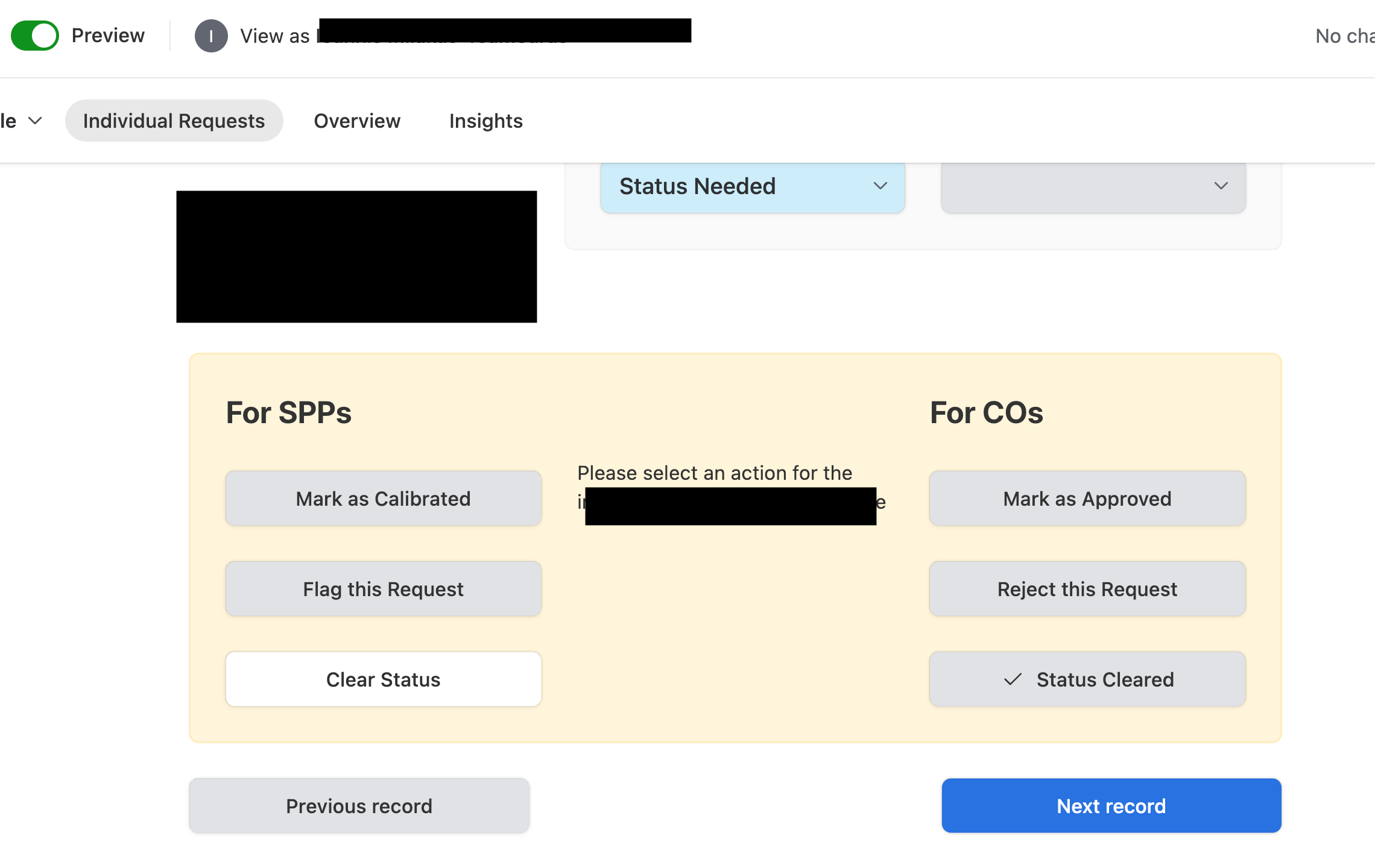
When I "View As" / Preview as one of these approvers, I see that the buttons function correctly and I can set the statuses. Image below.
This approver though has a different view - they cannot click the buttons. I'm a bit at a loss for what to do in terms of troubleshooting. The tricky part is, there are 5 or so approvers, and ONE of them is able to interact with the buttons and set the status (calibrated / flagged / clear). 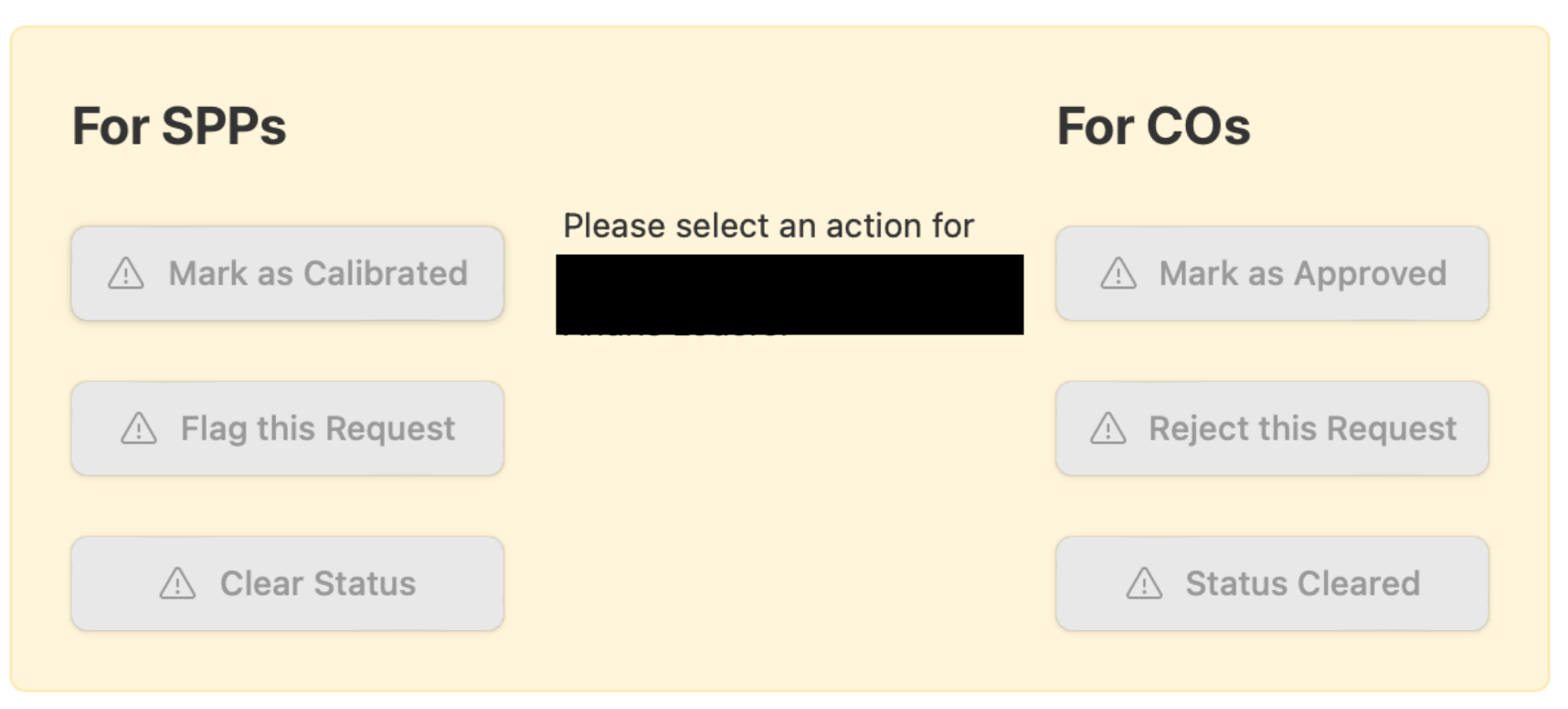
Any suggestions/thoughts?

