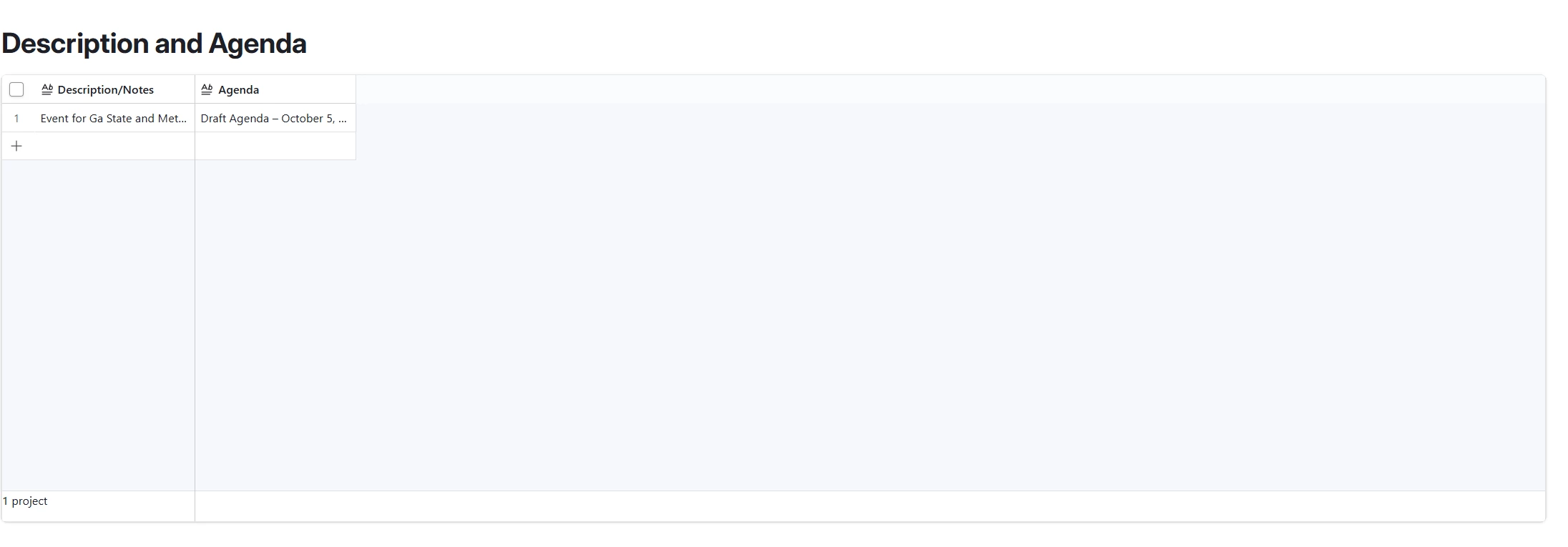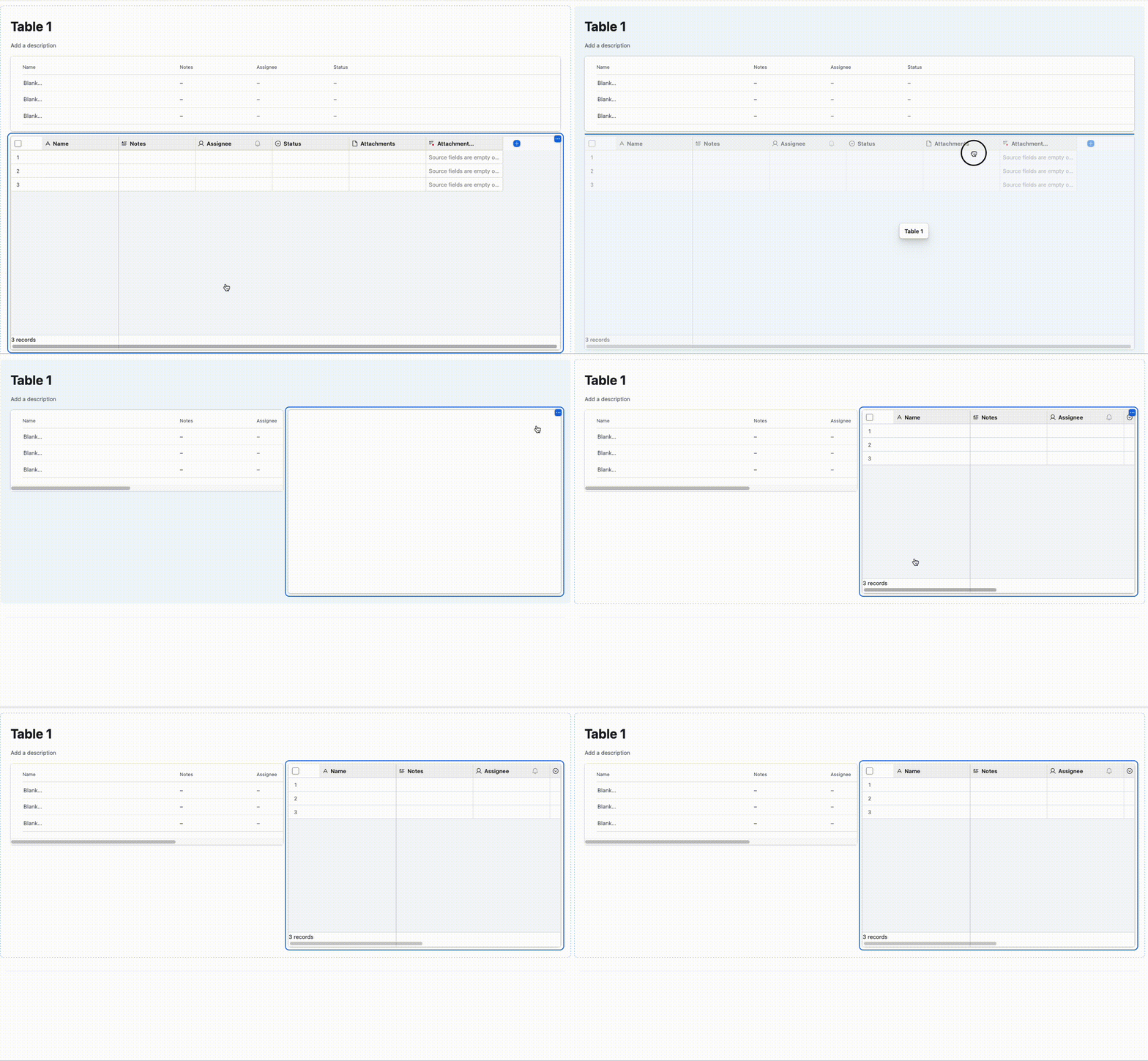
I had claude create an interface for me and the boxes are huge, I cant seem to click the edge and drag them to make them smaller. This is how claude said it was set up:
I didn't use one of Airtable's built-in interface templates (the picker you'd see if you clicked "Create new interface" and chose from Kanban, Calendar app, Record review, etc. in the UI). I built it directly through the API using raw building blocks:
- The entry page ("Event Template- Duplicate for New") is a Dashboard page type — a set of sections, each pulling from a table (Projects or Project Categories) with a filter scoping it to just this event, and a grid element inside each section showing specific columns.