Question

How do I remove deleted fields to make form submission work?

  • June 25, 2026
  • 5 replies
  • 39 views

ssundaram18
Forum|alt.badge.img+4

Context: I am using the Forms interface, not form view. 

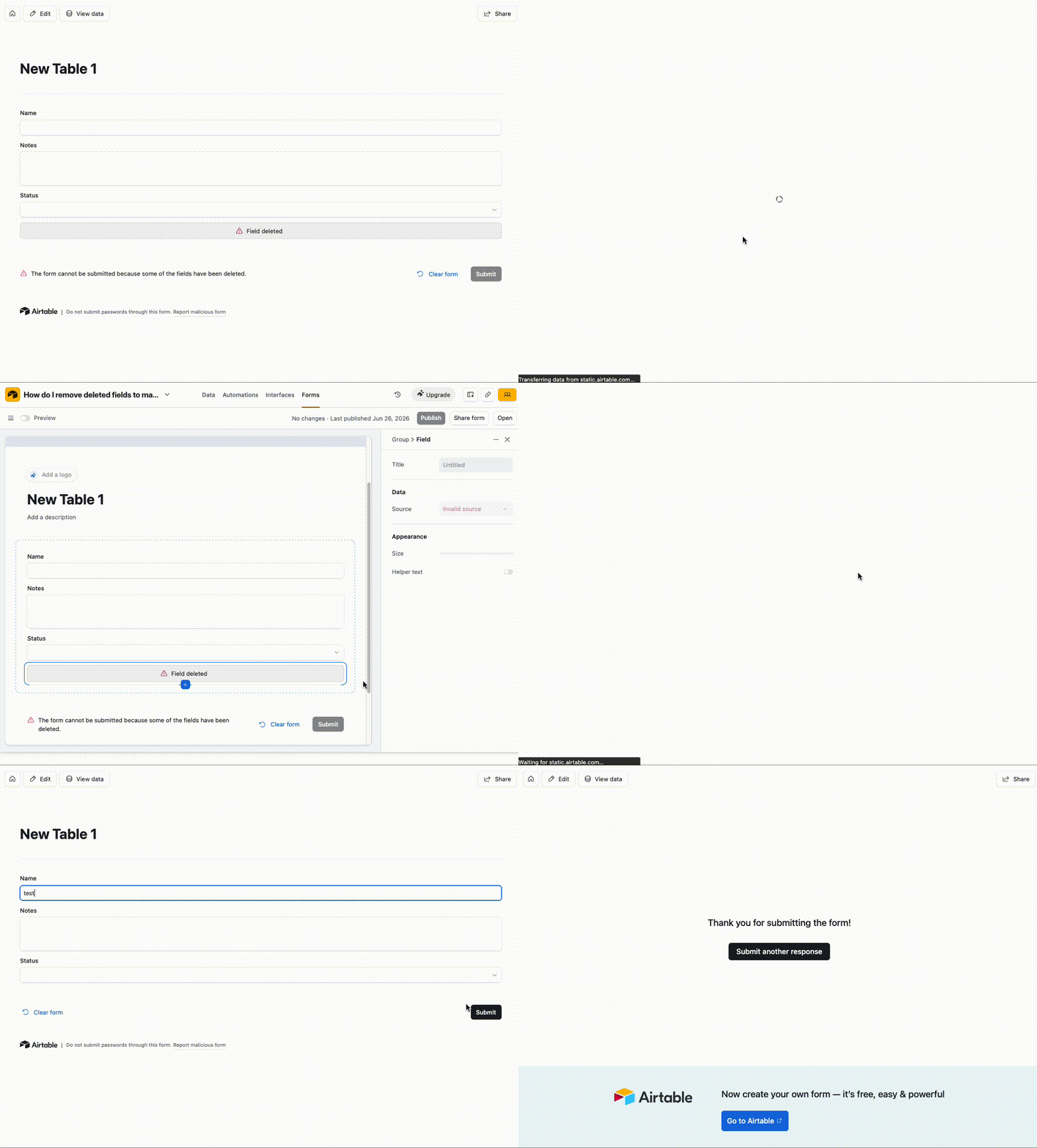
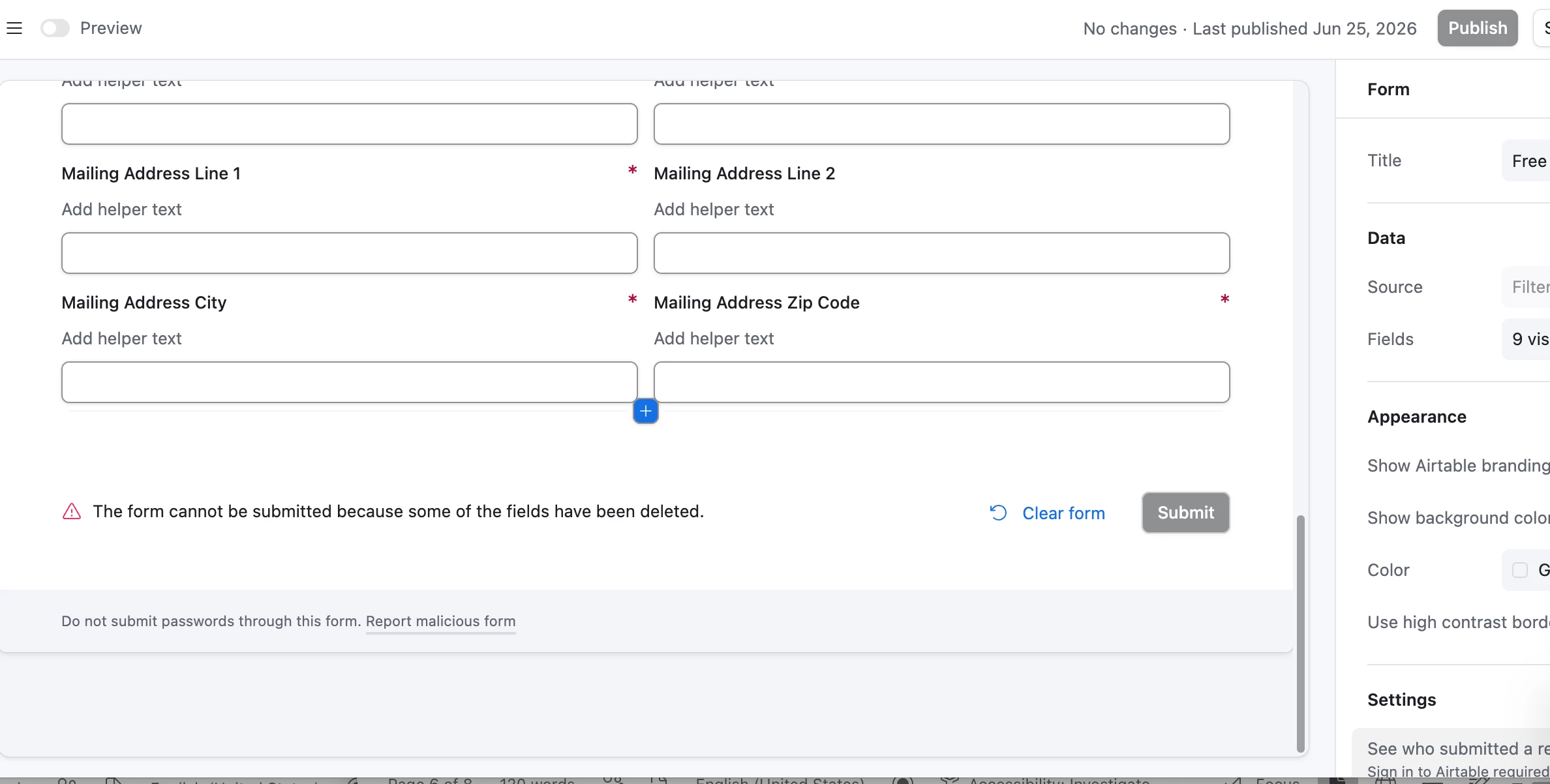
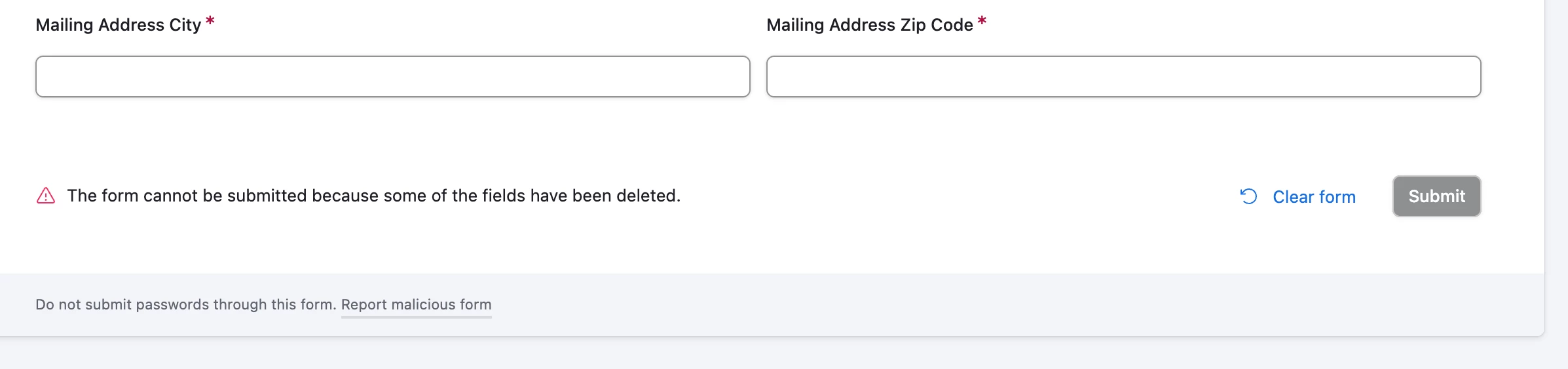
I previously published this form, then we redesigned it and removed a field. I am getting this error, while in editing mode, that says “The form cannot be submitted because some of the fields have been deleted.” 

The field was deleted from this table, how do I remove this from my form so it can accept submissions? 


5 replies

TheTimeSavingCo
Forum|alt.badge.img+32

Hm, may I know what issues you had with editing the form and deleting that field from it?


ssundaram18
Forum|alt.badge.img+4
  • Author
  • New Participant
  • June 26, 2026

in editing mode, im not able to select the field. it was deleted a few weeks ago 


ARowell
Forum|alt.badge.img
  • New Participant
  • June 26, 2026

in editing mode, im not able to select the field. it was deleted a few weeks ago 

Does it show you “Field Deleted” anywhere on the form or is what is shown the whole form? 


ssundaram18
Forum|alt.badge.img+4
  • Author
  • New Participant
  • June 26, 2026

I’m not able to see a ‘Field Deleted’ or click the warning that I am seeing. Trying to avoid recreating the form. 


TheTimeSavingCo
Forum|alt.badge.img+32

Interesting!  Any chance you could duplicate the base with no records in it and DM me an invite?  Would love to poke at it to see what I could figure out!  

In the meantime I would also suggest opening a support ticket directly in case this is a bug of some sort