Question

How to Update Record in Interface?

  • February 24, 2026
  • 2 replies
  • 33 views

Forum|alt.badge.img

Hello Community,

Is there any way to update the two fields from the interface when I click an button using form or some other way.


Current Problem:
I have an automation which triggers on record update. My table as two date time fields: Start Time and End Time. And as you might know we cant enter date and time together in date-time field in Airtable. So when I set both of them it consumes 4 runs of the automation which is not efficient.

Solution I am looking for:
We would be mainly creating tasks from interface like this
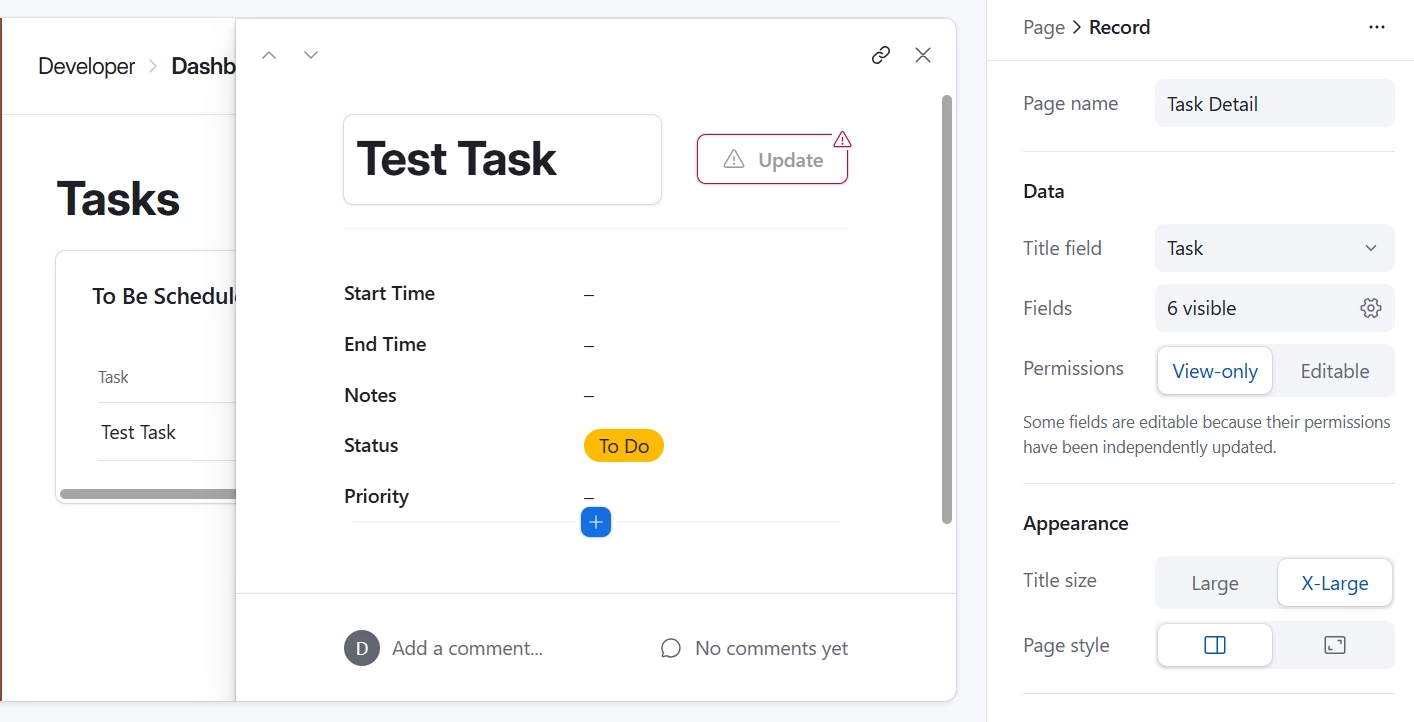


Now I dont want to have the Start Time and End Time as editable fields because then the above problem will be posed again. Is there any way where when I click the Update button it askes for Start Time and End Time and then it gets updated on airtable upon confirmation?

If this is possible I would really appreciate some help in achieving it.

Thanks for your time!

2 replies

DisraeliGears01
Forum|alt.badge.img+21

Hmm, you could potentially turn the Start Date into a linked record field and then the Update button goes to a form for that Dates table linked to the task. 

That said it might be easier to look at your automation and fields instead. One potential solution in that direction is instead of having End Time be an enterable Date/Time field, have it be a formula field predicated on Start Time + Duration, and have the automations fire off the End Time field. Users enter their Start Time, then their duration, and then End Time is calculated and the automation fires. This’ll take a bit of continued tinkering because the most simplistic version of this formula (DATEADD) has End Time=Start Time until duration is entered, but maybe you have the automation look for duration is not empty instead...


TheTimeSavingCo
Forum|alt.badge.img+31

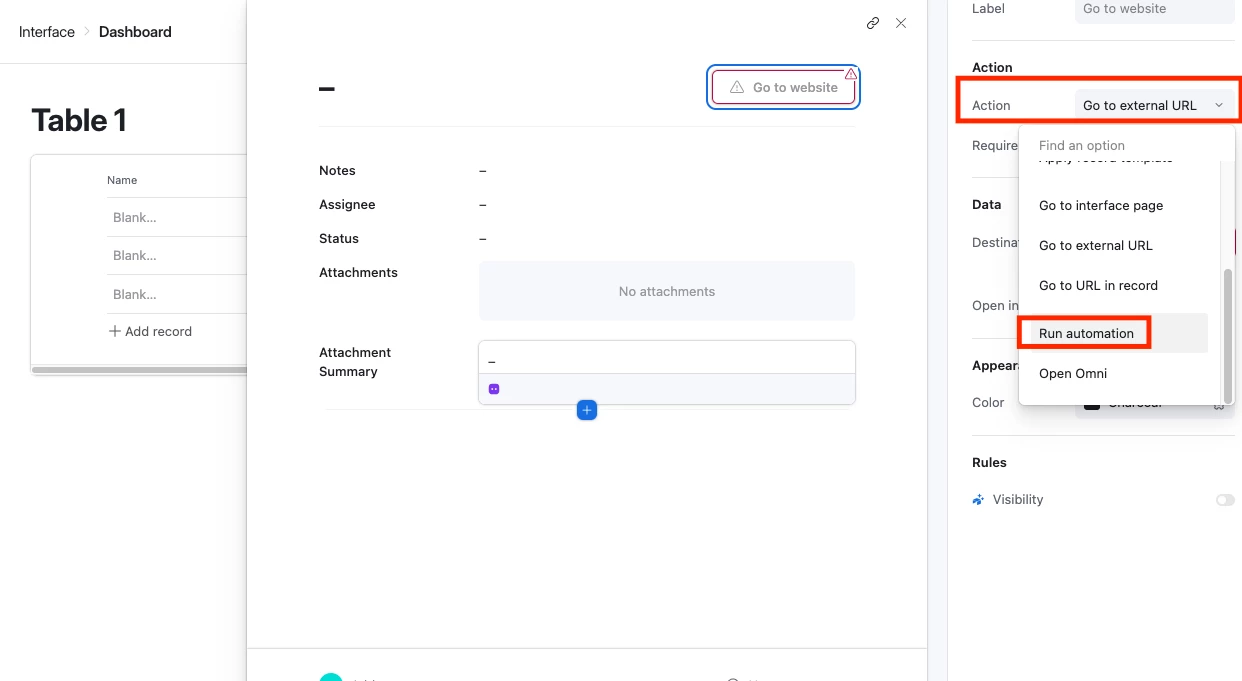
Yeap try setting your button to be ‘Run an automation’ instead:

The workflow would then be: 

  1. User keys in all the information required for the task
  2. User clicks the ‘Update’ button

Alternatively you could also force people to create records via a Form instead maybe?  Not as clean as what you have now as Dashboard layouts would require them to open the form in a new tab, but would allow you to be more strict about what data gets keyed in with required fields and such