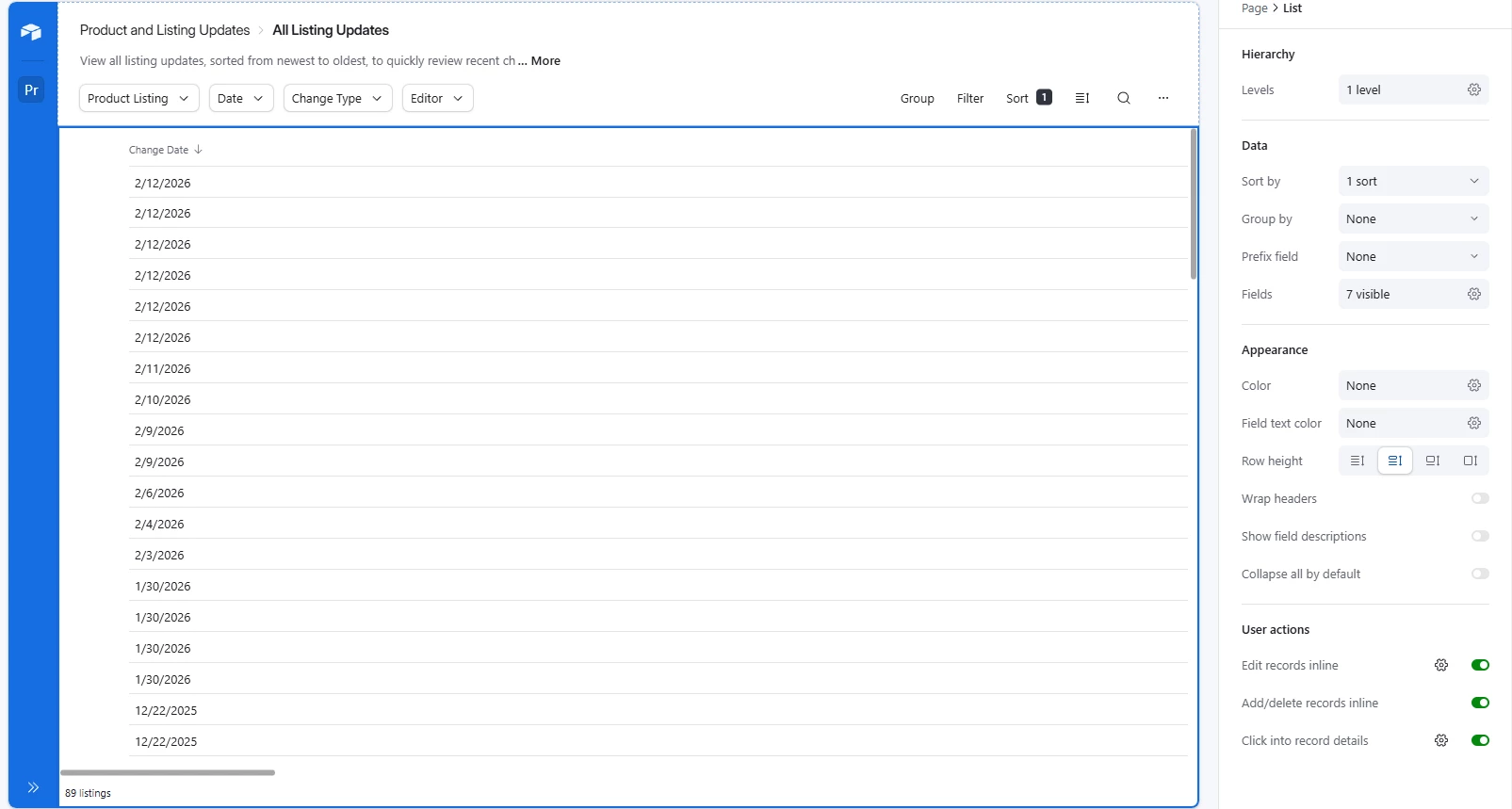
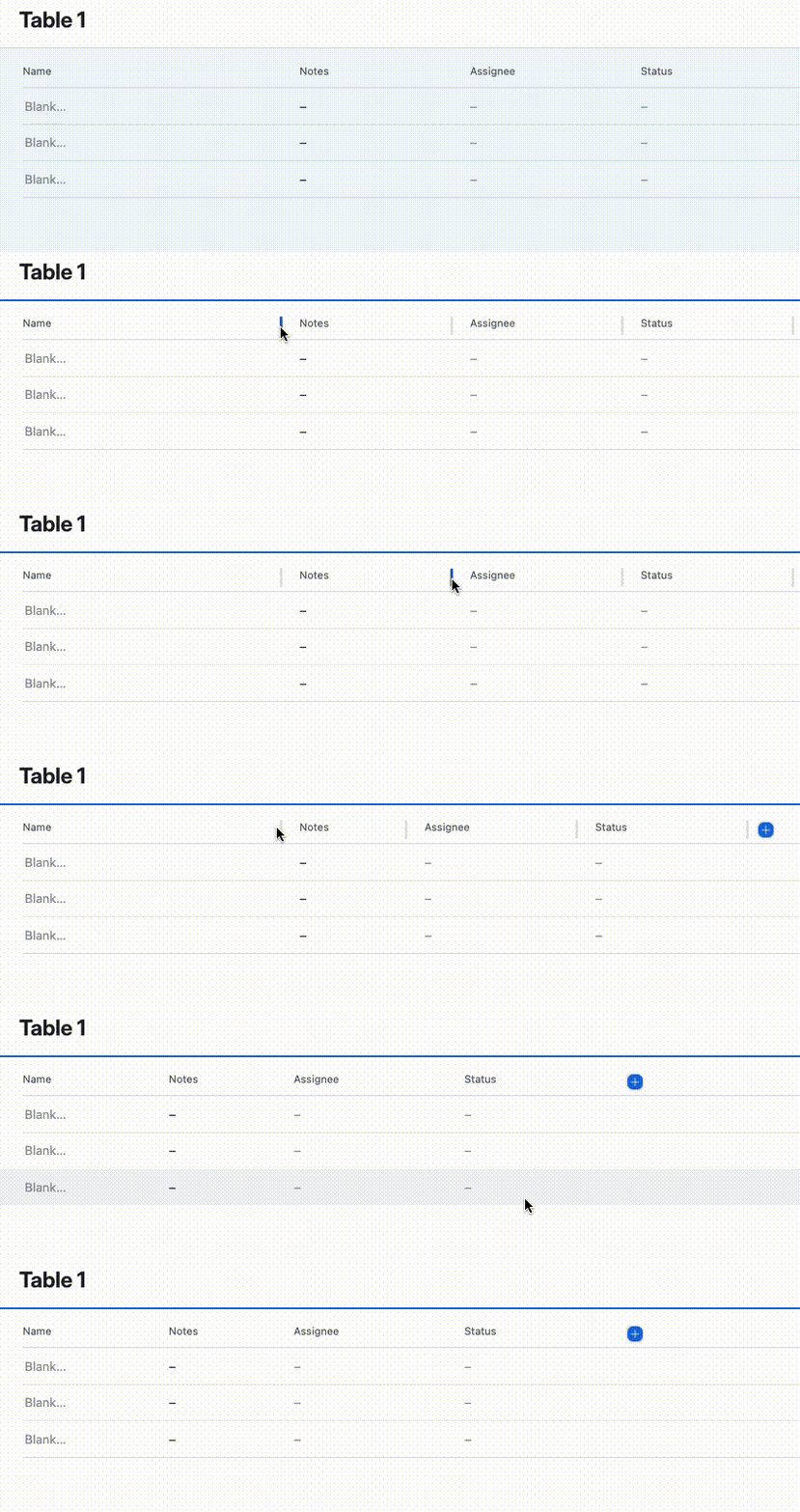
I’m working on an interface page with the list template. One of the fields I’m trying to display in the list is date. I noticed the field had more margin than it needed so I looked for a divider and found what looked like a divider to drag it over to make it more narrow but when I clicked it actually added more width, I tried a gain and it added even more width where the date is now the only visible field and I have to scroll over just to see the other fields in my list. I can’t seem to find any way to make it shorter or even just go back to it’s original width. Could someone please help explain what I’m doing wrong and the correct way to adjust field width in the list interface template?