
Is it really the case that Airtable Interface forms can't automatically populate a linked-record field based on the record context from which the form was opened?
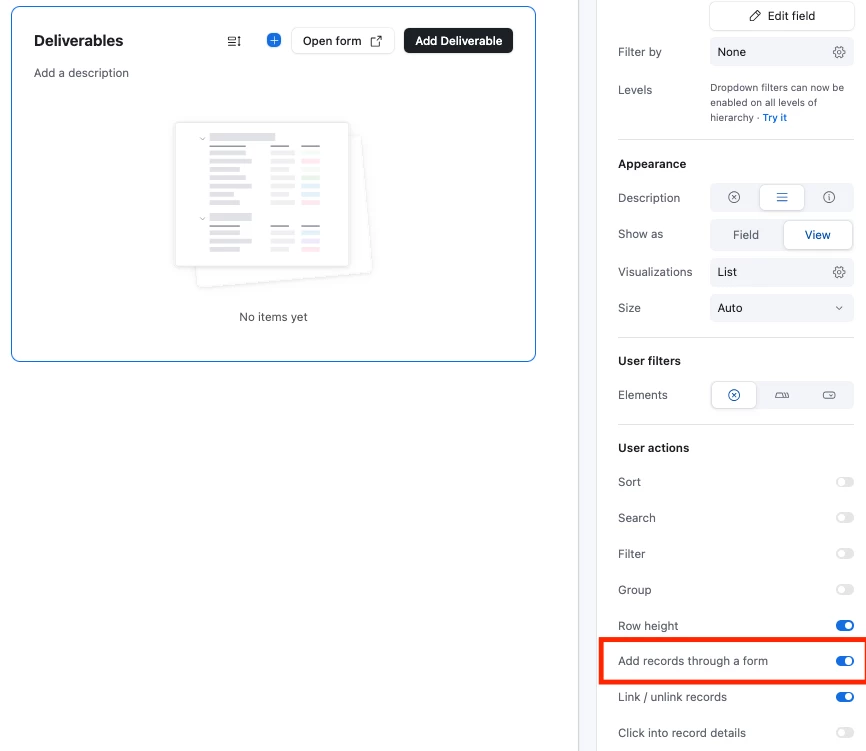
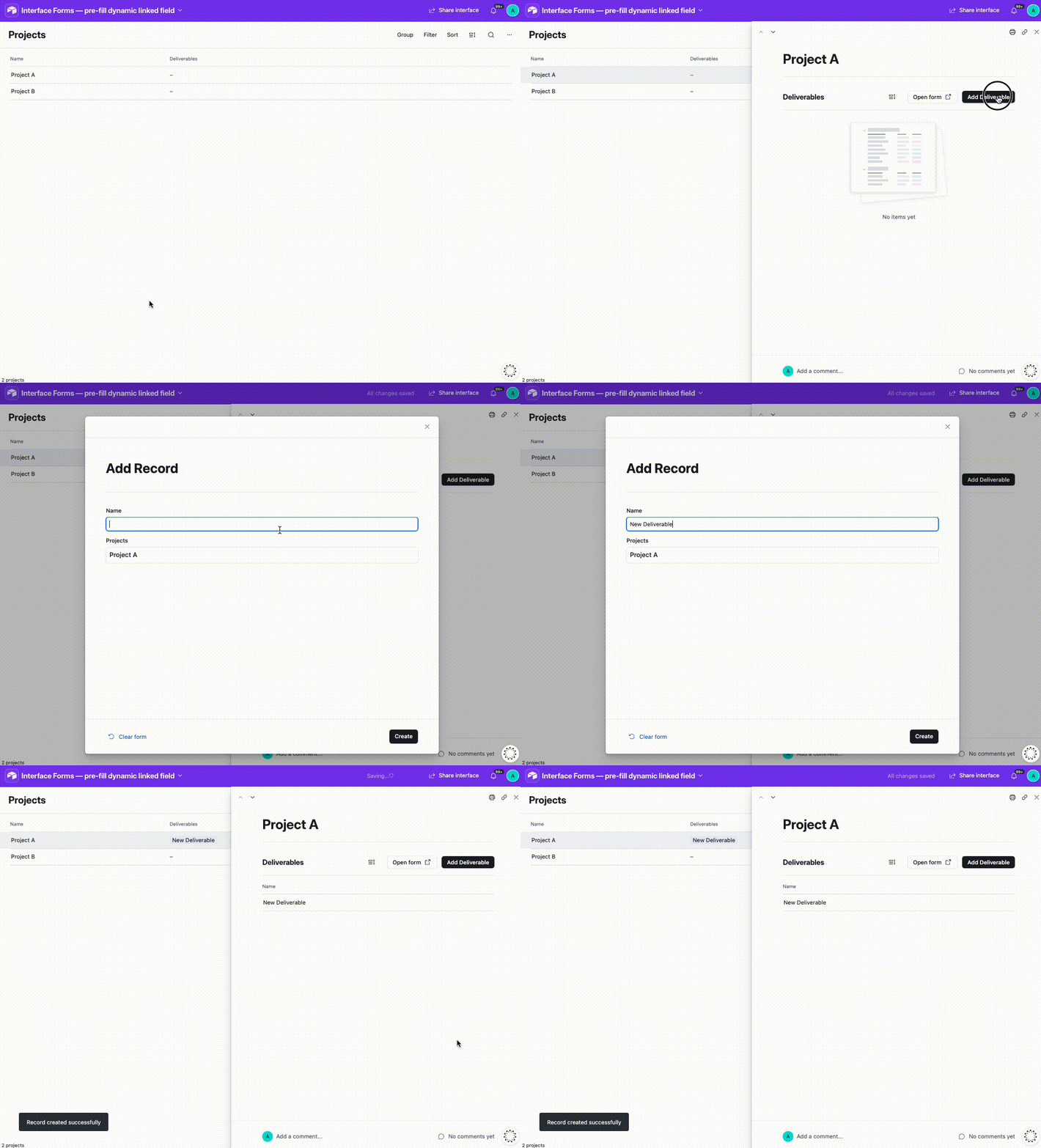
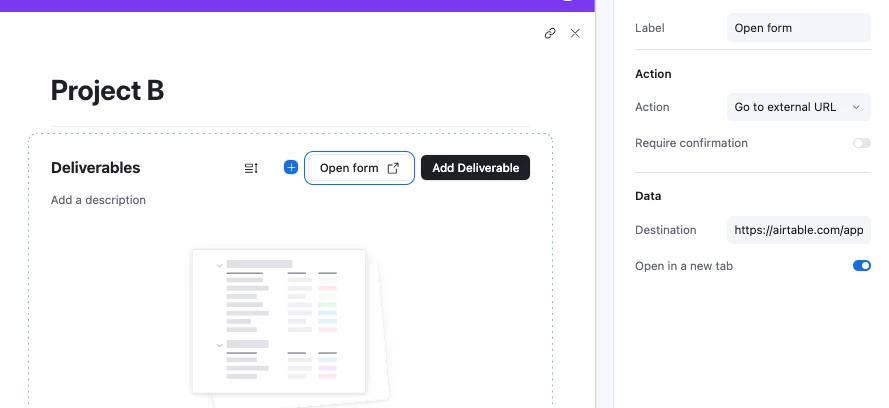
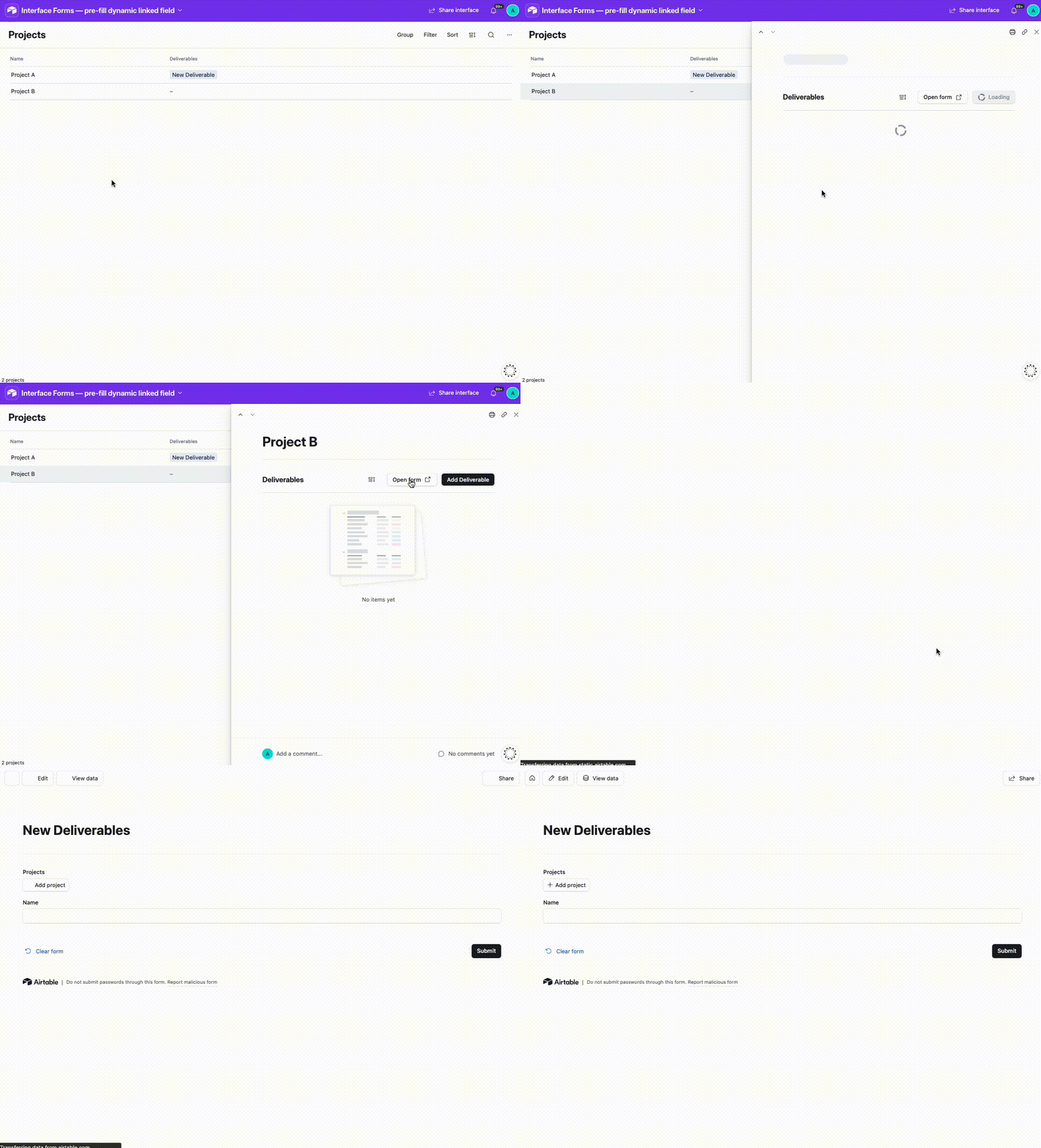
For example, I have a list of Projects. A user clicks into a specific Project record in an Interface, views its details, and sees a list of related Deliverables. I have a button associated with that list that opens a form to create a new Deliverable. I would expect the Project linked-record field to be automatically populated with the Project record the user is currently viewing, but that doesn't seem to happen nor is there an option to fill that dynamically.
Am I overlooking a setting or feature that enables this? It feels like a fairly common workflow, and requiring users to either create records inline or use a separate prefilled form URL seems like a less intuitive experience.