Question

Making interfaces more user-friendly

  • Nov 4, 2026 11:04 PM UTC
  • 2 replies
  • 10 views

Forum|alt.badge.img+5

Are there different ways to design the interface navigation panel? My organization has 16 different interfaces and users are finding the interface to be unweildy to navigate. Most people don’t use it because its not user friendly. 


Is it possible to create separate interfaces - one for admin & one for staff?

Is it possible to lay out the interfaces in a grid or drop-down menus instead of the accordion-style list?

Screenshot of all our interfaces:
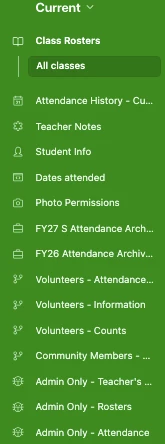


2 replies

TheTimeSavingCo
Forum|alt.badge.img+32

Is it possible to create separate interfaces - one for admin & one for staff?

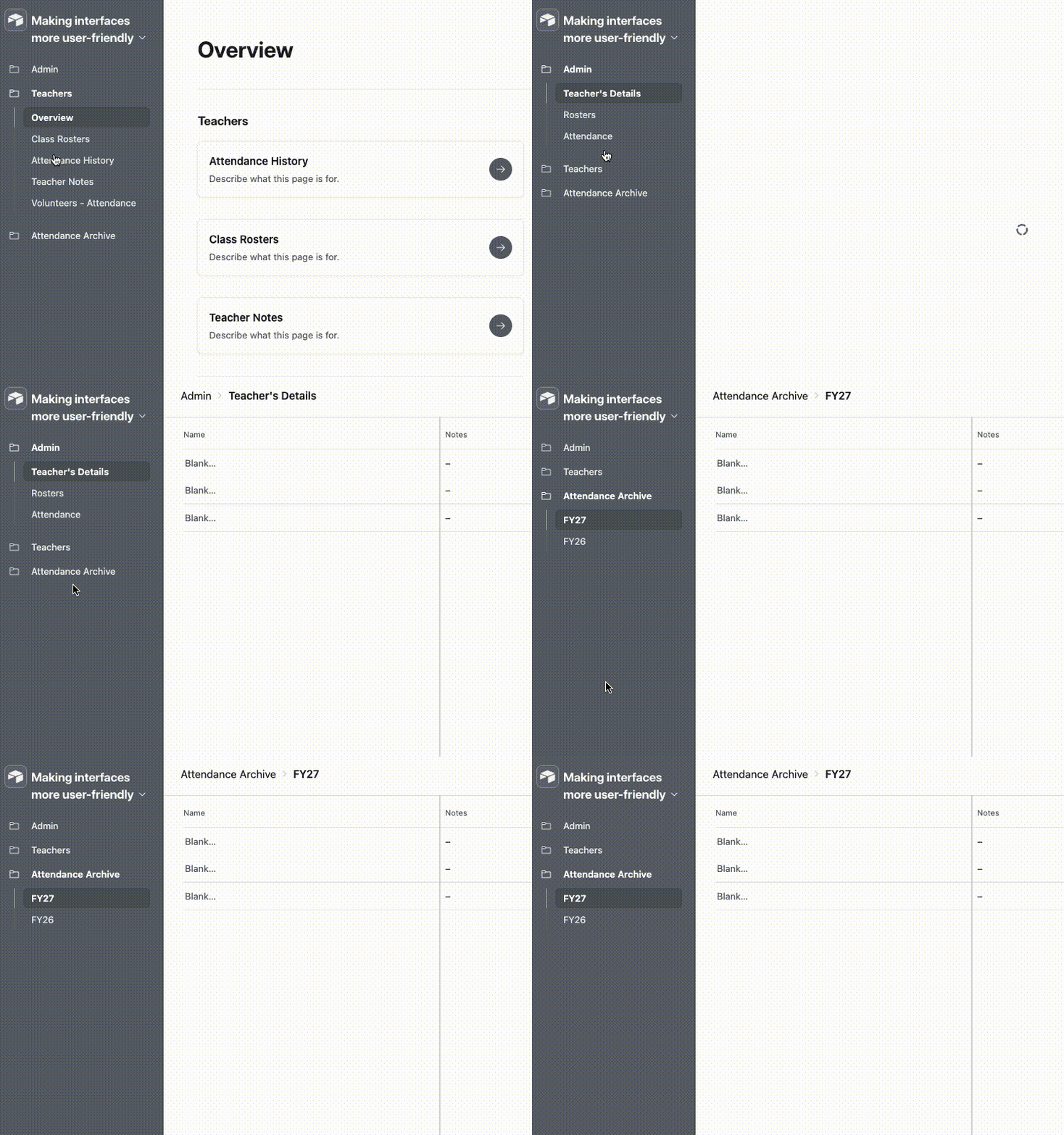
Yeap and this is how it might look:


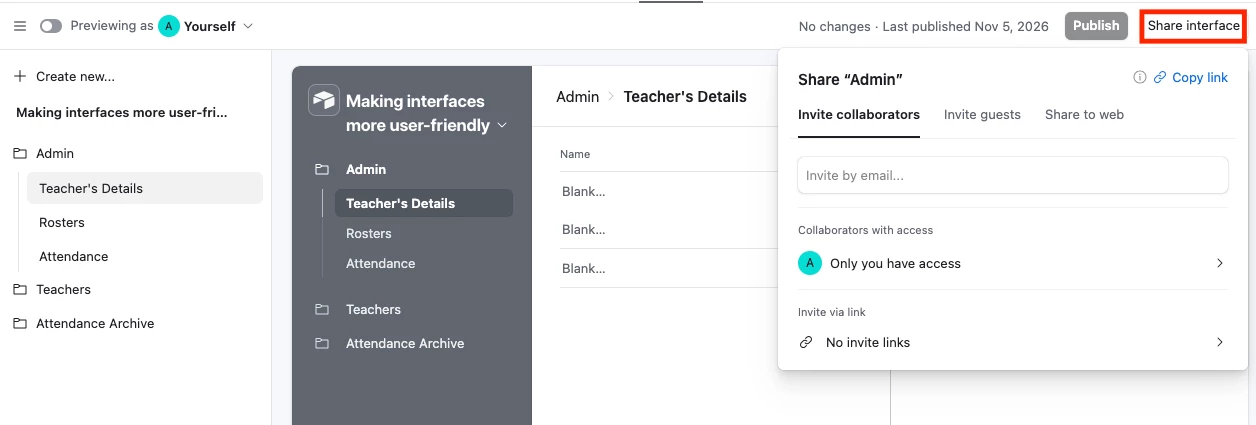
And to manage who can access each Interface and the pages within it, we would click ‘Share interface’ at the top right:


Is it possible to lay out the interfaces in a grid or drop-down menus instead of the accordion-style list?

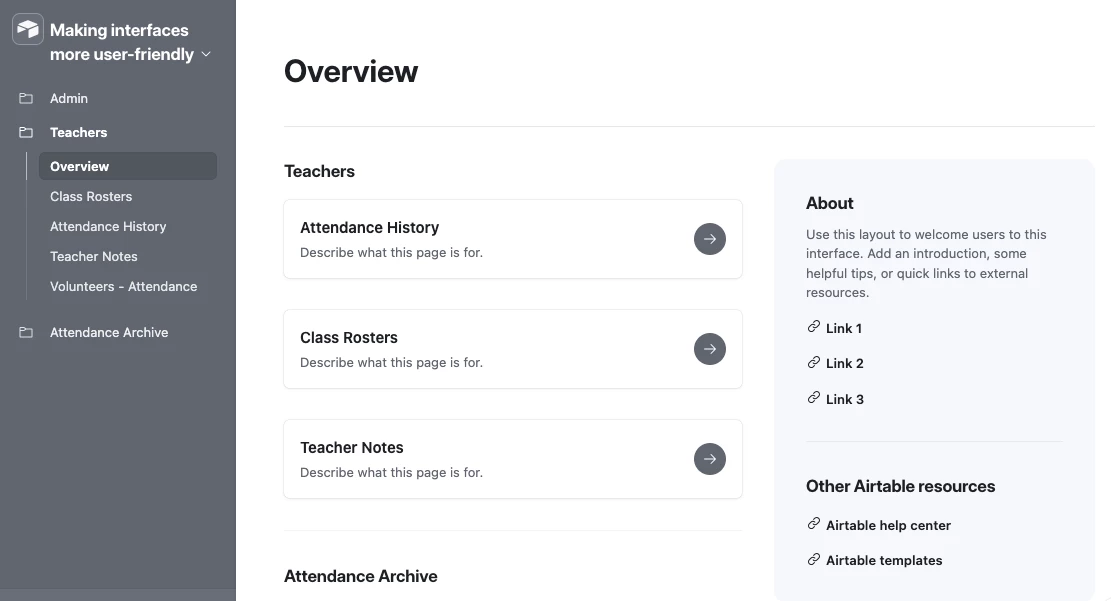
Hm, the Overview layout lets us create something slightly easier to navigate like so:


Forum|alt.badge.img+5
  • Author
  • Inspiring
  • Nov 5, 2026 11:17 AM UTC

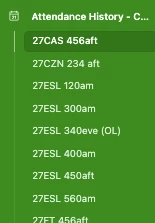
Thanks. These solutions don’t work for my situation, since there are already multiple interfaces nested under each heading (see screenshot below). I suppose I could use ‘overview’ for this specific heading - with each class having its own block in the overview page, but that would only mean more clicks to reach the destination. 


Also, I thought that nested interfaces needed to source from the same table? This is why we have for example, Class Rosters as its own heading separate from Attendance History and Teachers Notes -- although it’d be nice to have those grouped together as resources for teachers. 

Class Rosters pulls from the ‘Classes’ table

Attendance History pulls from the ‘attendance’ table

Student Info pulls from the ‘Students’ table. 

in Airtable interfaces, am I right in understanding this means these have to each have their own heading?


I’m starting to conclude that for my circumstances Airtable doesn’t have capability to create more customizable & user-friendly interfaces. I’d welcome any suggestions otherwise, thanks.