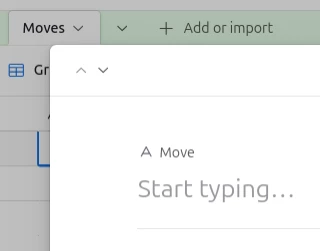
I want to use the Record Review template to make a How-to Page for my CRM. Each how to Task is on the left nav bar but I want the user to be able to page through them with Next Page (Record) Previous Page (Record) Buttons at the bottom of each Task page. I know I can use a button to pull a URL from the current record but that reloads the whole page instead of just changing the section as if you used the sidebar nav. Gallery view has a kind of pagination feature but there’s less customizability in the page template then the Record Review module version.
Any ideas? I’ve tried Omni prompts with bad results, but if you have one that worked for you I’ll gratefully take that solution.
Please don’t respond with 3rd-party integrations as solutions.