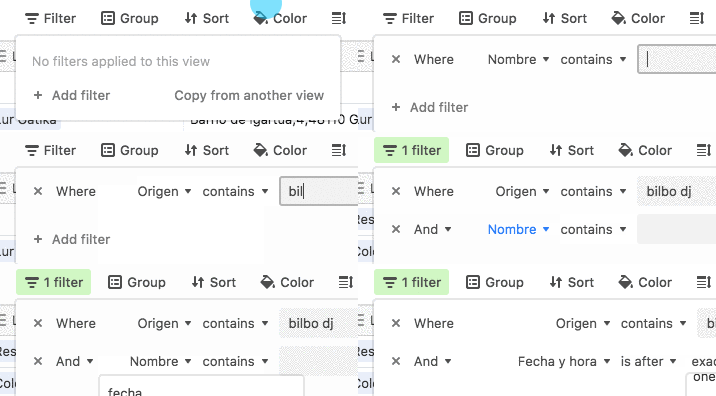
We can use cmd shift F to pull up the filter menu, but we can’t tab through the fields.


Enter your E-mail address. We'll send you an e-mail with instructions to reset your password.
 +3
+3We can use cmd shift F to pull up the filter menu, but we can’t tab through the fields.
Enter your E-mail address. We'll send you an e-mail with instructions to reset your password.