Dynamic Row Height

  • March 13, 2019
  • 22 replies
  • 100 views

Forum|alt.badge.img+4

Hi,

As far as I can tell, currently you can set row heights to Short/Medium/Tall/Extra Tall. This height setting is applied to every row in the base.

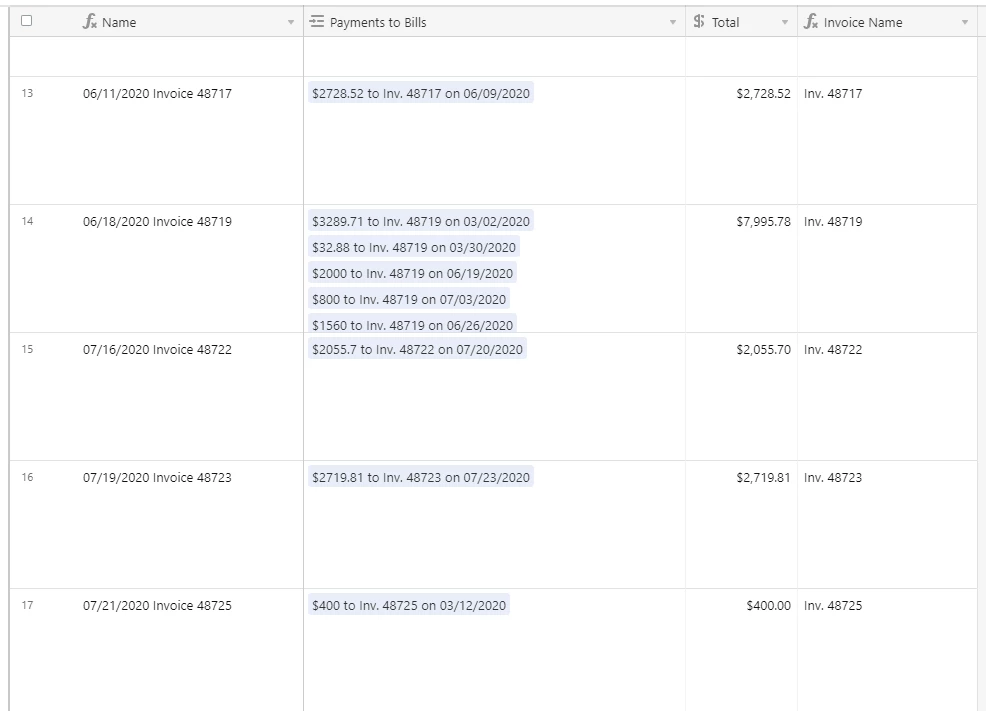
It’d be nice if there could be a “dynamic height” option, where each individual row is set to a height depending on its longest content. So a row that has a cell which requires 5 lines to display will have a height of 5 lines, while a row whose longest cell is only 1 word will be still be the “Short” height.

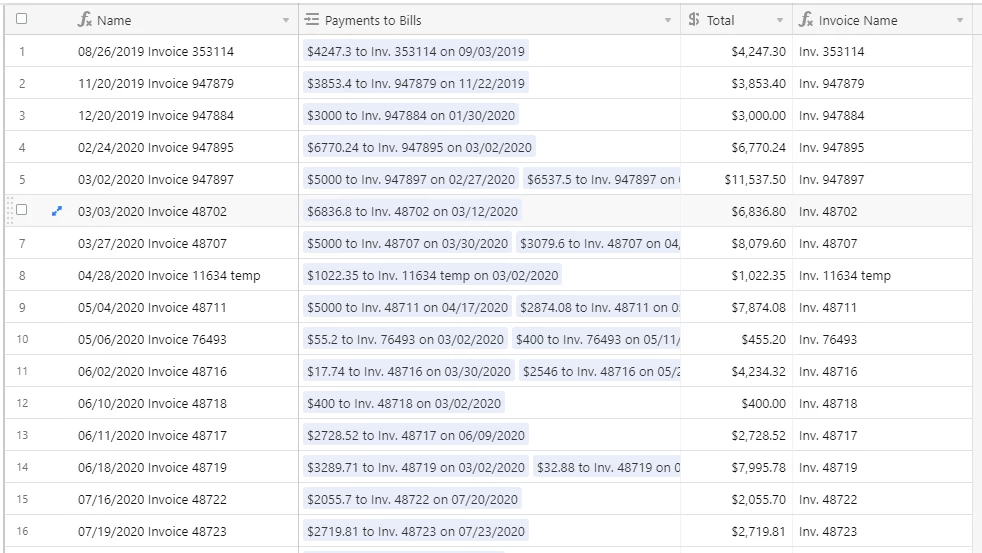
This would be really useful for bases where we have text content that varies greatly in length (for example, user responses to an open-ended survey question). Right now, I have to set the height to “Extra Tall” to fit in most answers, but this wastes a lot of space because there are also lots of short answers which end up taking up way more space than they need.


22 replies

  • New Participant
  • October 23, 2019

Agreed! This would make a big impact on readability, especially when presenting to a group. It breaks up the flow when you have to expand just to see the rest of the text.


  • New Participant
  • April 21, 2020

It would be great to understand from Airtable why this is not a feature already. Is it just not being prioritized or is there some design decision for not doing it?


Agreed! Would like to have this feature.


  • New Participant
  • April 22, 2020

A vote here as well. We track critical information in Airtable and without all text visible or some kind of truncation iconography, it’s easy to miss data.


  • New Participant
  • May 3, 2020

Yes, agreed! I think there’s the option to custom expand the columns, but not the rows? Lots of people are asking for it, rather than having set row expansion heights by Airtable, we should be able to customize it and drag it the length.


Forum|alt.badge.img+2
  • New Participant
  • May 12, 2020

I’d like to see this as well.


  • New Participant
  • June 15, 2020

+1 from me as well. Sorely missed right now.


  • New Participant
  • September 2, 2020

Really, really want this.


Forum|alt.badge.img+12

+1 definitely - there’s some tables we still keep in Excel solely for this reason, as well as for Header text wrapping


Celeste_Bancos
Forum|alt.badge.img+18

I agree! This would also be helpful for link fields which sometimes link to just one other record but other times link to many.

Right now if I want to be able to see all the linked records, I have to make the row height extra high, but that leaves a bunch of empty space in all the rows that have only one other record linked.

If I keep the row-height short, there’s no way to see all the linked records at a glance. I can’t even see how many there are without clicking the cell.


ScottWorld
Forum|alt.badge.img+35
  • Genius
  • October 22, 2020

Totally agree that this is a major missing feature.


  • New Participant
  • November 16, 2020

Yes definitely agree with this - adjustable height of rows to display more text would be a key feature for ability to use it on more projects.


  • New Participant
  • December 11, 2020

absolutely essential… I am now wasting time looking for a 3rd party solution, which could even lead me away from using Airtable…


yes this is critical for my workflow too.
does anybody know a different online table solution where this dynamic row height is possible?


ScottWorld
Forum|alt.badge.img+35
  • Genius
  • March 15, 2021

yes this is critical for my workflow too.
does anybody know a different online table solution where this dynamic row height is possible?


Be sure to email support@airtable.com. Even though they famously don’t listen to customer requests, you never know what the future will hold. It’s good to at least bother them about it. Maybe someday they will have a management overhaul who will decide to listen to customer requests at that time.

In the meantime, MiniExtensions is the service that is dedicated & committed to fixing all the hundreds of flaws in Airtable, and they are fully focused on filling in all the glaring holes in Airtable.

Check out their grid view below, and if they don’t have what you need, they are extremely responsive to user feedback (unlike Airtable, which ignores user feedback):


Forum|alt.badge.img+1
  • New Participant
  • September 16, 2021

Be sure to email support@airtable.com. Even though they famously don’t listen to customer requests, you never know what the future will hold. It’s good to at least bother them about it. Maybe someday they will have a management overhaul who will decide to listen to customer requests at that time.

In the meantime, MiniExtensions is the service that is dedicated & committed to fixing all the hundreds of flaws in Airtable, and they are fully focused on filling in all the glaring holes in Airtable.

Check out their grid view below, and if they don’t have what you need, they are extremely responsive to user feedback (unlike Airtable, which ignores user feedback):


Also feels essential for me.


  • Participating Frequently
  • May 11, 2022

Would like to be able to adjust the row height more so that I can see the full record. Extra Tall isn’t tall enough.


Forum|alt.badge.img+5
  • Participating Frequently
  • April 26, 2023

Dynamic row heights with text wrapping would be greatly beneficial to data visualization for my projects


Forum|alt.badge.img+2
  • New Participant
  • September 30, 2023

Please!!  I'd love this


Forum|alt.badge.img+7

+1 for this. Would be a game changer for sharing all of our information in Airtable.


Forum|alt.badge.img+4
  • Participating Frequently
  • November 5, 2024

Adding my vote for dynamic row height. I'd like to transition from Google Sheets to Airtable for my relational data project management needs, but if I can't view all the details at a glance, that's a non-starter. PLEASE ADD dynamic row height!


Forum|alt.badge.img+1
  • New Participant
  • December 29, 2024

Would also really love this!!