
Question

Event Recap: How one Audio Engineer Manages everything on Airtable | May 7

  • April 30, 2026
  • 3 replies
  • 49 views

Max_Bernstein
Forum|alt.badge.img+13

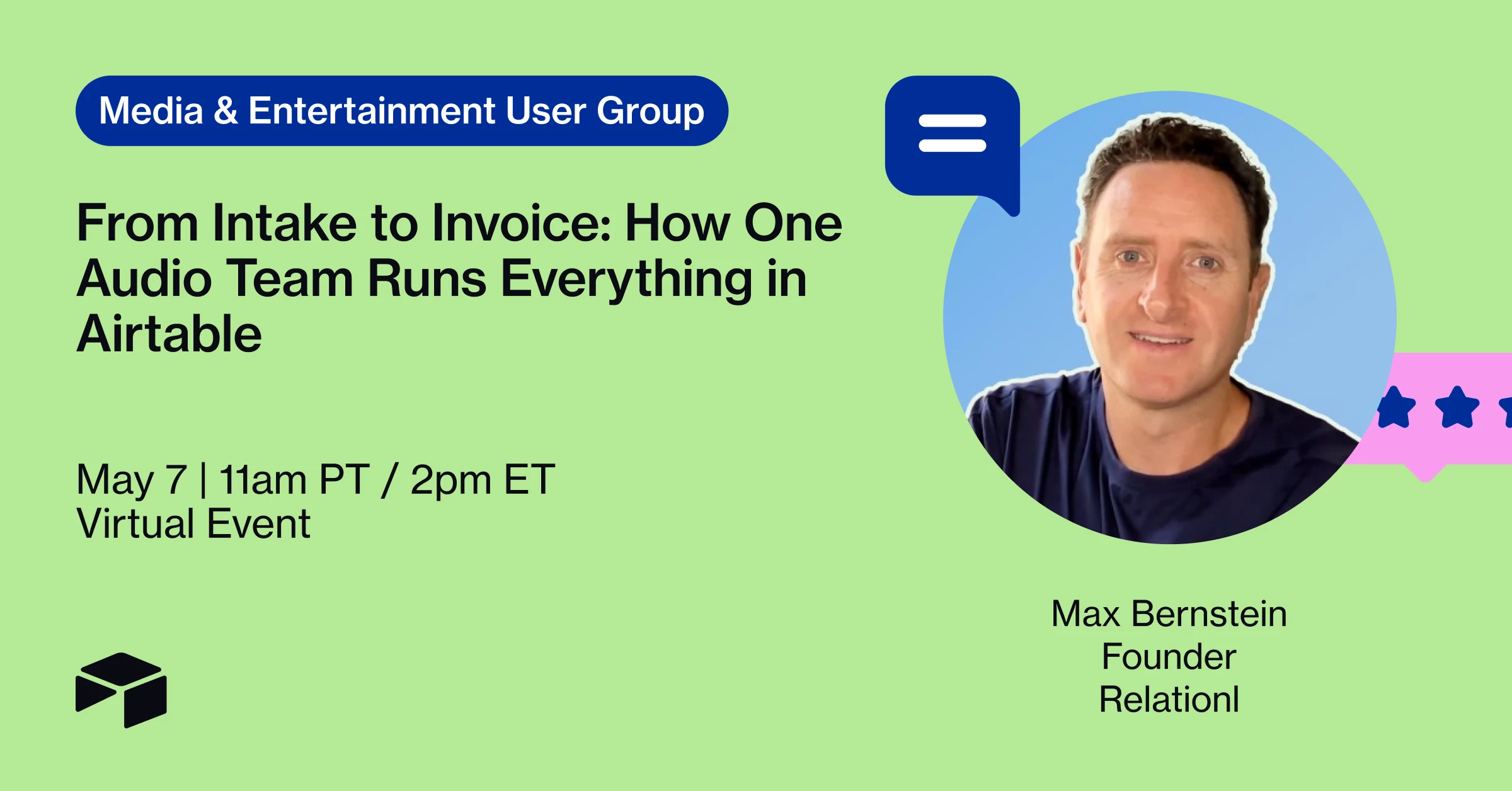
Join me and Liz Abramsohn, winner of our Community Creator Challenge, to walk through her winning Airtable use case which powers her business as a manager of some of the worlds top audio engineers.

Register here > https://airtableevents.com/mediaent-usergroup-audioeng-may-26


From Intake to Invoice: How One Audio Team Runs Everything in Airtable

Managing audio engineers is a lot. Project intake, figuring out who's available, tracking deliverables, chasing payments — and somehow keeping a running discography that doesn't live in six different spreadsheets. Sound familiar? 🎧

In this session, we're pulling back the curtain on how one builder manages her entire audio engineering team inside Airtable, from the moment a project comes in to the moment it's paid and cataloged.



3 replies

MaddieJ
Forum|alt.badge.img+25
  • Community Manager
  • April 30, 2026

So excited for this one! 


AngeeB
Forum|alt.badge.img+1
  • New Participant
  • May 1, 2026

Yes please!


MaddieJ
Forum|alt.badge.img+25
  • Community Manager
  • May 7, 2026

Event recap

(Check out the video recording below!)


Today's Media & Entertainment User Group featured ​@liz12, an audio engineer manager and recent winner of Airtable's $10k Creator Challenge.@Max_Bernstein from Relational (an Airtable gold-level services partner) joined her to tour her base live and unpack the design thinking behind it.

The Spotify-to-website pipeline

Liz's most-loved build: she adds a song to a Spotify playlist, Zapier pulls the metadata and artwork, and it populates her client-facing website -- all via an embedded Airtable interface on her website.

Per-engineer interfaces with isolation

Each engineer sees only their own projects and clients. Liz sees everything. Status fields are single-select with a linear progression so Kanban stays clean and meaningful -- checkboxes handle the "currently working on this" signal without muddying the pipeline stage.

Invoicing, automations, and email forwarding

QuickBooks invoices sync into Airtable via Zapier. Max walked through consolidating multiple payment-state automations into one using conditional logic groups. He also showed linked record conditions to filter invoice dropdowns by engineer, and demonstrated Airtable's native mailhook trigger as an alternative to Zapier for routing forwarded emails into tasks.

Scaling with current user filtering

The session closed with a live demo of adding a User field to the engineers table, looking it up through the project hierarchy, and filtering an interface by "current user" -- so one interface dynamically shows each engineer only their own records.

Watch the full recording here and drop any follow-up questions below!