

Event Recap: Set the Table: Builder Basics | March 26

  • March 13, 2026
  • 4 replies
  • 144 views

MaddieJ
Forum|alt.badge.img+25


Hey everyone! 👋

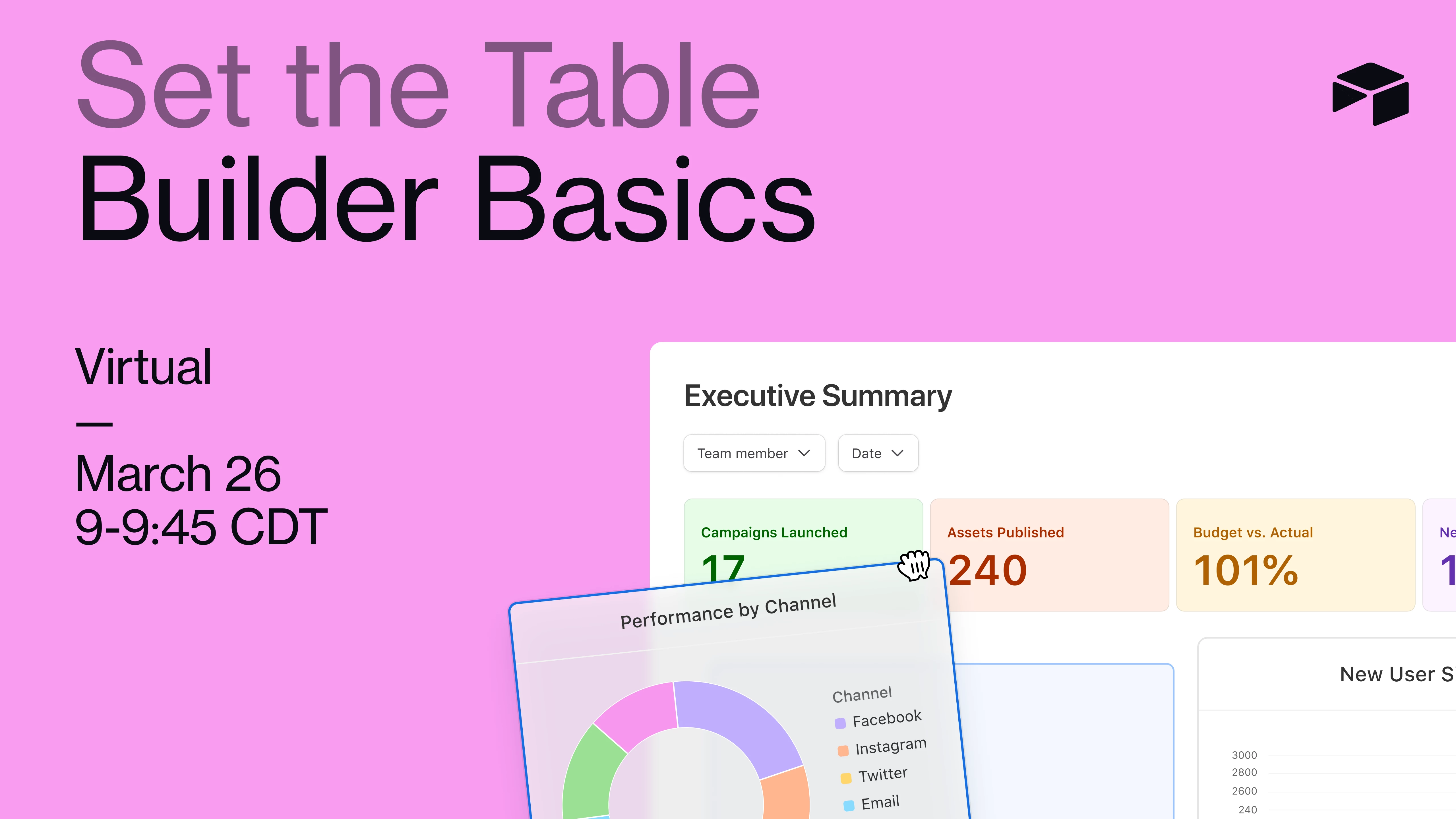
If you’re new to Airtable and looking for a friendly place to start, we’ve got something for you. Our next session of Set the Table: Builder Basics is on March 26 — a beginner-focused event that will help you understand the core building blocks of Airtable and how to start creating your first base.

During this live session, we’ll walk through the fundamentals with a guided demo and show how a simple base comes together. You’re welcome to open a practice base and follow along if you’d like, and we’ll wrap up with time for live Q&A so you can get your questions answered.

The session will be led by ​@zachkrumrey , one of our Scaled Customer Success Managers, so you’ll be learning directly from someone who knows the most common beginner questions and best ways to get started.


👉 Save your spot here


Hope to see you there! 🚀

4 replies

MaddieJ
Forum|alt.badge.img+25
  • Author
  • Community Manager
  • March 26, 2026

Thanks to everyone who joined this event today! We had a fantastic session diving into the foundational elements of Airtable, led by Scaled Customer Success Manager, Zach Krumrey. If you missed it, catch up with the recording below:


3 Key Takeaways 👀

  • Airtable is built on three key layers: the data layer (where tables and records live), the logic/automation layer (where you can set up automations and triggers), and the interface layer (which lets you create user-friendly dashboards and views for end users). Understanding these layers is crucial for building effective workflows.
  • Linked records and rollup fields are powerful tools for creating relationships between tables and making your data actionable. For example, you can link team members to projects and tasks, and use rollups to calculate things like the number of tasks assigned or project completion percentages.
  • Automations in Airtable can streamline your processes, such as sending emails when a task is marked as done or creating new tasks when a project is at risk. Starting with simple automations and experimenting with more complex ones can greatly enhance your workflow.

Check out the recording here, and we hope to see you at the next one! 


  • New Participant
  • May 4, 2026

Great recap—events like this really help simplify the basics for anyone getting started. It would be useful to also include some follow-up resources or references for deeper understanding. I found some helpful details on Knox Court Records that could complement what was shared here. Adding practical examples or case walkthroughs next time could make it even more engaging. Looking forward to more sessions like this!


  • New Participant
  • May 4, 2026
 

Thanks for the recap of “Set the Table: Builder Basics | March 26”. Great to see practical insights shared around building fundamentals and process improvement. For anyone needing organized case information, the Mecklenburg Court Records resource can help with structured access to public legal details. Staying aware of filings and updates can really support better understanding of ongoing proceedings. Appreciate the effort behind this session and looking forward to future updates.


  • New Participant
  • May 4, 2026

Great recap of “Set the Table: Builder Basics | March 26” — the session highlights were practical and easy to follow. It’s always helpful to see structured discussions like this that support both learning and real-world application. For additional reference and updates, Pierce Case Records can help users explore relevant legal information and documentation. Looking forward to more events like this that continue to build knowledge and community engagement.