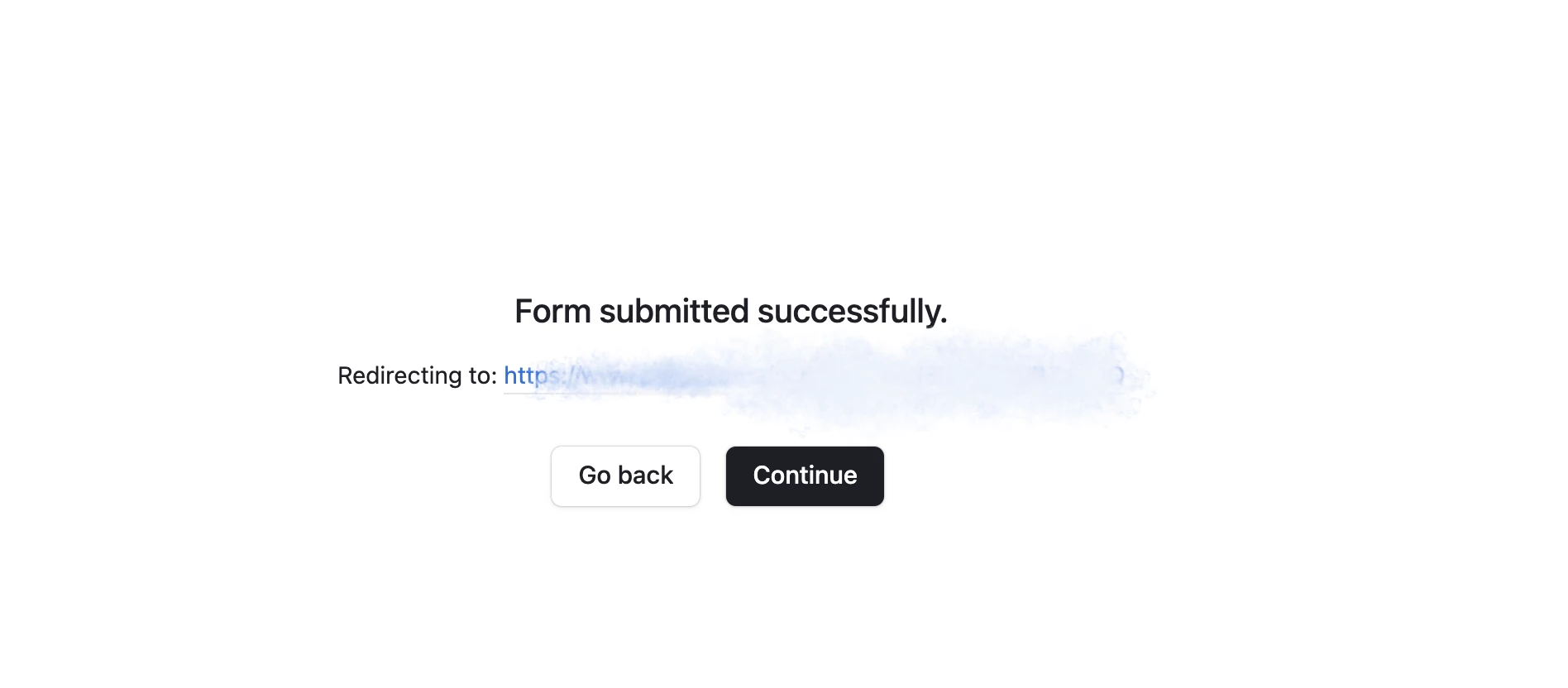
After someone submits my form, I want it to go directly to my designated redirect page. Instead, I’m getting this screen:
How can I get rid of this screen so it goes directly to the page I set as the redirect? I have a lot of people filling out forms who are… let’s just say this is too much opportunity for them to click the wrong button or get confused. I need this screen to go away.
I always recommend Fillout because Fillout is 100% free, and it offers hundreds of features that Airtable’s native forms don’t offer, including the ability to:
I always recommend Fillout because Fillout is 100% free, and it offers hundreds of features that Airtable’s native forms don’t offer, including the ability to:
How can I get rid of this screen so it goes directly to the page I set as the redirect? I have a lot of people filling out forms who are… let’s just say this is too much opportunity for them to click the wrong button or get confused. I need this screen to go away.
🤣 We’ve all been there haha.
Definitely concur with Scott and Flow, Fillout rules. I just got a chuckle out of that.
Do not follow @Flow Digital’s instructions above, which are generated by ChatGPT and are incorrect.
Here are the correct instructions:
You do not need to map your fields in Fillout — the fields are already mapped when you drag the Airtable fields from the left margin onto your form.
There is also not a settings page to setup your redirect. You do this by clicking on the ending page of your form, and then you set the redirect in the left margin.