

Question

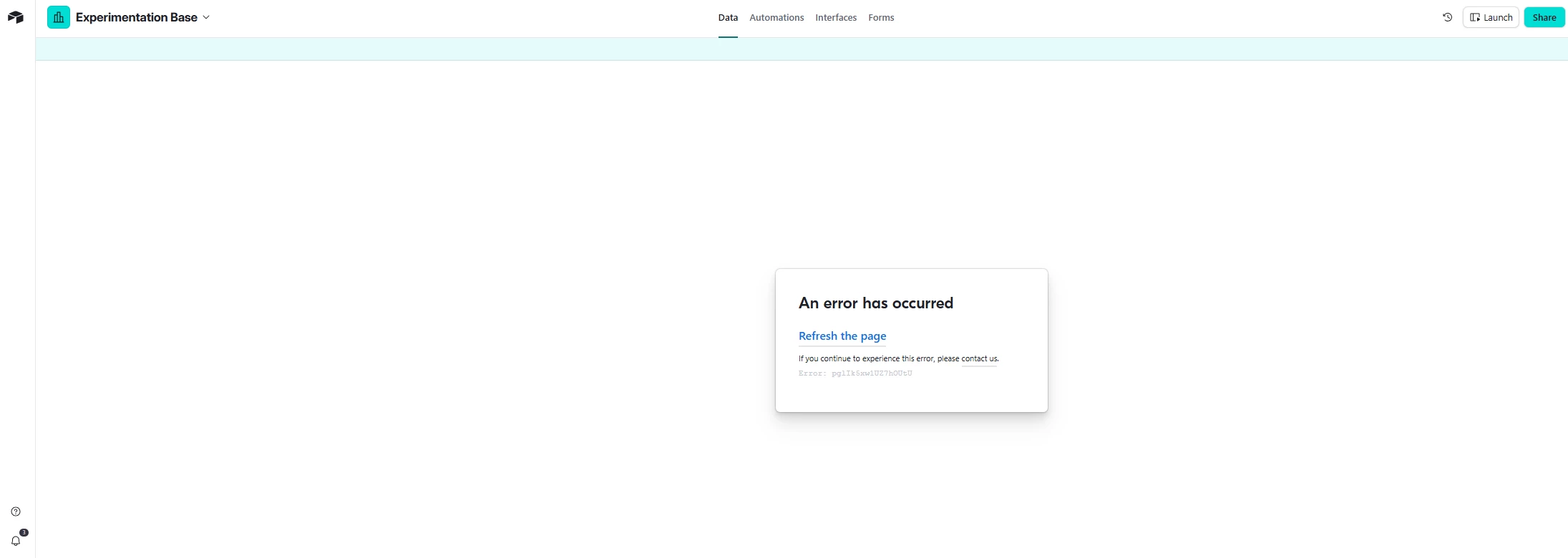
Airtable Base not loading. Receiving Error: pglt24tcFDO9JeQe0

  • January 21, 2026
  • 2 replies
  • 31 views

Forum|alt.badge.img

My base has crashed. No one can access it for some reason. I’m able to access other bases but not this one. I’ve put in a customer support ticket but haven't gotten a confirmation email for it. It’s critical that I don't lose this information, please help!


2 replies

Philip_Ade
Forum|alt.badge.img+3
  • Participating Frequently
  • January 22, 2026

Hey ​@Nichole_B , If one base is inaccessible while others work, your data is almost certainly not lost this is usually a temporary Airtable outage, permission issue, or base-level corruption. Airtable does not silently delete bases. Check the Airtable Status page, confirm you’re logged into the correct workspace/account, and ask another collaborator if they can access it. If support hasn’t emailed back, submit the ticket again from inside Airtable and include the base URL and workspace name; lack of confirmation email doesn’t mean the ticket failed. In urgent cases, Airtable support typically restores access once they investigate, and backups exist on their side.


Mike_AutomaticN
Forum|alt.badge.img+28

For further context, this is the page ​@Philip_Ade above is making reference to: https://status.airtable.com/

Having said that, yes you’r best shot is to reach out to support (support@airtable.com)! They are usually super helpful.
Did you get any answer form them?

Mike, Consultant @ Automatic Nation 
YouTube Channel
