Question

Airtable email limit issue: only one user affected, others fine

  • August 4, 2026
  • 2 replies
  • 43 views

Hello,

I’m running into an issue with sending emails from Airtable and wanted to see if anyone has experienced something similar.

We are manually sending records (not via automation), and one of our users is getting the following error:
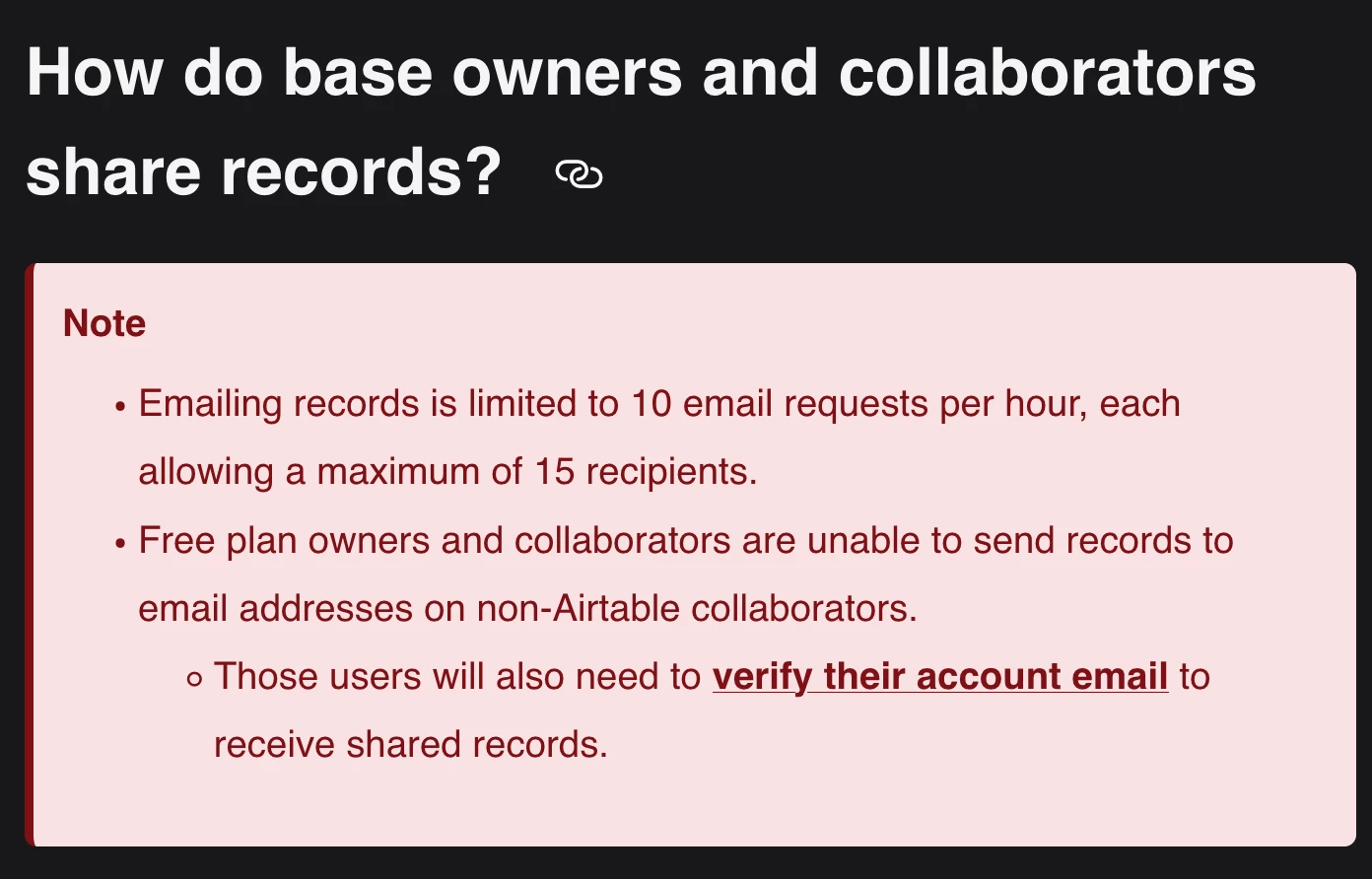
“This row could not be sent because you have exceeded the number of times you can send emails. Please try again later.”

What’s confusing is:

  • Other users in the same base are still able to send emails without any issues

  • Only this one user is blocked

  • We are all using the same setup and process

We initially thought it was a general rate limit, but since others can still send, it seems like it might be a user-specific limit or throttle.

Has anyone seen this before?

  • Is there a per-user sending limit in addition to the base/workspace limit?

  • How long does this cooldown typically last?

  • Any way to prevent this from happening when multiple users are sending records?

Any insights or workarounds would be really helpful.

Thanks in advance!

2 replies

TheTimeSavingCo
Forum|alt.badge.img+32

ScottWorld
Forum|alt.badge.img+35
  • Genius
  • August 5, 2026

@sweta 

Due to Airtable’s limits on manually emailing records, you’ll need to use automations to email your records instead.

You can use Airtable’s built-in automations for this, which have significantly less limitations than manually emailing records,

Alternatively, for even more power & flexibility & customizability, you can use Make’s automations & integrations for this, which enables you to do extremely advanced emailing with no limitations.

If you’ve never used Make before, I’ve assembled a bunch of Make training resources in this thread.

For example, here is one of the many different ways that you can instantly trigger a Make automation from Airtable. You can even instantly trigger a Make automation by having a button or URL link trigger a custom webhook (with optional webhook response).

I give live demonstrations of how to use Make in many of my Airtable podcast appearances. For example, in this video, I show how to work with Airtable arrays in Make. And in this video, I show how to use custom webhooks.

Hope this helps!

If you’d like to hire the best Airtable consultant to help you with anything Airtable-related, please feel free to contact me through my website: Airtable consultant — ScottWorld