Question

Airtable to Google Calendar with address

  • June 13, 2026
  • 8 replies
  • 64 views

kieran_themotscharity
Forum|alt.badge.img+3

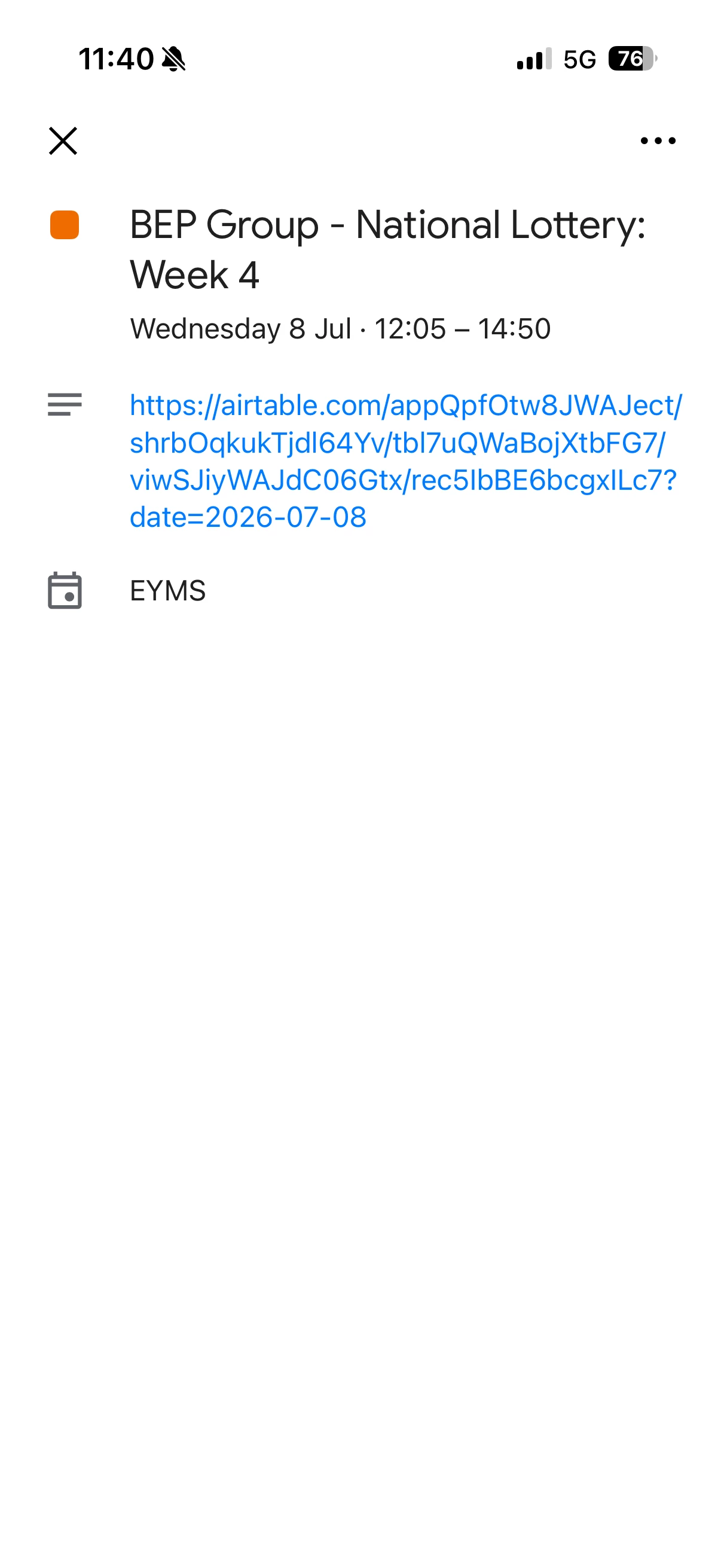
Hi there, I’ve set-up a Airtable to Google Calendar sync. The event (record from Airtable) on Google shows the start date/time and end date/time. However I’d like to add the address to the Google event from my Airtable data. Is there an option to bring this data from Airtable to the Google Calendar event please? Any support would be great! Thanks 😀

8 replies

TheTimeSavingCo
Forum|alt.badge.img+32

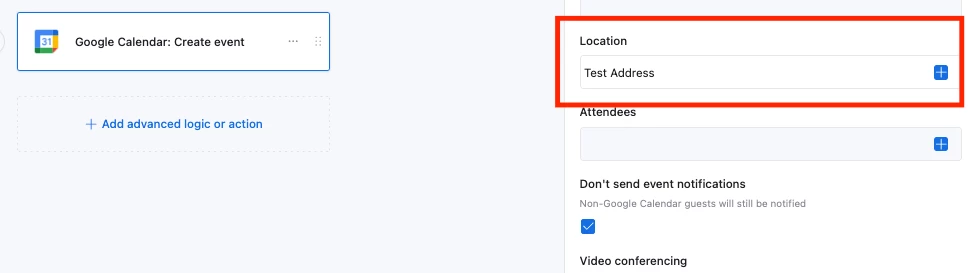
May I know what issues you had using the ‘Location’ input for the automation?


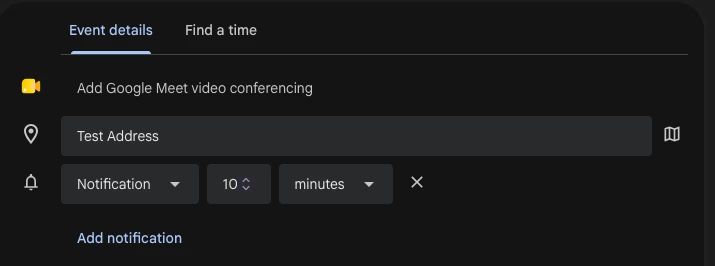
After creation it looks like this:


kieran_themotscharity
Forum|alt.badge.img+3

I’m hoping to add an address field to the Google calendar event generated via sync on Airtable.


TheTimeSavingCo
Forum|alt.badge.img+32

Ah, you’re using the Calendar View shared link to sync it, is that right?

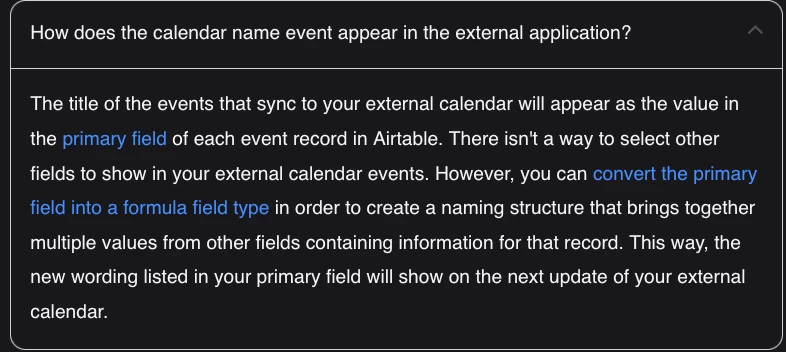
If so, I don’t think that’s possible, the docs indicate we can’t select any other fields I’m afraid

https://support.airtable.com/docs/integrating-airtable-with-external-calendar-applications

To get the location into GCal maybe you could create an automation that would trigger when the event first gets created, and its action would be to look for the record in your table and update the event with the location accordingly? 

Any updates to the location wouldn’t flow through though, and so you’d need another automation for that


kieran_themotscharity
Forum|alt.badge.img+3

Thank you - my only concern with this, is if the date were to change on the Airtable record, the event that was initially created on the Google Calendar won’t update...


kieran_themotscharity
Forum|alt.badge.img+3

If Google Calendar can pick up the record name and start/end time, it would be great if it could pick up the address too?


ScottWorld
Forum|alt.badge.img+35
  • Genius
  • July 21, 2026

@kieran_themotscharity 

If the Airtable record gets updated, then you would just have another automation that updates the event in Google Calendar.

So you would have one automation for creating the event, and another automation for updating the event.

And don’t forget the #1 most important part of all: When you create the event in Google Calendar, your automation will receive the event’s Event ID from Google. You MUST have your automation store that Event ID in the Airtable record, or else you won’t be able to update that event later.

Additionally, note that Airtable doesn’t have the ability to delete events nor modify any of the more advanced field options in Google Calendar.

For that, you would need to use Make’s Google Calendar integrations in conjunction with Make’s Airtable integrations.

If you’ve never used Make before, I’ve assembled a bunch of Make training resources in this thread. For example, here is one of the many different ways that you can instantly trigger a Make automation from Airtable.

Hope this helps!

If you’d like to hire the best Airtable consultant to help you with anything Airtable-related, please feel free to contact me through my website: Airtable consultant — ScottWorld


TheTimeSavingCo
Forum|alt.badge.img+32

re: Thank you - my only concern with this, is if the date were to change on the Airtable record, the event that was initially created on the Google Calendar won’t update…
 

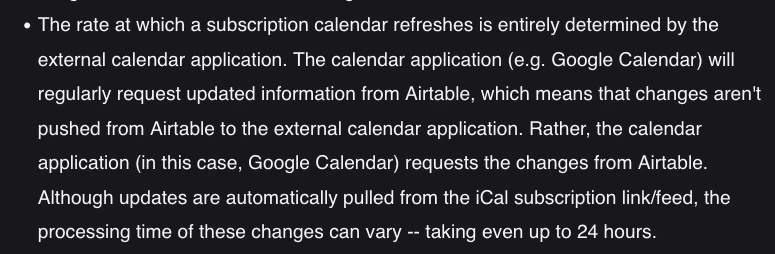
It would, but how quickly it does that depends on the service, with the docs mentioning that it could take up to 24 hours before changes on Airtable show up your external calendar

If it’s been >24 hours and your update still isn’t showing up I’d recommend opening a support ticket about it!


---

re: If Google Calendar can pick up the record name and start/end time, it would be great if it could pick up the address too?

Yeah it would, might want to file a feature request here: https://community.airtable.com/p/product-ideas


ScottWorld
Forum|alt.badge.img+35
  • Genius
  • July 22, 2026

That is a Google Calendar limitation. It only sporadically updates calendar subscriptions, about once per day.

A 3rd-party calendar app like BusyCal for Mac is much better because it updates calendar subscriptions every 30 seconds, and it is still using Google Calendar on the backend.

So it’s a different frontend to Google Calendar that is more powerful, more capable, and more customizable.

It’s still Google Calendar, but with zero limitations.

- ScottWorld, Expert Airtable Consultant