
Date column format with seconds

  • January 13, 2020
  • 2 replies
  • 46 views

Hello,

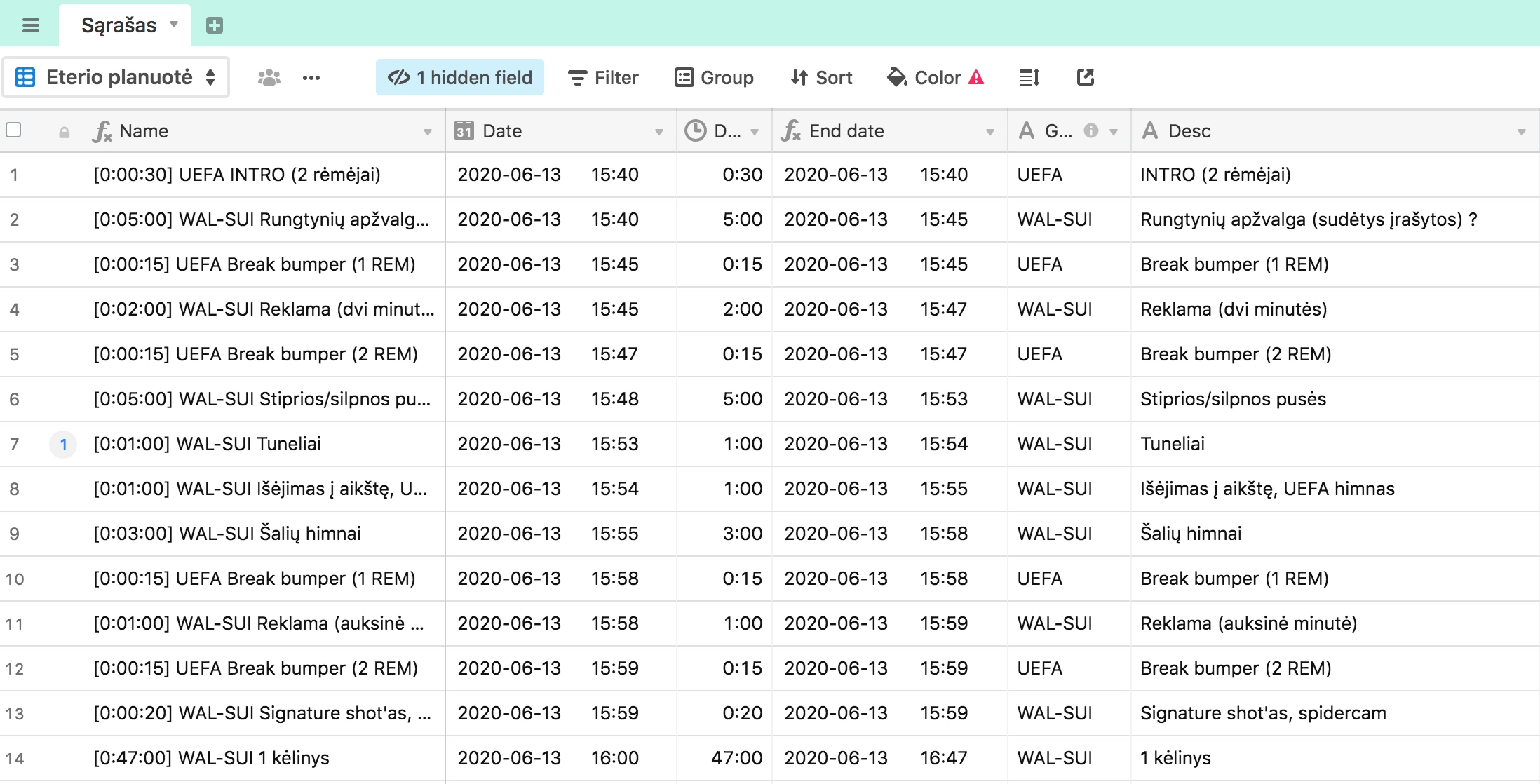
I’m trying to have a running order with seconds. As I’m entering the date of exact event with time (24h format) in my Date column (for Calendar view), and then in the next column -> Duration with seconds, I would like to have my End date and Date columns calculated with seconds. Maybe there is any work around about that, because it’s complicated to calculate exact timing.
Thank you.

This topic has been closed for replies.

2 replies

Forum|alt.badge.img+18
  • Inspiring
  • January 13, 2020

That’s very much possible. Whoever writes your code will be using these date formatting options in conjunction with one or more date functions.


  • Author
  • New Participant
  • January 14, 2020

That’s very much possible. Whoever writes your code will be using these date formatting options in conjunction with one or more date functions.


Hello,

Thanks for your reply. I’ve did this with formulas and date formatting in a text field, but then my calendar seems to not recognize the new date field, as it’s not the date type. How i should work around this ?