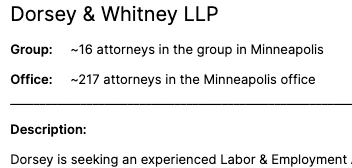
I’m trying to create PDFs I made in Page Designer using the “Save as PDF” feature in Chrome. However, sometimes it smushes the letters together.
It does not do this when I use Mac’s “Print Using System Dialog” and save as a PDF, however that method causes my hyperlinks not to work.
The issue seems to be how Chrome is rendering the fonts when creating the PDF, but I haven’t been able to find a fix.
Examples below:
Smushed:
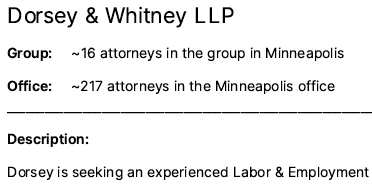
Normal: