Formula Setup In Integromat

  • September 12, 2018
  • 3 replies
  • 33 views

Forum|alt.badge.img+20

Hi

I am trying to create a scenario in Integromat. I am using the template: Google Sheets to Airtable, I want to integrate URL’s and images created in GS into Airtable. My key field is: “SCOTT#” and this was the formula outline, that was suggested. I wondered if someone can help?:

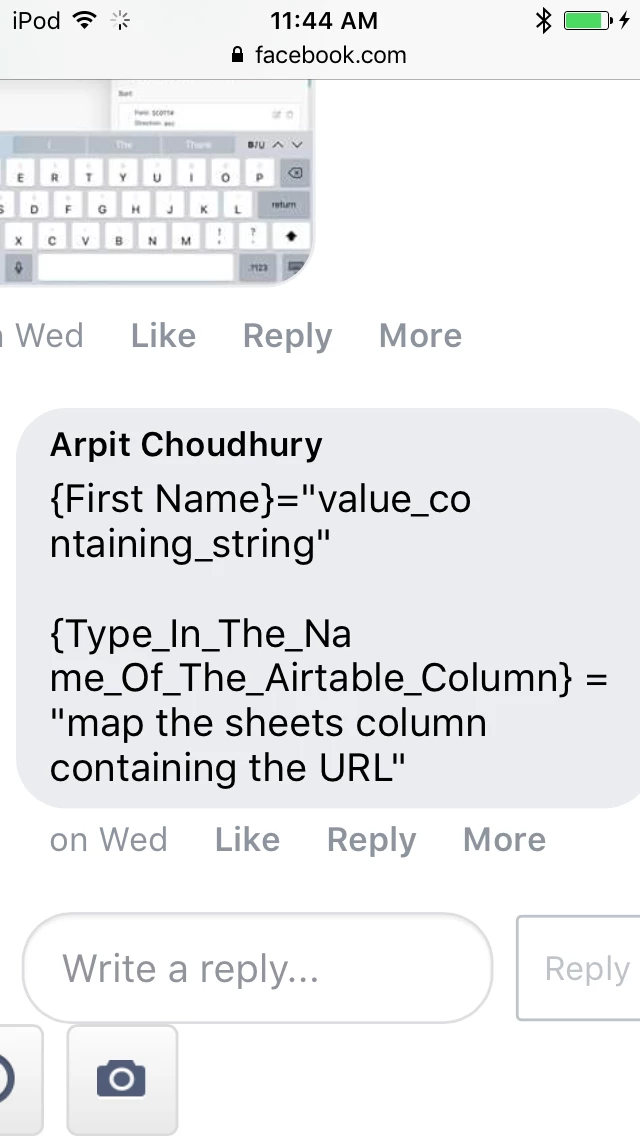
{First Name}=“value_containing_string”

{Type_In_The_Name_Of_The_Airtable_Column} = “map the sheets column containing the URL”

I am a visual person and it helps to see how I should write this formula, visually, exactly, (including any punctuations, etc.)

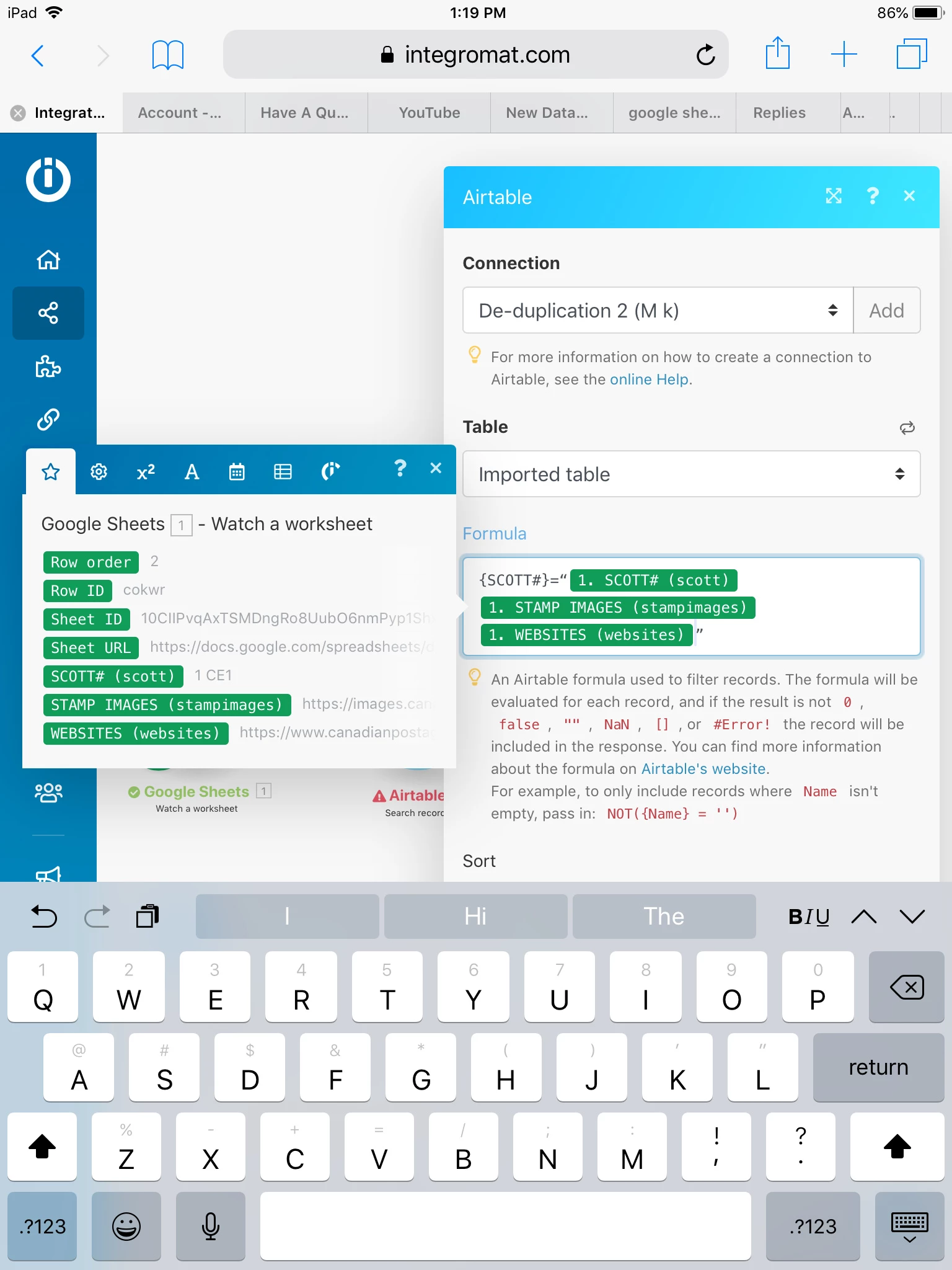
The screenshot of the module is below:
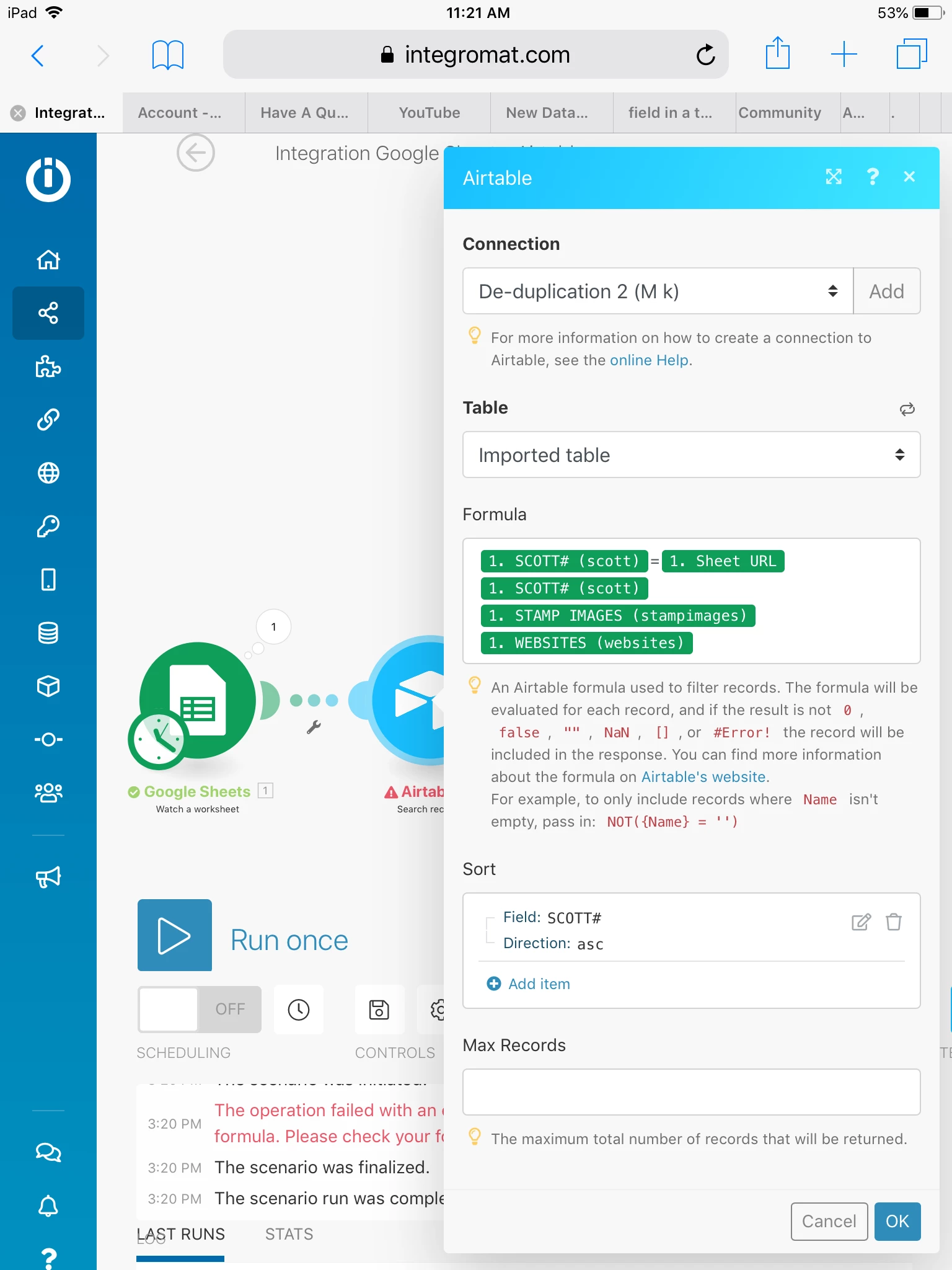
As you can see I am trying all different combinations, but I keep getting formula error messages.

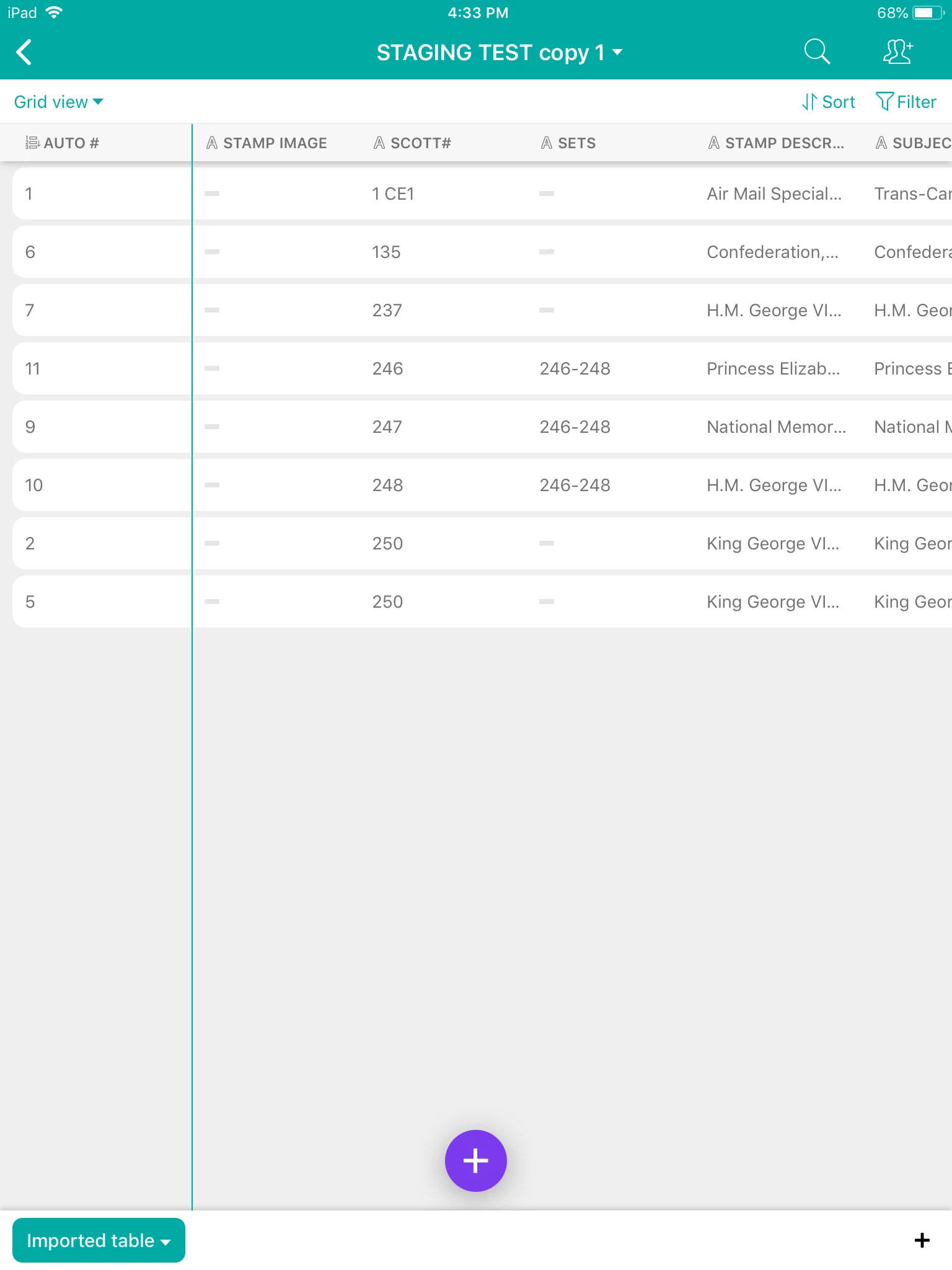
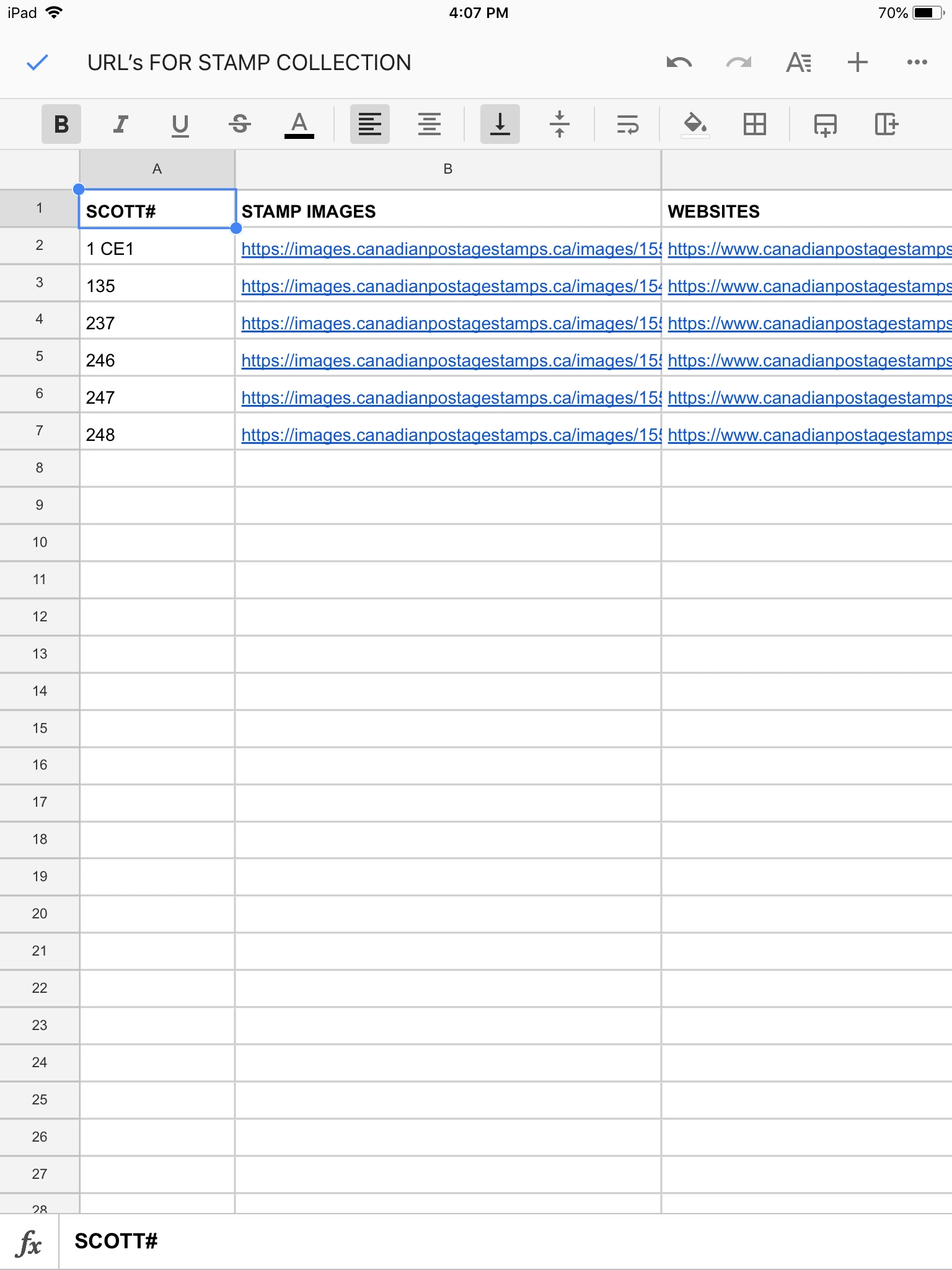
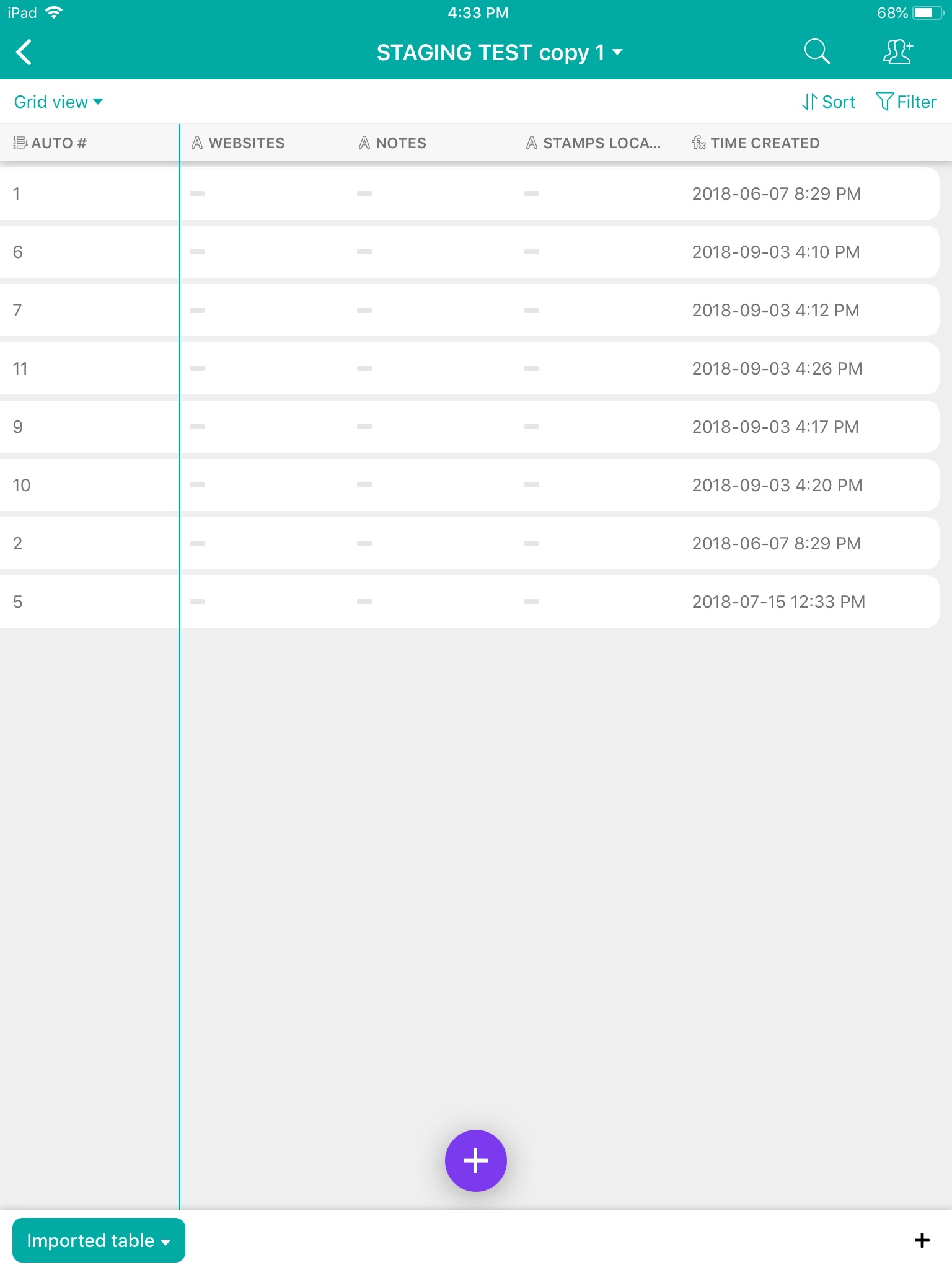
Here are screenshots of Airtable setup (just the fields needed) and GS sheet:
Thank you.
MK
This topic has been closed for replies.

3 replies

Forum|alt.badge.img+20
  • Author
  • Inspiring
  • September 13, 2018

Hi

Could someone take a look at the above post. I would really like to resolve this issue.

Thank you,
MK


Forum|alt.badge.img+18

Sorry, @M_k – I’m not familiar with Integromat and their peculiarities of syntax at all.


Forum|alt.badge.img+20
  • Author
  • Inspiring
  • September 16, 2018

Hi

I tried many times to follow a formula suggestion, but it seems to elude me.

This is a screenshot of how I thought the formula should be written. I used the name of what I thought the name should be is the key field in Airtable: “SCOTT#” and that is what I wrote with the curly brackets:

and this is the screenshot of a suggestion of how the formula should be written. I used the green tags in order of the field names of GOOGLE SHEETS, with quotes::

I uploaded screenshots (in Reply #1) of the Airtable setup and GS setup.

This formula seems pretty straightforward, but for some reason it’s not working.

I would appreciate any help.

Thank you,
MK