Solved

How do i remove shared bases from my home screen?

  • May 13, 2026
  • 4 replies
  • 20 views

Forum|alt.badge.img+4

They seem to be permanent. Don’t see any “remove” option?

Best answer by ScottWorld

You would need to remove yourself from those bases by going into them and clicking on the “Share” button in the upper right corner. Then you can remove yourself from the list of users.

- ScottWorld, Expert Airtable Consultant 

4 replies

nroshak
Forum|alt.badge.img+11
  • Inspiring
  • May 13, 2026

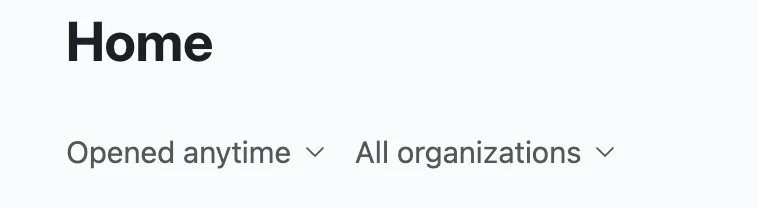
You probably have already found this, but if the ones you want to hide are bases from other orgs, you can select your own org only under “All organizations” : 

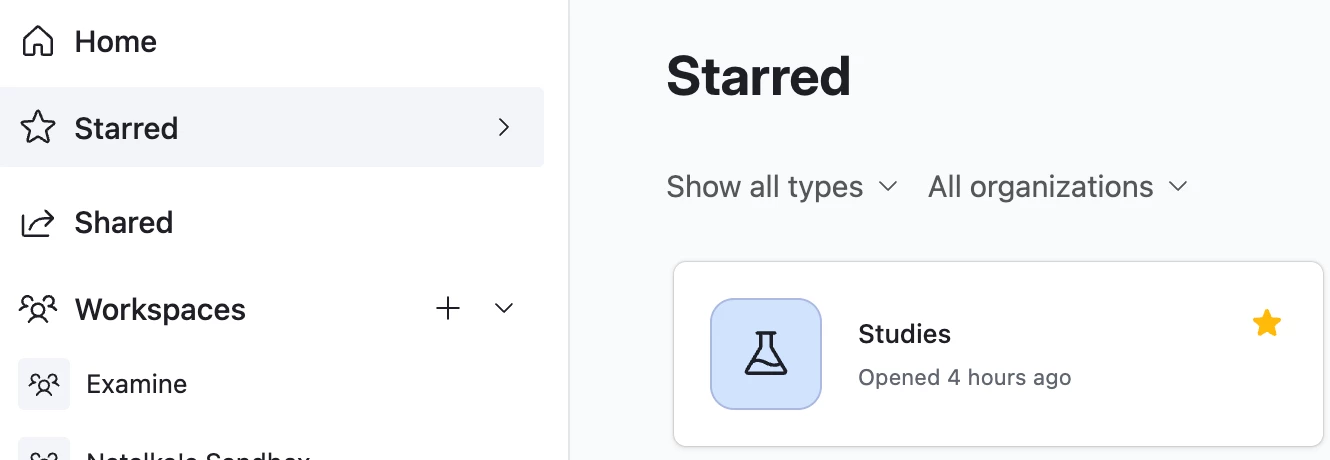
Otherwise, what I like to do is use the “Starred” screen instead  of the “Home” screen. Star just your own bases and then bookmark https://airtable.com/starred .

Hope that’s helpful!

-Natalka


Forum|alt.badge.img+4
  • Author
  • Inspiring
  • May 13, 2026

Actually, I’m not trying to hide them, I want to “disassociate” from them.


ScottWorld
Forum|alt.badge.img+35
  • Genius
  • Answer
  • May 13, 2026

You would need to remove yourself from those bases by going into them and clicking on the “Share” button in the upper right corner. Then you can remove yourself from the list of users.

- ScottWorld, Expert Airtable Consultant 


Forum|alt.badge.img+4
  • Author
  • Inspiring
  • May 13, 2026

Thank you @ScottWorld