Hi
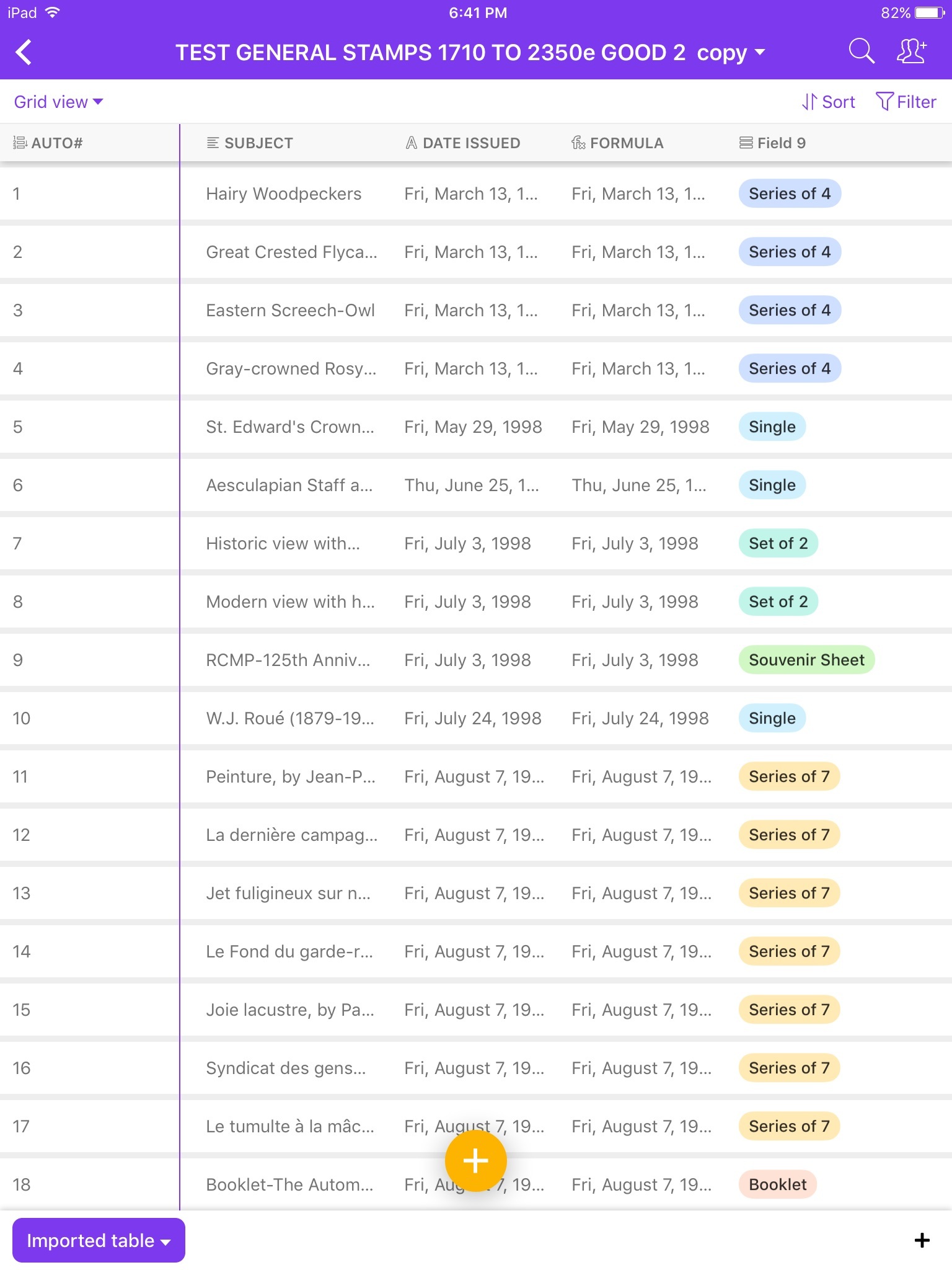
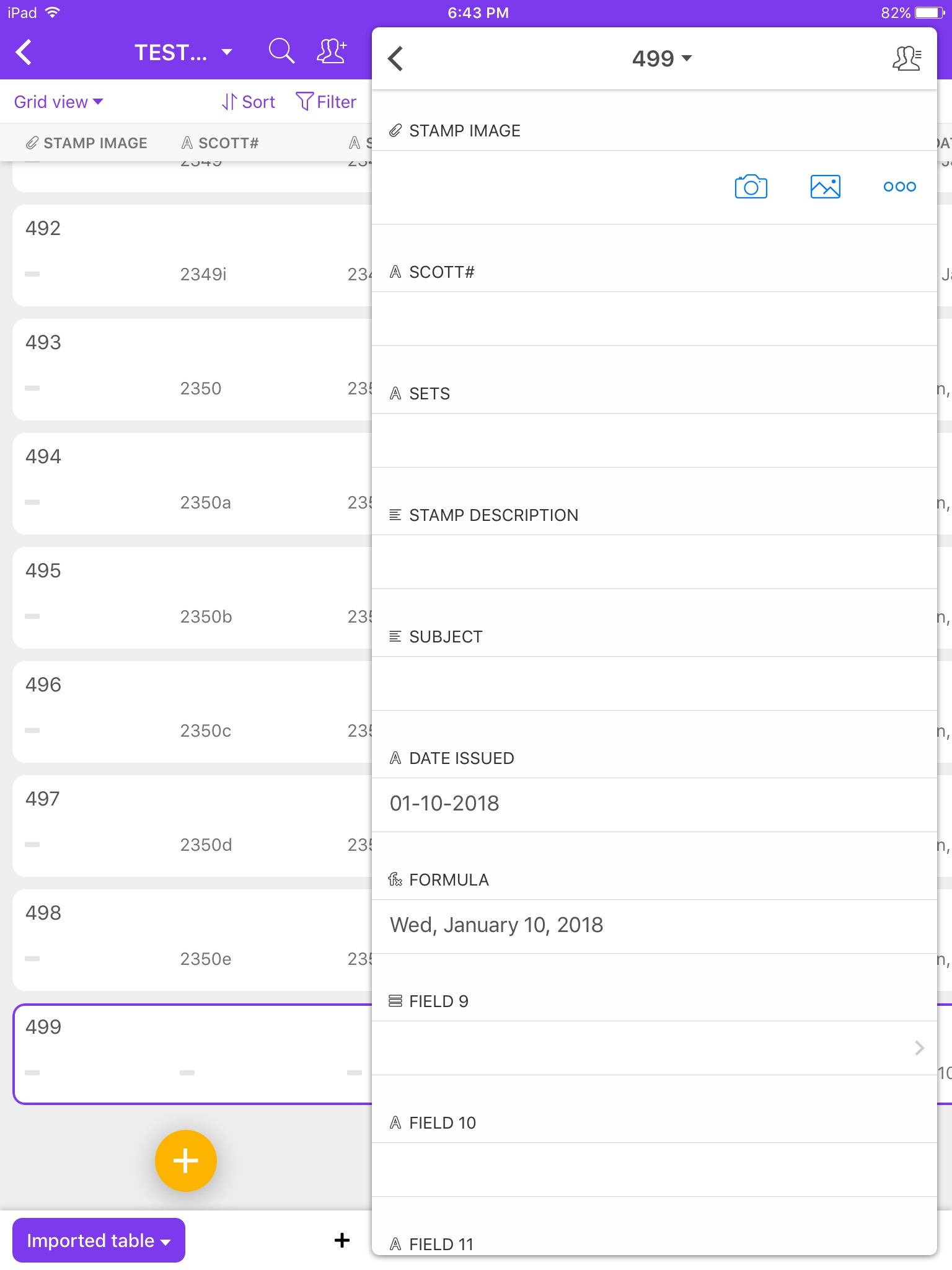
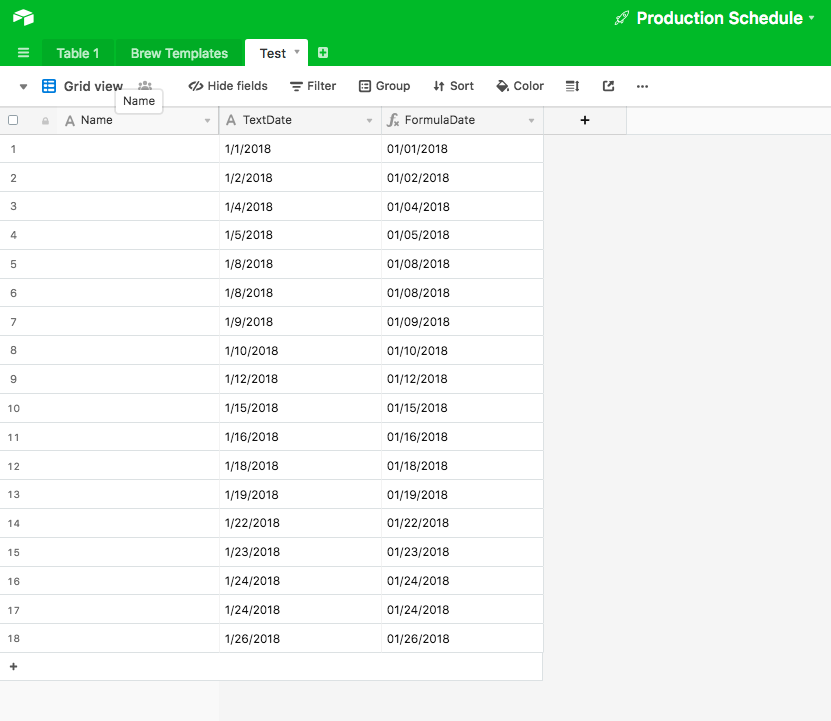
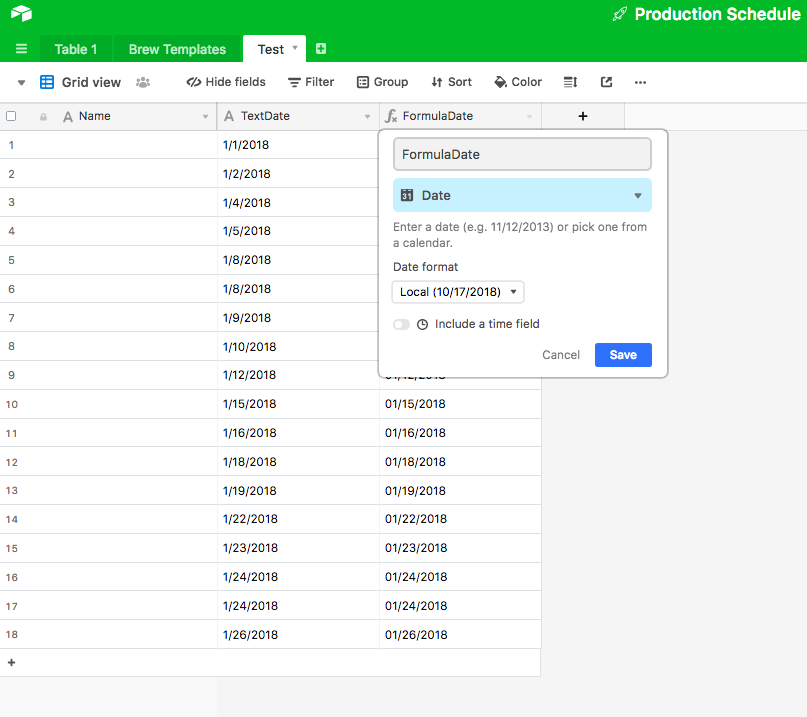
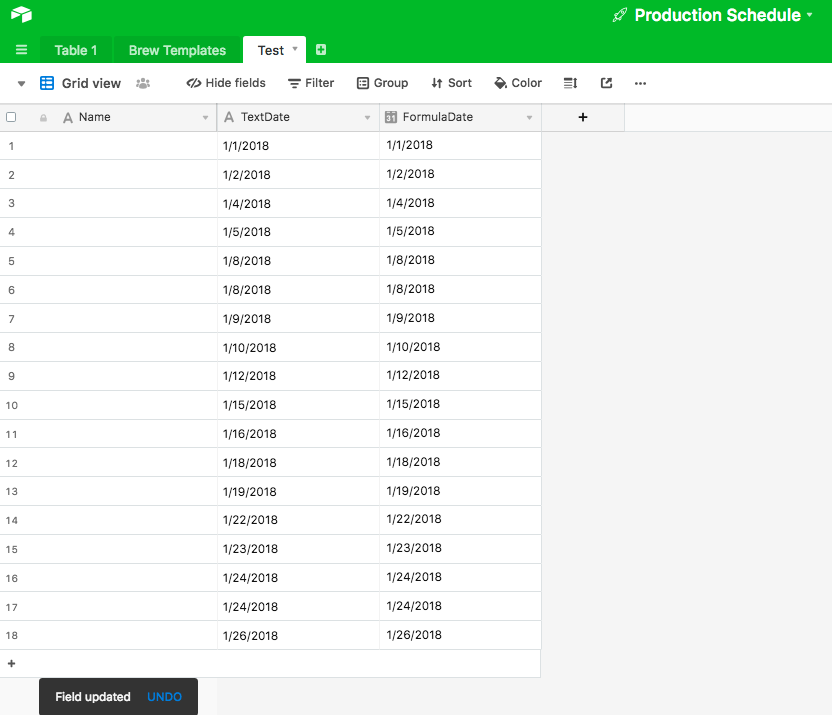
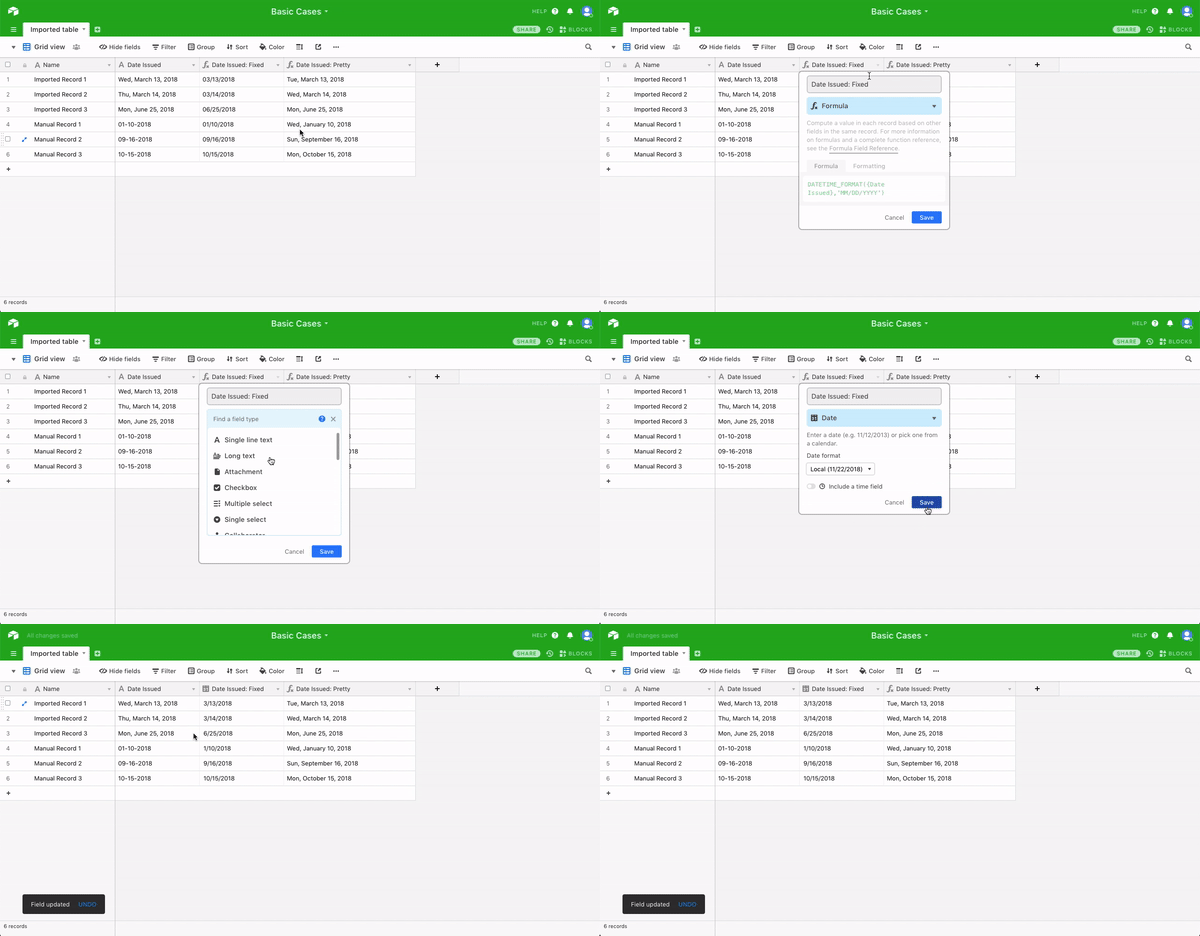
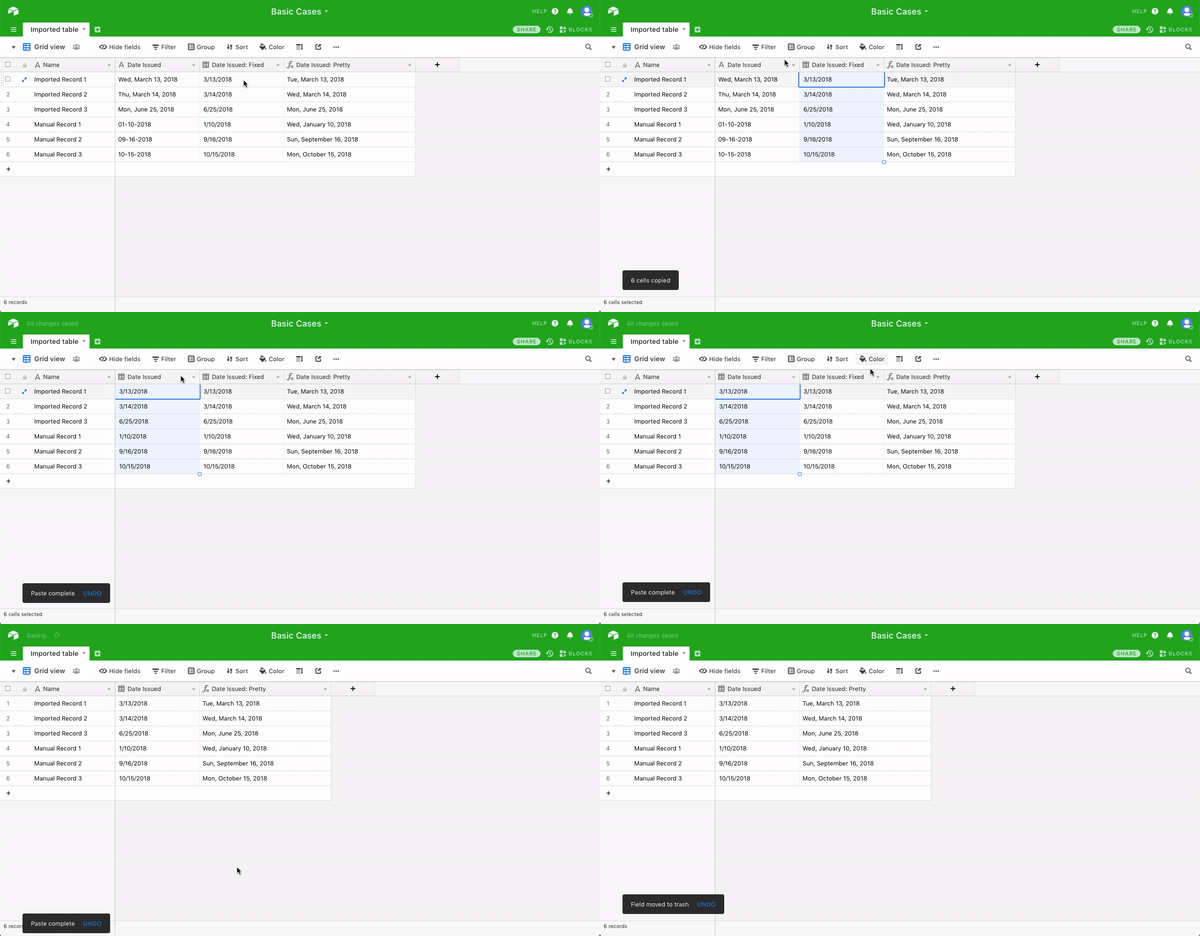
I already have a formula for the date field, but I am noticing that after I do a CSV Import, for all those imported records, the date formula does not change the date format, even after changing the date field. I did not try to set up the formula field first, before importing records, I don’t know if that would work. The formula only works when I manually add new records, but I have 2,000 dates to format and I would like to not have to manually enter the dates again. What I would like to do is to beable to change the date format, in the date field, with the second field as the formula, without losing the dates when I change the date field from short text to date field. My understanding is that all the fields, once a CSV file is imported, are formatted to text fields. I am wondering if there is a way of keeping the dates formatted, once I change from text field to date field, even if I have to copy into another program or spreadsheet, the whole date column, and paste back into Airtable, or if there is another workaround or way of doing this.
Hope this makes sense.
Thanks,
MK