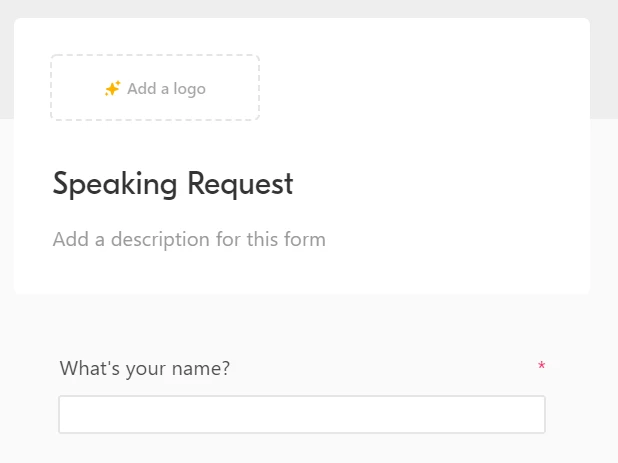
@rakesh_kumar_reddy It’s also worth noting that the parts of the header that you don’t use just won’t be shown when viewing the actual form; e.g. if you don’t add a logo or description, you won’t see placeholders on the actual form. Those spaces will just be blank.
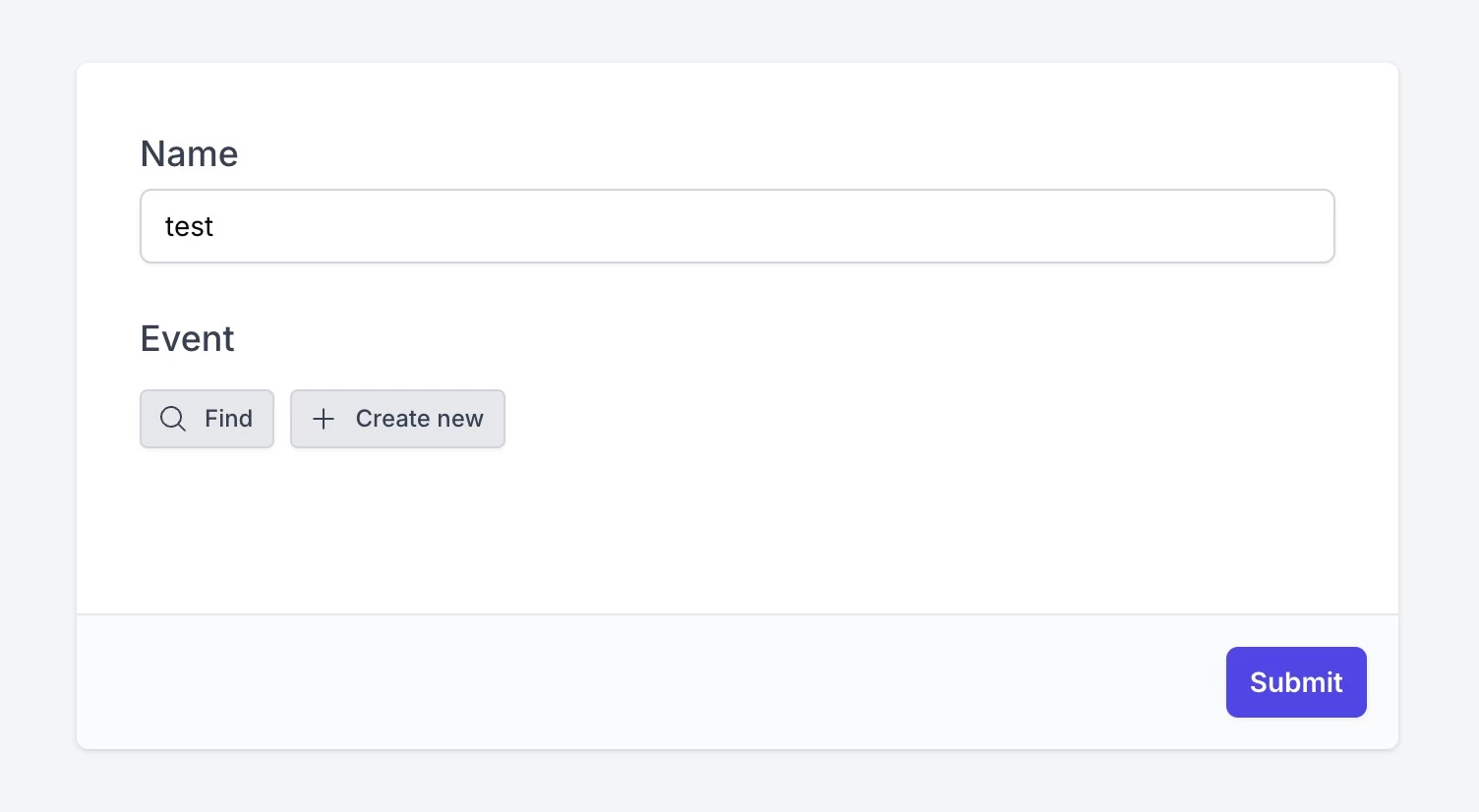
For anyone coming across this in the future, our advanced form allows you to hide the entire header, without any awkward blank spaces. Here's what a super simple example might look like:
As you can see, only the actual fields show up. That's just one of our many customization options! You're welcome to try this all out for free by creating a free account. 🙂