Images not showing in Gallery

  • May 30, 2018
  • 5 replies
  • 67 views

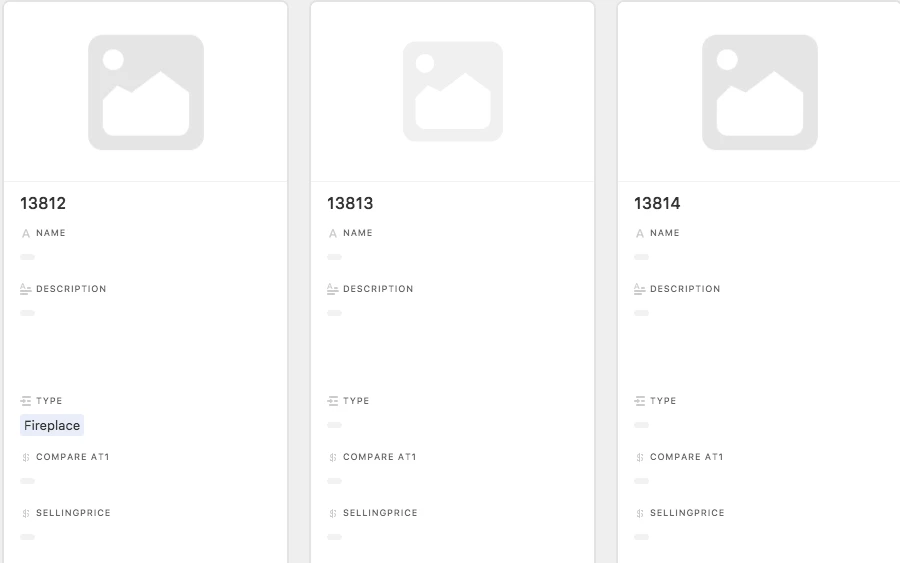
I’ve been uploading photos lately to the Gallery and certain pictures don’t show up. Sometimes after a while they do, however there is no rhyme or reason as to why one would eventually show up or not. They are all PNGs, so should I be using JPEGs?

When opening the file separately, it shows up, just not in gallery or table view.
5 replies

Forum|alt.badge.img+3
  • Participating Frequently
  • May 31, 2018

Just of the top of my head.

Its not related to whether a file is a PNG or JPG.
Rather it depends on the size of the file

Thus it all boils down to your internet speed.


Forum|alt.badge.img+8

I am having the same issue lately. Newly loaded images are not showing up. All previously loaded are fine… very strange.


  • New Participant
  • December 1, 2019

I am still having the same problem. Even with really small images previews are not rendering in half of the situations


  • New Participant
  • March 28, 2020

Same issue here. It seems that for files large than around 5 mb, it sometimes doesn’t render a thumbnail/preview on the first try, and I have to delete and upload the file multiple times to get the preview.


  • Participating Frequently
  • March 30, 2020

same here. Airtable can you fix this please