

"Link to another record" not updating

  • April 18, 2024
  • 2 replies
  • 85 views

Forum|alt.badge.img+3

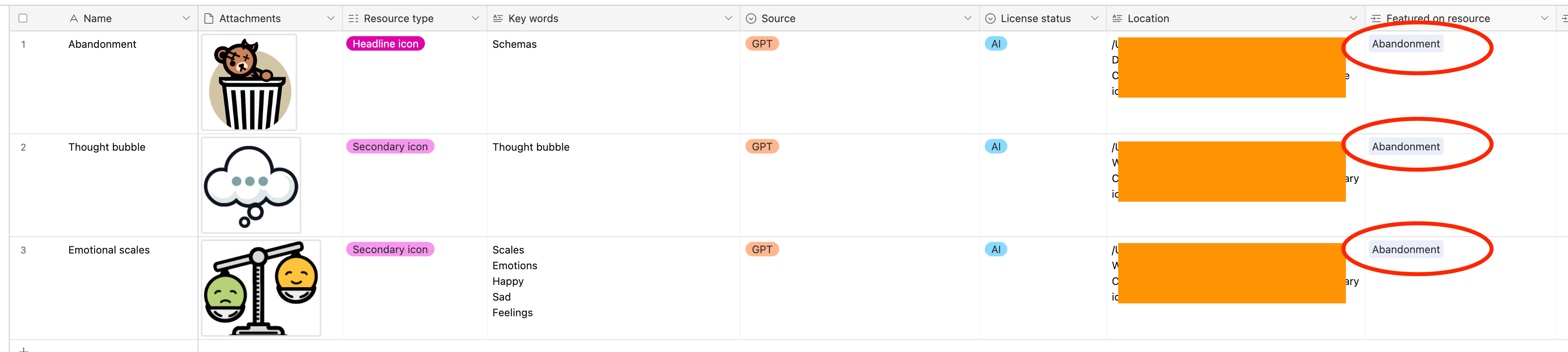
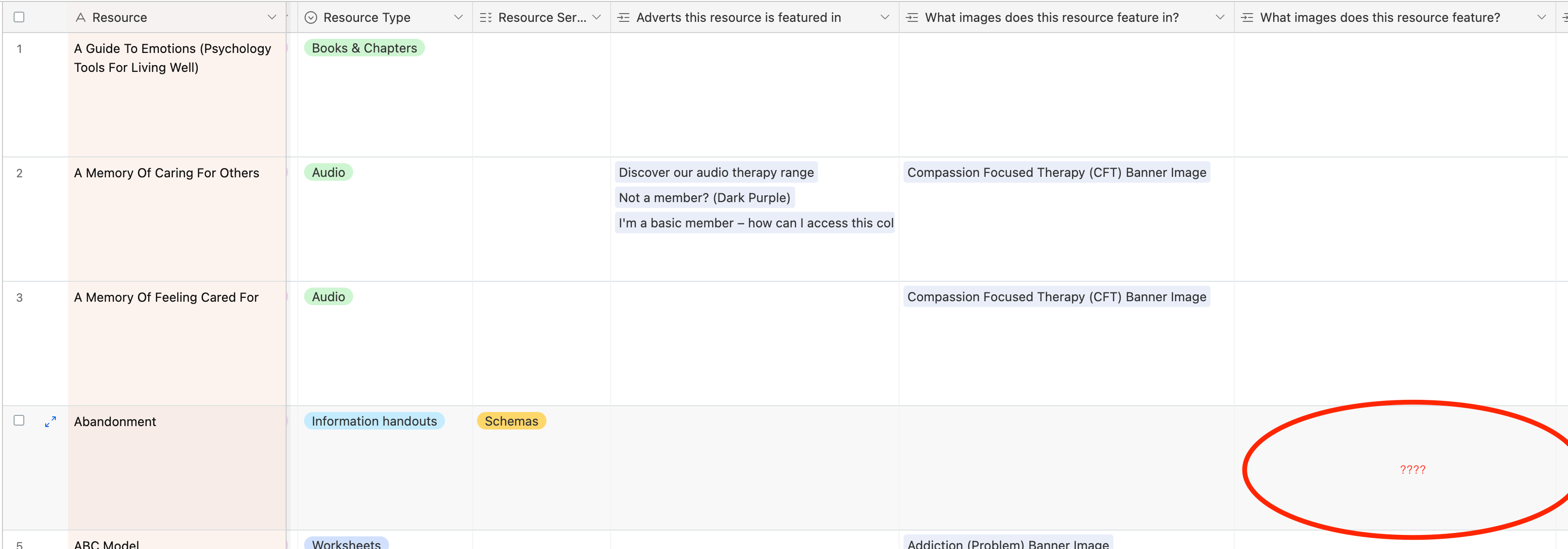
Hi. I've taken over managing an airtable database and I can't get two tabs to talk to each other. I basically want the Link To Another Record space to populate when I link to that resource from another tab. It's working everywhere else on this table, just not on the tab I've recently created. I don't know what I'm doing wrong?
2 replies

TheTimeSavingCo
Forum|alt.badge.img+31

Without access to your base it's hard to say.  It might be that you've got multiple linked fields to the same table and you're not looking at the correct one right now?

Could you create a duplicate of your base with no records in it and provide a read only link?  That will help massively with helping you with this.  Here's a guide on how to duplicate your base without records as well as providing a read only link:
https://support.airtable.com/docs/creating-a-new-empty-base#duplicating-airtable-bases
https://support.airtable.com/docs/creating-airtable-base-share-links#sharing-an-entire-base


Forum|alt.badge.img+3
  • Author
  • New Participant
  • April 19, 2024

Without access to your base it's hard to say.  It might be that you've got multiple linked fields to the same table and you're not looking at the correct one right now?

Could you create a duplicate of your base with no records in it and provide a read only link?  That will help massively with helping you with this.  Here's a guide on how to duplicate your base without records as well as providing a read only link:
https://support.airtable.com/docs/creating-a-new-empty-base#duplicating-airtable-bases
https://support.airtable.com/docs/creating-airtable-base-share-links#sharing-an-entire-base


Thanks for getting back to me - I have solved it. I was trying to link two existing fields together, rather than creating a column on one tab and then asking it to link to another and letting it just create the column itself.
