Photo in forms when taking inventory

  • November 5, 2019
  • 2 replies
  • 31 views

I am creating a form where when we are in the field I need to take a photo on my phone, then add the type of product, notes, and the cost. What is the best and most efficient way to do this?


This topic has been closed for replies.

2 replies

Forum|alt.badge.img+3
  • Participating Frequently
  • November 7, 2019

Hello @Kevin_Tunis and welcome to the community!

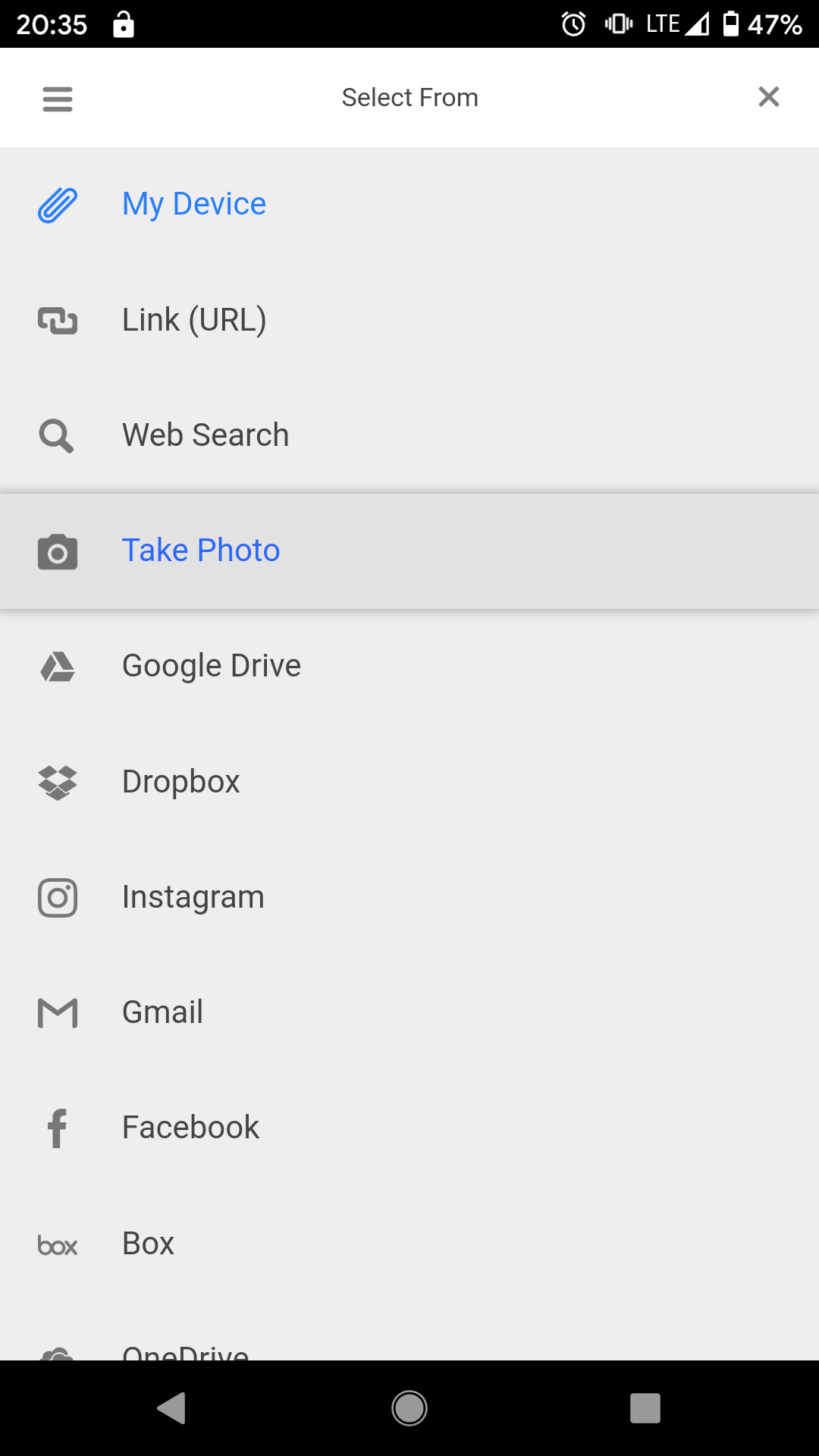
So, if you share the form link with someone and they load it up (I tried out Chrome and Firefox on Android) - there’s actually a media option to Take A Photo instead of uploading an attachment.

You’ll find is nestled under the hamburger menu.

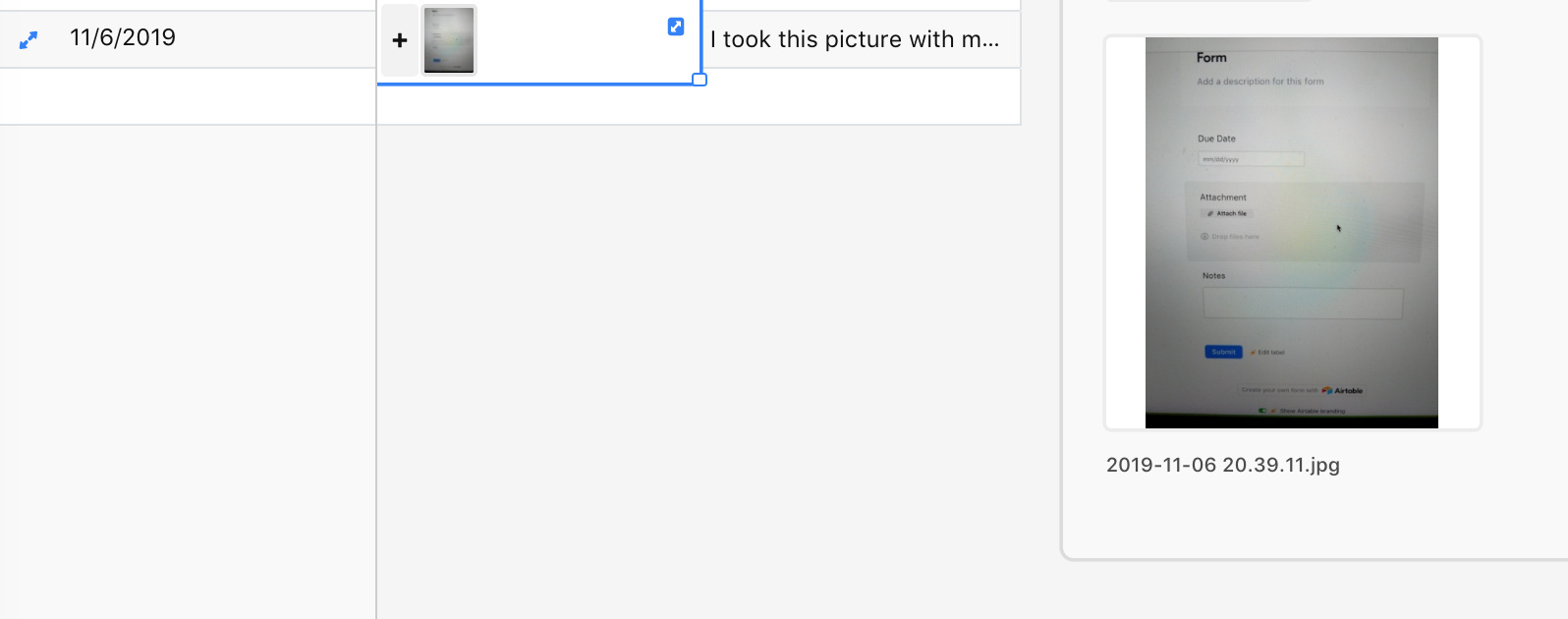
My simple form submission is just a Date, Long Description, and Attachment but it’s super simple!

Let me know if you try this out. Curious to hear if it works!


Forum|alt.badge.img+5
  • Inspiring
  • November 7, 2019

Hello @Kevin_Tunis and welcome to the community!

So, if you share the form link with someone and they load it up (I tried out Chrome and Firefox on Android) - there’s actually a media option to Take A Photo instead of uploading an attachment.

You’ll find is nestled under the hamburger menu.

My simple form submission is just a Date, Long Description, and Attachment but it’s super simple!

Let me know if you try this out. Curious to hear if it works!


IIRC, I set up something like this for a church inventory Android form I set up for my mother earlier this year. I only used it a couple of times, as there were hundreds of items, and 4G from within the bowels of the church was painfully slow; I finally just shot the images and transferred them using drag-and-drop once I got home. But it did work, for a certain definition of “work.”