Prefilled forms - Multi-select option

  • Feb 11, 2021 10:41 PM UTC
  • 8 replies
  • 177 views

Forum|alt.badge.img+2
  • New Participant

Hi All,

I am using the “Prefilled forms” App in order to prefill a form. It works quite well so far for single select prefilled values and triggers great URLs automatically.

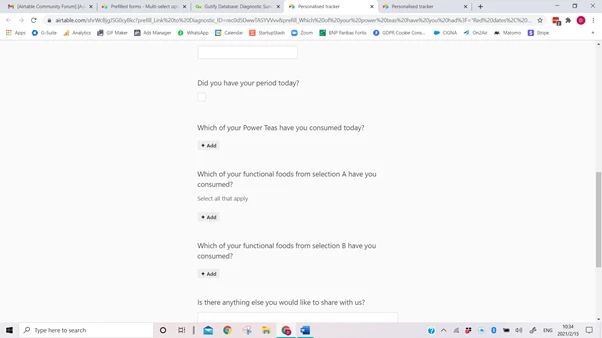
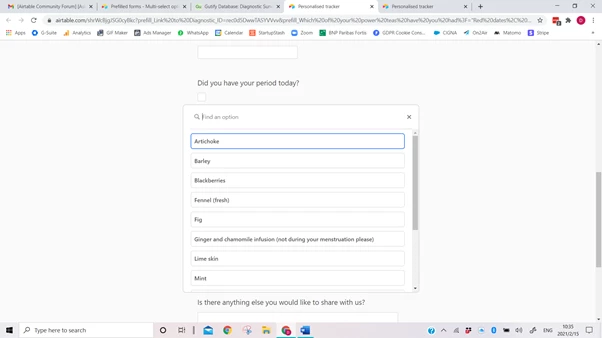
However, if I have multiple values corresponding that correspond and need to be pre-filled, it only shows the first one.
Is it possible at all to have it show all values corresponding to the field? i.e., make it possible to create a drop-down / multi-select question in forms based on the prefilled-form.
I believe this would be a logical add-on to the prefilled forms as many questions are multi-select. If there is another way to get there, I am open to creative hacks!

Thank you!

Diane

This topic has been closed for replies.

8 replies

kuovonne
Forum|alt.badge.img+29
  • Brainy
  • Feb 12, 2021 1:30 AM UTC

Welcome to the Airtable community!

I am the developer for the “Prefilled Forms” app, and I have successfully used the app to prefill multiple select values. Usually when a prefill does not work properly it is because something about the the prefilled value does not match the field being prefilled.

Can you give more information on your use case?

  • screen shot of the configuration of your multi-select field in the table containing the form
  • screen shot of the configuration of the field containing the value used to prefill the form
  • screen shot of the formula produced by the script
  • screen shot of the record in the formula table containing the multiple values you want prefilled
  • screen shot of the prefilled form when you click on the formula results

Forum|alt.badge.img+2
  • Author
  • New Participant
  • Feb 14, 2021 9:46 PM UTC

Dear Kuovonne,

Thank you so much for your reply! Much much appreciated.
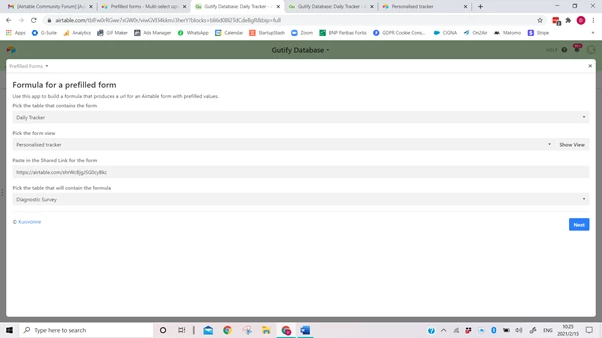
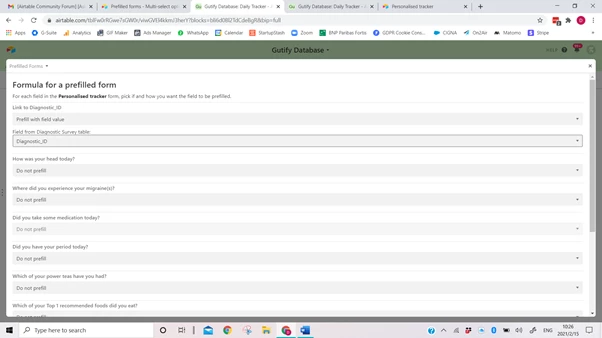
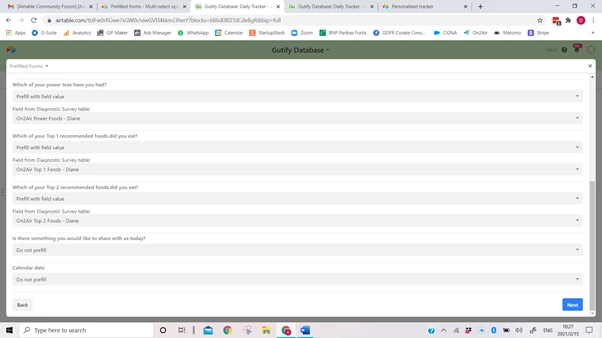
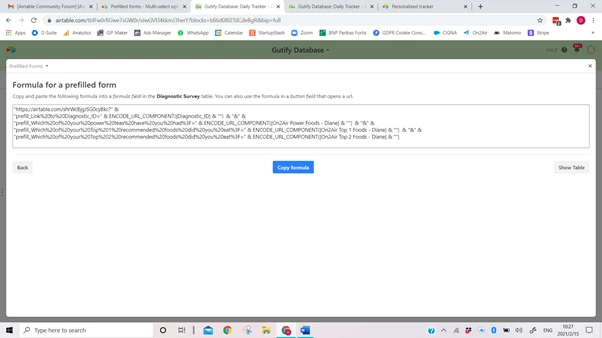
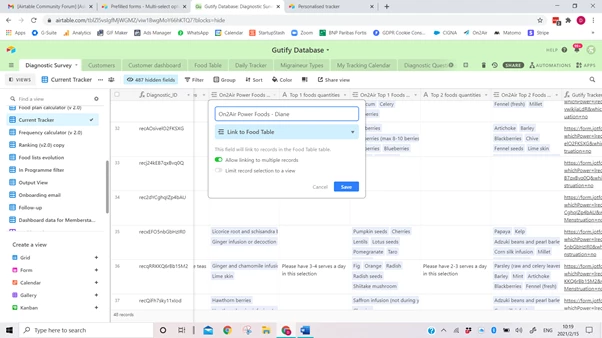
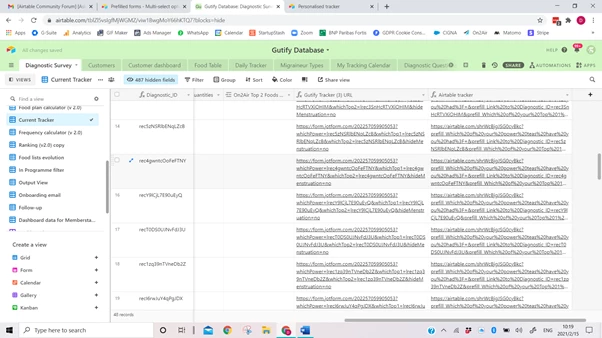
Please find the screenshots attached.
Let me know if you need anything else.

Diane


Forum|alt.badge.img+2
  • Author
  • New Participant
  • Feb 14, 2021 9:47 PM UTC


kuovonne
Forum|alt.badge.img+29
  • Brainy
  • Feb 15, 2021 2:21 AM UTC

@Did

It looks like you are trying to prefill a linked record field (versus a multiple select field). It is possible to prefill both field types, but sometimes they need special handling.

Your screen captures are also a little blurry, so it is hard to see the exact values that you are trying to use.

Here are some suggestions:

  • Are you using the exact formula shown in your screen capture, or are you using a formula that you created a few months ago? I released a minor update to the app, and your screen capture shows that you have the update, but since you don’t show the configuration of the actual formula for the field, you might be using a formula created before the update.

  • Do any of the linked record values contain commas or quotes? Forms can have trouble prefilling linked records with commas and quotes.

  • Are all of the values in the primary field of the [Food] table unique? If there are any duplicates, the form will not be able to prefill values with duplicates.


Forum|alt.badge.img+2
  • Author
  • New Participant
  • Feb 15, 2021 2:38 AM UTC

You are right! I am aiming for a prefill a linked record field and will change the title of this request so it can benefit other people.
I saw the release and it is the latest
There are no commas nor quotes. I am familiar with the issue.

So, what do you advise I do?


kuovonne
Forum|alt.badge.img+29
  • Brainy
  • Feb 15, 2021 3:39 AM UTC

You are right! I am aiming for a prefill a linked record field and will change the title of this request so it can benefit other people.
I saw the release and it is the latest
There are no commas nor quotes. I am familiar with the issue.

So, what do you advise I do?


Are you able to include screen captures where I can read the text? The screen shot does not need to include the entire window. You can crop the screen shot to show just the relevant information.
Or can you share your base with me?


Forum|alt.badge.img+2
  • Author
  • New Participant
  • Feb 15, 2021 8:44 PM UTC

Dear Kuovonne,

Thank you for your message. Our database contains health data and we are committed to GDPR compliance. Would it be possible for us to do a zoom call instead?
I am based in Auckland in New Zealand and am a power user of Airtable.

Thank you for your consideration,

Diane


kuovonne
Forum|alt.badge.img+29
  • Brainy
  • Feb 16, 2021 11:57 PM UTC

If anyone was following this thread, the original poster scheduled an appointment with me for a zoom meeting and we found a solution.

Instead of directly using the linked record field, we used a rollup field with ARRAYJOIN(values,","). There also were some duplicate primary field values, and primary fields with commas.