Solved

Printing not working

  • Dec 9, 2020 10:40 PM UTC
  • 9 replies
  • 200 views

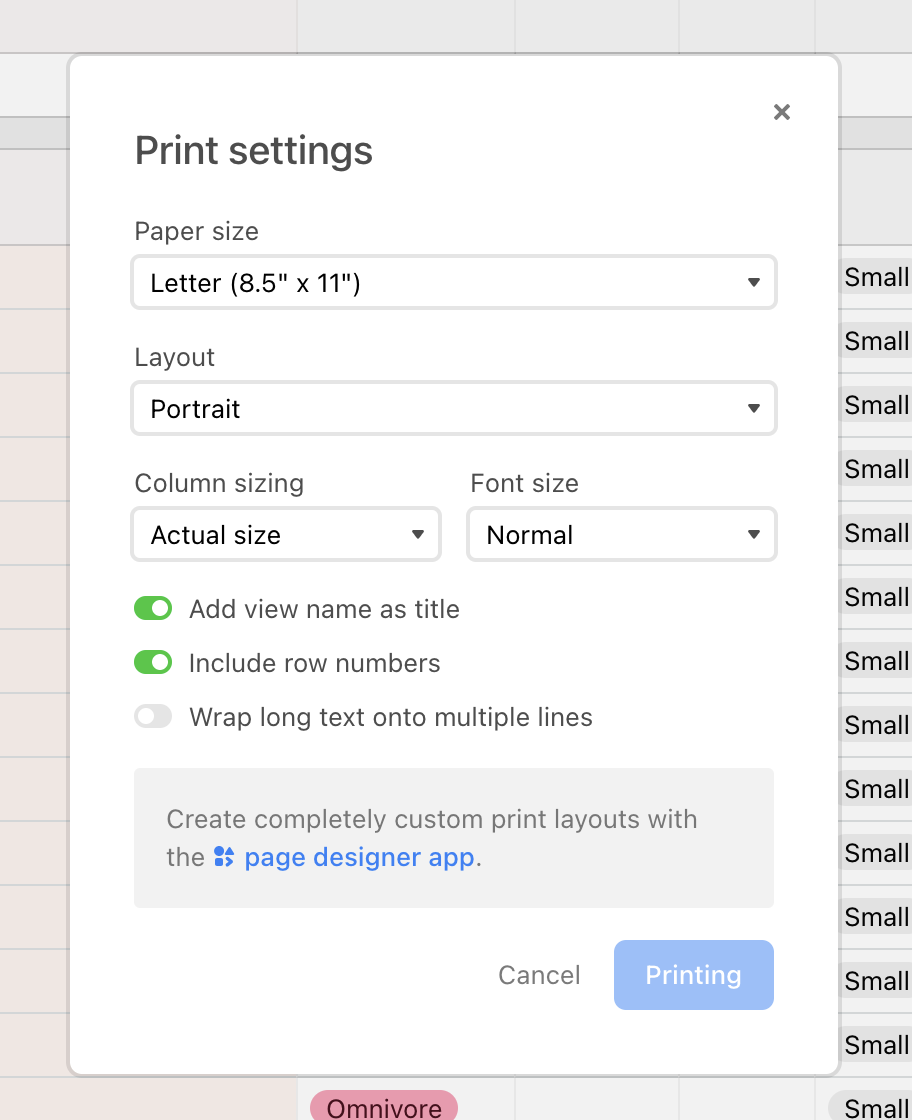
When I go to print a view or table, and hit the print icon, it goes “gray”.

Best answer by Jason11

Hi everyone, this issue should be fully resolved now. Apologies again for the issue!

View original
This topic has been closed for replies.

9 replies

Forum|alt.badge.img+20
  • Inspiring
  • Dec 9, 2020 10:43 PM UTC

Hi @Elizabeth_Gee,

We’ve had a few reports of printing issues from other customers, and our engineering team is looking into it. If you’d like I can create a support ticket for you, or you can also watch this topic where I’ll send out an update once we know more.


  • Author
  • New Participant
  • Dec 9, 2020 10:48 PM UTC

Hi @Elizabeth_Gee,

We’ve had a few reports of printing issues from other customers, and our engineering team is looking into it. If you’d like I can create a support ticket for you, or you can also watch this topic where I’ll send out an update once we know more.


Thank you for letting me know. I’d appreciate it if you could create a support ticket. We have to do some printing overnight.
Elizabeth


Forum|alt.badge.img+20
  • Inspiring
  • Dec 9, 2020 11:07 PM UTC

Sure thing @Elizabeth_Gee!


Erin_Keeffe
Forum|alt.badge.img+14
  • Inspiring
  • Dec 9, 2020 11:39 PM UTC

Also having this issue specifically with Grid views. Clicking “Print” button in the print settings overlay, it changes to “Printing” and disables, the nothing happens after that.


Erin_Keeffe
Forum|alt.badge.img+14
  • Inspiring
  • Dec 9, 2020 11:43 PM UTC

This is mission critical for a small restaurant business that needs to print out entries in order to fill subscription orders… Anyone have any suggestions on other ways to get this printed short of exporting a CSV to another piece of software?


Forum|alt.badge.img+20
  • Inspiring
  • Answer
  • Dec 10, 2020 3:14 PM UTC

Hi everyone, this issue should be fully resolved now. Apologies again for the issue!


Forum|alt.badge.img+1

Hi everyone, this issue should be fully resolved now. Apologies again for the issue!


Hi Jason, I found this old thread from 2020. This exact problem is happening to me now 4 years later. I am using Airtable in Chrome Version 130.0.6723.117 (but the same issue happens in Edge browser), on a Macbook Pro running OS 14.5. I am trying to save a grid view as PDF but when clicking Print the next dialog window never appears. Same as stated in this old bug report - it says printing then returns back to print. Interestingly, I have multiple grid views and one in particular will never provide the print window. The others occasionally fail once or twice but eventually provide the window. HELP!


Forum|alt.badge.img+1
  • New Participant
  • Jul 29, 2025 8:27 PM UTC

Any updates for this problem? I can't print Grid view! When I select print, it prints the list view!


Marcus1
Forum|alt.badge.img
  • New Participant
  • Jan 6, 2026 4:07 AM UTC

+1 Also having issues printing PDF’s on both safari and chrome.