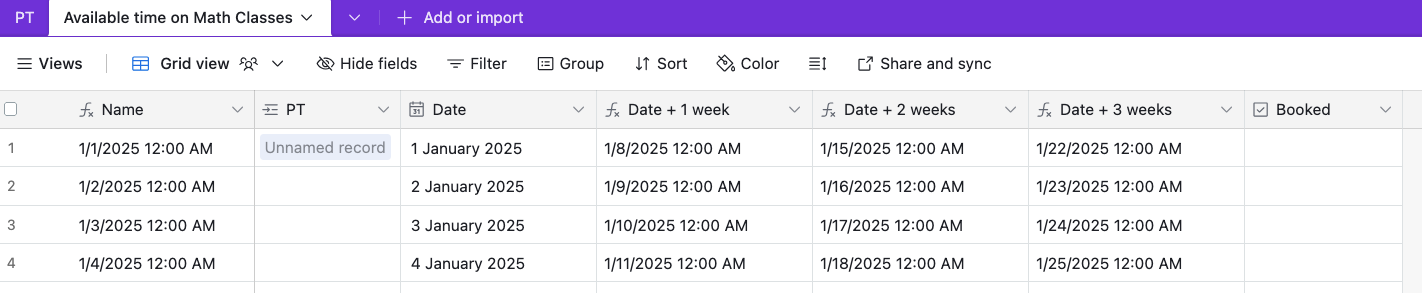
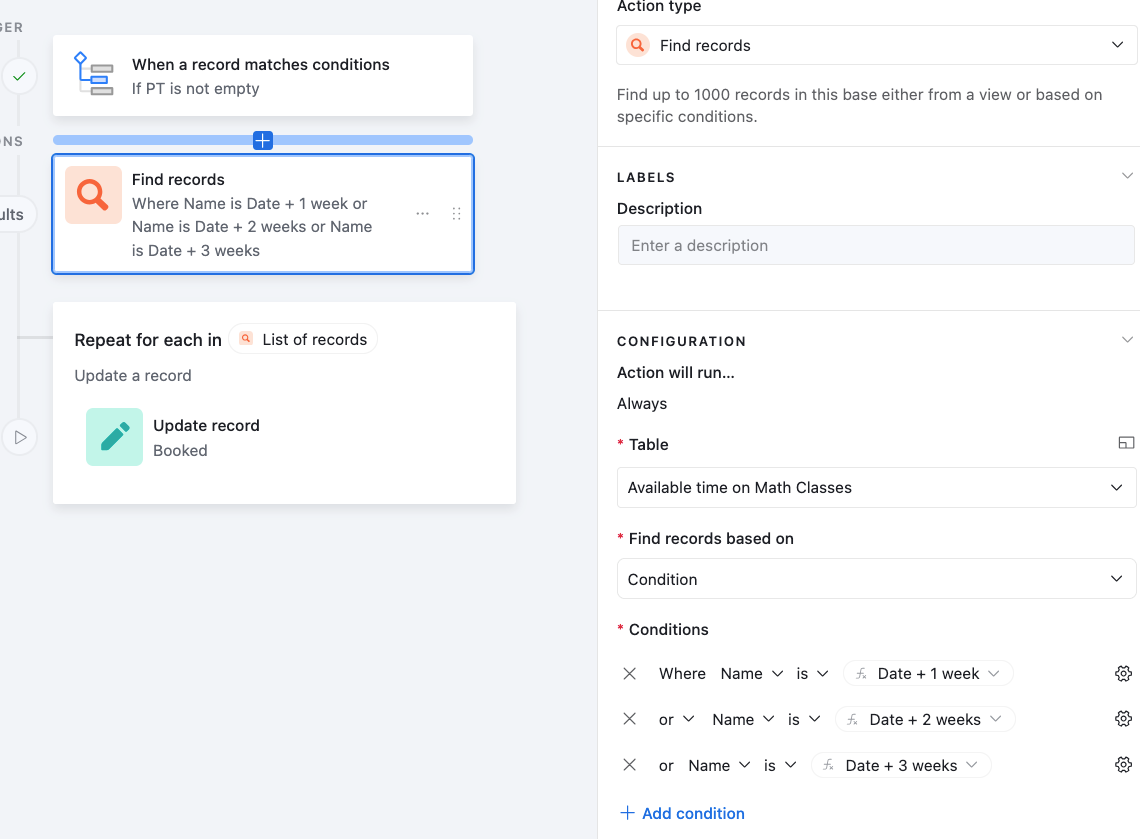
I have an Airtable base with two tables: “PT” (where students submit a form to reserve a date) and “Available time on Math Classes” (which lists all possible date/time slots as text in the format “M/D/YYYY h:mm A” as a linked record). In PT, after a student picks the first date, I use a formula to calculate three more weekly dates. Then I add a filter to find each date in “Available time on Math Classes” and hide them, so whenever the students are willing to book a date and time the other students can't book the same date/time.
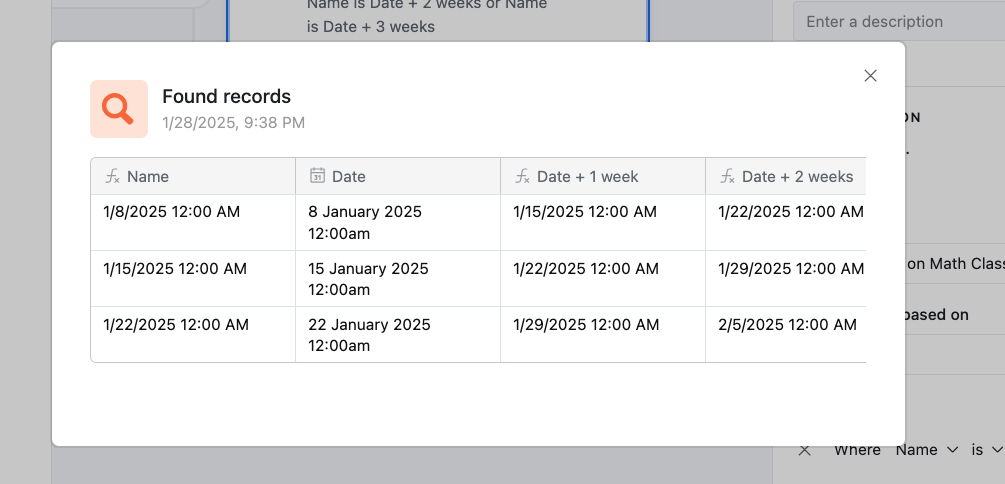
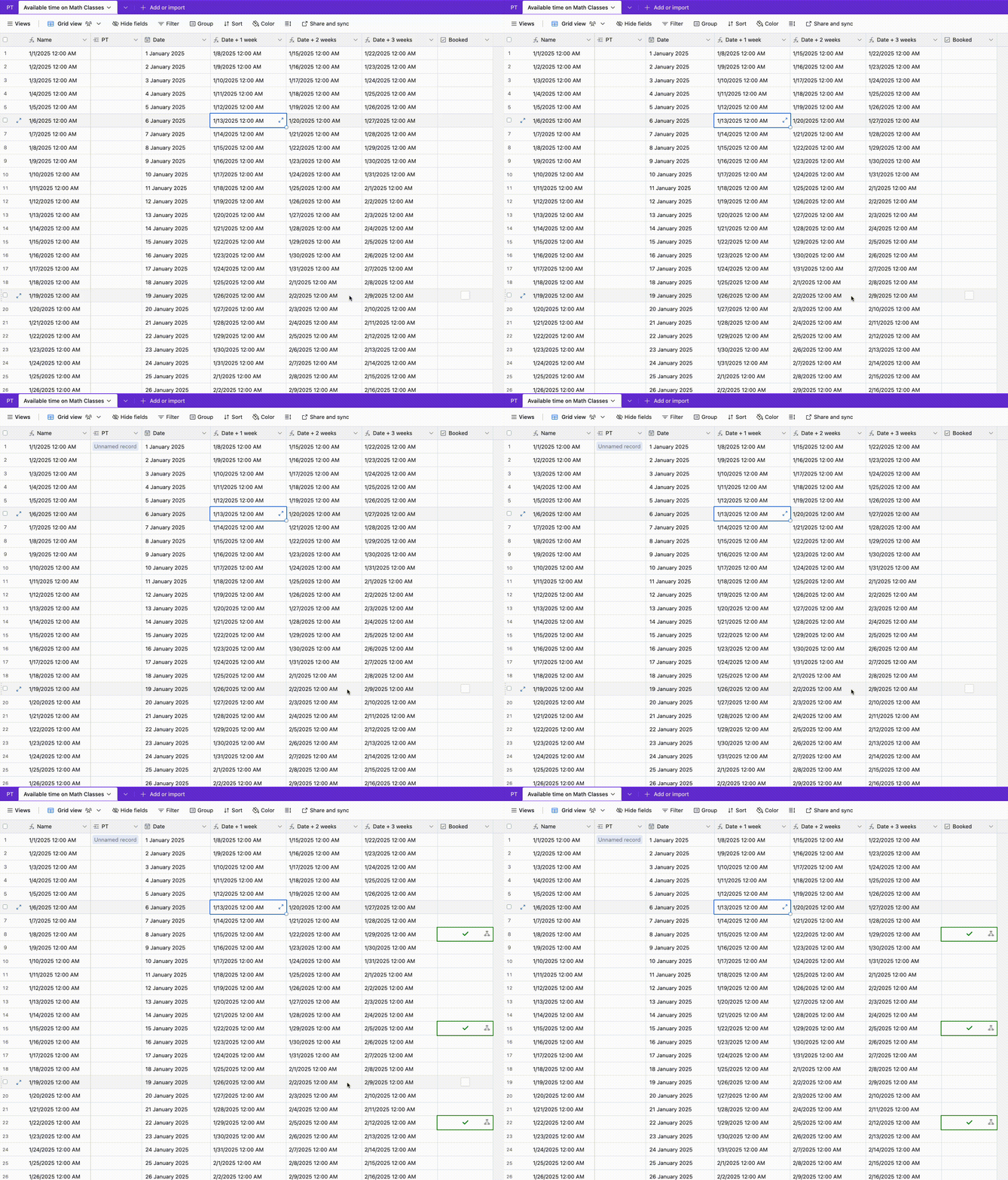
Despite having matching text formats (and manual searches confirming these slots exist), the Find records step in the automation always returns “No records found.” I need help pinpointing why the automation won’t recognize an exact text match and ensuring these additional dates are properly found and marked as booked.
Or I need a way that could hide the other three dates from “Available time on Math Classes”.
Note: 1- the “Available time on Math Classes” contains the date in text format like this "2/8/2025 2:00 PM".
2- “Available time on Math Classes” has a linked record to "PT" Table.
3- PT has the form that is used for student registration.
4- PT also has three formulas that add a week for the date selected.
5- what I want is a way remove the other three dates from the dropdown that comes from “Available time on Math Classes”.
Thanks in advance

Removing date
 +1
+1This topic has been closed for replies.


Enter your E-mail address. We'll send you an e-mail with instructions to reset your password.