Sync Primary Field Customization (June 2022)

  • July 13, 2022
  • 4 replies
  • 94 views

Forum|alt.badge.img+4

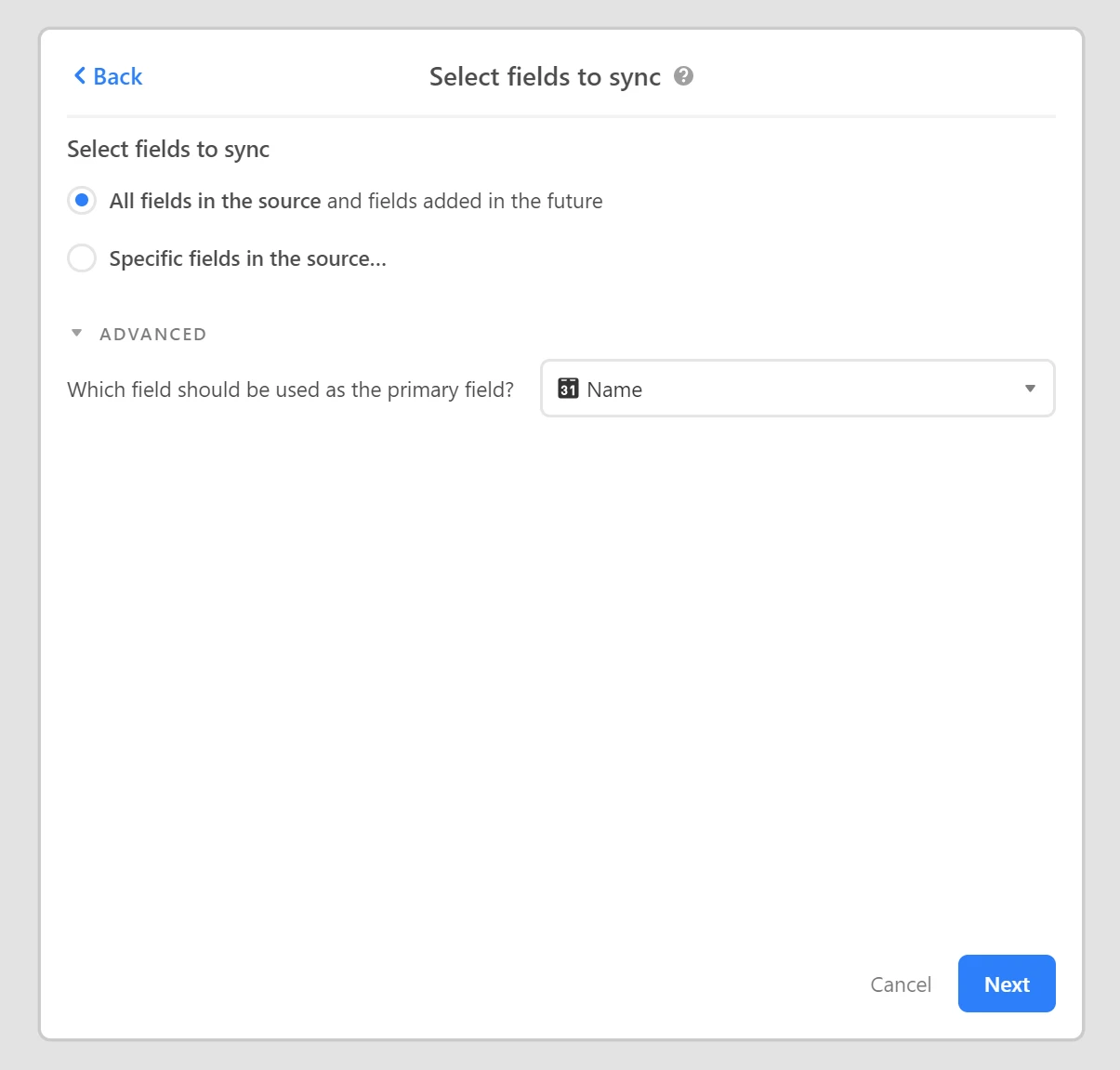
Is the primary field customization feature available?

The Select fields to sync, “Advanced” option is not visible on our Pro Plan.

4 replies

Kamille_Parks11
Forum|alt.badge.img+27

As I understand it, its there for new Synced tables. I don’t believe you can change an existing sync table’s primary field.


Forum|alt.badge.img+4
  • Author
  • Participating Frequently
  • July 15, 2022

@Kamille_Parks Thanks for the reply!
I ran a test on a new base / table and the advanced option is still not visible. I’m fairly proficient with sync in general, but haven’t found the option. Would you mind sharing what level of plan you’re on? I’m using Pro, and hope this isn’t limited to Enterprise.


Kamille_Parks11
Forum|alt.badge.img+27

@Kamille_Parks Thanks for the reply!
I ran a test on a new base / table and the advanced option is still not visible. I’m fairly proficient with sync in general, but haven’t found the option. Would you mind sharing what level of plan you’re on? I’m using Pro, and hope this isn’t limited to Enterprise.


I’m on Pro.

You won’t have the option if you’re establishing the Sync from the source table. Go to the Base in which you want the synced table to appear. Select the Base/Table/View you want to sync into the current base. Then you’ll have the option.


Forum|alt.badge.img+4
  • Author
  • Participating Frequently
  • July 18, 2022

@Kamille_Parks THANK YOU! I normally start sync from the source table, but starting from the destination table worked perfectly.