4 replies

ScottWorld
Forum|alt.badge.img+35
  • Genius
  • May 22, 2023

In general, the #1 best form software to use with Airtable is Fillout’s advanced forms for Airtable.

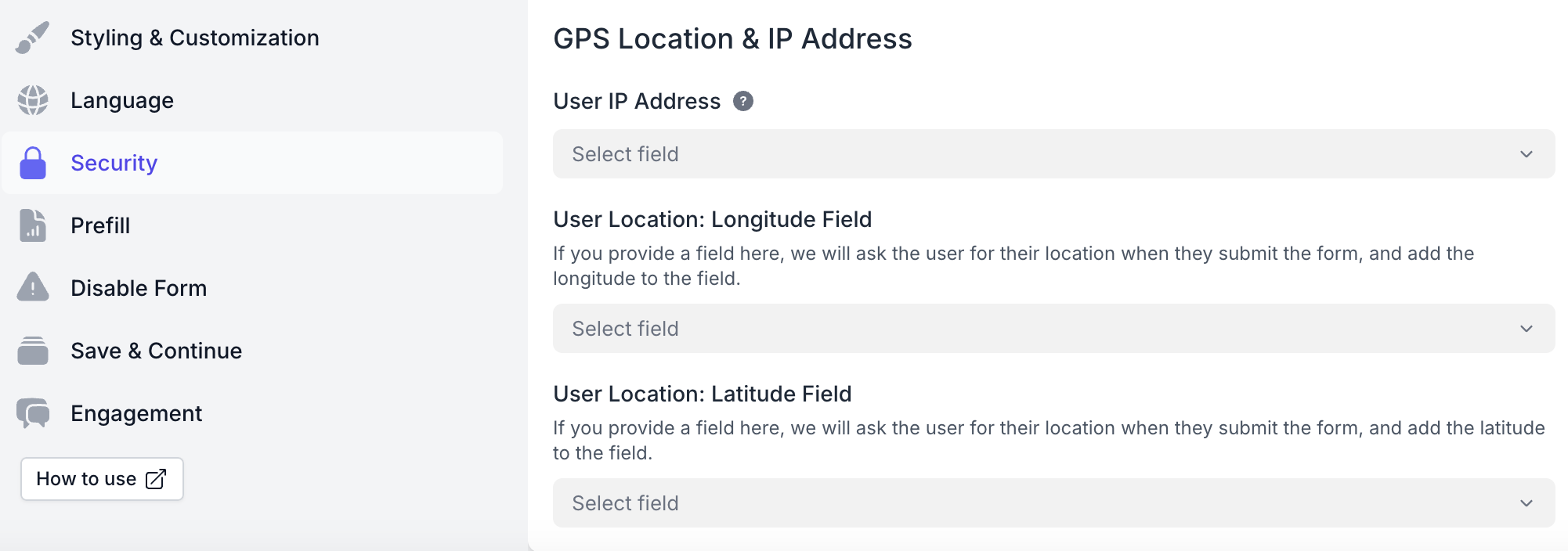
Fillout is 100% free, and it offers hundreds of features that Airtable’s native forms don’t offer, including the ability to update Airtable records using a formcreate custom PDF files from a form submissionaccept payments on formspre-fetch dynamic data from an Airtable record, customize the style and branding of your form, customize a theme for your form, display Airtable lookup fields on forms, create new linked records on a formadd a login page to your form, perform math or other live calculations on your forms, collect signatures on a form, create multi-page forms with conditional paths, connect a single form to dozens of external apps simultaneously, add CAPTCHAs to your form, and much more.

I show how to use a few of the advanced features of Fillout on these 2 Airtable podcast episodes:

-------------------------------------

However, if for some reason you don’t want to use Fillout, you can choose from just about any form software on the entire Internet — such as the popular JotForm or Cognito Forms — and then integrate those forms with Airtable using Make's advanced integrations for Airtable.

Also, if you're looking portal software for Airtable that has form functionality built into it, here are some of the most popular portals that I know of: FilloutNolocoSoftr, JetAdmin, and Glide.

Hope this helps! If you’d like to hire an expert Airtable consultant to help you with anything Airtable-related, please feel free to contact me through my website: Airtable consultant — ScottWorld


CristianCG
Forum|alt.badge.img+15
  • Participating Frequently
  • October 24, 2024

Hi there!

Cristian from the miniExtensions team here. Let me take this opportunity to highlight that, unlike other tools, the miniExtensions form is the only one designed from the ground up to integrate exclusively with Airtable. This means users can take full advantage of all Airtable’s linked record features, including editing, restricting, and validating data directly within our platform.

If you’ve already created a form using Airtable Interfaces, you can enhance your workflow by automatically capturing additional data (e.g., IP address, geolocation) with a simple redirect to our form—no extra user interaction needed!


Feel free to explore these features and many more on our site!


angelikach
Forum|alt.badge.img+5
  • Participating Frequently
  • November 15, 2024

One I'd add to the list is Plumsail Forms for Airtable. They recently added the option to connect the form designer directly to Airtable, so you can easily create public forms with drag-and-drop. 


Forum|alt.badge.img+4
  • New Participant
  • December 27, 2024

Hi there!

Cristian from the miniExtensions team here. Let me take this opportunity to highlight that, unlike other tools, the miniExtensions form is the only one designed from the ground up to integrate exclusively with Airtable. This means users can take full advantage of all Airtable’s linked record features, including editing, restricting, and validating data directly within our platform.

If you’ve already created a form using Airtable Interfaces, you can enhance your workflow by automatically capturing additional data (e.g., IP address, geolocation) with a simple redirect to our form—no extra user interaction needed!


Feel free to explore these features and many more on our site!


I would give a +1 for MiniExtensions, but I can't do so any more. They updated their pricing model and essentially I can no longer build in their system without doubling my cost. Mini extensions was great for building small little functions all the way up to somewhat complicated linked forms (and the UI 'prettiness' was getting better). I am on this thread looking for their replacement, unfortunately.