Hi - I’ve successfully created a Zap tied to a CRM base in Airtable. Here’s the general idea:
Airtable base: each record has a contact frequency (quarterly, semi-annually, annually, or none) and a ‘last contacted’ date. A formula calculates whether today is >= last contacted date + frequency days (+90, +180, +365). If it is, the record is marked ‘Overdue’; there’s a view of all people in the base that filters to show only those records marked ‘overdue’.
Every time a new record hits the ‘overdue’ view, Zapier creates a new task in Todoist to contact that person, along with their contact info. This is enabled and working.
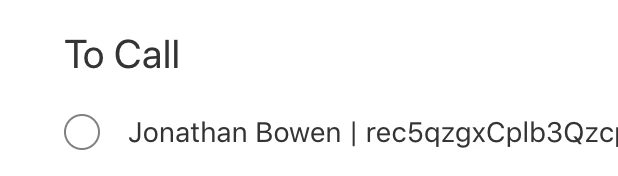
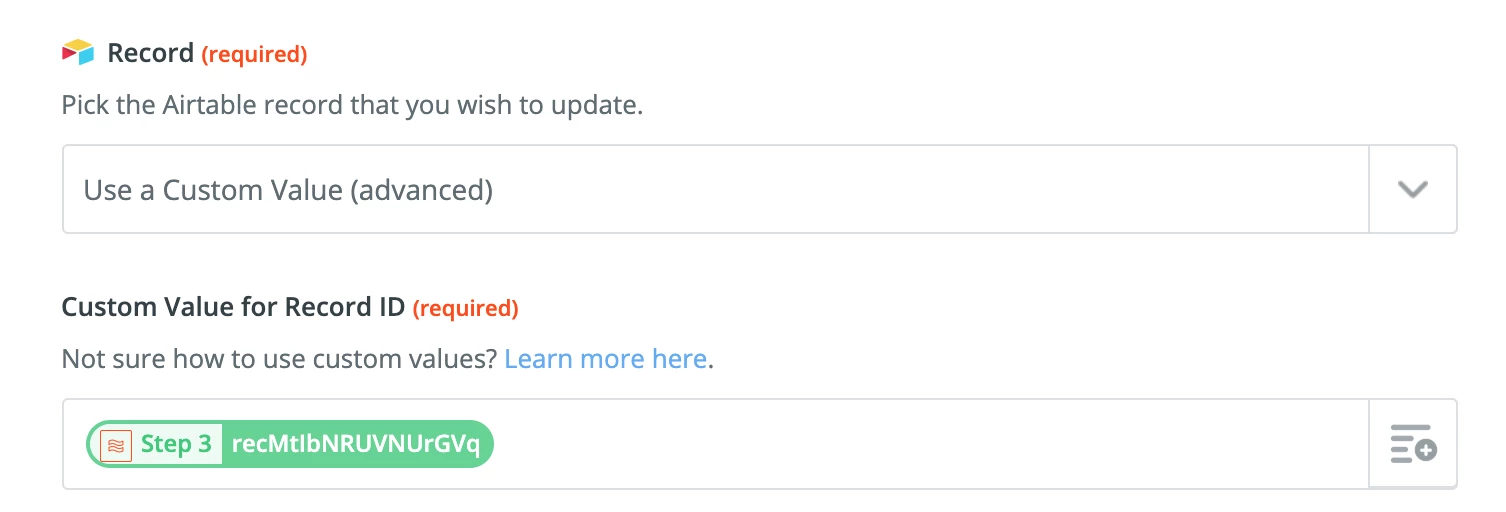
When the task is completed in Todoist, I want Zapier to update the ‘last contacted’ field for the correct record in Airtable to today’s date. I’m struggling to figure out how I can create a zap that finds the correct record so it can update the appropriate field; I’ve tried passing the recordID to Todoist via the first zap (it’s currently stored in the Notes field in Todoist), but can’t figure out how to use that to query Airtable for the second zap.
Apologies if this isn’t clear - I’m new to both Airtable and Zapier and am trying to dive in. Appreciate any help anyone can provide!