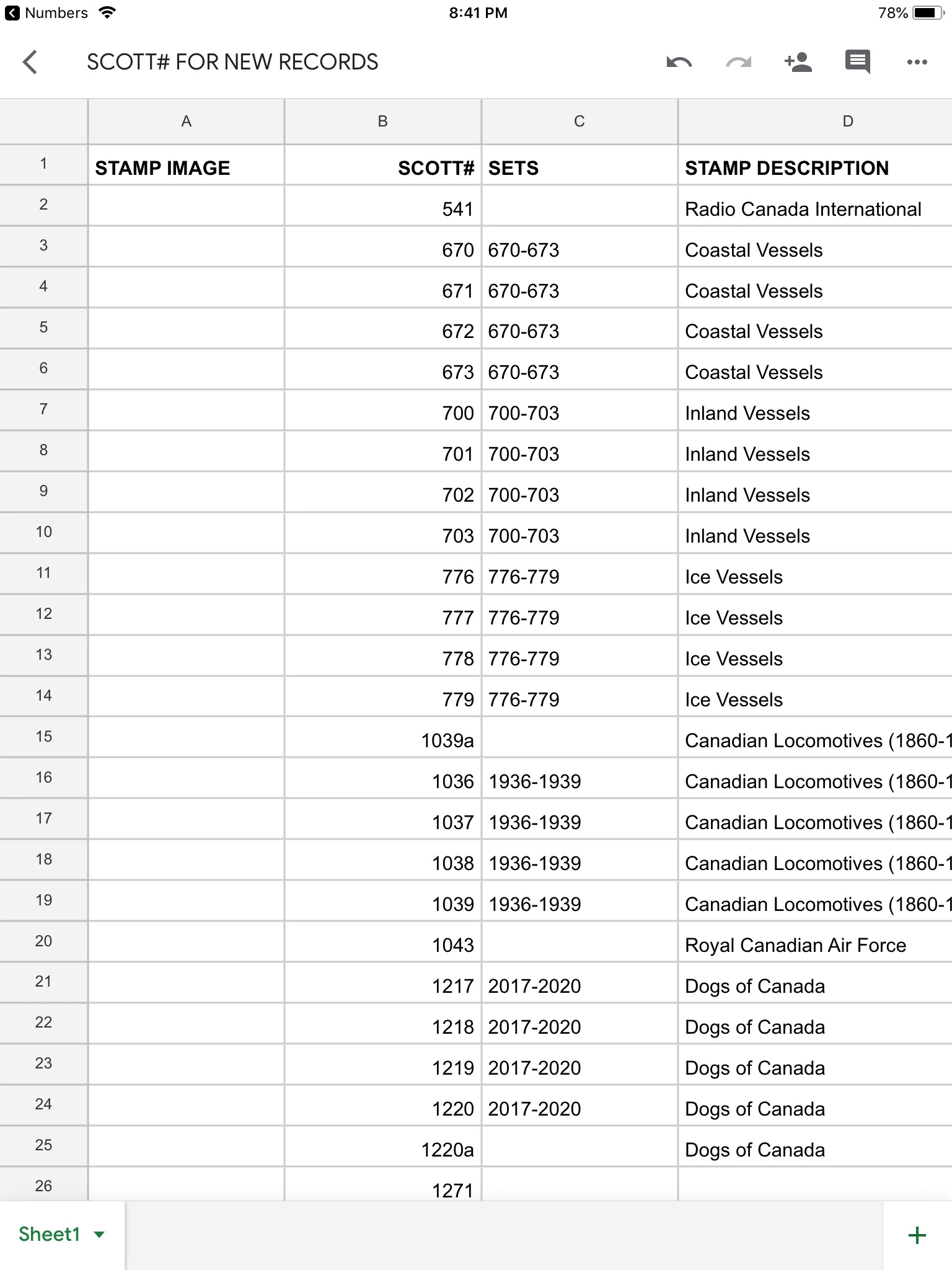
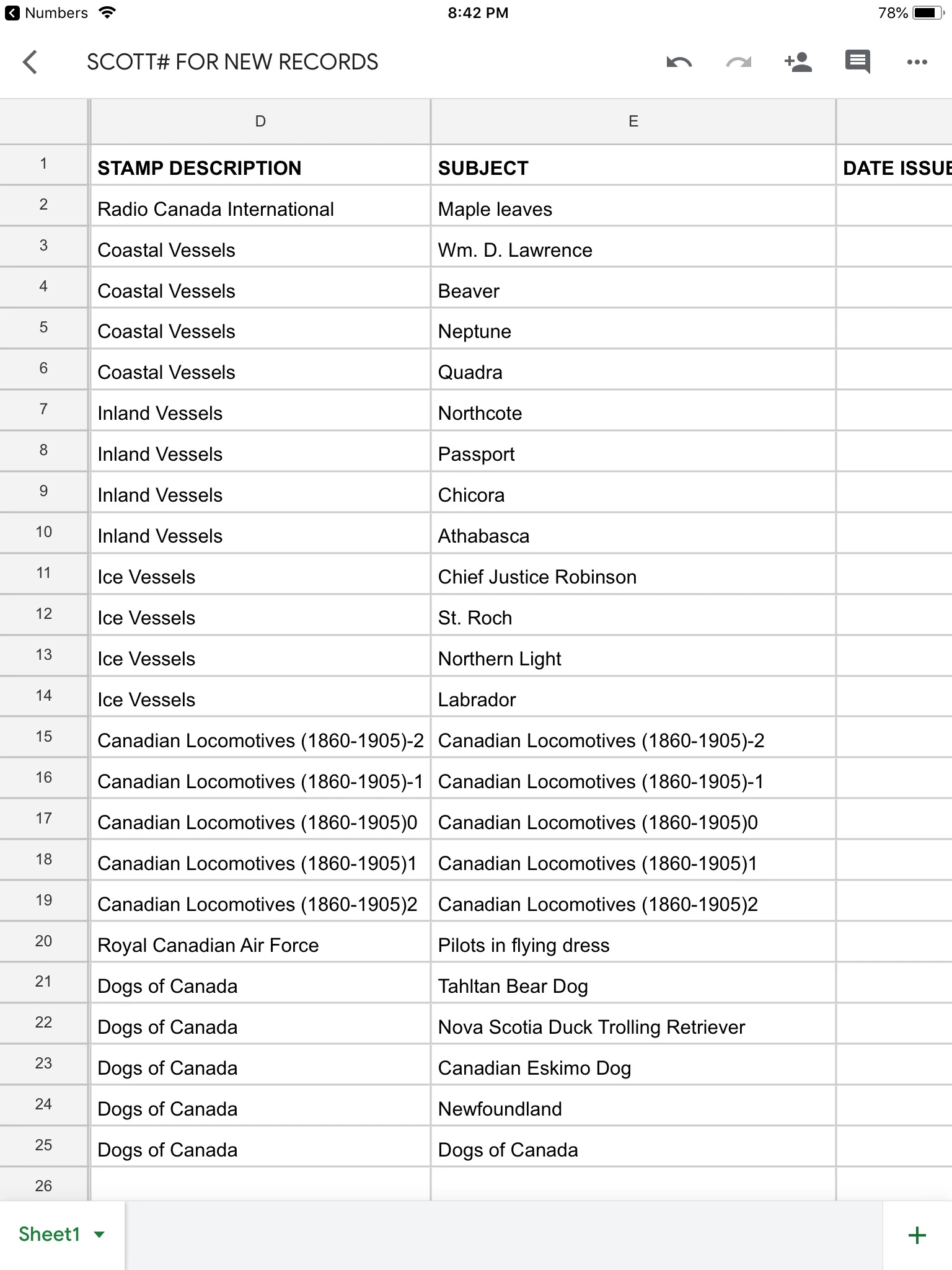
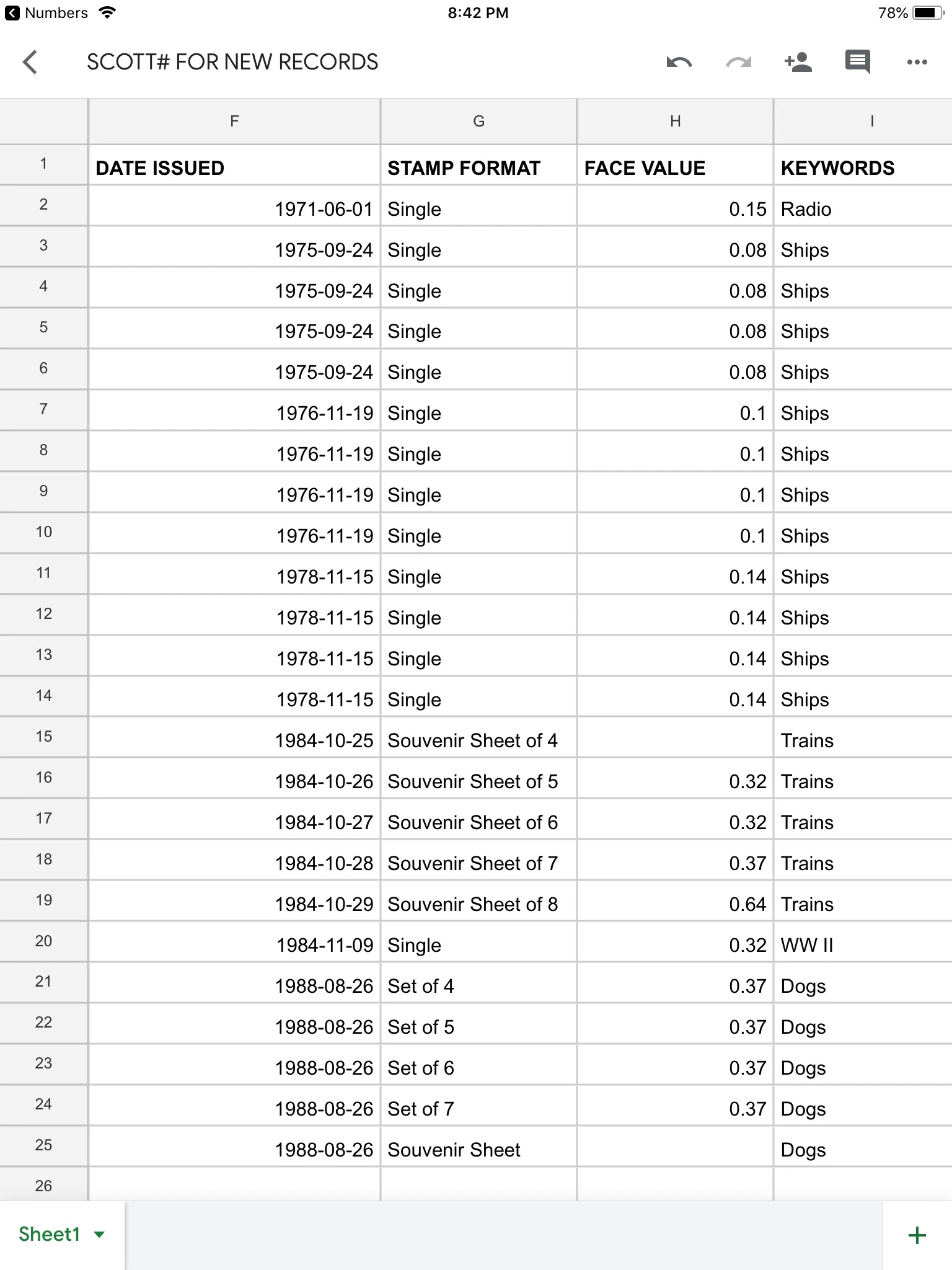
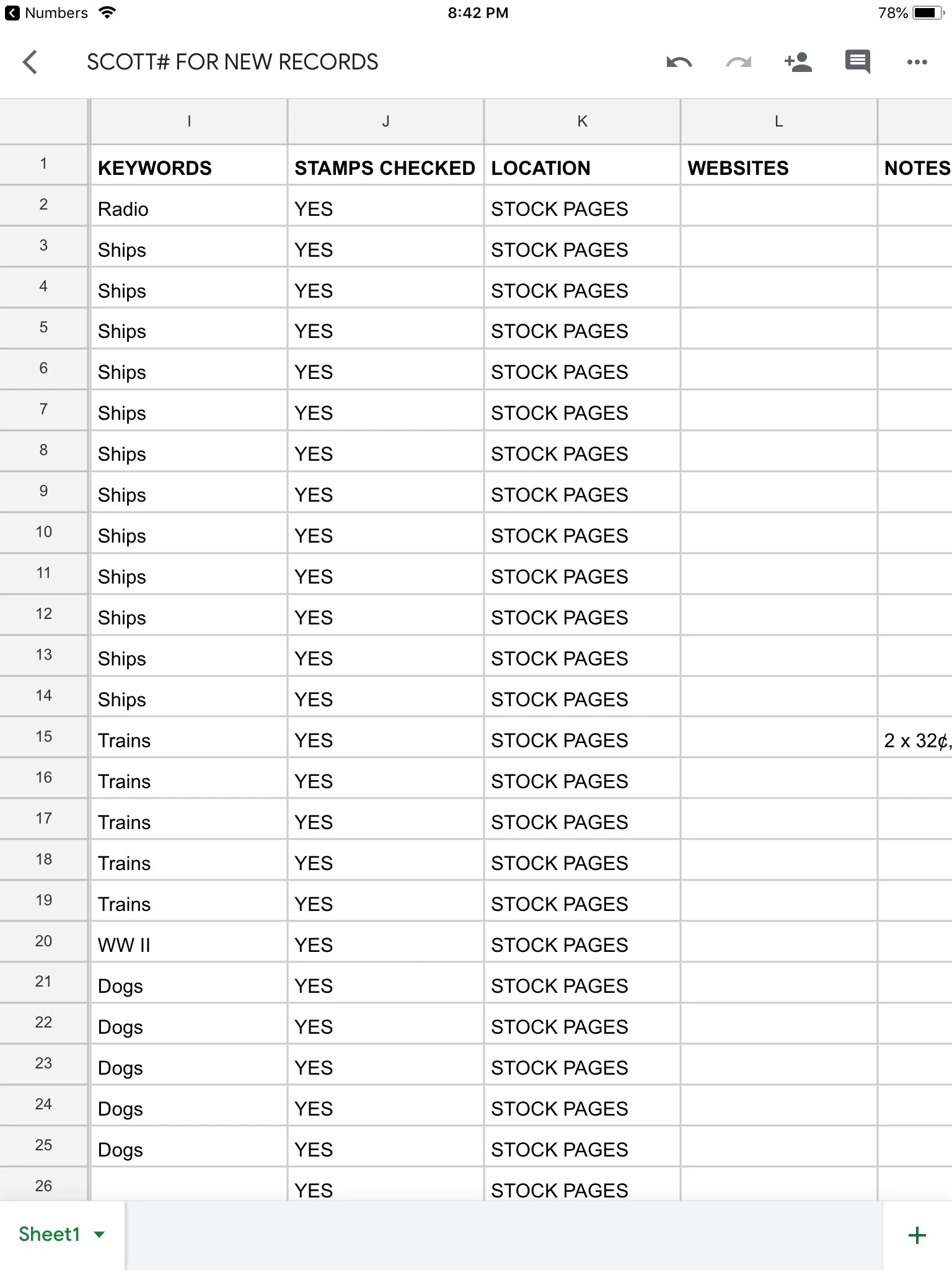
Hi Julian
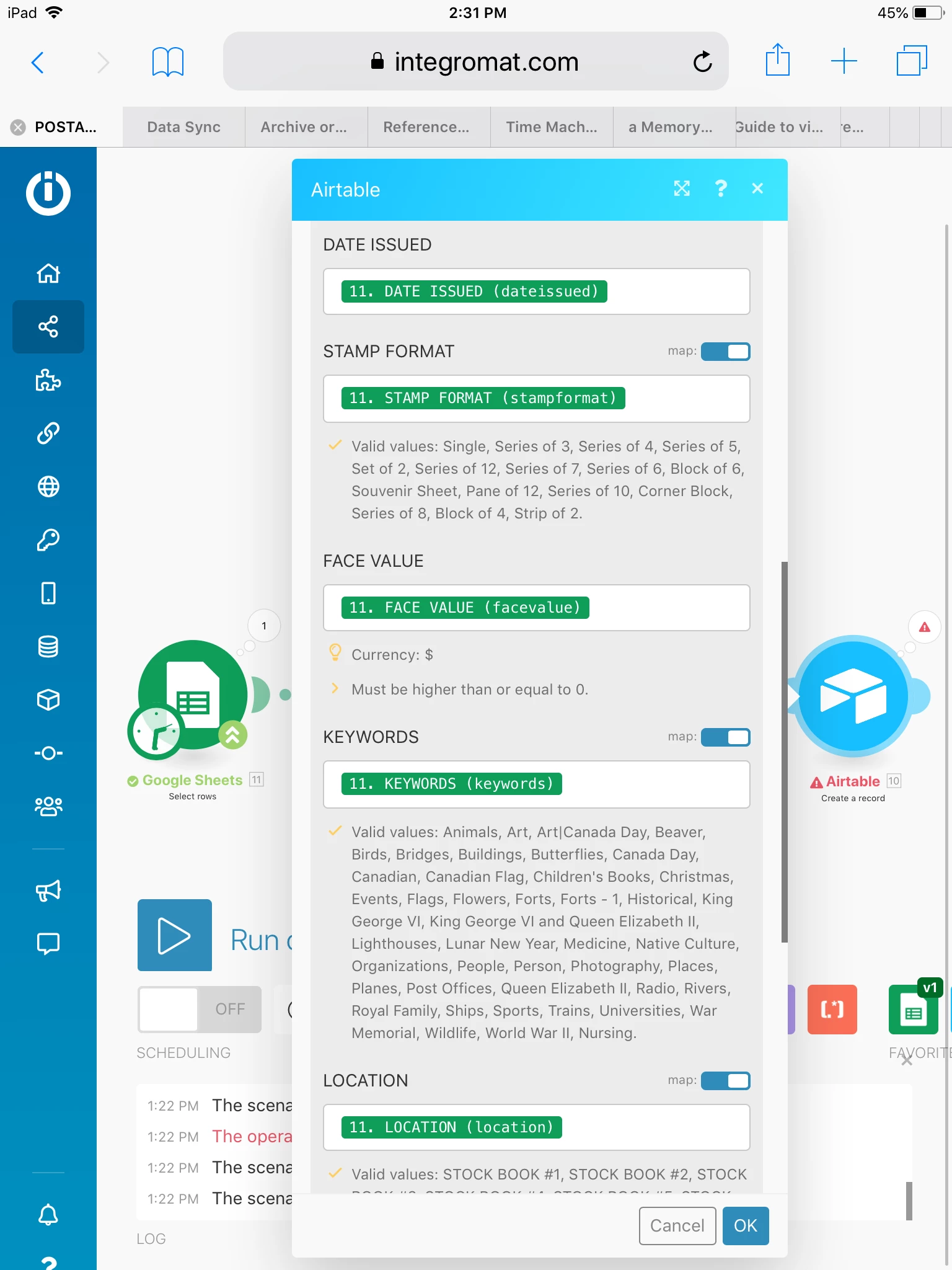
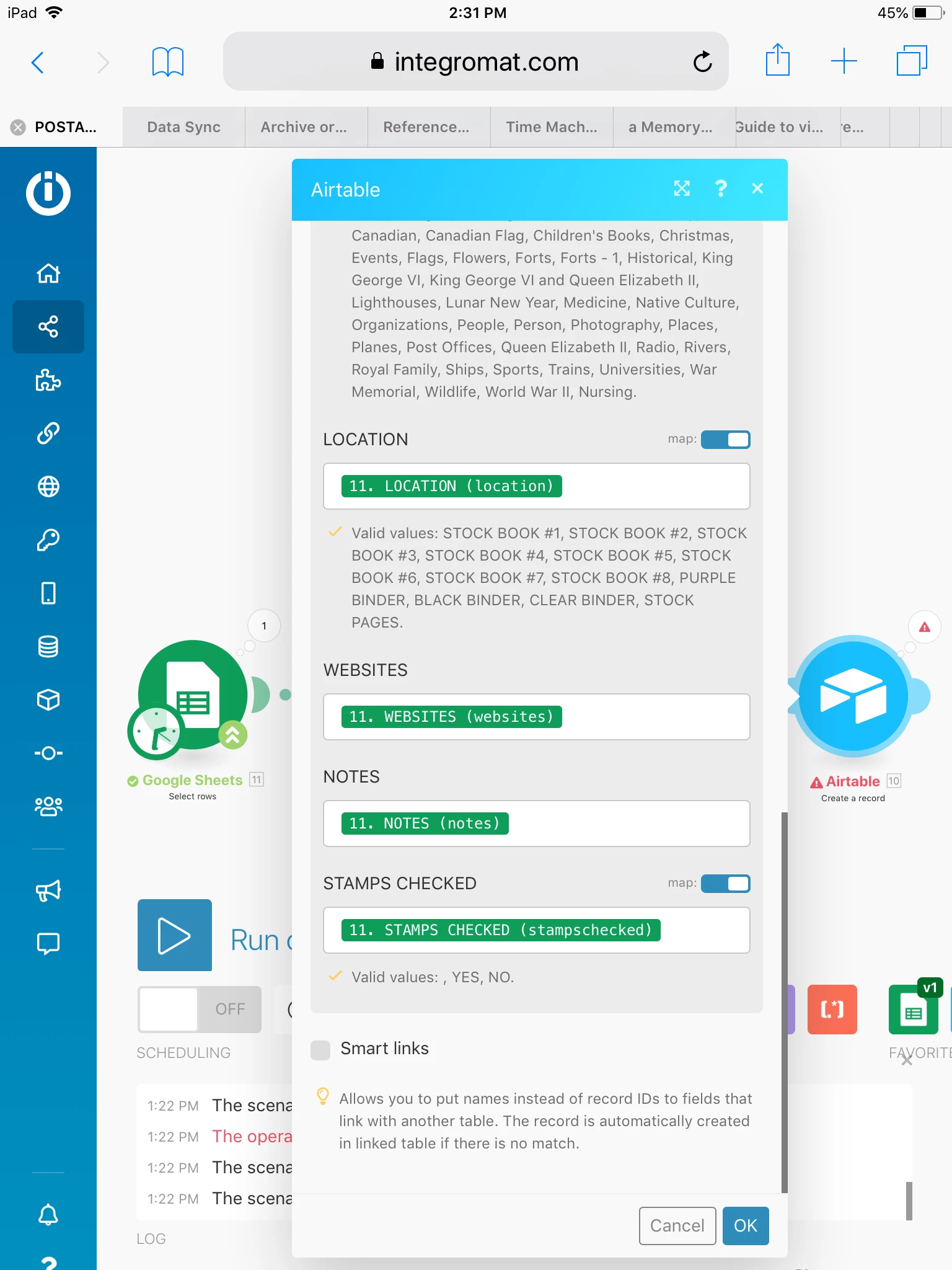
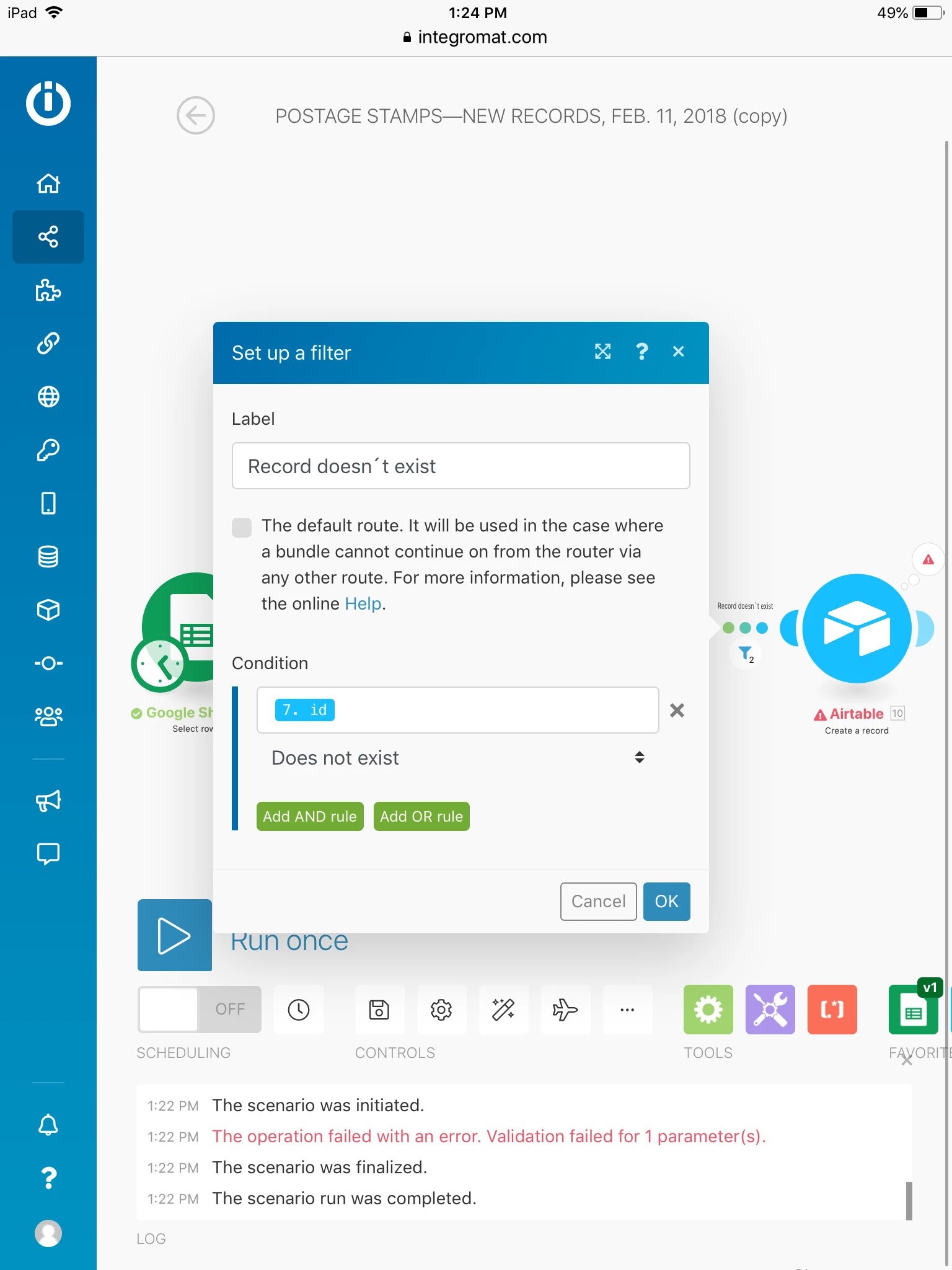
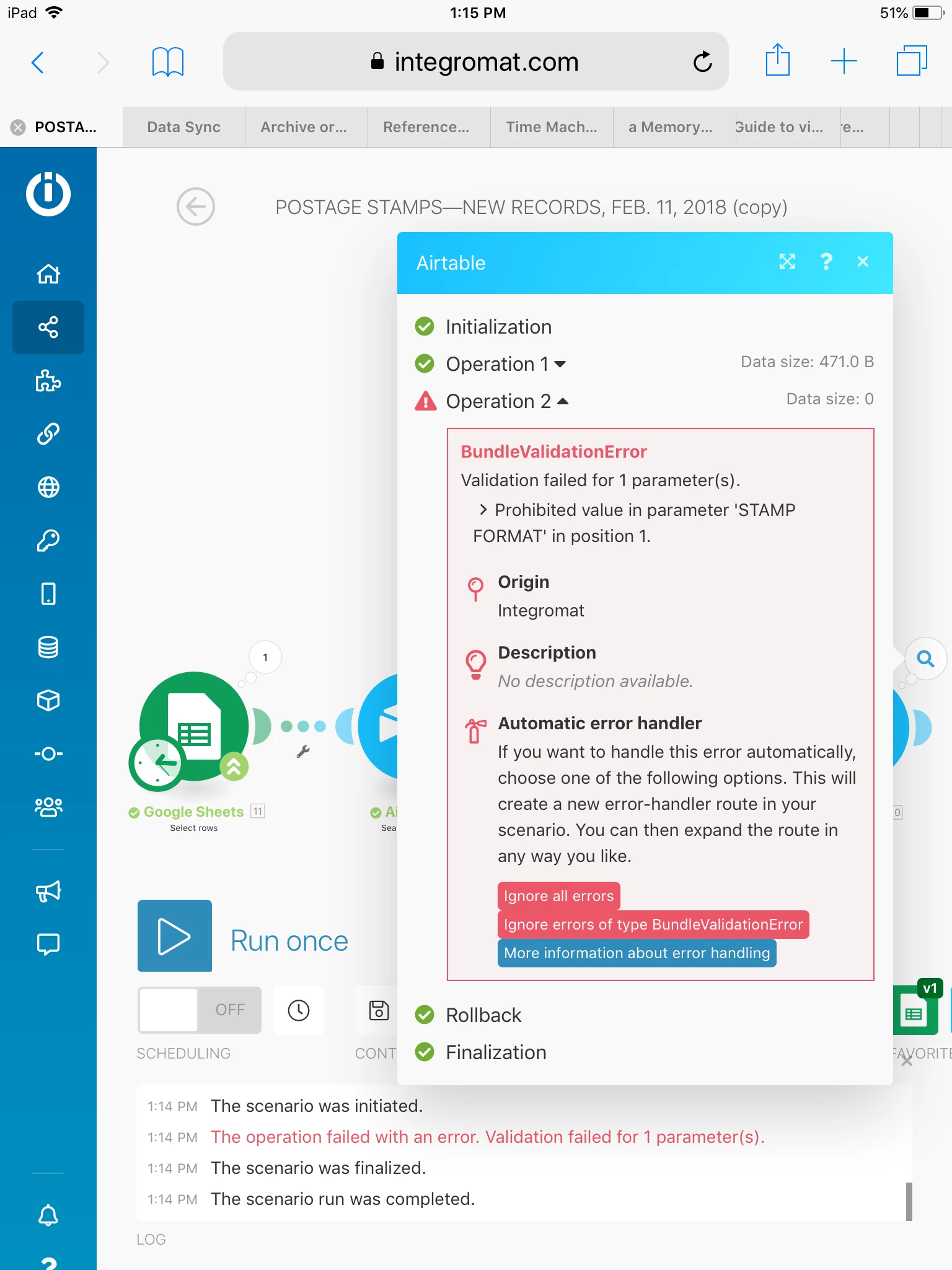
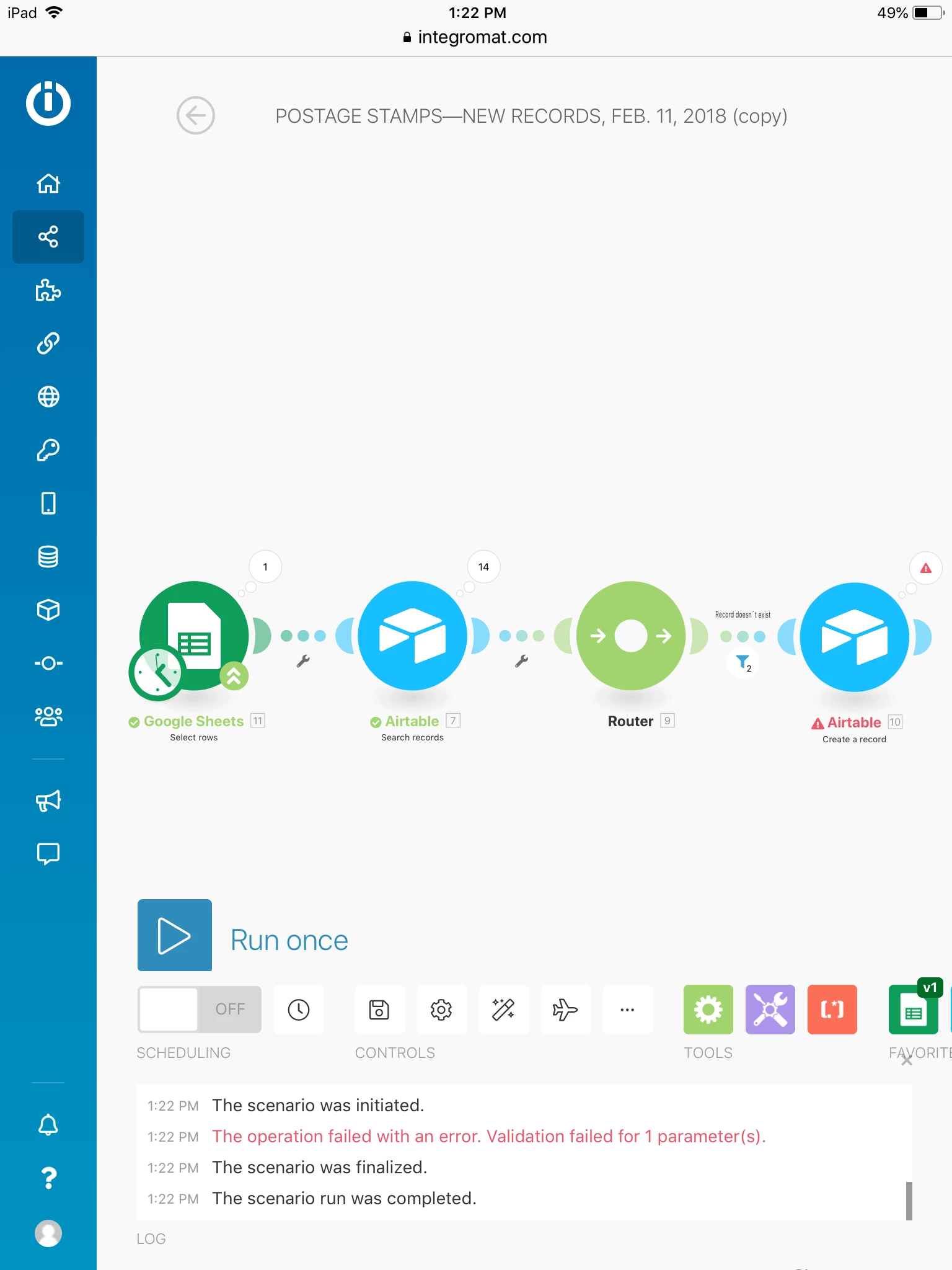
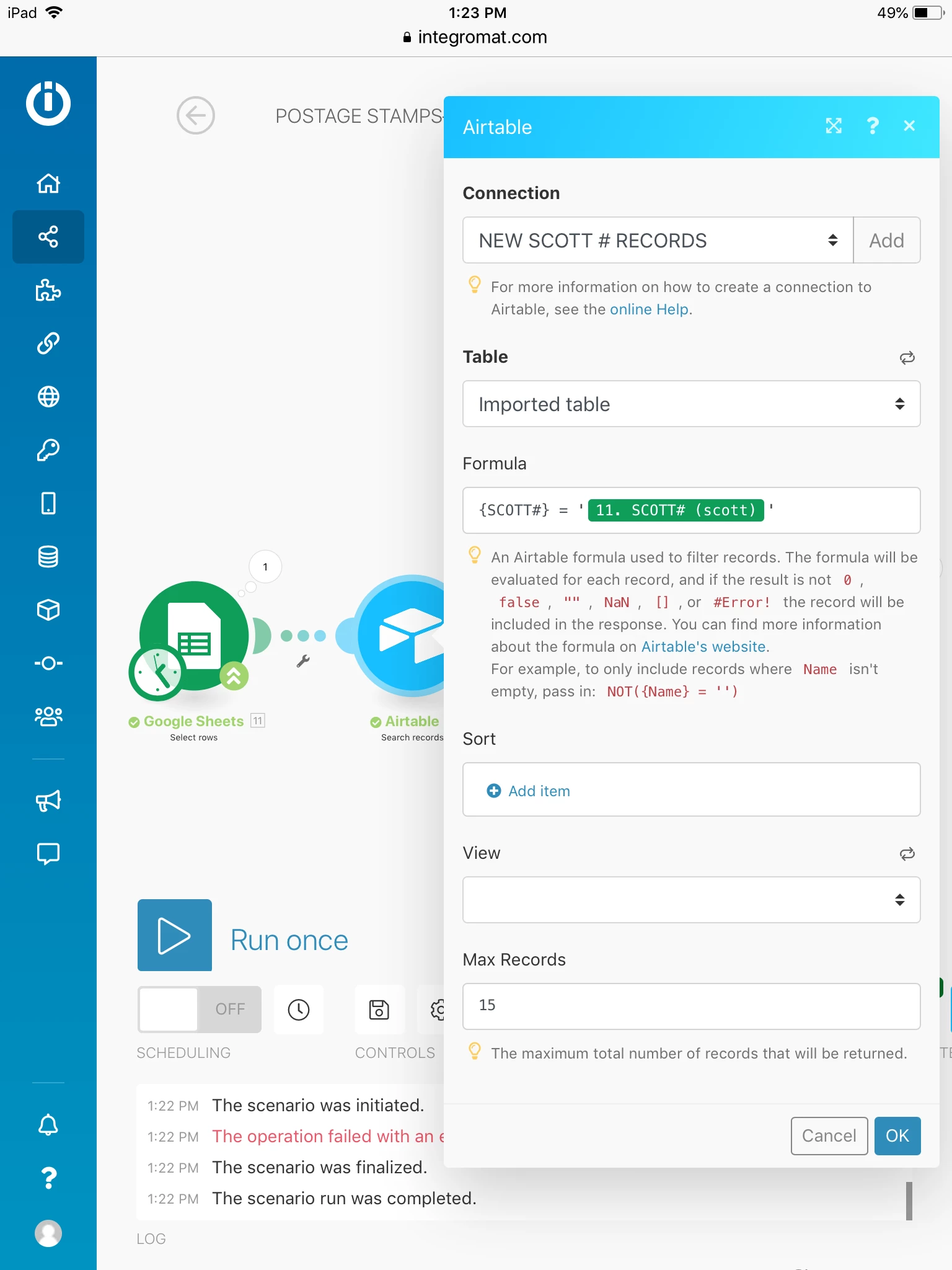
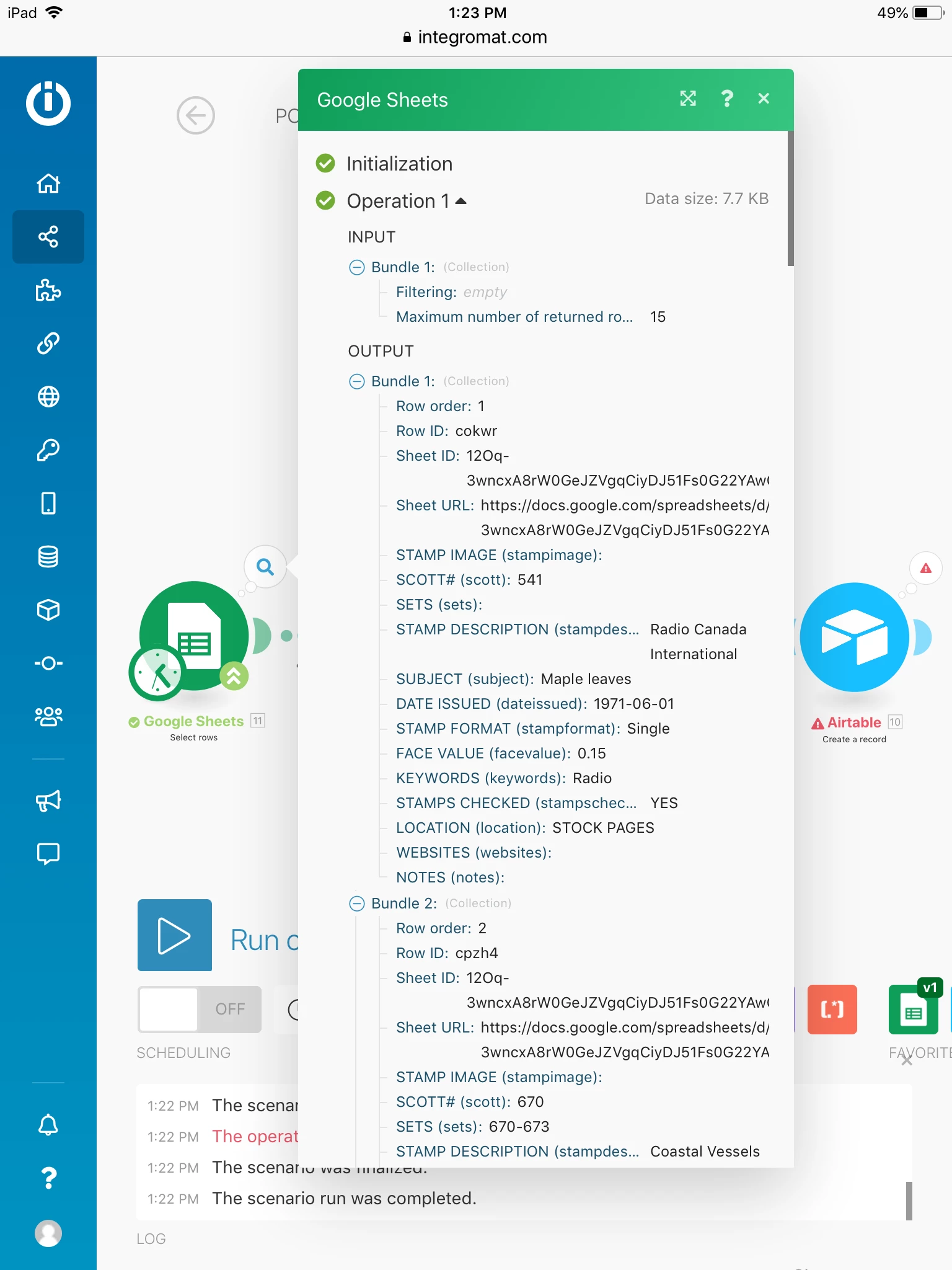
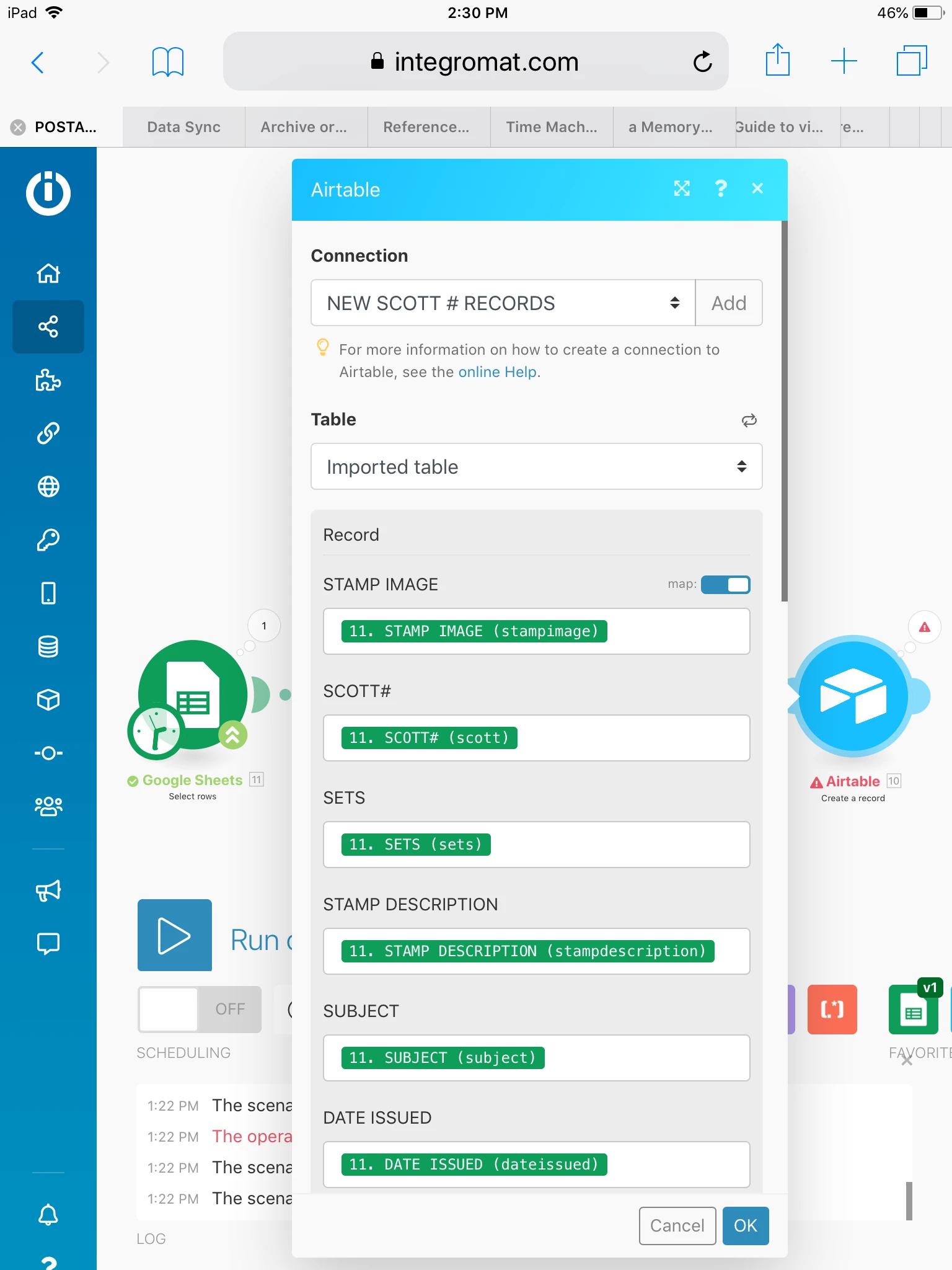
Well, after many attempts at creating a scenario, using both Google Sheet v1 & v2, I finally settled on a scenario, using GS v1, that I hope will work. This scenario was a copy of a scenario that someone did for me and it worked for adding a field to an existing record, so I tweaked it a bit so that it might work with creating new records. Although, I am having a parameter issue with it. In the last Airtable app/module, in the new scenario I went ahead and mapped the fields, using GS tags, instead of Airtable tags. I don’t know if that is how to do it, though.
I want to accomplish three things with my scenario:
- Create new records in Airtable, from Data entered in Google Sheets
- Import images, as long as this is not too difficult to setup, since I am a beginner. I have images from a website, but I am not sure if it will allow me to export. I also have images in Apple iCloud, Google Drive and Drop Box, the last two options I will have to upload the images first.
I should mention that the SCOTT# is the unique key, it is always different.
If you have any suggestions could you explain it, step by step, since I am more at the beginner stage.
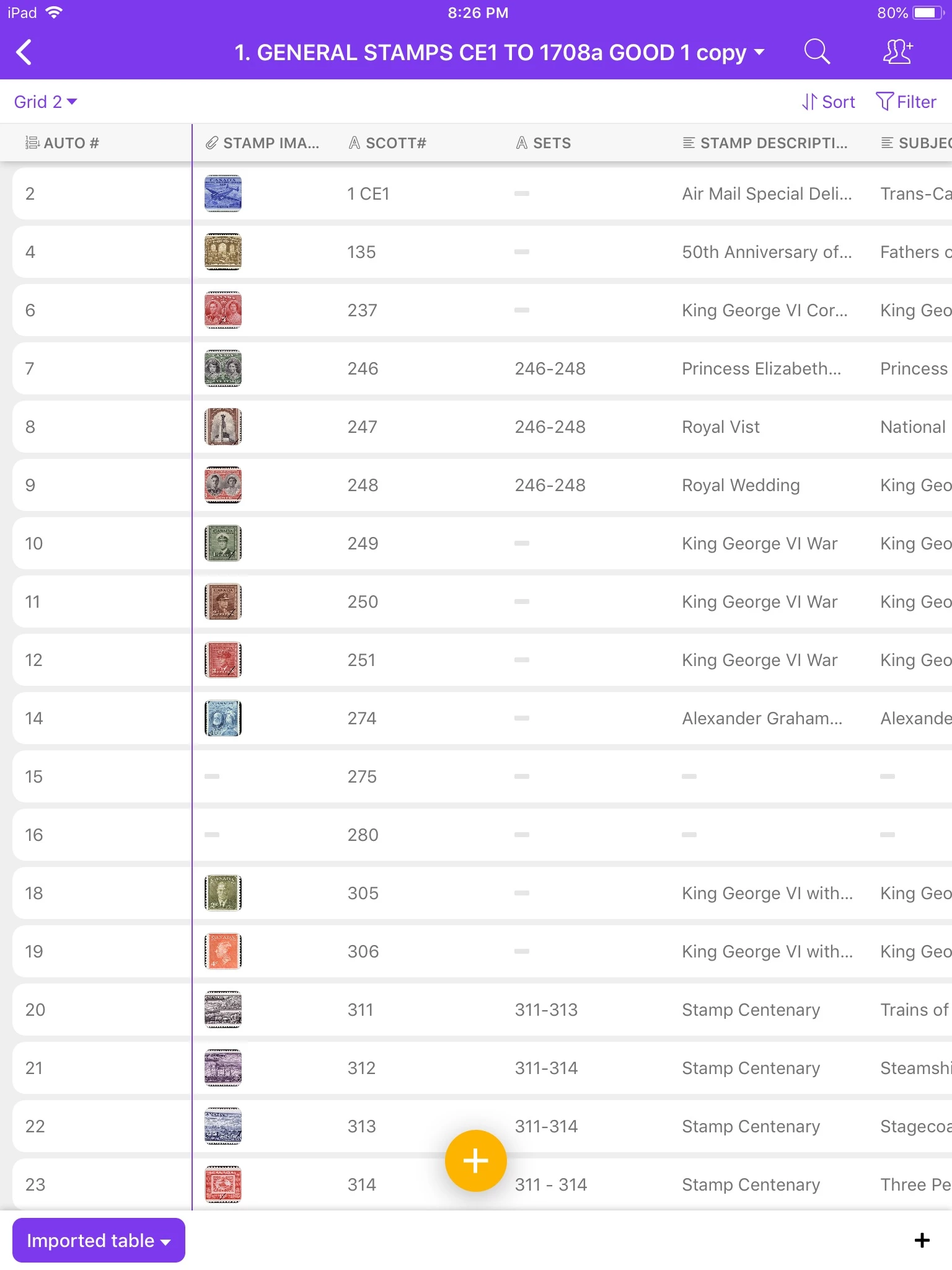
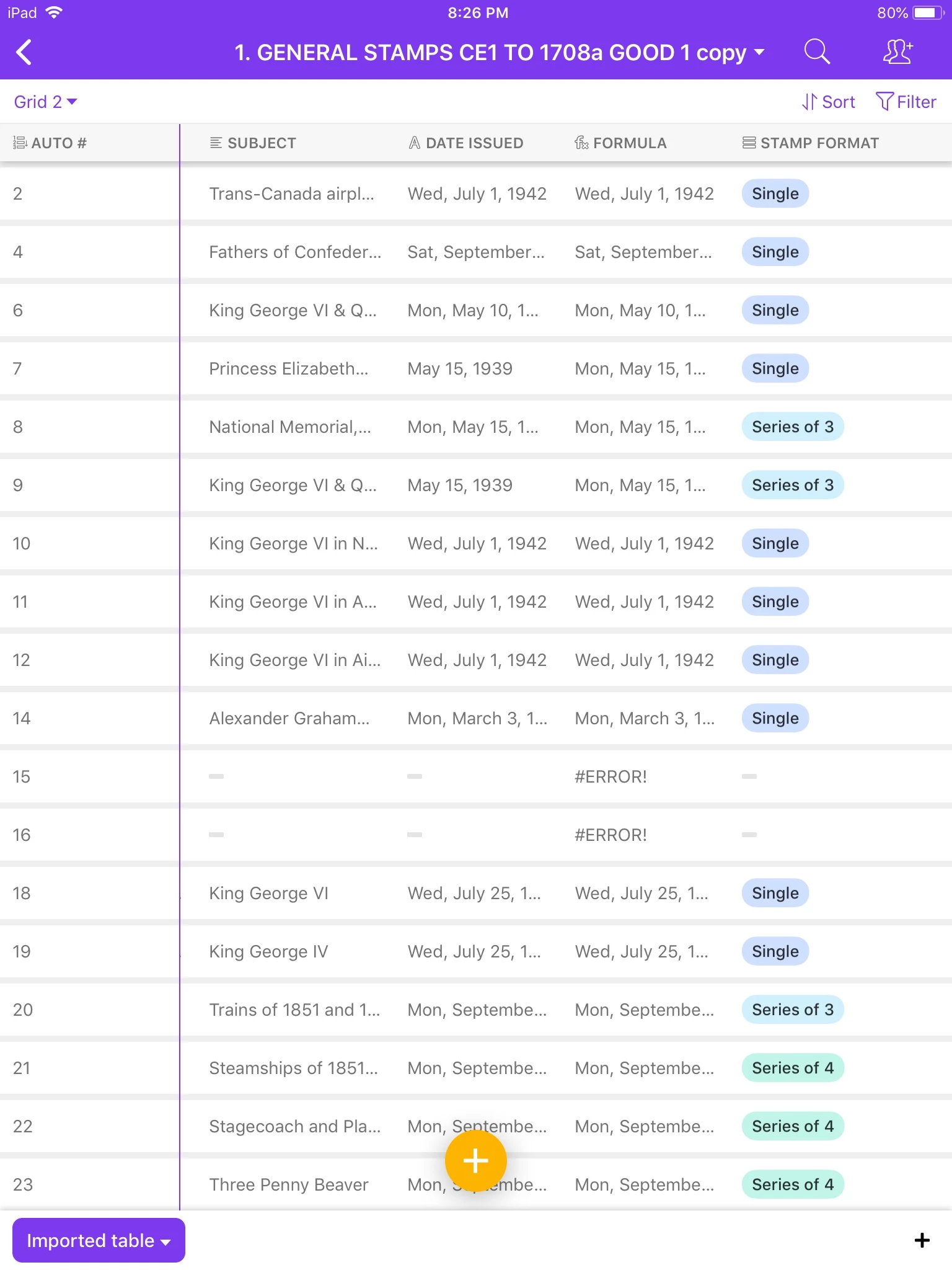
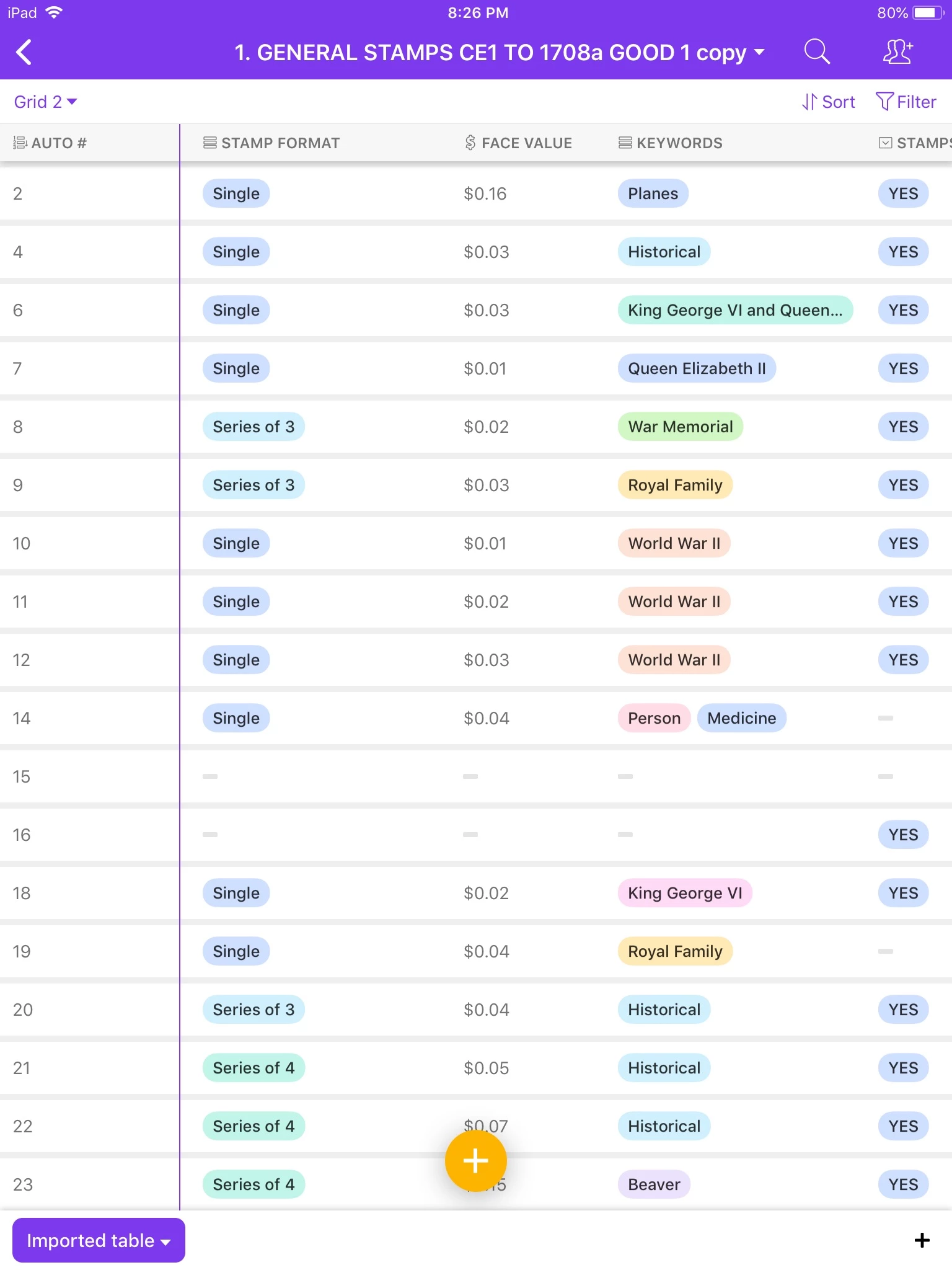
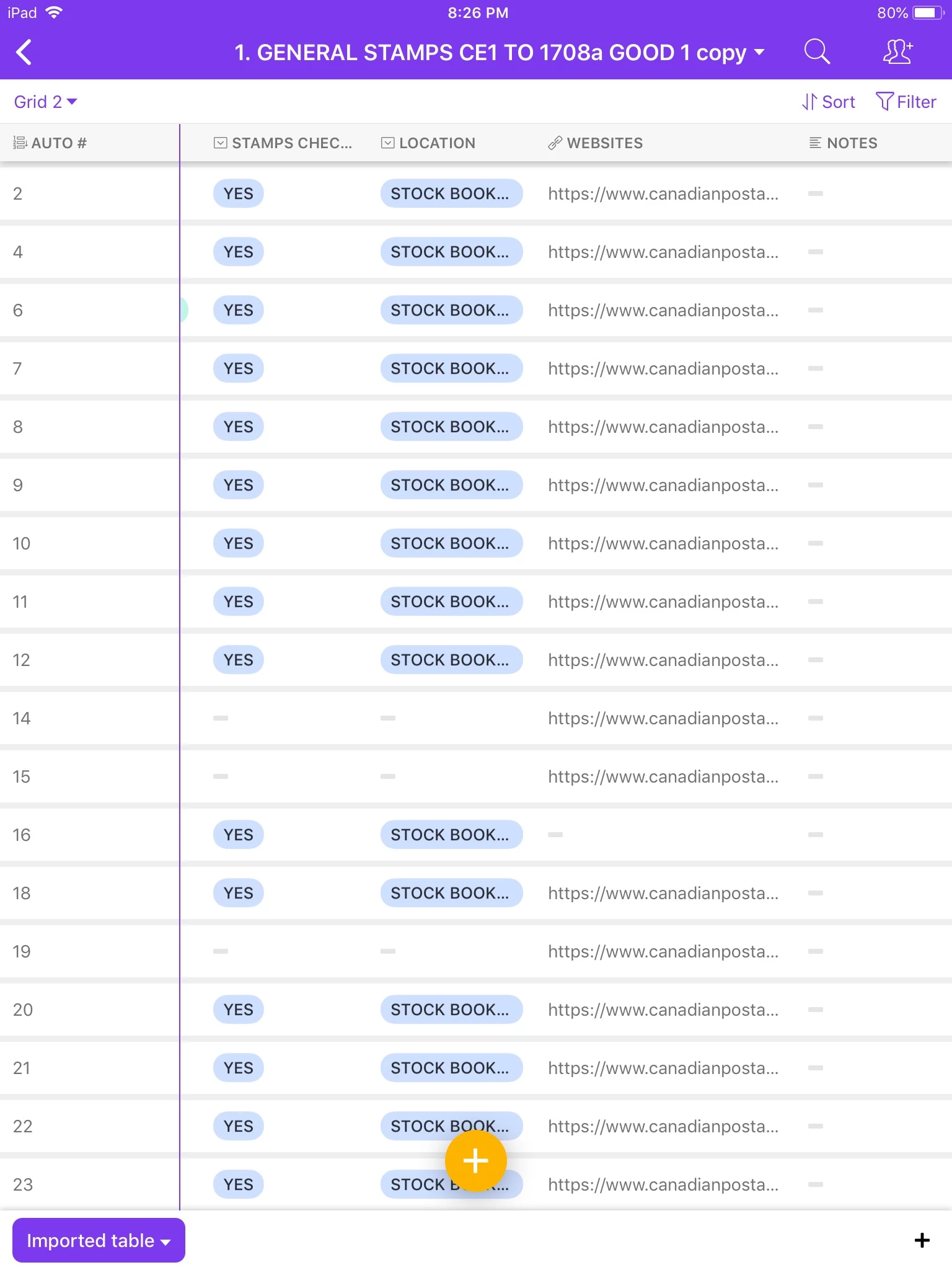
I am including screenshots for #1 (it will be in Part 1 of 2 and #’s 2 and 3 will be in Part 2 of 2):
- Scenario
- Airtable base
- Google Sheet Worksheet
Thank you,
Mary
 !
!