I’ve been searching the forums and the help topics for two days. I’m sure the information is here, and, at this point, I’m just too frustrated to find it. I’m asking you to please not simply link me to the information but to also provide the information in a reply. TIA.
My team is migrating from to-do app to AirTable for a variety of reasons, but one of the (many) ways we are using AirTable is as an extremely glorified to-do list. One base that we use has a “Deadline” field. Another field lists various records as either a “Round” or a “Deadline” (the field is called “Type”).
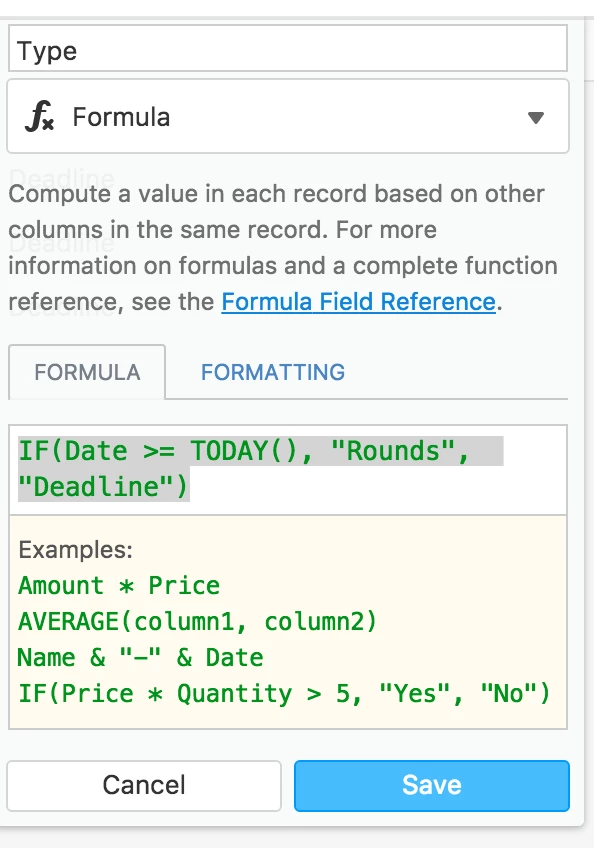
We are looking for a formula that will give us this: if the “deadline” field is before today, then the “type” field will automatically be changed from “rounds” to “deadline” – dates that are equal to or greater than today would remain as “rounds” (Background: When a record is entered, it is automatically entered as "rounds.)
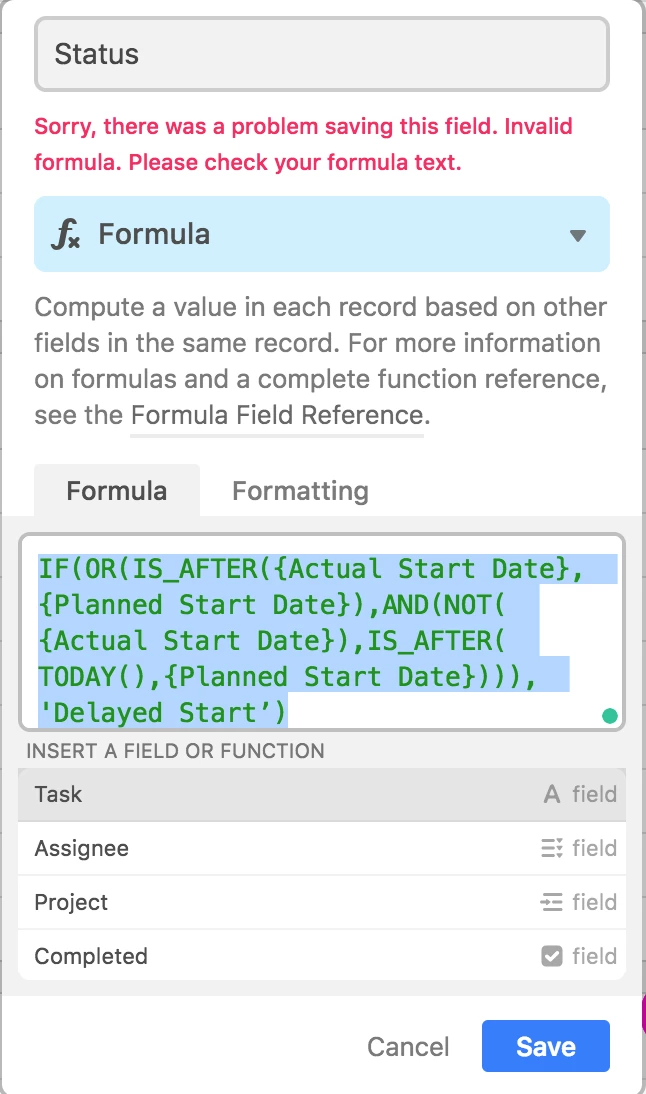
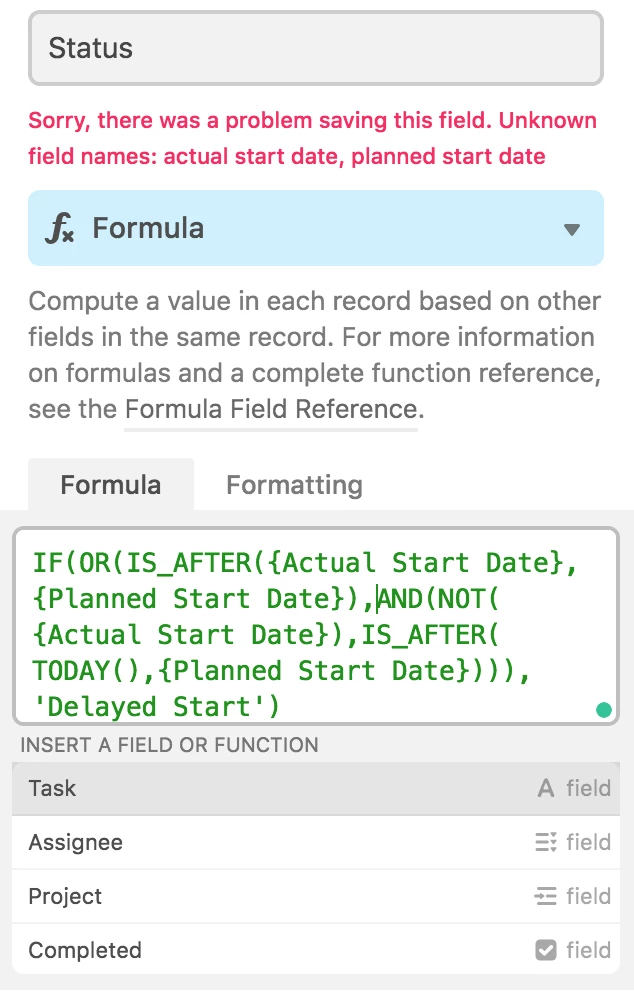
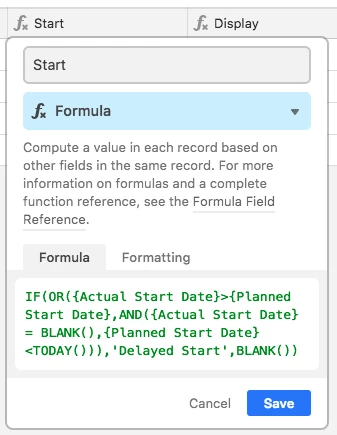
Every time I’ve tried formulas such as those I would use in Excel or similar to examples I’ve found here, I got error messages essentially telling me that “today” was not a recognised category.
Again, TIA.